Everything posted by gamehead200
-
Right before it restarts, does the screen turn blue for a split-second?
-
So has anyone seen the new movie yet?
-
Matsush.ita. aka Panasonic.
-
Well, no. You need some kind of Internet access; satellite, DSL, Cable, or Fiber-Optic. You can't just get a wireless router and expect that the Internet will just work. If there's someone in your area that's broadcasting a wireless signal, then MAYBE you might be able to pick it up, but that's illegal in some states (at least I think it is).
-
If you have no cable and phone, how do you communicate? Satellite? If so, yes, you'll need a wireless router to hook up to your Satellite modem.
-
I've got 3 WD2500JBs (2 in my file server) and boy do they ever make a lot of noise, but they're quite reliable. I just bought a 250GB Seagate and it's WAY more silent than the WDs. But overall, I like both companies and their drives.
-
Changing your mind on the mobo for your file server??
-
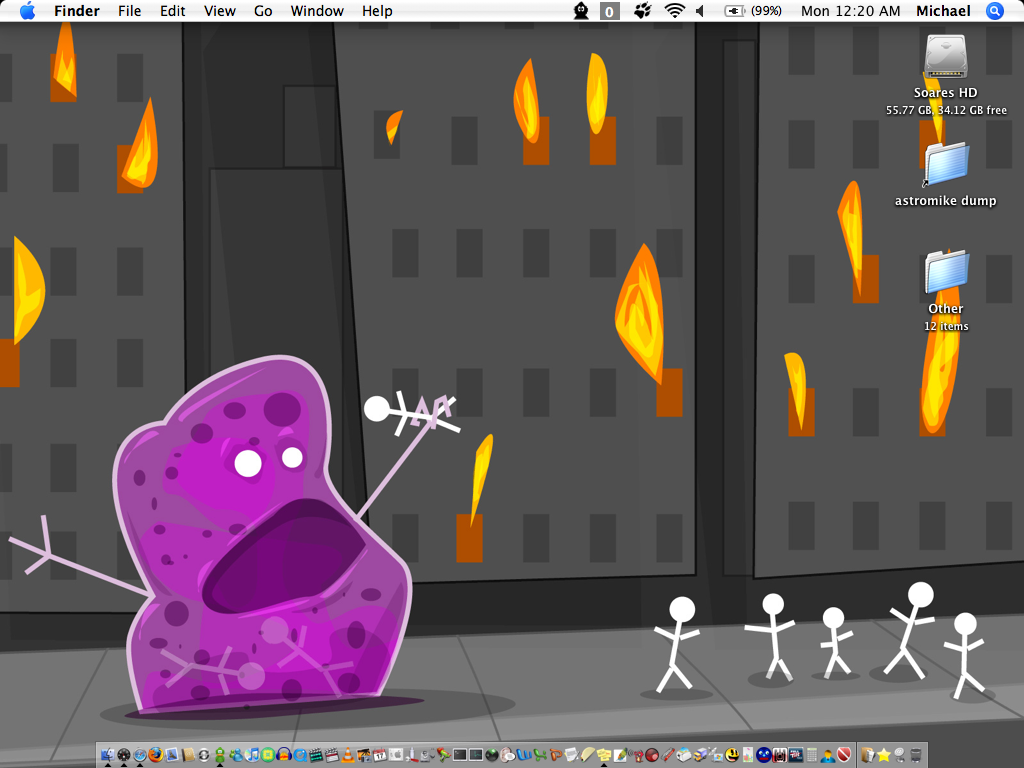
Hey, I need quick access to my apps! For more of those wallpapers, click here!
-
I used to be obsessed with Harry Potter, but I got over it. Sure, I'll probably go see the movie, but definitely not during the first week that it's out.
-
But if he does that and ignores the errors, there will be several functions in BartPE that will not work if he has already removed some important components using nLite. It's better to use an original CD in order to not get any errors at all.
-
That statement just reinforces my statement of your computer having a hardware issue. Do what I said in my last post and you should eventually find the problem. As for changing your drive letters, right-click on My Computer, click on Manage, then go to Disk Management, right-click on each drive, and change the drive letters as you feel fit. However, you won't be able to change the C: drive to something else and you won't be able to change any drive letters of any System or Boot partitions; your computer will just pop-up a nice looking error message.
-
That's kind of weird. I've had it installed for about a three weeks now and haven't had any issues connecting to any of my computers.
-
You can try using this little command line utility, but I doubt it will always work. It's worked for me in SOME cases, but not always. http://www.12noon.com/reschange.htm
-
Just out of curiosity... What don't you like about the new version?
-
My iBook's desktop always seems to look a lot better than my PC's!
-
Tarun, couldn't that be easily removed using the registry (if you knew what you were doing, of course)?
-
This is worth the read for W2K and XP: http://www.msfn.org/board/index.php?showtopic=10181
-
Does it shutdown properly in Safe Mode? If it doesn't, then it's most likely a hardware issue. You can start by taking out non-essential components from your computer. Now remove one RAM DIMM (if you have more than one) and see what happens. Then replace that one and take out the other. Is there anything that shows up in the Event Viewer? Activation is required for every retail version of XP (excluding OEM [like Dell, HP, etc.] and Corporate versions).
-
http://www.nu2.nu/pebuilder/ You'll need an original XP or W2K3 Server CD in order to use this.
-
OS 6.0.8 should work fine on that system. You'll need to find yourself a USB floppy drive.
-
Picasa for me.
-
Yes you can... http://support.microsoft.com/kb/303661 ... "start a session as administrator..." He can't. Safe mode might let him.
-
[ Moved. ] The topic might have been removed.
-
Welcome back! I see your signature is still being hosted by my home server!
-
I've been able to get into a few computers' BIOSes using a USB keyboard even when that USB option in the BIOS was not selected. Not selecting it just caused problems later on in the boot process.