Dave-H
Content Type
Profiles
Forums
Events
Everything posted by Dave-H
-

My Browser Builds (Part 3)
Dave-H replied to roytam1's topic in Browsers working on Older NT-Family OSes
layers.prefer-opengl - true seems to be fine on FF 52.9 ESR. layers.acceleration.force-enabled causes it to crash on startup though. -
My Browser Builds (Part 3)
Dave-H replied to roytam1's topic in Browsers working on Older NT-Family OSes
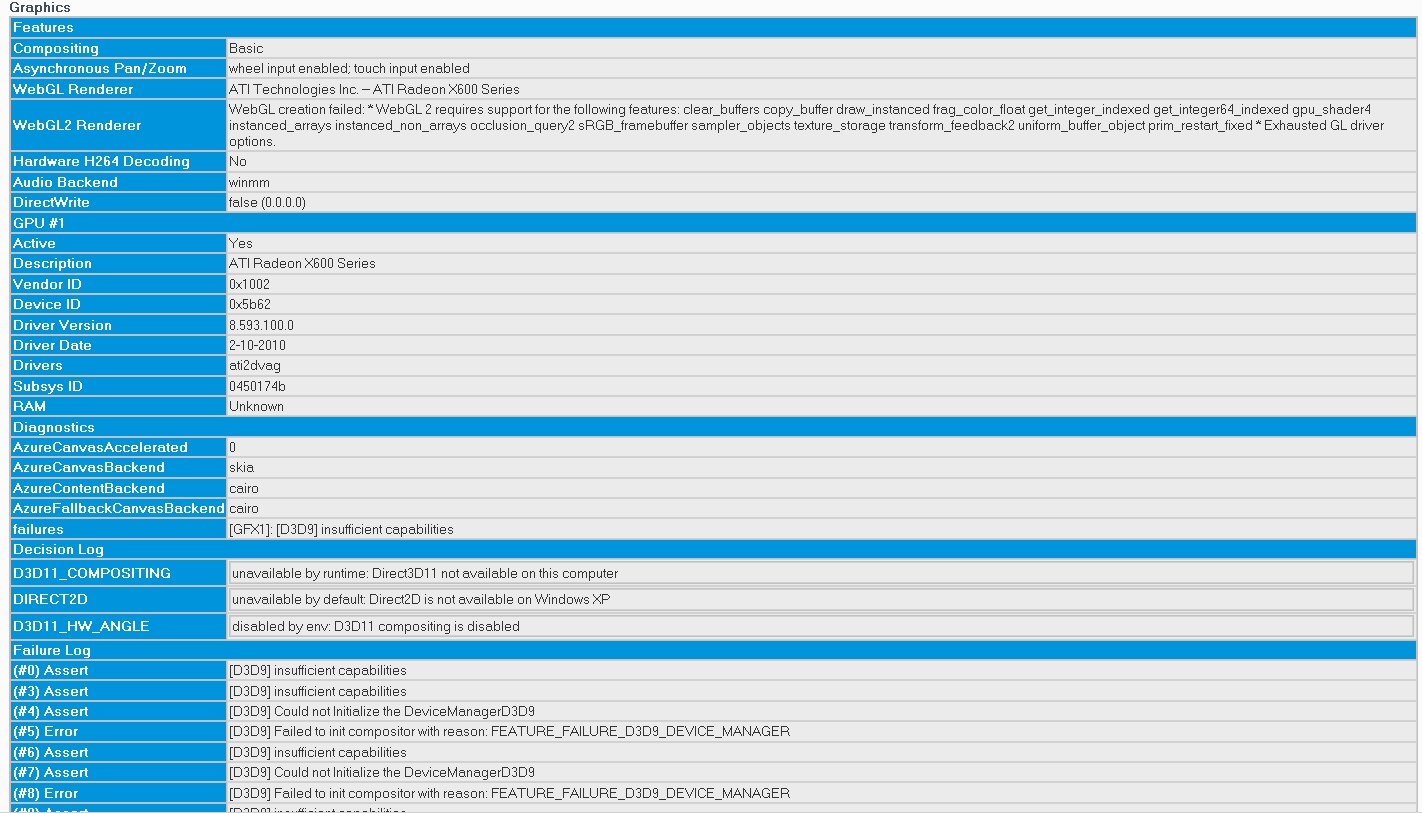
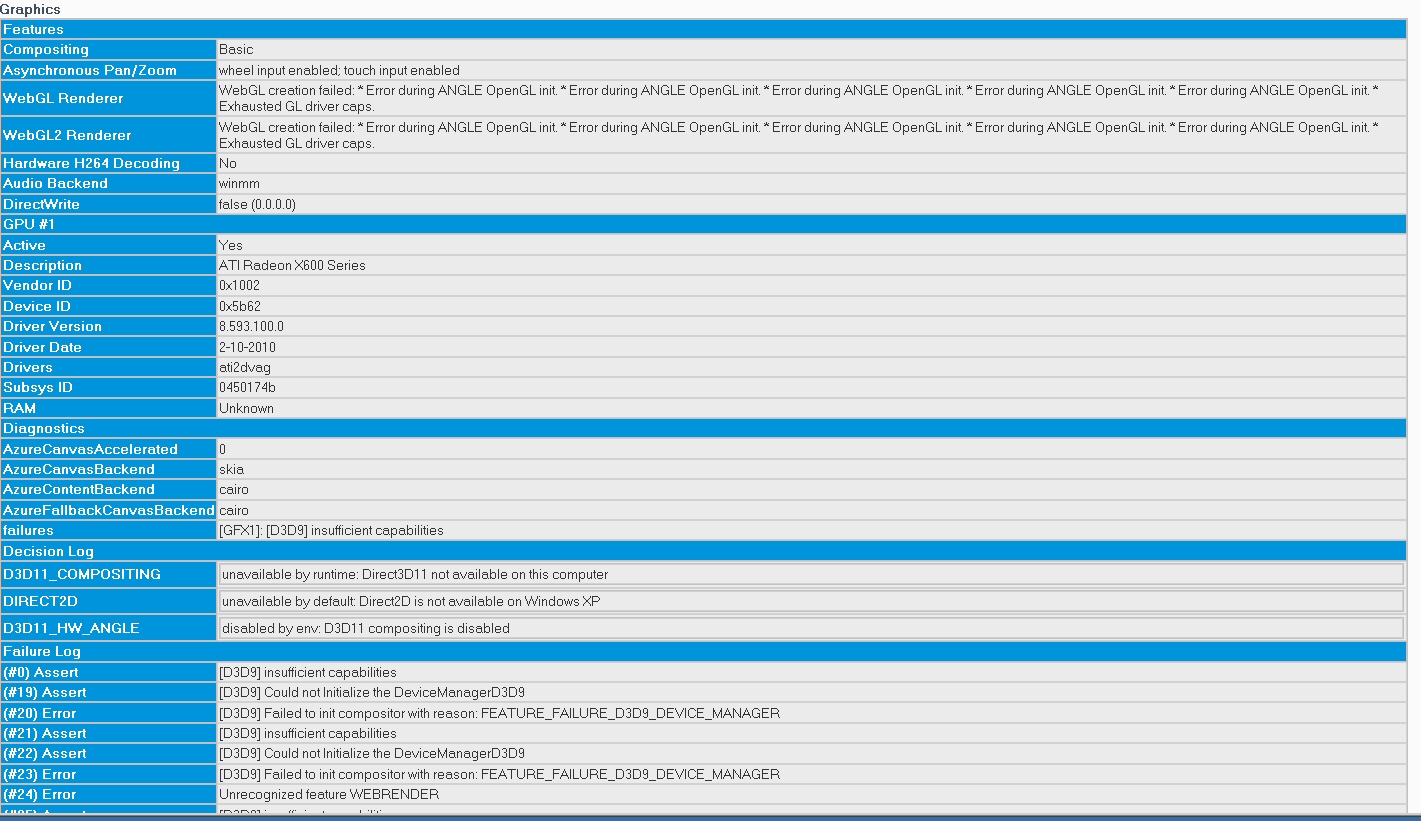
Thank you! The third setting was already correct, but I changed the first two and WebGL now works with the ATI card!
-
My Browser Builds (Part 3)
Dave-H replied to roytam1's topic in Browsers working on Older NT-Family OSes
Sadly not. If I switch to my other graphics card, the Nvidia Quadro 2000, WebGL works fine, so the Firefox settings are presumably OK. The ATI card just doesn't support it. I have DirectX 9.0c installed.
-
My Browser Builds (Part 3)
Dave-H replied to roytam1's topic in Browsers working on Older NT-Family OSes
Search the registry for any entries relating to the mypal executable (presumably mypal.exe). Just delete them and it should come good. Back up the registry first of course, just in case! That's one of the problems if you can't uninstall properly, the program's registry entries are still there. -
Is UBO Legacy still being supported? I can't see anything on GitHub to that effect, but it doesn't seem to have been updated since the end of January.
-
Thanks, that's fascinating stuff! I bought my first PC in 1993 in the Windows 3.1 days, but I never attempted dual booting until I dual booted Windows 98 and Windows 2000, in 2000! I thought that having an NT option would be better for video editing, which I'd just got into, faster and more stable than Windows 98. I waited ages for Windows 2000 to come out because I wanted to wait for FAT32 capability on the NT system, as Windows 98 couldn't use NTFS of course.
-
Ah, thanks for the clarification jaclaz. I would think it would be very unusual not to have a complete OS installed on drive C: in any system, but interesting to know that it's not actually essential.
-
My Browser Builds (Part 3)
Dave-H replied to roytam1's topic in Browsers working on Older NT-Family OSes
Thanks Den, at least that confirms it! I've not been a moderator for very long though, and I thought I could see the flags before I became one. Was this done when the forum software was updated some months ago? A strange decision IMHO when I'm pretty sure that everyone had been able to see the flags for years. Why would xper not want people to see them any more? Perhaps I'll ask him! -
Just to be clear, although two operating systems can go on the same physical disk, they have to go in different partitions on that disk. IIRC Vista and above have to be installed on drive C: but XP can go on drive D: (or any other drive letter you choose.) C: still has to be the boot drive though. I actually have Windows 98 on drive C: and Windows XP on drive D: on the same physical disk, and have had for years. I've never done a true dual boot with an OS newer than XP though (my Windows 10 installation is on a completely separate disk).
-
My Browser Builds (Part 3)
Dave-H replied to roytam1's topic in Browsers working on Older NT-Family OSes
The switch is there for me on every browser I've tried, so maybe it is a moderators' only option at present. I think that's very odd if it is the case, and if the switch wasn't there I would expect the option to be enabled anyway. I'm sure I used to be able to see members' country flags before I was a moderator. Maybe it's something which has crept in with the new version of the forum software, but if so I suspect it's something that has been left switched off for general members by mistake. Until another moderator or supervisor confirms this by saying they can see the flags and have the switch option I don't know what else to say! -
My Browser Builds (Part 3)
Dave-H replied to roytam1's topic in Browsers working on Older NT-Family OSes
Curiouser and curiouser! I can't image why that setting would only be available for mods! Perhaps @dencorso or @Tripredacus can shed some light here? -
My Browser Builds (Part 3)
Dave-H replied to roytam1's topic in Browsers working on Older NT-Family OSes
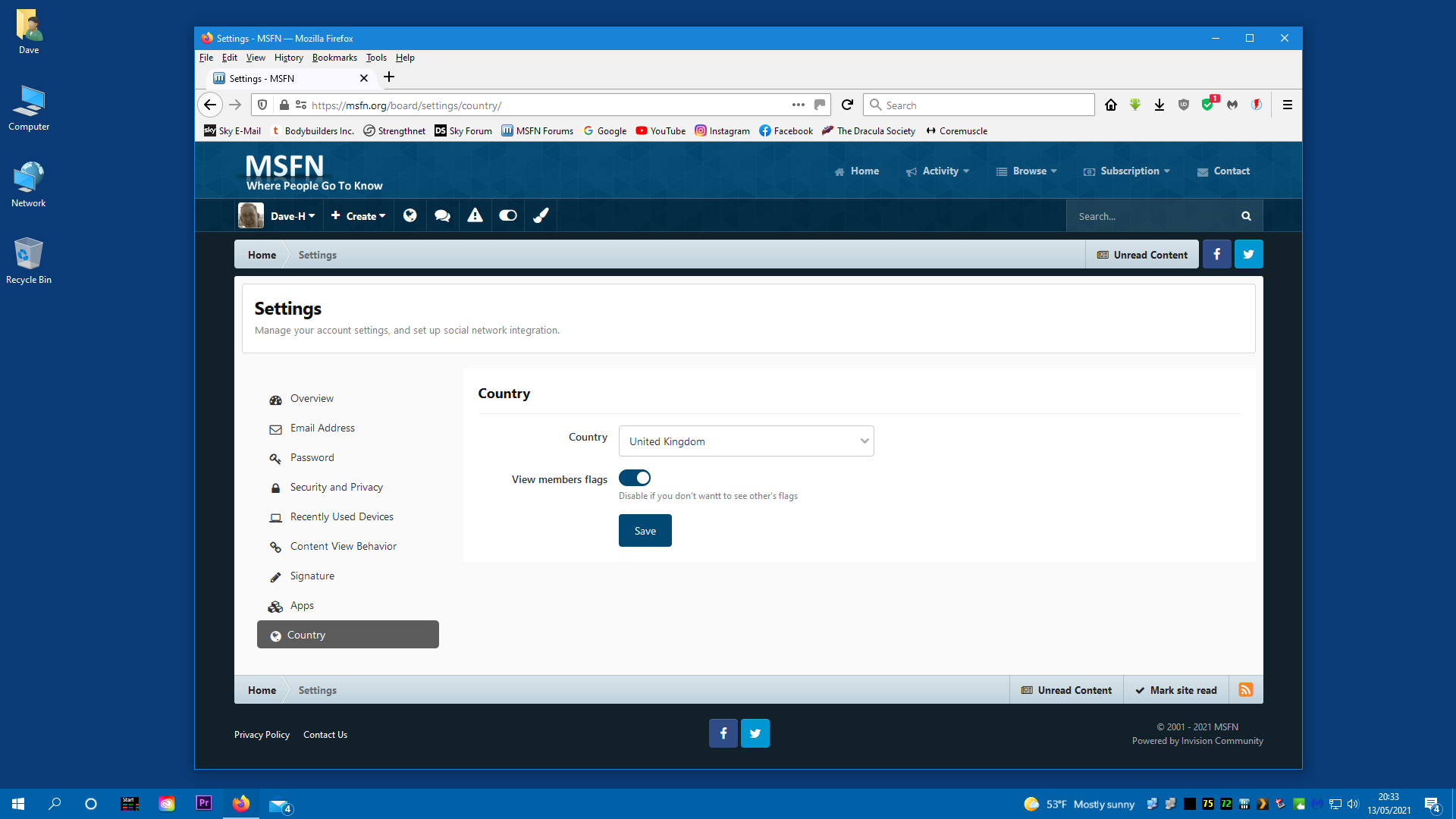
How strange. I've always assumed that everyone could see the flags, but obviously not! EDIT: Have you checked this forum setting? I thought it was enabled by default, but you never know!
-
My Browser Builds (Part 3)
Dave-H replied to roytam1's topic in Browsers working on Older NT-Family OSes
How strange, the flags are certainly there for me on Firefox 52.9 ESR. They're on every page of the forum in fact. Perhaps they're being blocked somehow for you and others.
-
My Browser Builds (Part 3)
Dave-H replied to roytam1's topic in Browsers working on Older NT-Family OSes
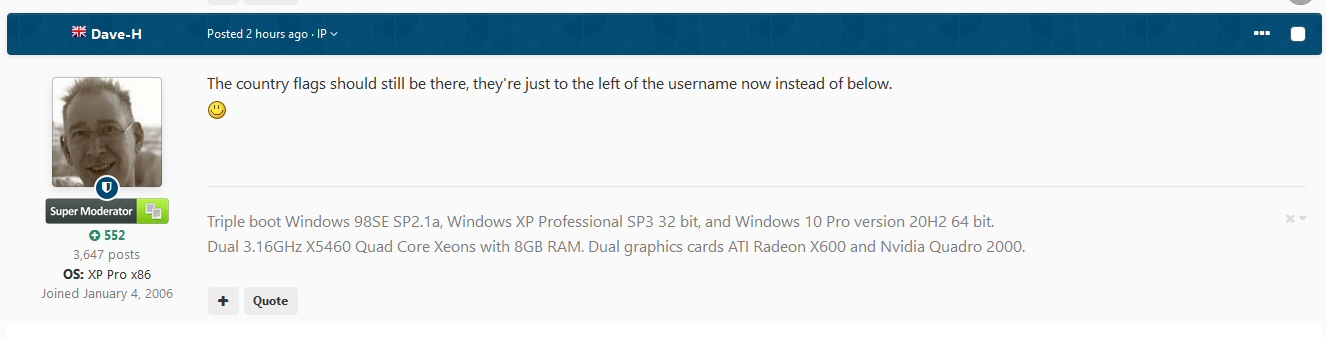
The country flags should still be there, they're just to the left of the username now instead of below. -
Beware of Office 2010 Updates!
Dave-H replied to Dave-H's topic in Pinned Topics regarding Windows XP
I usually fall back on the good old Universal Extractor for that sort of thing! -
Beware of Office 2010 Updates!
Dave-H replied to Dave-H's topic in Pinned Topics regarding Windows XP
Yes, I saw that too. Still, I guess we did have six months more updates than we expected, so can't complain! Now we know that version 14.0.7268.5000 of the Office 2010 MSO.DLL is the last one, I wonder if anyone could modify it to be XP compatible..........? -
Beware of Office 2010 Updates!
Dave-H replied to Dave-H's topic in Pinned Topics regarding Windows XP
No Office 2010 updates offered this month. This could well finally be the end. -
Yes, do let us know how it goes! If your laptop has to be dismantled to get at the drive I think you'll almost certainly be OK as the drive will very likely be secured by screws into its sides, which should be fine as the spacing should be the same on the SSD as on the original conventional hard drive. If however the drive is accessible though a door in the bottom of the machine, as Tripdredacus said it may need additional support.
-
FWIW my very underpowered Asus netbook's performance noticeably improved when I changed the hard drive for an SSD. If nothing else, I assume that it makes swapfile usage pretty much as fast as RAM access. I never actually benchmarked it, but in real use it seemed significantly more responsive. Sadly the processor is still rubbish, so I can't do much else!
-
I don't see why it wouldn't work, my motherboard is from 2009 and works with SSDs absolutely fine, but not at their maximum capable transfer speed of course. An SSD should appear to the system exactly the same as a conventional drive. One of my SSDS is 465GB and there is no problem with it. All my SSDs are Sandisk, but I can't think that the brand would make any difference. You would need a program to TRIM the drive though, as you're probably aware, you should never run legacy defrag programs on an SSD! Windows XP cannot TRIM drives like later versions of Windows of course, as SSD support was never added.
-
Yep, midnight GMT!
-
NT 5.x Windows Update URLs Dump, inc. Custom Support Updates
Dave-H replied to abbodi1406's topic in Windows XP
Posts relating to the expiration of SHA-1 certificates moved here. -
There is a KB2890375 update to the 2010 Redistributable in case you haven't got it.
-
If the files are version 10.xx then they are part of the Visual C++ 2010 Redistributable as far as I know. Is that what you tried installing? If not you could try that, the last version is Visual C++ 2010 SP1 (10.0.40219.473) I think. Try installing that and remove the files in the program's folder and see if it still works. If it doesn't, just put them back again of course! You never know, it might make a difference. If it was a different runtime version you installed, installing it might have done more harm than good.
-
From my experience with Firefox, I guess those "api-ms" files are C++ runtime files. If you can see what version they are, you might be able to install the latest version of the same runtime version to the system, in which case it wouldn't need its own. I found with Firefox (52.9 ESR) that the browser performance was better with a system runtime.