
-
This seems really cool. I'll have to give it a try soon.
-
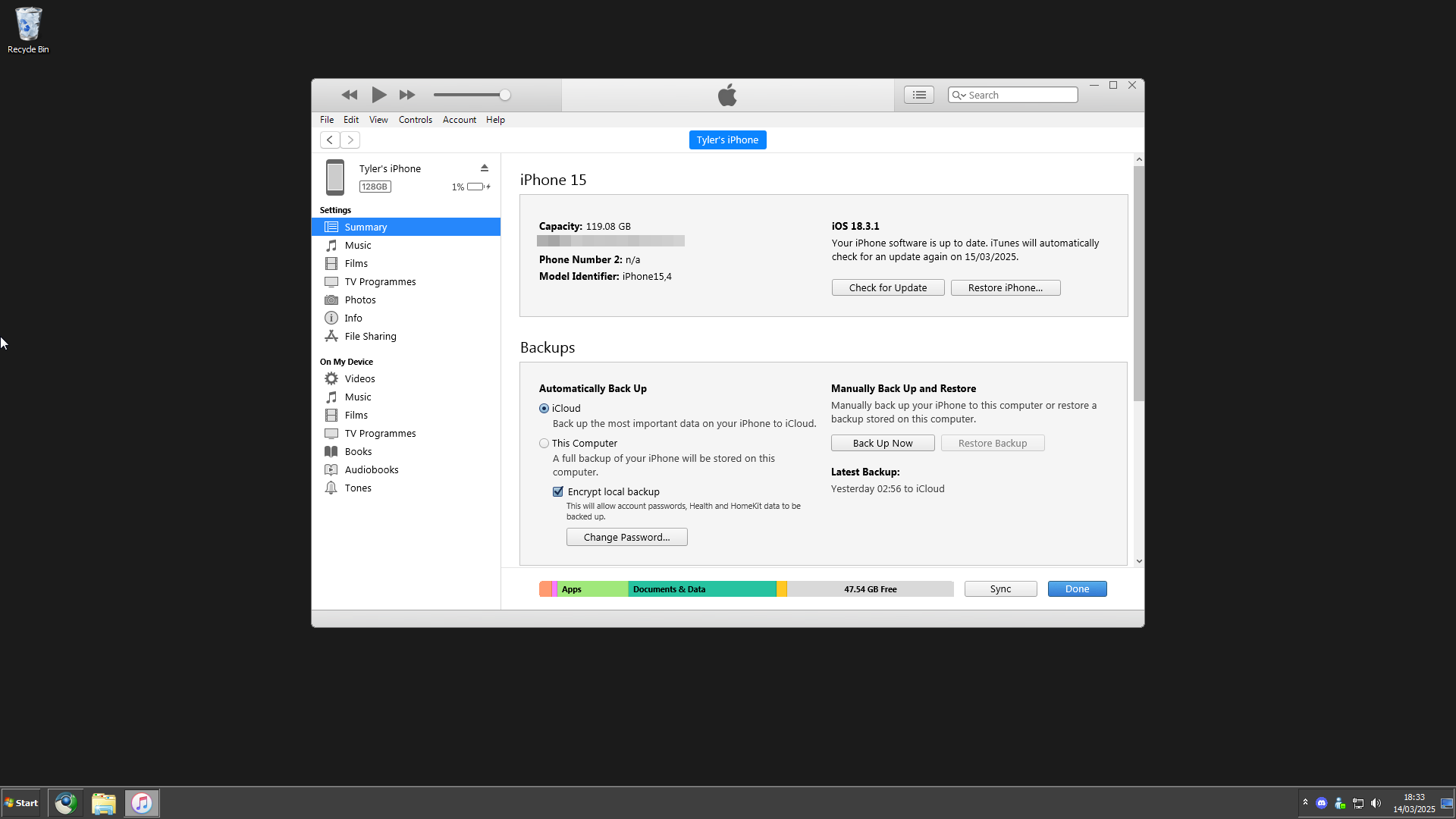
It's Windows 7 with the classic theme and a custom dark colour scheme.
-
I just installed iTunes 12.11.3.17 using the method linked and it works perfectly with my iPhone 15 on the latest iOS. That includes my iPhone showing up in Windows Explorer and being able to drag and drop my pictures and videos off.
-
-
TylerTT changed their profile photo
-
I thought some of the people here might be interested in this. It's a project made by the tech YouTuber MattKC. https://github.com/itsmattkc/dotnet9x He made a video about it, but it won't let me post the link.
-
Activating it using CMD worked. Thank you very much.
-
doesn't seem to fix it @veso266
-
Every time I try and launch it after installing I just get this
-
Just gonna add that for me my RX 6600 XT driver on Windows 8.1 does keep crashing so people might wanna keep that in mind
-
-
-
-
Yeah I agree 100%. Personally I feel like this makes vista on Haswell+ a much viable option
-
Well I've had it running for about 11 or so hours rebooting every now and then and the only issue i seem to face is sometimes when i open something that requirea administrative privileges I'll get an error but the second time I try it'll work fine
-
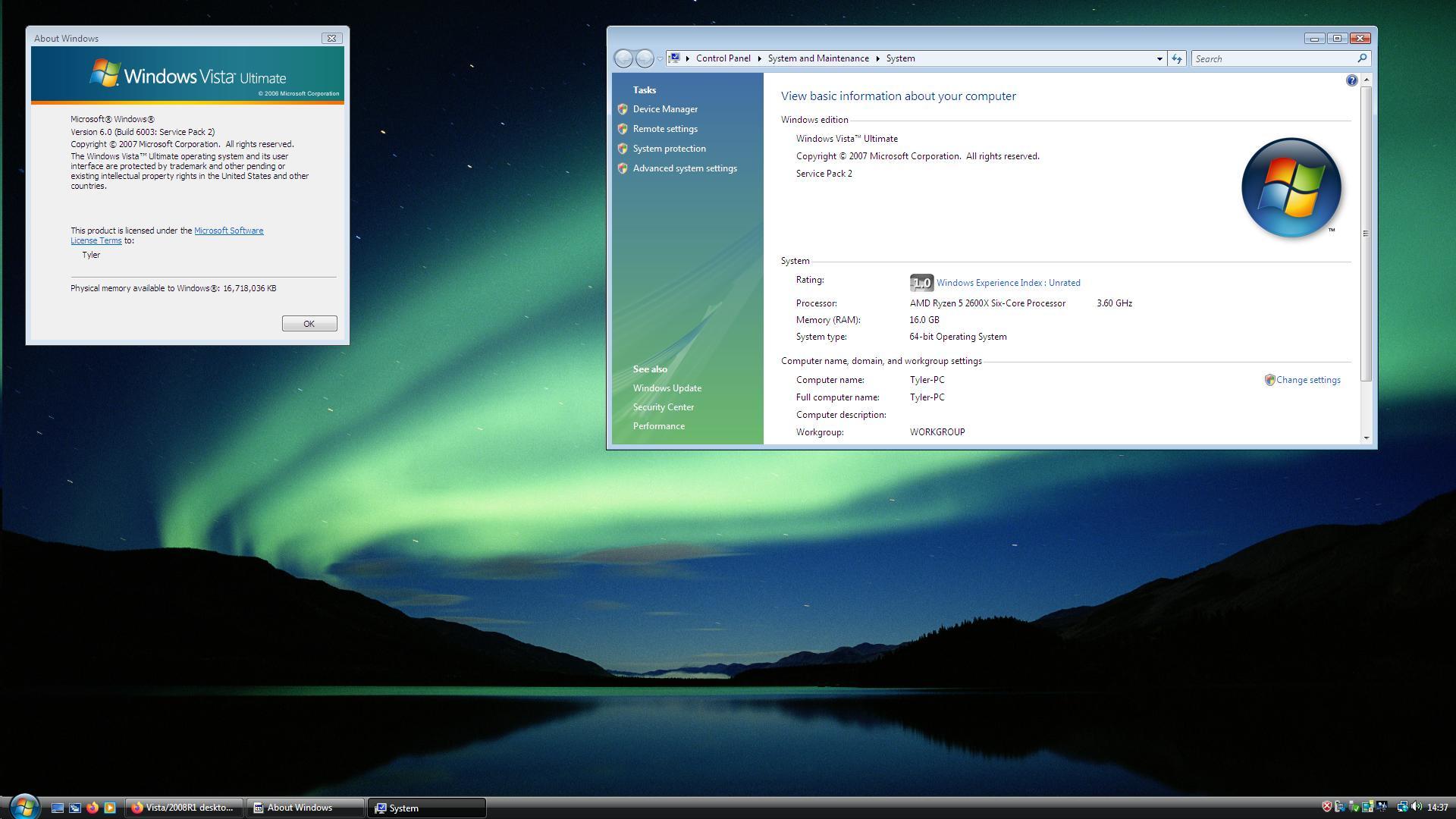
Simple desktop with the embedded theme