
-
When did you use it first time ever? Just curious. Nice to know, I was also not very much into computers until last year, when I first used Vista.
-
-
Very very well said!!
-
Finally, now I have a computer that supports Vista. I have to give special thanks to @Win10-Hater for selling his Pentium D desktop (he plans to replace it soon with his own custom desktop that he will build within the next 2 months, according to what he said). He upgraded the HDD on it to an SSD (1TB Samsung 850 EVO) and I upgraded the Pentium D 915 to a 945, and I will use this computer for Vista and retro stuff. I have a dualboot of Windows 2000 Pro and Vista Ultimate x86 on it.
-
Do you know that the telemetry in Windows 7 and 8.x can be easily disabled (without third-party tools) and that it is not as obtrusive as Win10's telemetry? Night mode can easily be implemented in any other Windows version through f.lux. Dark themes are available for older Windows versions also, so you can't say that it's a very useful feature introduced in Win10. Individual PowerToys can be downloaded and installed on any other Windows version. Open Shell, however great it is, makes ZERO sense to me on Windows 10. It's only for Windows 8.x IMO. And also, is Open Shell the ultimate solution to making Win10 look like Win7? Please tell me.
-
Well said!!! And thumbs down to Win10
-
I don't understand how this is useful at all. Windows 10 used all 4 out of 4 gigs of RAM on my laptop when I had Win10 on it, on idling mind you.
-
Vista also, but I found 8.x to be better (with some UI tweaks).
-
I started to use Windows 7 from last year until recently when I moved to Windows 8.1 because of Windows 7 EOS and dropping program support. I am a small kid lol, so I don't do very much with my computer, except for writing documents, drawing on paint and now, attending online classes. Windows 7 was wonderful for me when I used it and I loved it, while I hated Windows 10. My specs: Dell Inspiron 15 3559 Intel Core i3 6006u 4 GB RAM 1 TB HDD This computer was verrrrrrry slow with Windows 10, but superfast with Windows 7. 8.1 is faster still.
-
deleted
-
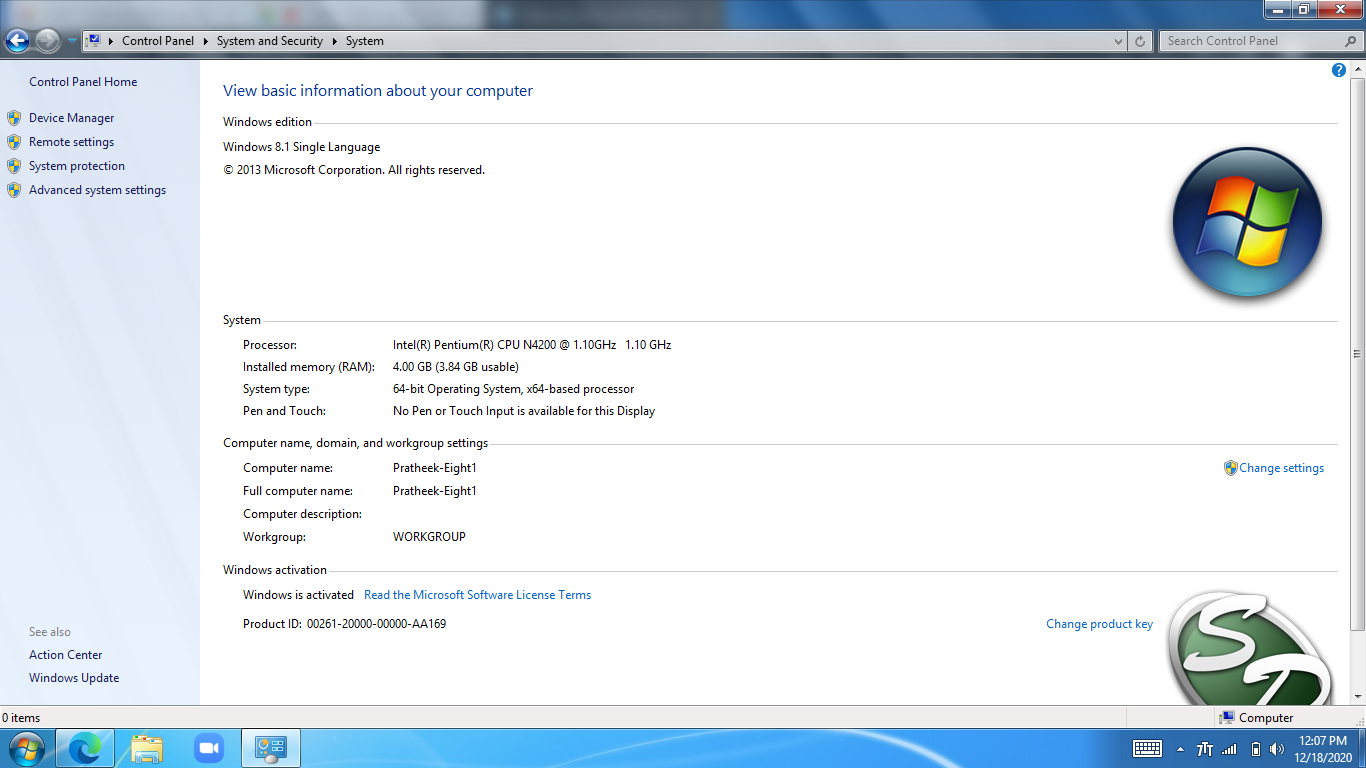
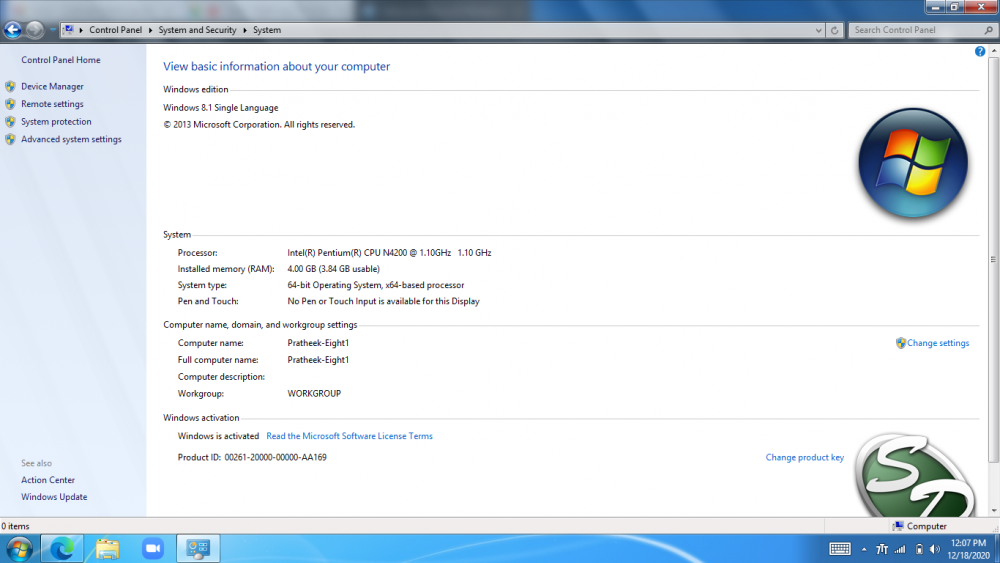
This is my system properties page. I am running windows 8.1 though my computer doesn't support it.
-
but I loved windows 7 but my computer doesn't support versions other than windows 10 but now I am running Windows 8.1. I am taking about all of them
-
Hi this forum post is to share your experiences with windows 8.1
-
Thank you !!
-
Pls change username to noobie91 my earlier username had a terribly wrong spelling