Everything posted by innuendo33
-
Did you have a look in Chrome settings ? it should display you set a custom theme if so , then you can set it to default one. ( I can't screen it as I'm not using a custom theme to show you :/
-
Have no issue under same build https://imgur.com/rrlrAQJ
-
Don't know if it's your case but supported somebody yesterday to fix that and modded shortcut still worked fine since I disabled custom Chrome theme back to default. Otherwise it doesn't .
-
I can mention 3 ways to do that ( freeware ): - Easy context menu https://www.sordum.org/7615/easy-context-menu-v1-6/ - one click firewall https://winaero.com/download.php?view.1886 - Windows firewall control ( which improves native windows firewall ,I'm using it for years and now it's free since Malwarebytes own it ) https://www.binisoft.org/wfc.php Regards
-
won't be the first complaint about windows 10 visual inconsistency :p
-
I put it here : http://www.mediafire.com/file/5d8gj8muz8gmrg6/Aero7_atlas.rar
-
Well , AG doesn't work the same depending on UWP I noticed . Seems something related to what you are pointing : UWP titlebar . I have mail , weather , etc working well but like you w10 settings doesn't skin . Even BM wrote acrylic theme won't be necessary with AG
-
no pb for me playing with blur or full transparent ( same OS )
-
Just reboot your system OR for any executable you can run in task manager file menu and choose " run a new task " and pick aerohost.exe in aeroglass folder .
-
You just have to replace dwmglass.dll in aeroglass folder by the experimental one here : http://www.glass8.eu/beta or try the last one Big Muscle linked here : http://glass8.eu/out/19h1_18362_1607_x64dbg.7z Juste need to end aerohost.exe process in task manager ( aeroglass extension loader ) to unload former dll and be able to replace.
-
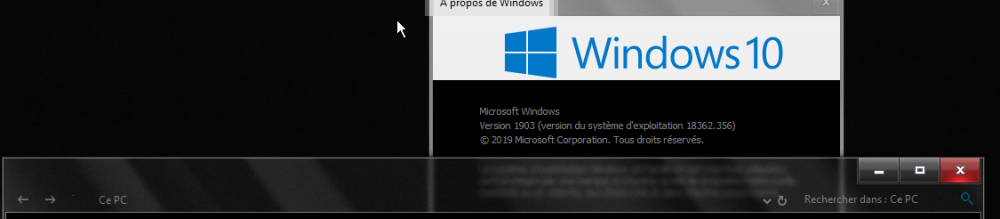
Those seem close to what you look for ? my system : W10 19H1 ( 1903 ) x64 bits
-
hum .. in every visual style you have a shellstyle.dll file located in C:\windows\resources\Custom theme name\ shell\Normalcolor and this is the one you have to work with . Google visual styles or go to virtualscustoms.net to figure how things must being done .
-
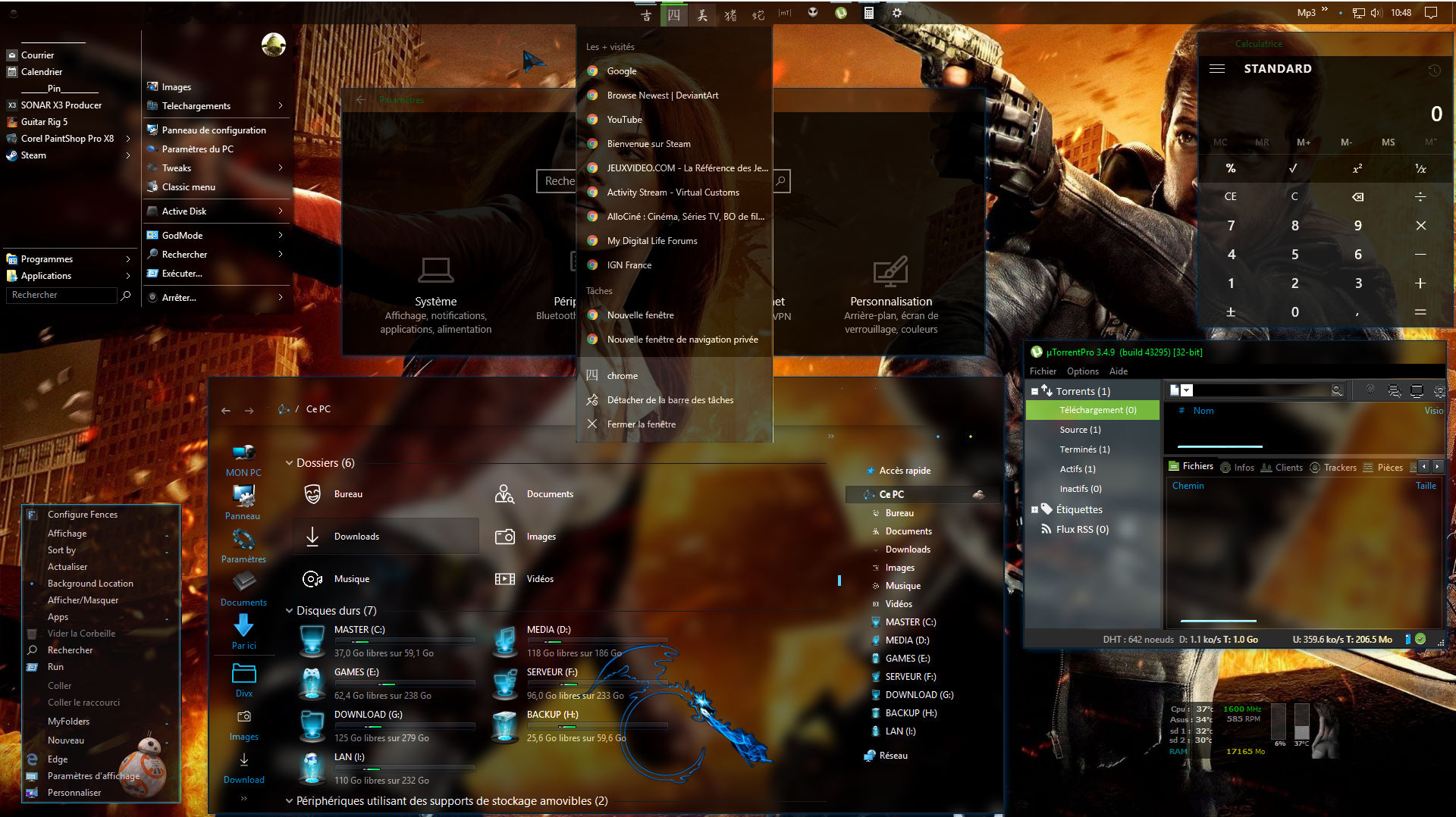
It is a gsw953 based theme I modded for my personal use only ( homemade patched system icons etc ) and use an atlas I can't remember the name :/ https://www.deviantart.com/gsw953onda/art/The-Red-Blue-Themes-For-Windows-10-RS5-768116040 Just be sure to use a shell folder compatible with RS 6 1903 though cos Greg told me he stopped making themes for windows . Mr Grim from virtualcustoms put a compatible one to replace here: https://virtualcustoms.net/showthread.php/83368-Windows-10-1903-pathed-flies-by-Mr-GriM I'm a visual style designer but reserved for my followers , released a public theme for free year ago with gsw953 who ported it for startisback users ( I use classic shell ) and maybe I update it to 1903 build when having time https://www.deviantart.com/mykou/art/Dark-Minimal-Glass-for-windows-10-694466418 Edit : The atlas used ( buttons & titlebar ) is from https://virtualcustoms.net/showthread.php/74893-Darkmatter-Subspace-Redshift-for-10-Request " subspace"
-
-
What you did wrong is to try edit aero shellstyle itself. Get a custom theme compatible for your system ( 1809 ) then edit from the shellstyle file in C:\windows\resources\themes\ folder where is located your custom theme . You ave to patch your system files with ultrauxtheme patcher before.
-
-
-
@BigMuscle I 'm still using aeroglass under windows 10 anniversary update and very happy to have it working daily , I just wanted to tell I'm not expecting newer updates as I easily understand it can be boring to keep such app updated , knowing windows 10 will release regular updates and then incompatibilities to come. I'm working with human being for about more than 22 years and I know how this is hard to satisfy them lol So I made some donation to get a working aeroglass under windows 10 first builds before you updated to be anniversary compliant so whatever you choose to do about it , I wish you the best in your life . For me at least aeroglass is still alive yeah Innu3ndo
-
Unless you do like me , locked windows to anniversary build , aeroglass and full glass perfectly working so far the answer is yes I guess .. and if by chance you can make it work under creator update , you will find some issue of same kind with next Fall update in September ? Endless story then lol Good luck ^^
-
Hi Mike And why not trying to reinstall your 10240 with unplugged internet and wifi disabled ? Since windows 10 RTM I use 2 tools I find very useful to block updates and run before connecting after reinstall - https://forums.mydigitallife.info/threads/64939-Windows-Update-MiniTool - http://www.site2unblock.com/win-updates-disabler/ If I choose to enable both I have no pb to keep running my anniversary update but it's also working for previous builds ( 10240 - 1511 ) I tested Creator update but it seem this major update breaks something and enable again microsoft updates Hope it helps
-
Do as I did : I'm still running anniversary update and aeroglass works fine
-
-
Hi BM and thanks for quick info gonna delete that folder
-
Last night , had a bunch of web symbols downloaded in its own folder in C:\web symbols though aeroglass is already installed ( 1.5.1 x64 windows 10 ) in C:\Aeroglass 138 megs ! did you guys had the same thing?
-
Well , I don't really understand where is your issue .. There is only one titlebar , Edge uses tabs so ....