All Activity
- Past hour
-
 You need to read the full post or not read it at all. So I'll repeat the part that you didn't take into account with your BIASED post above... Excluding VM browsers (primarily Roytam releases) which get hit with Cloudflare, clears itself in 24 hours, then gets hit again, but clears itself in 24 hours.
 - Today
-

My Browser Builds (Part 5)
anton12 replied to roytam1's topic in Browsers working on Older NT-Family OSes
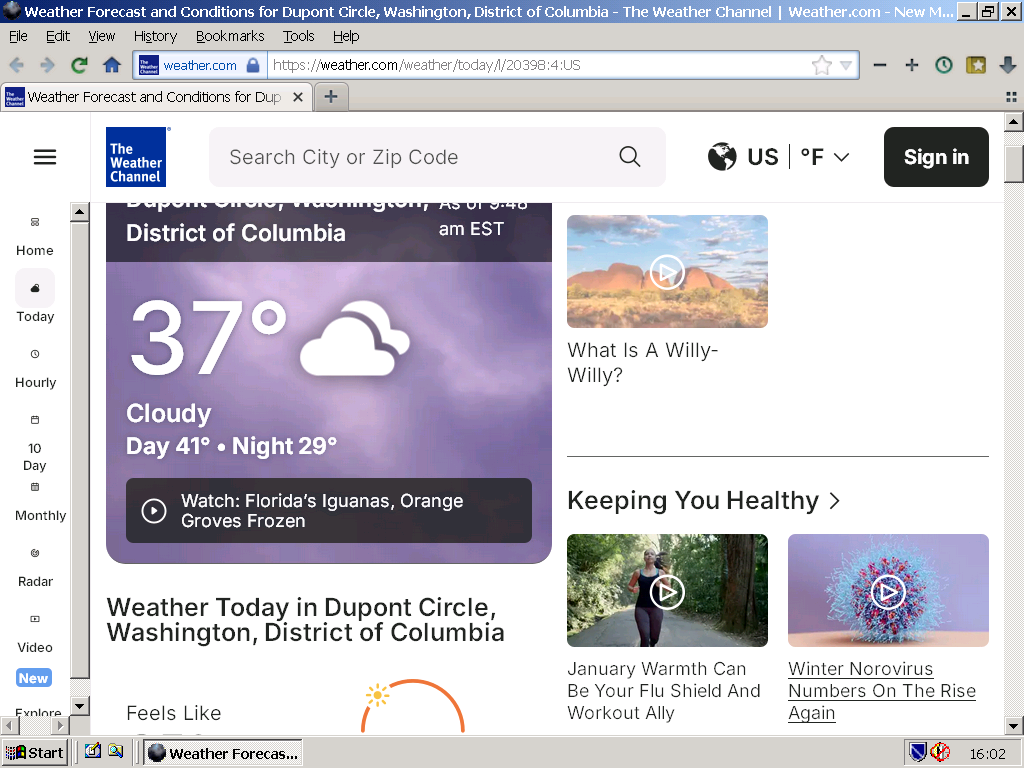
https://weather.com/weather/today/l/20398:4:US Here the above URL with the latest NM28 - from Germany:
-
I do live in a "business district" (so close to work that I walk or peddle bike). My IP Block is possibly clustered in with those businesses (not the company that I work for, but I cannot speak for other surrounding businesses).
-
EXTREMELY SURPRISING (at least to me)! I *can* log into my water sewage billpay in Iron v109! No Cloudflare BS. I may have to see if all of my other "needed" web sites are okay with v109.
-
Interesting. The only Cloudflare captcha I'm ever hit with is my water sewage billpay web site. First encountered last November and the only fix was to upgrade Chrome from v136 to v138 (but laned on v140 due to other nuances). I was hit with it again just a couple of weeks ago and the only fix was to upgrade from Chrome v140 to v141 (but landed on v144 due to other nuances). I cannot list the URL because it reveals the city that I live in. That one web site is my only Cloudflare headache. Excluding VM browsers (primarily Roytam releases) which get hit with Cloudflare, clears itself in 24 hours, then gets hit again, but clears itself in 24 hours.
-
 My primary system for general browsing is still on Windows 7, so that may not be correct. The three browsers I am running surely cannot be anywhere close to being modern by this point: Iron 109.0.5550.0 Chrome 109.0.5414.120 Firefox 115.32.0esr (this one actually does still update actually)
 -
Of course it is! They are different sessions, different cookies. I'm failing to understand the obsession. I'm done here, I really do not need the obsession.
-
It's different on the same (your) screengrab, upper left image.
-
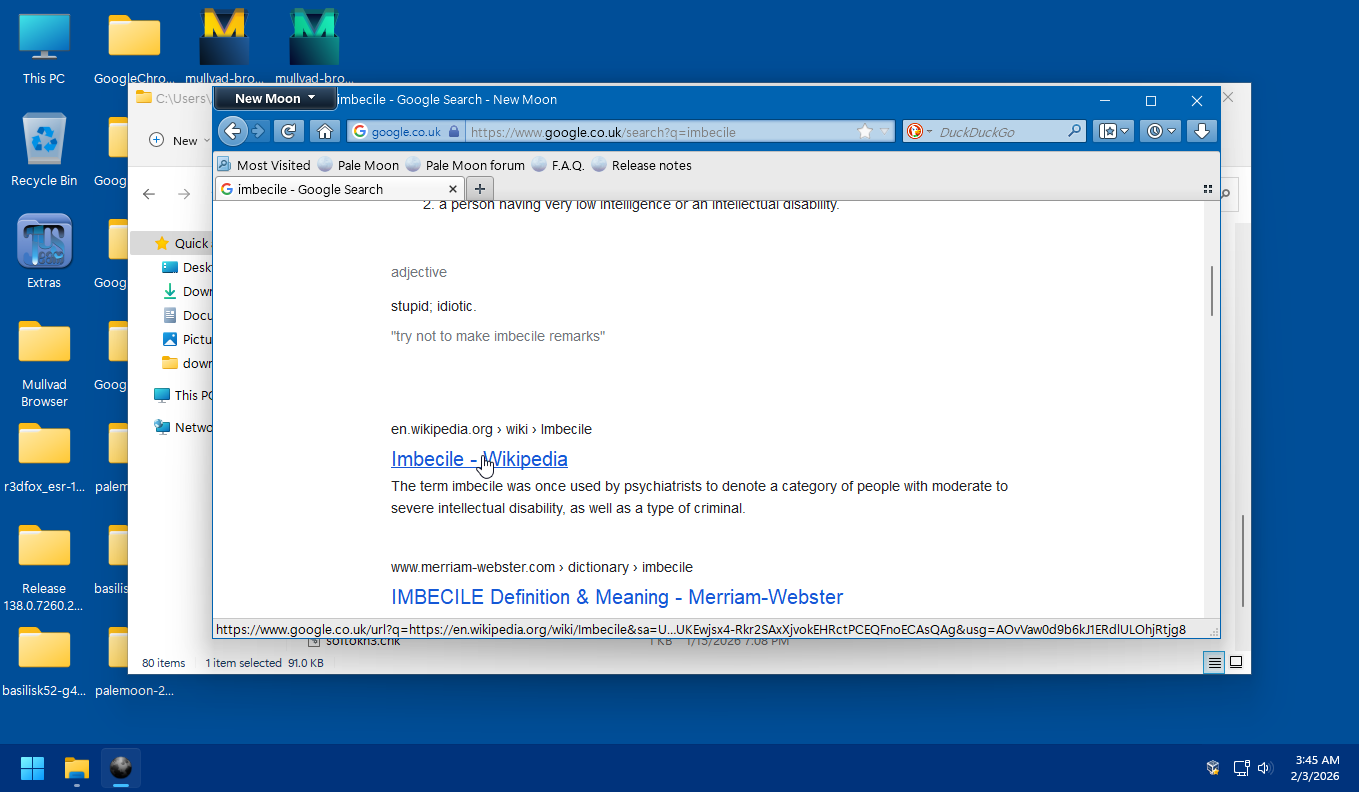
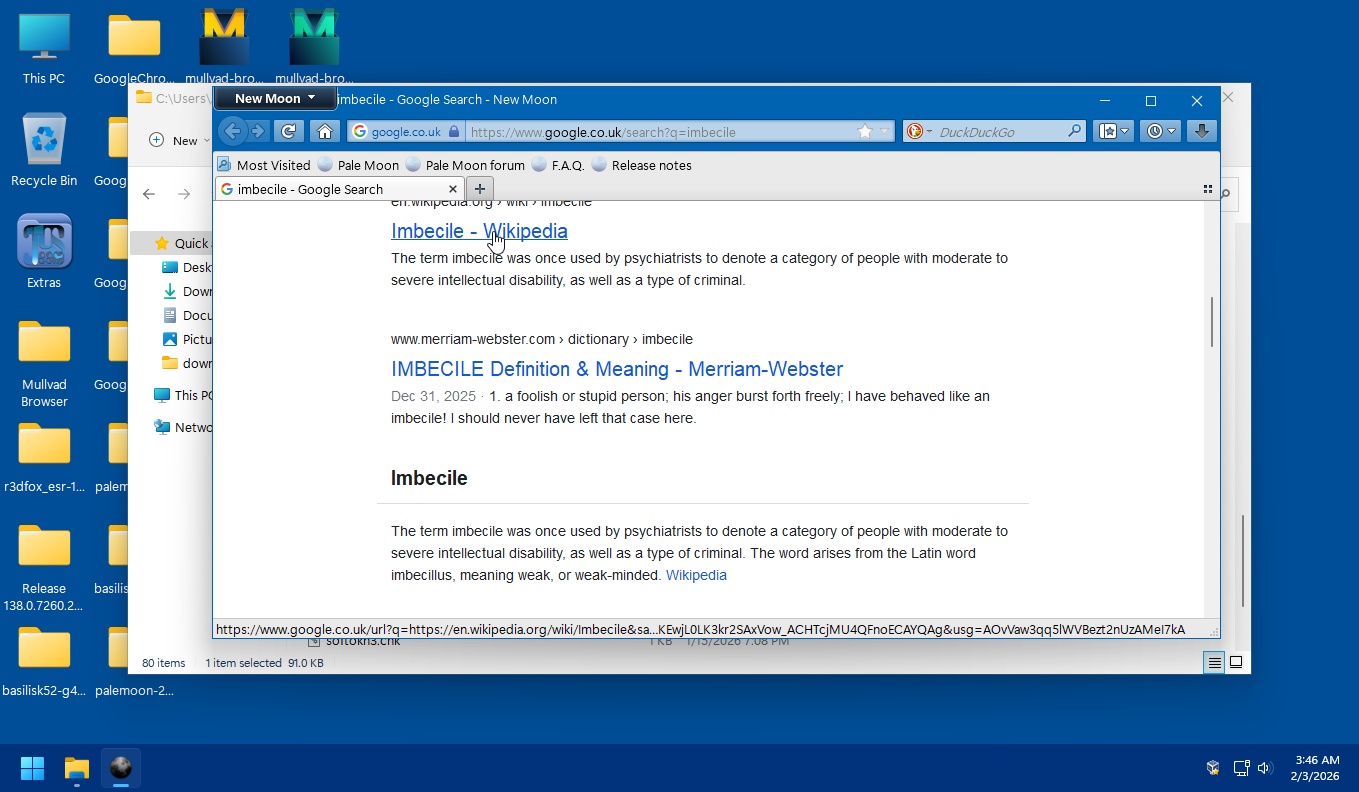
Redirect link and tracking link are two different matters. The garbage you see after = is a unique tracking stamp. Most likely contains your IP, PC specs obtained via GetOEMCP ans so on. https://learn.microsoft.com/en-us/windows/win32/api/winnls/nf-winnls-getoemcp
-
The tracker will be different with each browsing session. Google is tracking your searches, not your browser. I never said that the tracker will be "identical". It is generated BY GOOGLE each and every first visit per COOKIE. Delete the cookie and you get a new "tracker". First cookie: Delete first cookie, let Google set second cookie:
-
In NM the redirect link appears only after clicking on the link (or copying). Of course the HTML is different coming from the server, the anchor element contains different parameters. I am sending a Firefox/140 agent to get the full page from Google instead of a simplified version. It was a surprise to me that the page still isn't completely full doing this. I don't think is needed to jump in and "defend" either browser.
-
Where are these OpenSSL DLLs usable in apart from a YouTube downloader? Legacy applications that I have all depend on libeay32 and ssleay32. And do they support new algorithms to justify their much bigger size?
-
Joined you favourite upvoter Karla and gave you the much desired likes. Nevertheless, the link above is generated by the browser. It differs from the link below, on your screen.
-
My Browser Builds (Part 5)
NotHereToPlayGames replied to roytam1's topic in Browsers working on Older NT-Family OSes
I don't think that it is regional advertising causing that error. I get that error in most recent B/S 52, B/S 55, and PM/NM 28. Only one of the three (brand new profiles, first run on all three) gave a geolocation warning (which was denied), but I forget which one of the three. I have to assume that the other two simply allowed the location-reveal, but I did not verify. -

My Browser Builds (Part 5)
raddy replied to roytam1's topic in Browsers working on Older NT-Family OSes
For example, regional advertisement, but i don't see anything. -

My Browser Builds (Part 5)
DanR20 replied to roytam1's topic in Browsers working on Older NT-Family OSes
Don't know what the problem is then unless it's regional because even with a brand new profile and no addons I get that error. If you go to directly to this link using 55 basilisk I get an error after 3 to 5 seconds: https://weather.com/weather/today/l/20398:4:US So we'll see if anyone else is experiencing it, my luck it;s just me. :--) -
Many thanks for your follow-up , which actually sets the record straight ; and thanks for the re-upload ! Best regards.
- Yesterday
-
You're right. I take it back what I said earlier. I have actually changed the build_openssl3() function locally to automate the process of creating the shared- as well as the static-release. And in the process I forgot to strip both dlls. The filesizes are now identical to what you ended up with. I re-uploaded 'openssl-3.6.1-win32-shared-dev-xpmod-sse.7z'.
-
Found this - https://www.topendsports.com/sport/betting-tools/spread-calculator.htm This answers most of my curiousity. A local team has been VASTLY OVER-RATED and (admittedly) it has become FUN ENTERTAINMENT to watch them NOT live up to that over-rated hype! Sure, it's nice that they've been WINNING, but they have NOT been winning by the double-digit margins of the "betting lines". On a "standard VIG" [ie, -110] (no clue what that is, kind of doesn't matter for sake of example), we can "back-date" FIVE wins by this team but FOUR of those wins DID NOT BEAT THE SPREAD. Game 1 >>> spread of -18.5 (ie, if they don't win by 19 points or more, then they lose in terms of the bet) Game 2 >>> spread of -16.5 Game 3 >>> spread of -8.5 Game 4 >>> spread of -14.5 Game 5 >>> spread of -12.5 The team won all five of these games, but did NOT cover the spread of games 1, 2, 4, and 5. My FUN ENTERTAINMENT was "gentleman's bets" with a coworker. For "bragging rights". My "working theory" to my coworker was that our local team would NOT cover DOUBLE-DIGIT SPREADS. So we were technically "betting, but no money, just bragging rights", on only games 1, 2, 4, and 5. I *won* but she now mocks me for there being no "money" on the line. So if the VIG is always -110 "standard", the spread calculator link posted above would have paid out in this manner if $100 was bet on game 1, the winnings then bet on game 2, the winnings then bet on game 4, then the winnings bet on game 5. Game 1 >>> $100 bet, payout would have been $190.91 Game 2 >>> $190.91 bet, payout would have been $364.56 Game 4 >>> $364.56 bet, payout would have been $695.98 Game 5 >>> $695.98 bet, payout would have been $1,328.69
-
Ah, I see. Then I'm good to go on my main system with my own self-compiled OpenSSL libraries used by Python. These are nowhere to be found on the web.
-
Yep! I remind my brother of that ALL THE TIME. He's big into lottery tickets, swears up and down he wins more than he loses but I can't get him to SPREADSHEET IT for PROOF. Because I keep telling him "that's how the game is played". Make you FEEL LIKE you are winning so that you keep buying.
-
FWIW, I don't believe that the slproweb distributed binaries have been optimised to load on SSE-only CPUs (I don't have the ability to test this hypothesis, though ), which is the case with Reino's DLLs. Personally, I prefer his for TLS-fingerprinting reasons... During recent months, many popular web services have been put behind aggressive anti-bot/anti-AI filters run by Cloudflare ; these filters treat web requests by yt-dlp as originating from a non-browser client (this is true, of course ) and block them "with prejudice" . On supported platforms (Windows 64-bit >= Win7), these blocks can be mitigated (not always successfully) by using the optional curl_cffi yt-dlp dependency and the associated "--impersonate" cmdline flag; but on 32-bit, especially when < Win7, this method can't be used ... One has to try other means of modifying yt-dlp's web requests, so as for them to have TLS fingerprints slightly different from the values inside CF's blocklists; in some cases, the use of the "--legacy-server-connect" flag might be enough, but usually it's not... Another method is to load the web service in a sanctioned browser, then extract session cookies and pass them to yt-dlp, along with the exact --user-agent the cookies came from; doesn't always work. If you are in a position to update the OpenSSL version bundled with the CPython installation used to launch yt-dlp with, then you have best hopes of beating CF's block (because their blocklists contain values generated from "stock" CPython versions, containing whatever "default" OpenSSL version assigned by PSF; usually one of the 3.0.x LTS branch). It's under the above scenario that Reino's DLLs can prove most helpful, because a) with their "special" configuration, they generate TLS-fingerprints deviating (in a good way) from a standard/mainline OpenSSL binary (like the ones from slproweb/overbyte) b) the link to them is less "prominent" in the web, so less prone to be found by CF personnel/bots and their TLS-fingerprints added inside an anti-bot filter; I have found these DLLs to be quite successful in "tough" cases, like the "dailymotion.com" one; so, many thanks Reino for those ... Best regards.
-
Respectfully, this doesn't add up at all with my findings, which should be possible to reproduce by others (and why would I publicly post untruths in the first place? ) ... I'm always talking about the 3.6.1 (32-bit) DLLs contained in the following archive: https://rwijnsma.home.xs4all.nl/files/openssl/openssl-3.6.1-win32-shared-dev-xpmod-sse.7z As I've posted previously in this thread, I keep a 2017-era copy of MABS (media-autobuild-suite) and if the DLLs had indeed been stripped, then submitting them to a "second" strip-treatment wouldn't result in filesize reduction; however, as I've posted already, I noticed that: Proof from an actual mintty window: OTOH, your static openssl.exe (32-bit) binary contained inside archive https://rwijnsma.home.xs4all.nl/files/openssl/openssl-3.6.1-win32-static-dev-xpmod-sse.7z is indeed a "stripped" binary, because: Regards.
-
Someone once told me to the effect of "gambling is a poor mans dream"