
-
-
-
reserved
-
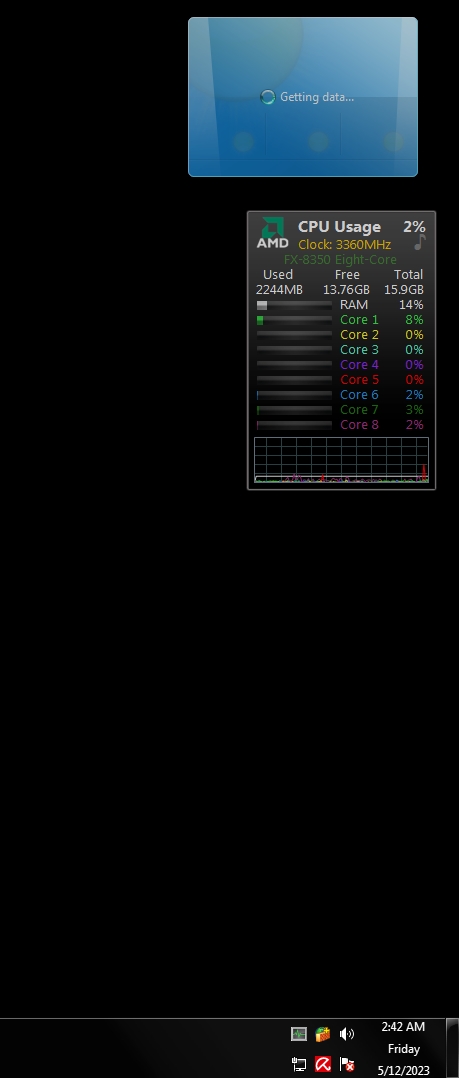
weather gadget down again...
-
archive.org has been crashing randomly for me too I'm using pm 32.4.1 x64 Its wasnt crashing on 32.3.1 Faulting application name: palemoon.exe, version: 6.3.0.8671, time stamp: 0x6515fb28 Faulting module name: mozjs.dll, version: 0.0.0.0, time stamp: 0x6515fe2f Exception code: 0xc0000005 Fault offset: 0x000000000040ef48 Faulting process id: 0xcd8 Faulting application start time: 0x01da2b8eab78059c Faulting application path: C:\Program Files\Pale Moon\palemoon.exe Faulting module path: C:\Program Files\Pale Moon\mozjs.dll
-
down again for me. anyone else?
-
I tried to set my config xml to 2029 and it didnt take. 2026 works though otherwise it wont update also
-
yikes. ok thanks
-
I havent done a update sine 2016 and I was very selective what ones I did install. I use acronis and back everything up every couple months and never have an issue. Windows 7 or death
-
I noticed my gadget had 3 day old forcasts and then "service not availible" Its happened before then worked again a week or so later but I was wondering if anyone elses is kaput? thanks
-
https://www.dslreports.com/forum/r30320726- this is the way I been doing it, I hope thats enough
-
https://socialclub.rockstargames.com/ Newmoon 28 64bit w7 Can anyone get rockstar social club to load? I get a blank page and no error log https://support.rockstargames.com works and I can login but I guess its pollyfill. bogus technology
-
Is Version 28 dead? Last update was Jan 22
-
you thought wrong. I'm very thankful for Roy and his work on the browser and trust it 100%
-
same here but no changes made on my end