Dave-H
Content Type
Profiles
Forums
Events
Everything posted by Dave-H
-
 It used to be like that a few years ago, on my low powered netbook I would leave it scanning overnight, and sometimes it hadn't even found the updates then! IIRC it was something to do with too many previous Internet Explorer updates clogging the system (or something like that). At least you did eventually get the updates, and I do remember them taking a while when I first installed and updated Office 2010, so I don't think this is unusual. You just have to be patient and be glad you only have to do it once! It's probably still quicker than identifying all the updates and then downloading them from the catalogue and installing them all manually!
 -
No I haven't excluded HTTPSProxy (I'm no longer using ProxHTTPSProxy) from Malwarebytes. I will give that a try, just excluding the HTTPSProxy folder.
-
Thanks largely to you! I do get full speed using Firefox 52.9 ESR, which doesn't use the proxy. There is no difference if I switch off Malwarebytes' web scanning. The speed hit is only noticeable if I use 360Chrome with the "Use IE proxy" option enabled. Fortunately you can easily switch it off. This does result in a few padlocks not being green in the address bar, but I've not found any site yet which doesn't work in that configuration.
-
Yes of course!
-
Just for completeness, now working fine in 360Chrome 13.5.

-
No it isn't that. As you say it's almost certainly just the processing that the proxy has to do which is casing a bottleneck. As reading a lot of my e-mails would be a very painful process without the proxy, I'll live with it!
-
No it doesn't matter, I was just wondering why the loss of speed was so great with a locally running proxy.
-
I started using a proxy because my ancient Eudora e-mail program uses the IE engine to display messages, and I started getting certificate errors popping up all the time. That's the only reason I have to use the proxy (and now for Microsoft Update on IE8 again of course!) so it's not really a problem. I was just a bit puzzled. I would expect some loss of speed, but not a third of what it should be!
-
Yes, I think I probably always imported the certificate by double clicking on it and using the wizard, which supposedly puts the certificate in the right store automatically! This time it obviously didn't put it where it needed to be. Just a couple of quick off-topic questions about HTTPSProxy. Do you know why there are two entries for HTTPSProxy.exe in Task Manager? Different PIDs and different memory usage. Also, would you expect using HTTPSProxy to significantly slow down your internet connection speed? This probably happened with ProxHTTPSProxyMII as well, but I never noticed it! Using 360Chrome, where you can easily switch the proxy off and on, on the Cloudflare speed test I'm getting 66Mbps with a direct connection, but only 21Mbps with the proxy enabled, an enormous difference! I know of course that online proxy servers are always very slow, when they work at all, but I'm surprised that a local proxy should cause such a speed hit. Is that expected?
-
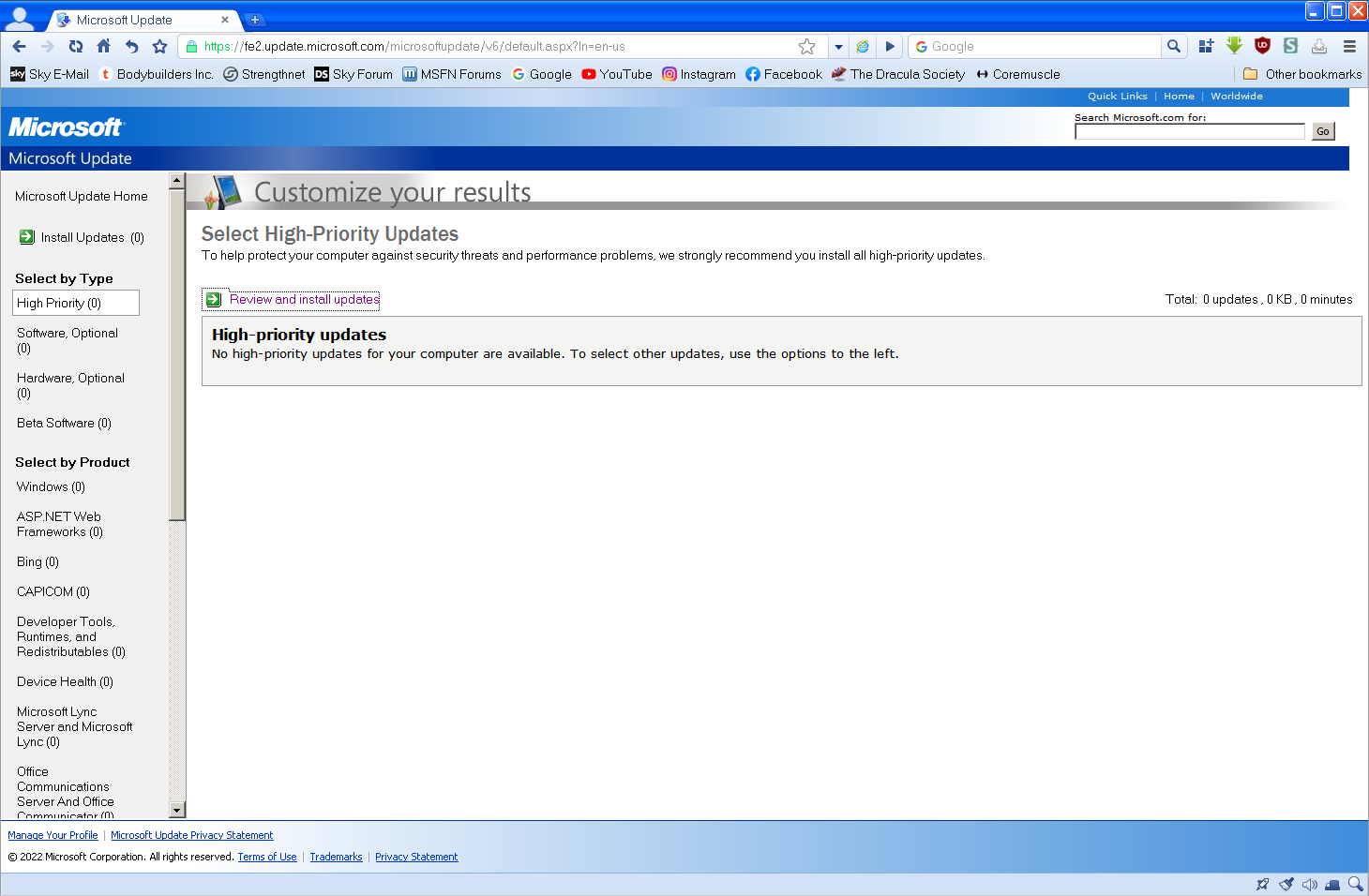
Yes I did look at that tool thanks, I transferred the help file from the older version into the zip file of the newer version, and I will keep that. I hope now that I will never have to use it of course! I've reinstalled Chrome Frame, and restored my original SoftwareDistribution folder as a test, and I now have my original twelve years of update history back! Microsoft Update is still working fine, so they weren't a factor in it not working before. I'm still so pleased that this was fixed. All it took, and I thought that would be the case, was for you to see the apparent clock problem yourself on your system. Once you had it to directly work with, you fixed it, thank you again!
-
Yes indeed, so simple once you know! The automatic selection for the certificate import was obviously getting it wrong, at least for some of us! I still wonder why it worked for some and not others. You can do it through the Internet Options Control Panel applet if you select "show physical stores" BTW. Finally, all's well that ends well, and thank you so much everyone, especially of course @AstroSkipper, for sticking with this for so long. Cheers, Dave.
-
I see you're using ProxHTTPSProxyMII too, as I was originally. I'm now using HTTPSProxy, but the result is the same. This seems to prove to me that it doesn't matter which of those programs you use, the error can still happen. Assuming that all other settings and configurations are correct, I think the proxy server is very likely the cause of the certificate error, but we need to diagnose why it works for some people and not others, with apparently the same setup. For anyone who hasn't already noticed, the PM system is fixed BTW!
-
Already done, but I don't know how long it will take to address. The PMs were already faulty before the whole board went down on Tuesday. I've reported to @xperthe board owner that PMs are still down.
-
Thanks. I'm away from home at the moment, back on Thursday, so I will give it a try then.
-
Ah yes, sorry more confusion from earlier on!
-
That link won't work for me either. It Looks like KB968730 was replaced by KB3072630, which I also have installed already. My version of crypt32.dll is 5.131.2600.6459, the same as yours.
-
That link doesn't work as it stands. I guess you have to be a member? I downloaded KB968730 from elsewhere anyway, it is the SHA-2 update I think? Thanks, but again I already have it installed.
-
Thanks, but that appears to be an update for the Windows MSI Installer. I'm not sure what that would have to do with Windows Update. I already have it installed anyway.
-
Ah thanks, I didn't spot the reference to it in that post! I did download it then, which is why I recognised the file's icon, but I can't remember whether I ever actually used it. Certainly everything that it does was checked and implemented manually anyway.
-
Yes thanks, I found that. Unfortunately, everything he did to fix it, I've already tried, in some cases several times, and it didn't fix it!
-
I've just been reviewing the earlier posts, and I was wrong when I said that nobody else had reported my problem. @xpandvistafanreported exactly the same problem here. I don't know if they found a fix, but I'll search some more!
-
I'm sure I had it before, I recognise the icon, so I assumed I had used it! You've made me doubt now.
-
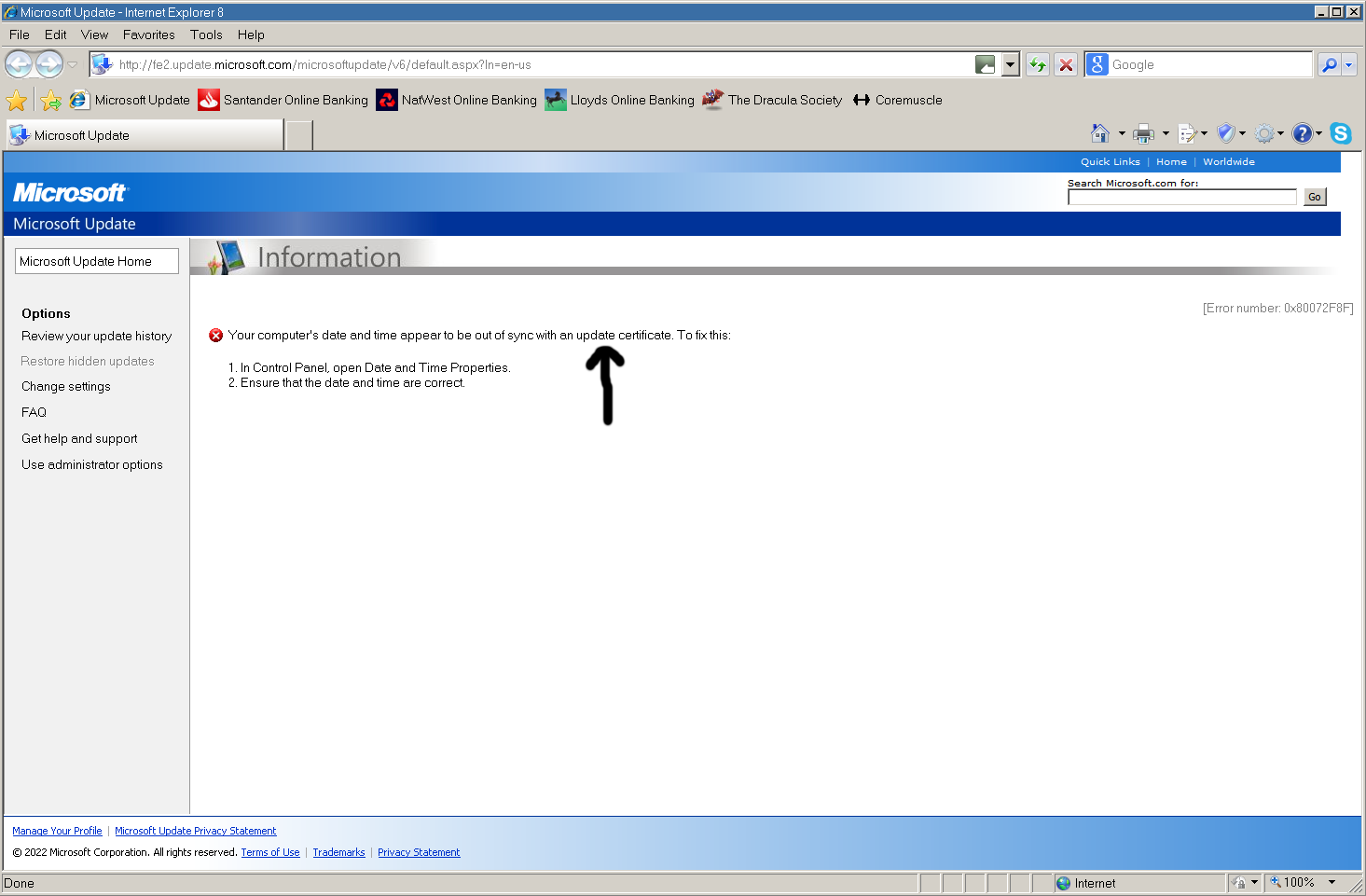
OK I'll give that another go. Thanks for the link to winUpRestore!v28 BTW. Is that the same version I used before, or a later one? I can't remember! I'm pretty happy now that there is nothing wrong with my Windows Update software installation, I don't think it would get as far as it does if there was. It falls at the very last hurdle as far as I can see. If "an update certificate" means the certificate of a specific update, that would imply that an available update has been detected, which I feel is actually pretty unlikely now. It's more likely to mean a server certificate I would have thought.
-
It's here.
-
OK, scratch that theory then! I'm wondering about the error message saying "an update certificate". Does that mean the certificate of a particular update, or a general server certificate? I know my computer clock is 100% correct, I know my root certificates are 100% up to date. The pages I've found about the 0x80072F8F error sometimes cite a "defective proxy server" as being the culprit, but we are both now using the same local proxy server with exactly the same settings. I wish it was possible to access Microsoft Update now on XP without a proxy server, but it isn't of course. I've tried online proxy servers replacing HTTPSProxy, but then the site doesn't work at all, presumably because of the lack of the TLS 1.2 support that HTTPSProxy provides.