Dave-H
Content Type
Profiles
Forums
Events
Everything posted by Dave-H
-
 Yes, it was very disappointing! I'm really not going to go through everything again or do a new installation just to try and fix this. It's a huge bonus just to have the Microsoft Update site display at all again, and allow me to see my update history in it. There will of course be no more updates for XP anyway, or any of the other XP-compatible Microsoft software I have installed, like Office 2010, so there really is no point anyway in having Microsoft Update working fully again. The only reason to need it would be for updating a new installation, and I'm never going to do that unless there's an absolute disaster with my present installation. The thought of installing it all again from scratch, including the POSReady updates, fills me with absolute horror! I do ISO backups every week of my Windows 10 installation using the built-in Microsoft backup utility, but for Windows XP (and Windows 98) I just do a file copy backup of the drives. Maybe I should get the necessary software to do ISO backups of them too. I certainly don't have a backup from when Microsoft Update last worked! Why it doesn't work for me is still a mystery of course, and I would love to know what the problem is, but I think we've done as much as we can now. Whatever the problem is, it doesn't seem to affect anything else! I actually suspect that the problem is not what we think it is, Microsoft error messages are notorious for not really identifying the real problem! It must be related to certificate validity I'm sure, something in the certificate chain is failing and causing the scans to fail, but it is getting at least to that point. Do you have the POSReady updates installed? There is an outside chance that one of them is causing the problem. It would be good to know if anyone with them installed has Microsoft Update working properly now. Cheers, Dave.
 -
I didn't try that then, but I've now toggled it on and off a few times and now left it on. I also tried removing all the Microsoft certificates, which stopped it working completely, not surprisingly (error 0x800B0109)! I then ran heinoganda's root certificates updater, which put some (not all) of the deleted certificates back, proving it works I suppose, which returned it to as it was before. I've also restored my original datastore.edb file, which has returned my update history I'm glad to say.
-
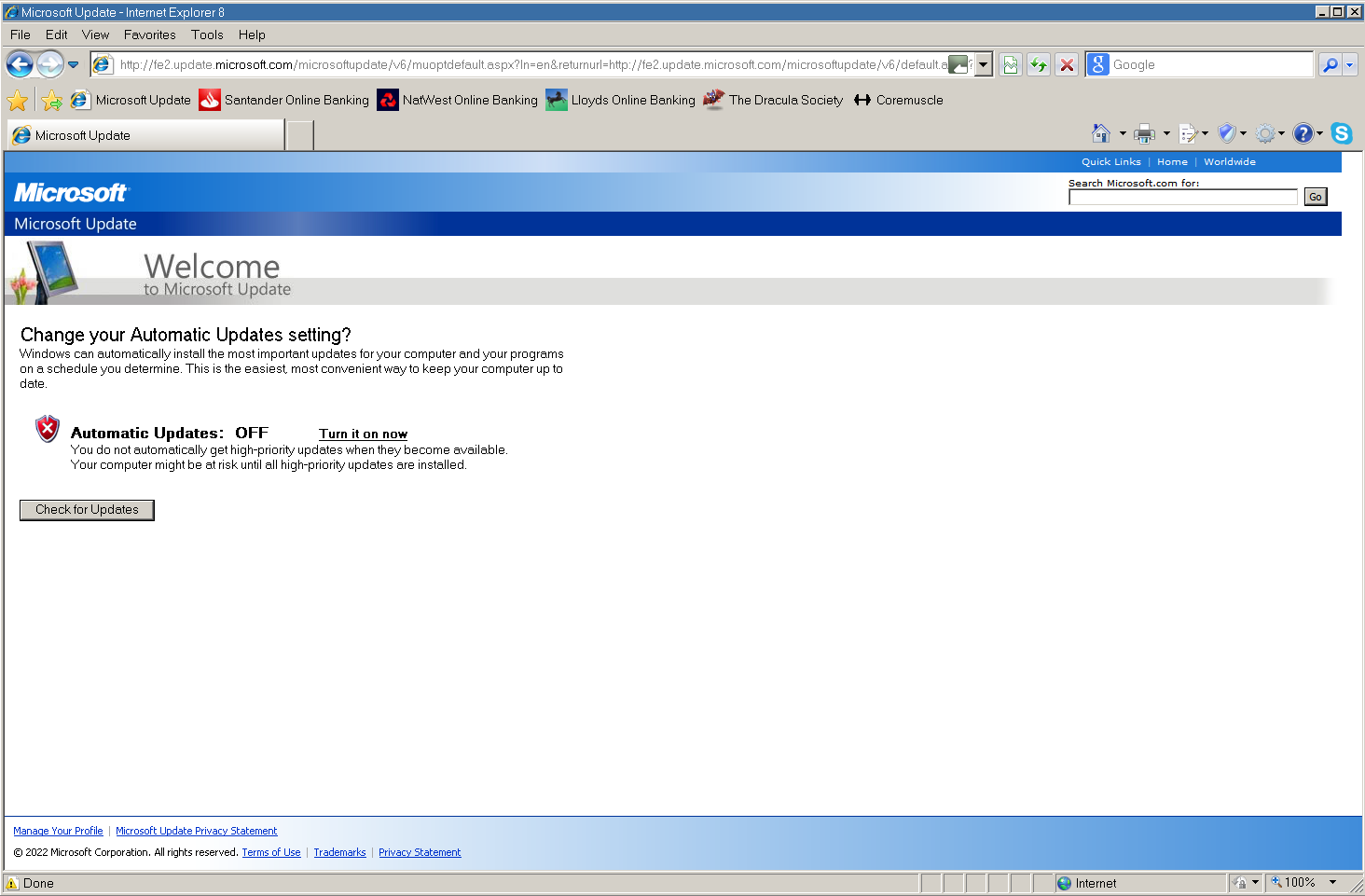
OK, I've tried the last solution, still no change I'm afraid. I did have to re-enable Microsoft Update, as you would expect. I got this screen, which i have seen before. As before, the "Check for Updates" button did nothing, but reloading the page produce the normal result. I've attached the log again. I don't know where to go from here, it is a complete mystery as to why this isn't working. As far as I'm aware nobody else has reported this problem. I've been looking to see if there is some utility which will track the certificate chain, which is presumably failing at some point, but no luck as yet. Can I say now how grateful I am for everyone's input and help with this, especially AstroSkipper of course! WindowsUpdate.log

-
Not yet, I'll try it tomorrow.
-
I checked with the HxD Hexeditor, which has a file compare function. The file in system32 and the file in the Restore_WU_XP folder\x86 folder are identical. I've just tried loading MS Update in ArcticFoxie's version of 360Chrome 13.5, which has an Internet Explorer engine function. It produced the same result, but did allow me to look at the certificate, which it said was fine.
-
Yes, I would be very surprised if changing the date format would make any difference, as there are people using the "non-US" format with it working fine. Changing the three services' startup mode hasn't changed anything. Only the BITS service wasn't running anyway. All three are on "Automatic" now and are starting fine. Glad you found the link interesting! PS Unchecking "Check for publisher's certificate revocation" hasn't made any difference.
-
I tried your certificates, and they installed (using the automatic destination determination process) into the Intermediate Certification Authorities list. I assume that's the right place for them. No difference I'm afraid. I'll have another go with ProxHTTPSProxyMII in "out of the box" condition. As you say, you "never know".
-
Sorry about that! Second attempt.
-
I haven't even got ProxHTTPSProxy installed any more. I like HTTPSProxy so much better I will carry on using it now! I did that exact test with ProxHTTPSProxy earlier on, restoring the original certificate it came with. It made no difference. Got the certificates, I'll let you know how it goes with them!
-
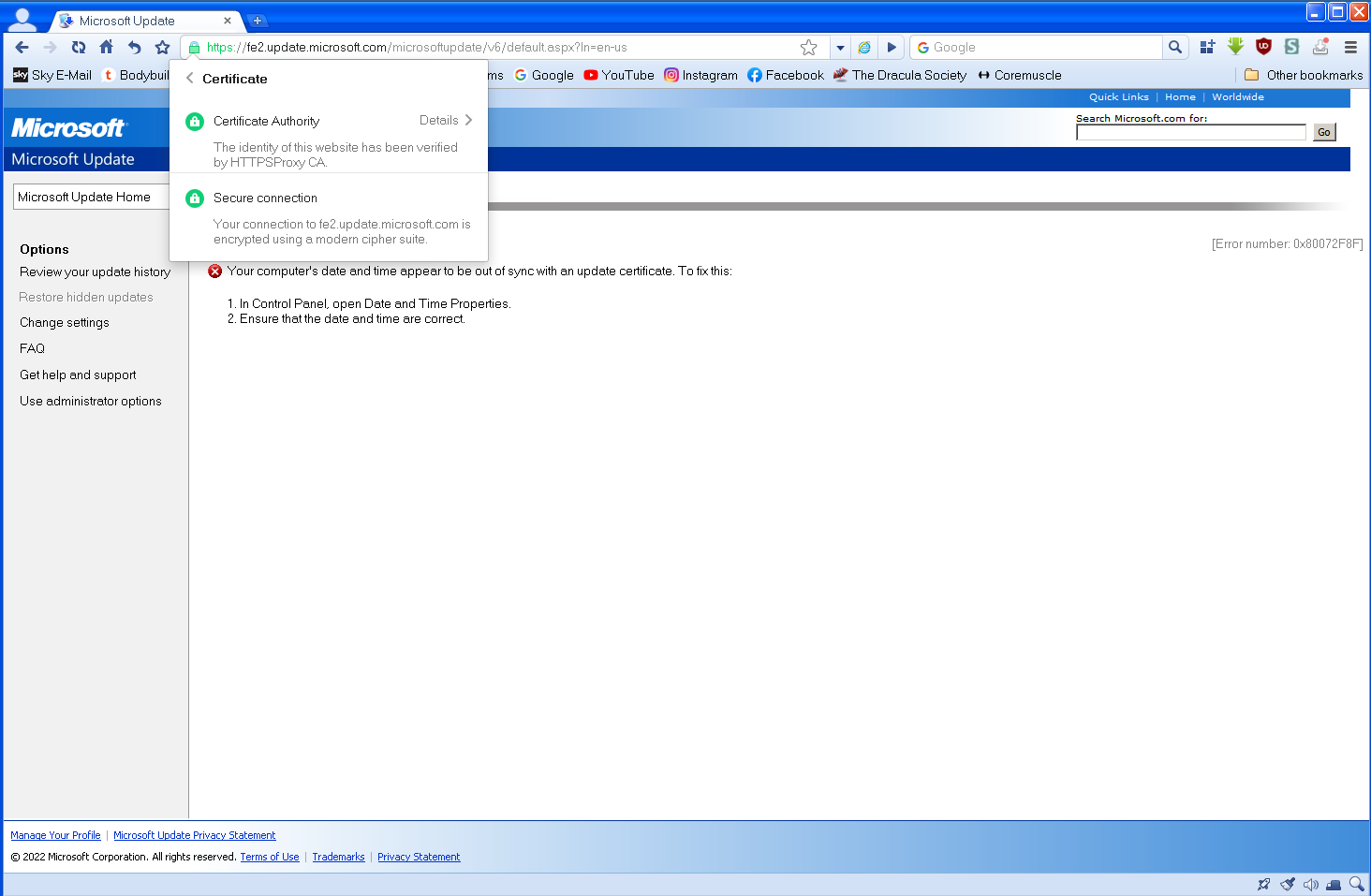
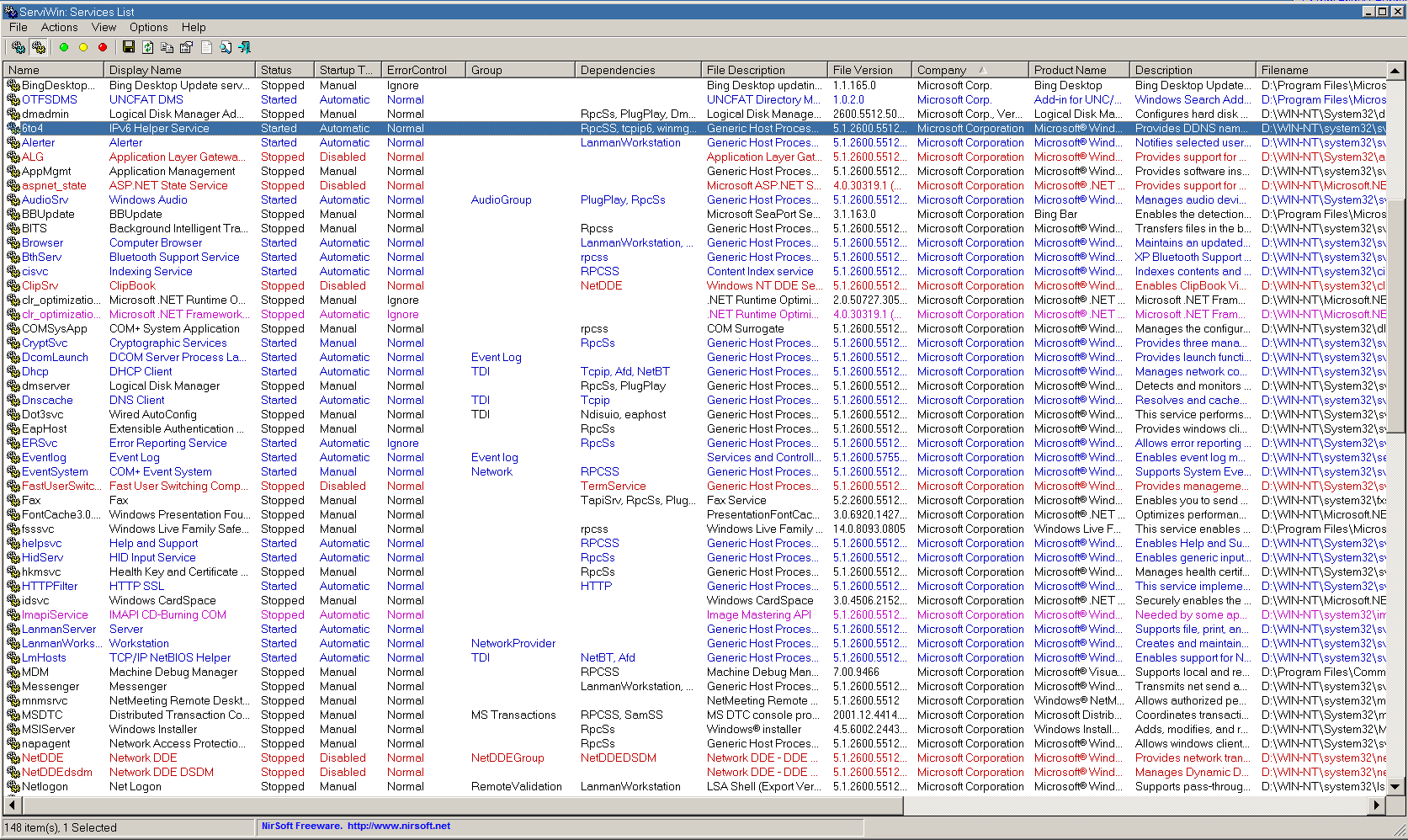
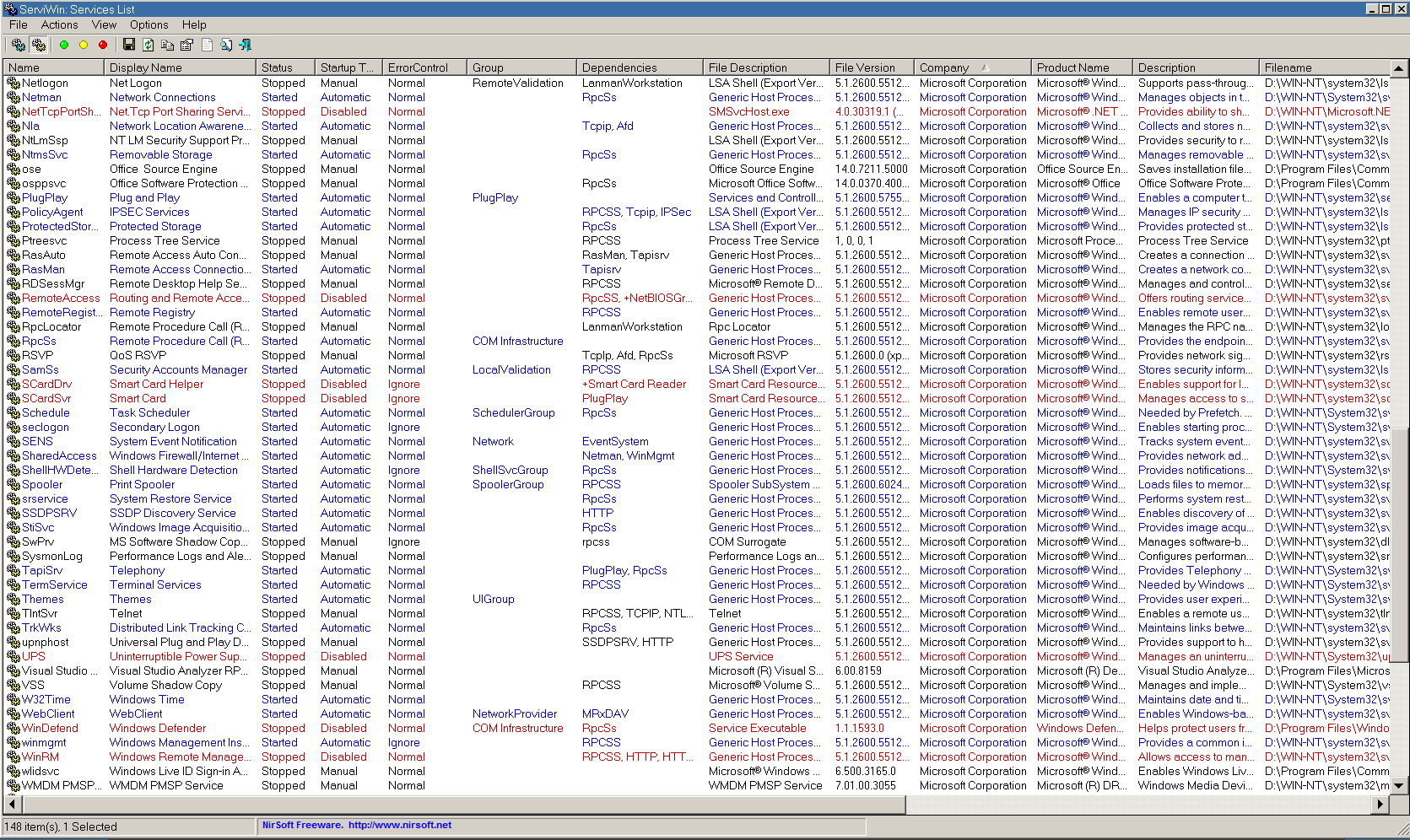
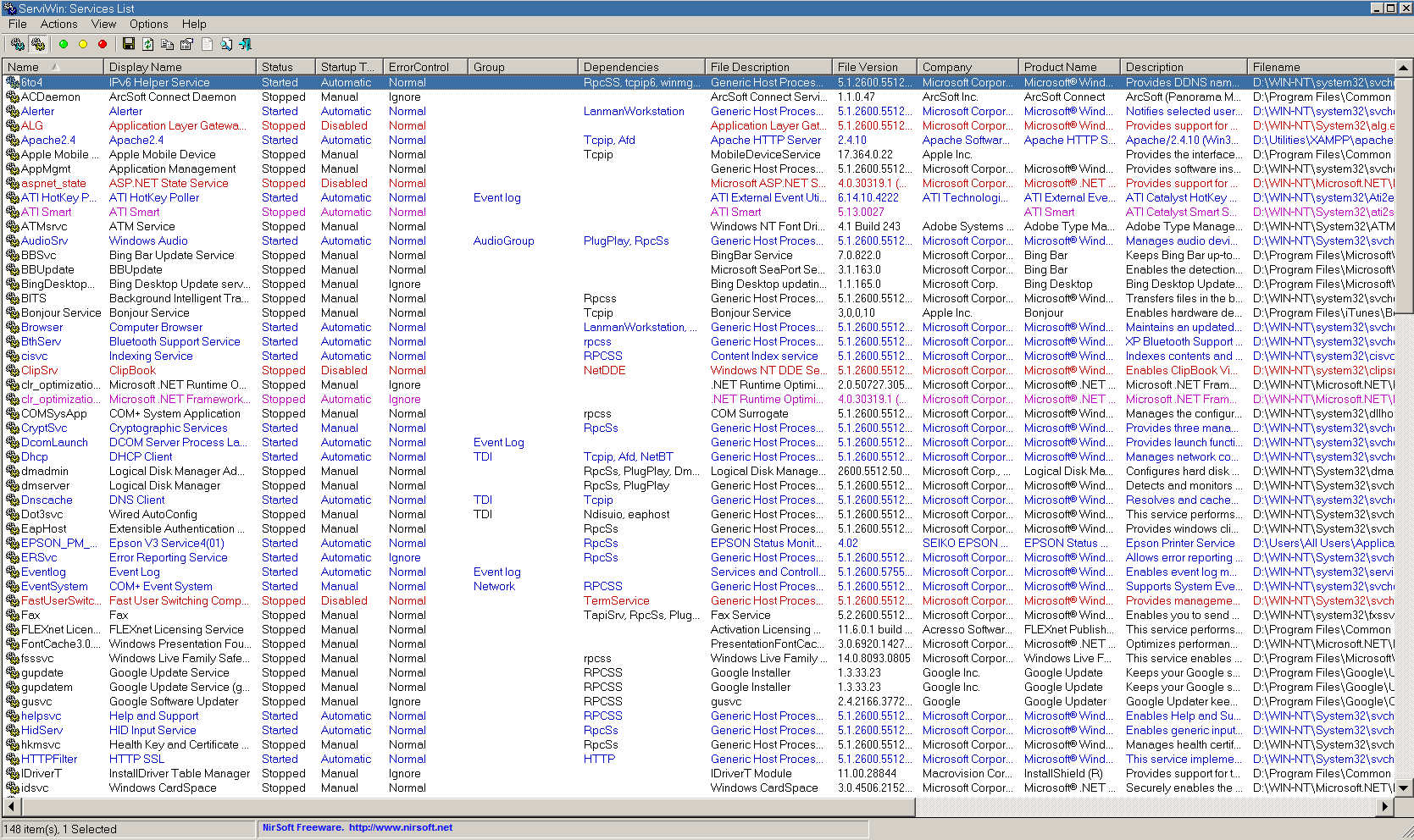
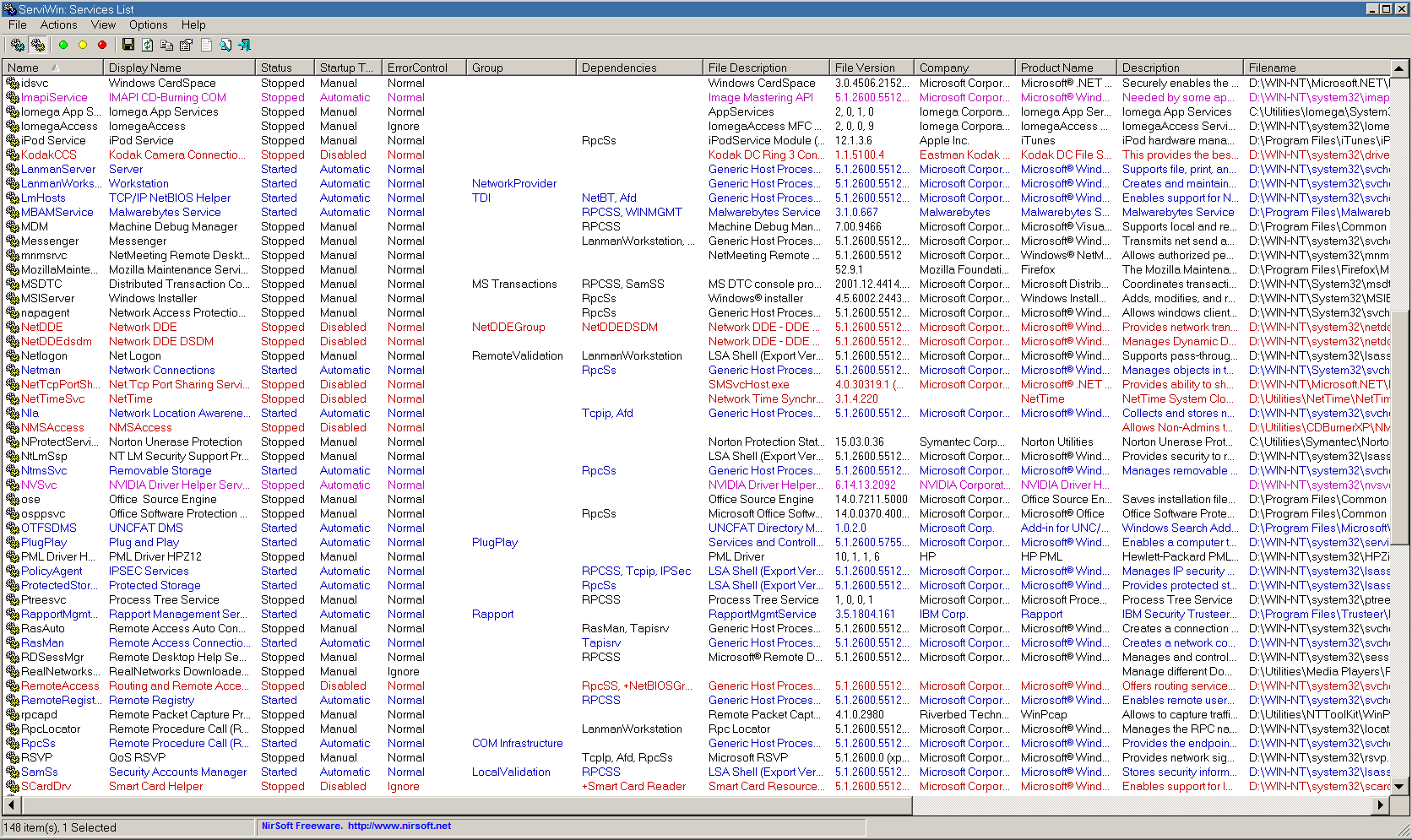
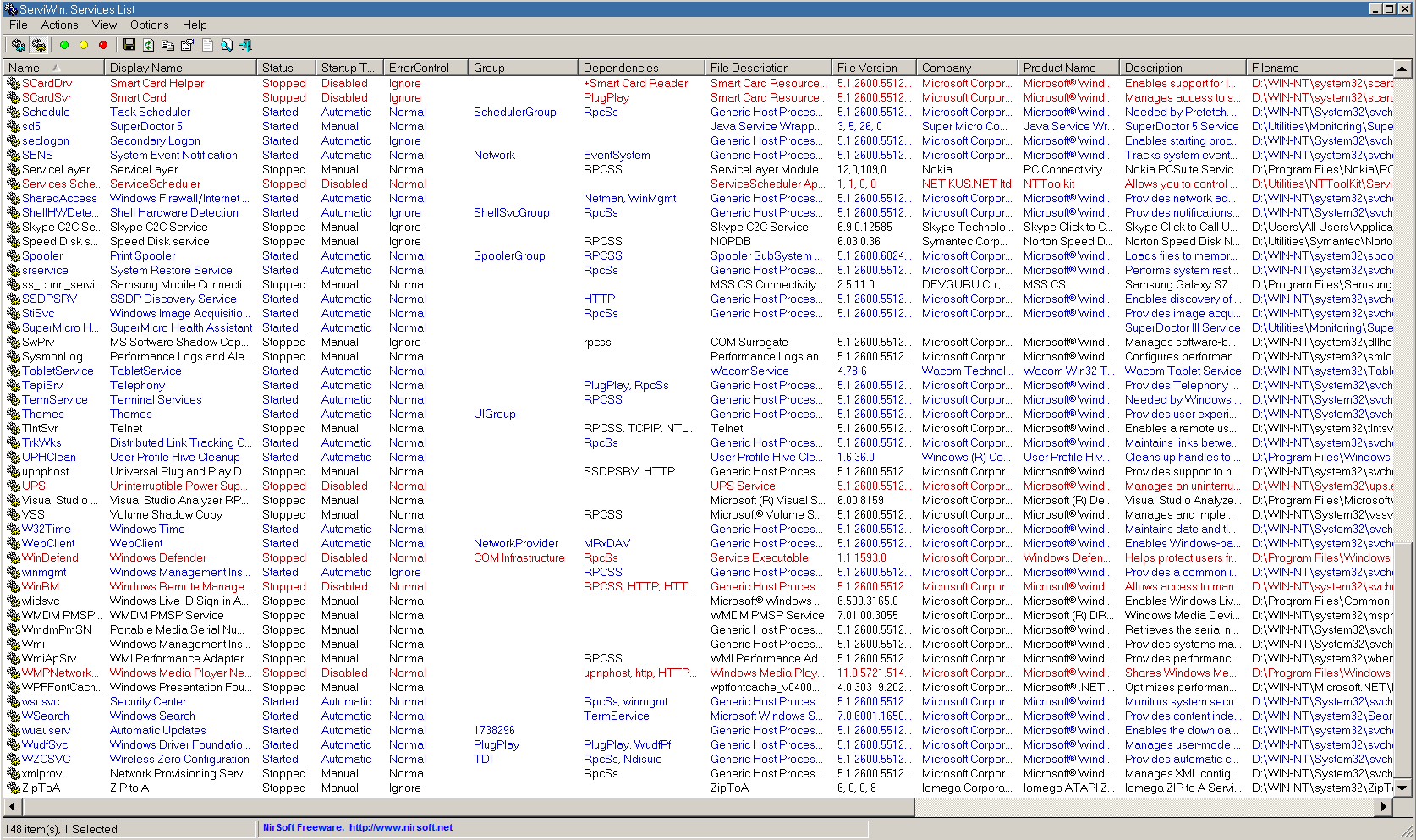
OK, I tried moving the clock to 10th March 2021 17:25:01, exactly an hour after my LastRestorePointSetTime entry. Microsoft Update then wouldn't load at all, error 0x80072F05. Rebooted, tried again, same result. Set the clock back to normal, back to the clock time error again, same after another reboot. Here are my services, have fun wading through all those!
-
This is what the registry entry looks like. So is that 3rd October or 10th March? Here are my services. Services.txt I went through them many years ago using the guide here (now much reformatted from when I used it!) I put them on the settings which seemed to be the most efficient. I did have to modify a few subsequently of course, but they've been as they are now for years and everything worked fine, including Microsoft Update. Please do let me have your versions of the missing certificates, one (or more) of them could be the answer of course. Although someone here a while ago said that it wasn't a good idea to use someone else's certificates on your system, I'm happy to give it a try!
-
Changing the DNS servers made no difference. I've looked at that registry key, and unfortunately it's a date where I can't tell whether it's in American format or the sensible format that the rest of the world uses. Do you know which it is? I'm guessing US format, but just wanted to be sure. Our Internet Options Advanced tabs are actually the same, sorry I had a "senior moment" there! Both the 'Use HTTP 1.0' options are checked. As for the missing certificates, I honestly have absolutely no idea why they're not there. I've never deleted any, so I can only assume that they have never been there! And I have absolutely no reason to think that there's anything fundamentally wrong with my IE8 installation, it works fine (with HTTPSProxy) on every other website I've tried it on that it will still display, which is not that many now of course! That's not because it's faulty of course, it's just now much too far out of date to cope with current sites! If the installation were faulty it would be malfunctioning far more I'm sure, but it's only Windows Update and Microsoft Update which have a problem as far as I can see. Even they are loading their ActiveX controls and displaying absolutely fine, it's just the scanning which is failing, which must be just a certificate problem.
-
I did do step 4 when I did the rest of them, just for completeness. I couldn't see any reason not to in this case. I registered the extra dll. I've now checked 'Use HTTP 1.1', but strangely 'Use HTTP 1.1 through proxy connections' isn't there. That is puzzling. I don't remember ever seeing it! I found that my 'HTTP SSL' service was disabled. I have no idea why, I can only assumed it was one of the services deemed to be unnecessary when I went through the system years ago following recommendations to disable all unnecessary running processes to speed up boot time and performance. I've put it on Automatic now. Sadly, after a reboot, nothing had changed. WindowsUpdate.log
-
That GTE CyberTrust Global Root certificate is on my system, dated 13.08.2018, one day before yours! I doubt that's significant. Adding WuauClt.exe to the list of Windows firewall exceptions hasn't changed anything. My XP is a normal installation on a standalone PC, it is on a domestic network but nothing else.
-
Those are the same programs that come with ProxHTTPSProxyMII, which I used for years, I have indeed used them when I still had it installed (I'm using HTTPSProxy at the moment to mirror AstroSkipper's system). It never made any difference to the current problem with MS Update.
-
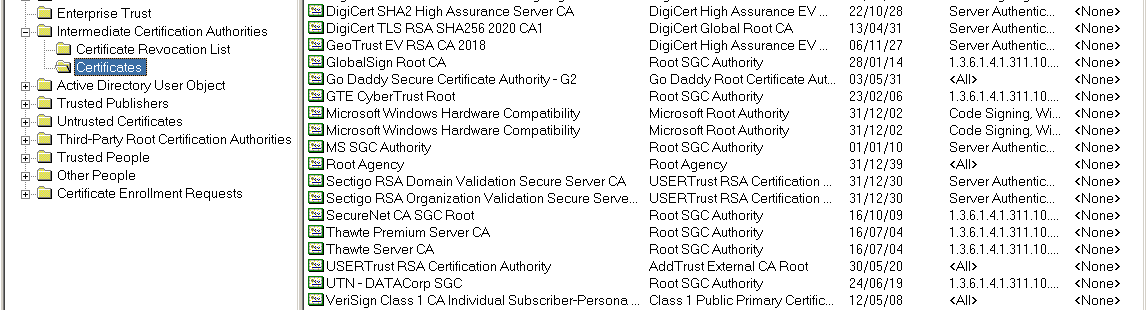
HTTPSProxy seems to be working fine here, no problems with any sites at all. How did you determine that cacert.pem was faulty? I had updated mine few days ago, and it's dated 26th October 2021. I tried the disabling of Malwarebytes using Autoruns, which seemed to amount just to the main service and a couple of shell extensions, and it did work and Malwarebytes is OK again now (phew!) but it made no difference to MS Update. My current time server is still your German one, as we discussed the other day, using the default Windows updating process. Here's my equivalent of your two Microsoft certificate lists - I see you have two apparently identical Microsoft Windows Hardware Compatibility certificates too! I don't know why that is. Windows XP is certainly activated, I've had to do it a few times in recent years due to changes of motherboard, and I'm always relieved that it still works, tedious process though it is doing it on the phone! My version of WgaTray.exe is indeed 1.9.40.0. WindowsUpdate.log
-
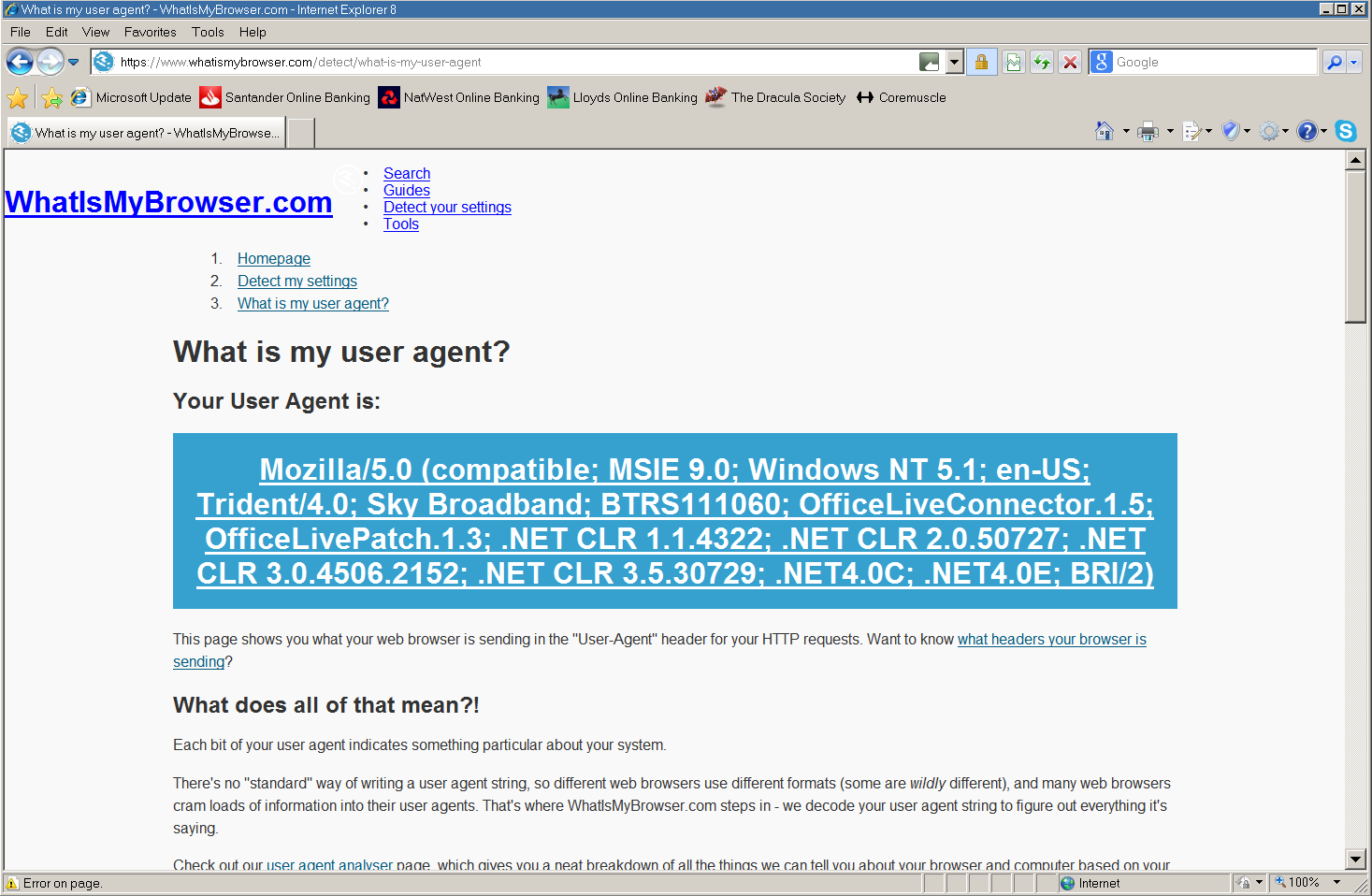
After a bit of registry editing, this is my IE8 UA now. No change on Microsoft Update. I will try disabling Malwarebytes. I already have Autoruns installed, although the self-protection module might fight it. As it was that which gave me grief before I'm a bit apprehensive, but i'll give it a go!
-
How do I set it back to the original user agent string? Having never knowingly changed it from the default, I've never done it, in fact I didn't know that you could change it on IE without an add-on! As for #7 on the list, switching the Windows firewall off has never made any difference, and I really don't want to uninstall Malwarebytes as I seem to remember it was a bit of a problem to get working properly in the first place! You said you never got it working properly, but it does seem OK for me at the moment and I don't want to mess it up. I think if it doesn't help switching off all its scanners, uninstalling it completely is clutching at straws a bit. This has to be a certificate problem surely? Either a needed certificate is missing, or one that is installed is incorrect or invalid.
-
IE8 from Softpedia? Definitely not! It's a standard Microsoft upgrade installation done from IE6 years ago.
-
Oh that! It's just a registry hack. I've got it on IE6 on Windows 98 too!
-
Only because I'm using the Window 98/2000 classic theme I suspect.
-
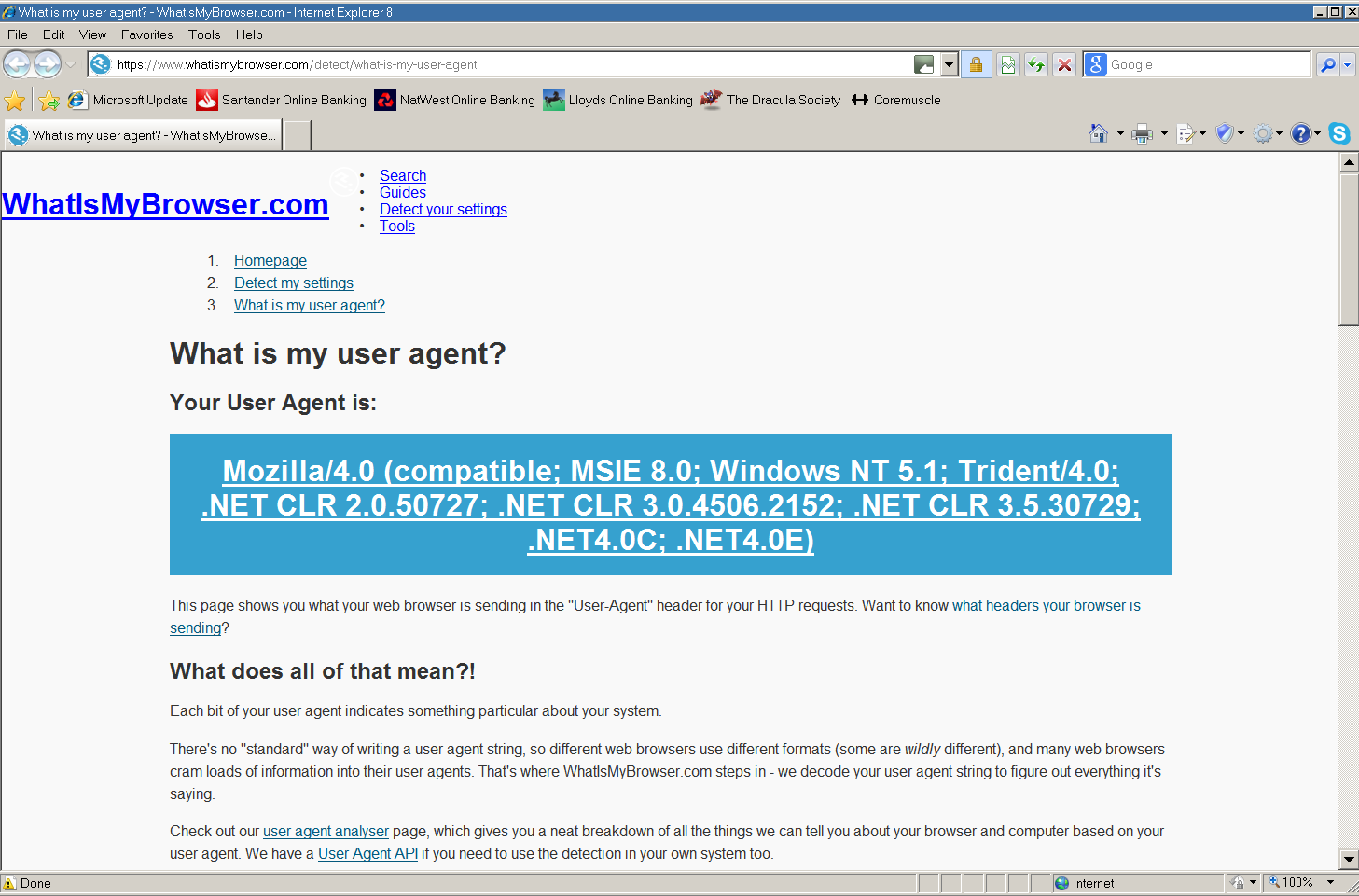
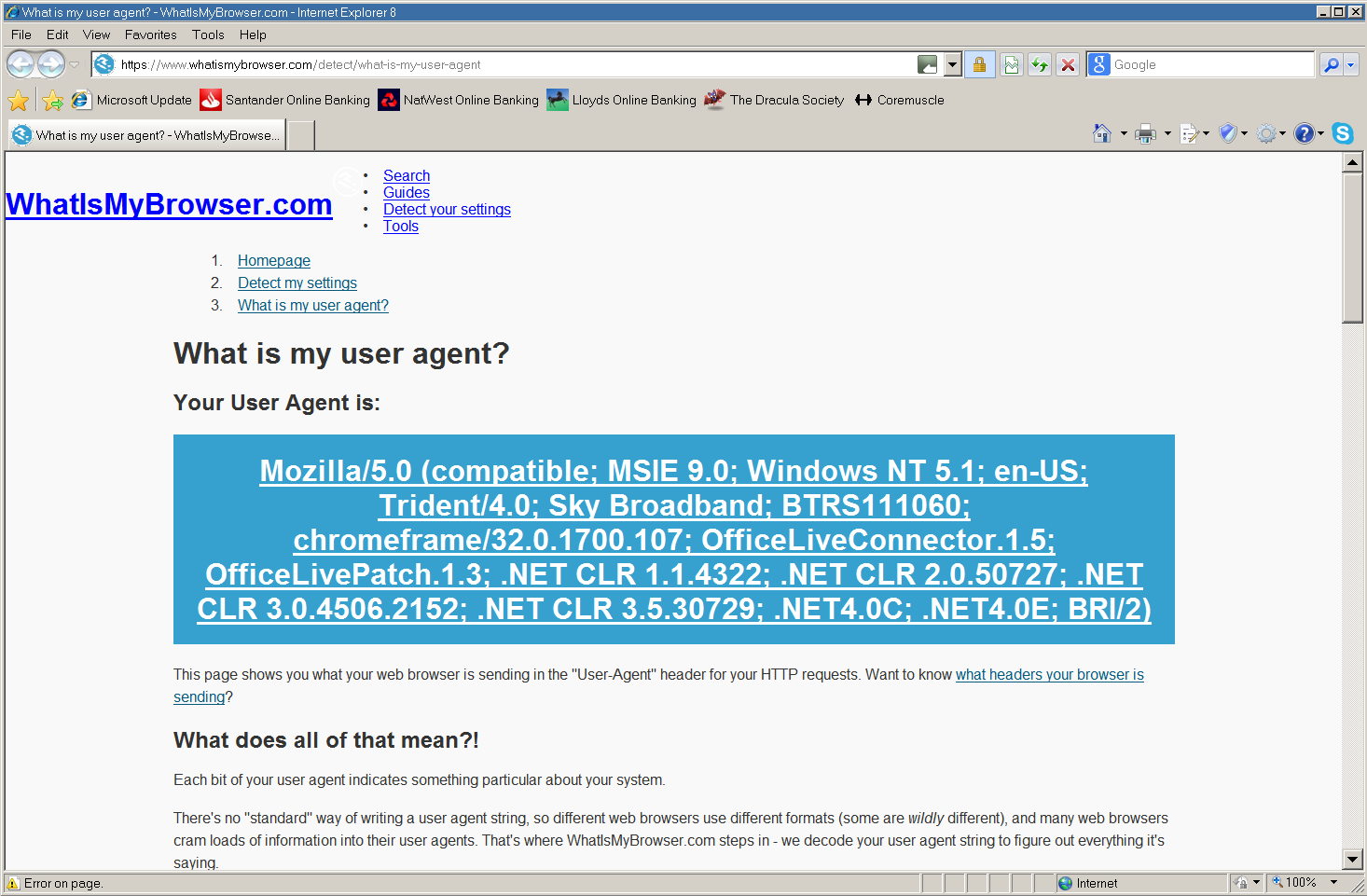
OK, I uninstalled Chrome Frame, which made no difference to Microsoft Update. As you can see from these "before and after" user agent detections, it would appear that the UA is "live" from IE8 (rather than being injected by something else) as the reference to Chrome Frame has gone. What the 'BTRS111060' bit is I have no idea, and researching it doesn't help. It seems that "BTRS" followed by a number is not uncommon in UA strings, but what it actually is seems to be rather vague to say the least! One suggestion was something to do with Bluetooth, but I think that's rather unlikely in my case!
-
Chrome Frame is disabled of course, but I will actually uninstall it just to make sure. I was always very impressed with it, it enabled many sites to still work on IE8, even things like online banking sites, which I never thought would ever work again! Of course I was only playing with it, I had long ago given up using IE8 for any serious browsing!
-
That's puzzling, I certainly haven't knowingly done anything to change the user agent. I can't think that any of the add-ons I've got would do it either. I did use Chrome Frame on IE8 for a while, but can't imagine that would change the Mozilla version number! Perhaps the proxy is doing it?
-
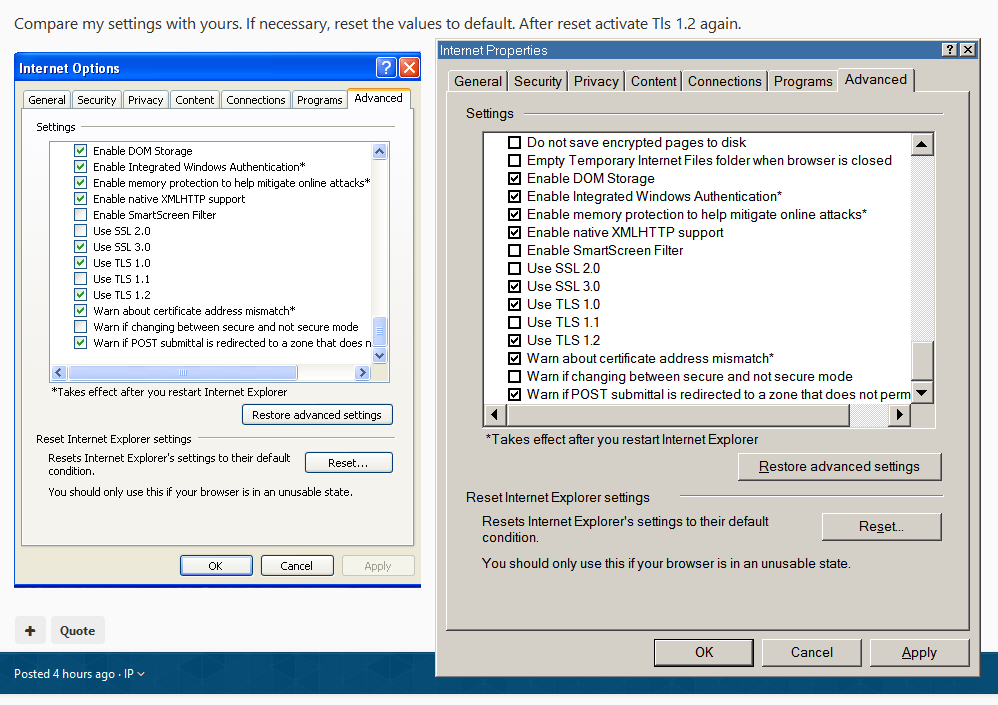
OK, I still had TLS 1.1 enabled, but that was the only difference. I've reset it and set it up the same as yours now, but it hasn't changed anything. I'm slightly puzzled as to why your window is labelled "Internet Options" and mine is labelled "Internet Properties".