Dave-H
Content Type
Profiles
Forums
Events
Everything posted by Dave-H
-
Yes, good to have the system working properly again finally, but why on earth did it take so long to do anything about it?! I fixed my .NET update problem by installing .NET 4 Extended, problem solved! Quite why I would need it I've no idea, but I have got it on my main machine anyway, I obviously never bothered with it on my netbook. I will have a look at that page Den mentioned. 🙂
-
Sorry for the delay in responding, I don't seem to be getting any e-mail notifications of replies again. Yes, I only have Client Profile installed on the machine with the problem, so that would certainly explain it!
-
Yes, I had to do that too! I also can't install KB4457046. It throws error 0x66A every time on Microsoft Update, and when I try the standalone installer, I get "KB4457046 does not apply, or is blocked by another condition on your computer." Anyone any ideas about that? I can't find any reference online to that specific problem. The other .NET 4.0 update installed fine.
-
 Great, glad it worked for you, and I assume you have sound now too? I guess from what you're saying that you've done it as a global UA string. I did that for quite a while, but I then found one day that I couldn't log in to the British Airways website, and after a lot of head scratching I found it was due to having that string set, so I reverted the global setting back to default and used the add-on to just change the string for Facebook. Do bear that in mind if you get problems with any other sites. Cheers, Dave.
 -
In that case you need to change the UserAgent that's being sent to Facebook. I use an add-on called "User-Agent Switcher" but there are many others out there. I would use one that will allow switching on a site-by-site basis, not a global change (which can be done within Firefox natively anyway in the about:config page). I found that caused issues on some other sites. Try using this UA string - Mozilla/5.0 (Windows NT 6.1; WOW64; rv:57.0) Gecko/20100101 Firefox/57.0 With a bit of luck that will then make Facebook use HTML5, which may hopefully cure your sound problem too! The "Windows NT 6.1" bit is important, as Facebook must not be allowed to know you're using Windows XP, or it will serve Flash videos whatever version of the browser you say you're using! This tells it you're using Windows 7 of course. BTW I haven't turned off Firefox updating as I want to know if they do release an out of support update if there's a very severe security problem. I don't think it will affect the notice as the implication was that it was a once-only appearance anyway.
-
If you right click on a video, if it's using Flash you will see the Flash plugin menu. If it's using HTML5 you will see "Pause, Unmute, Show video URL, and Copy video URL at current time".
-
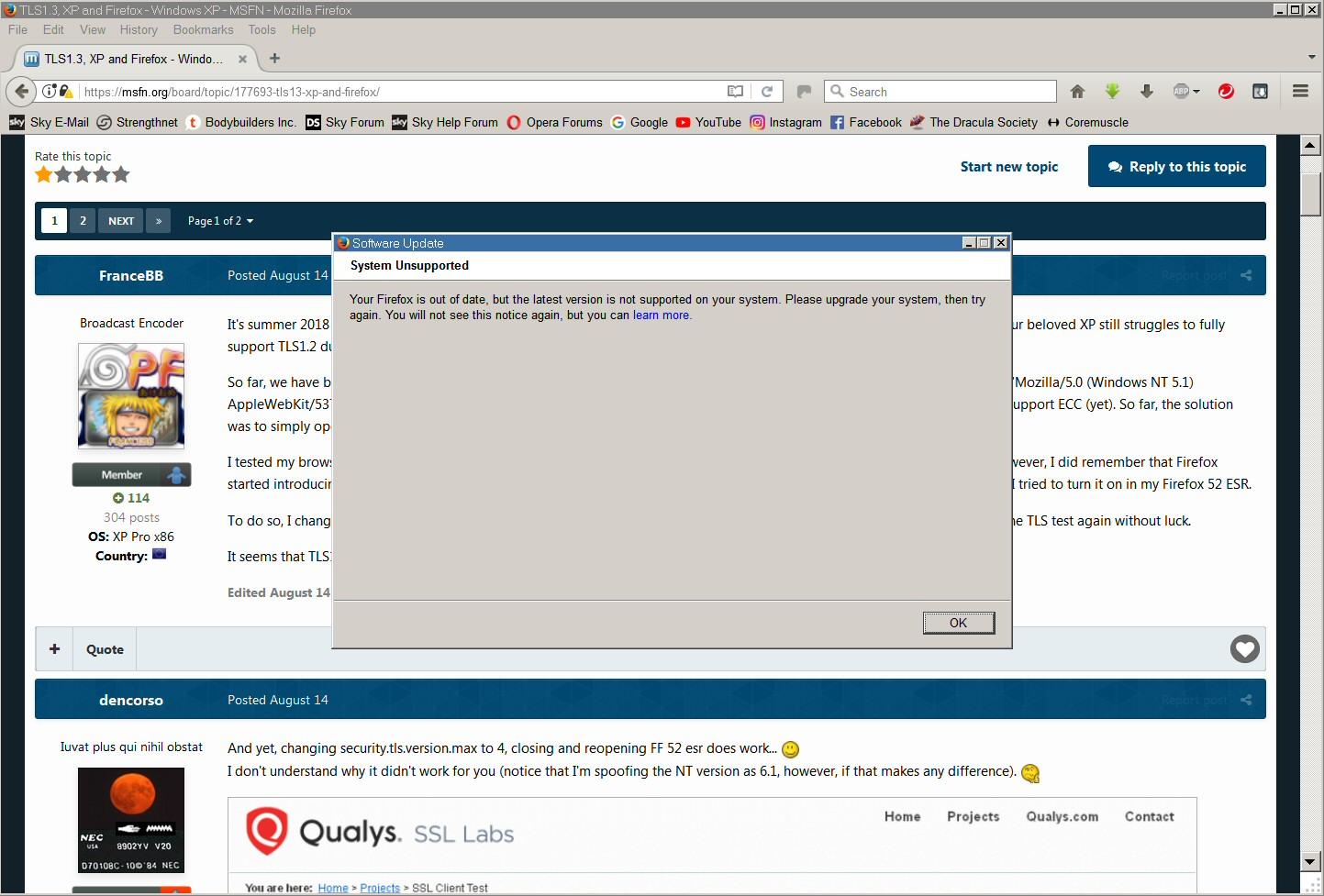
I was just glad to see "You will not see this again"! If it was going to pop up every time I used Firefox 52 ESR from now on I would not have been amused!
-
Perhaps I'm lucky, but my hardware seems to support OK Windows 98SE, Windows XP, and Windows 10 x64! I've no reason to change it anytime soon.
-
Are the videos definitely using HTML5, and not Flash? You do need to spoof the UserAgent to get Facebook to use HTML5 now. I use an add-on for that.
-
Boooooooooooooo!

-
Root Certificates and Revoked Certificates for Windows XP
Dave-H replied to heinoganda's topic in Windows XP
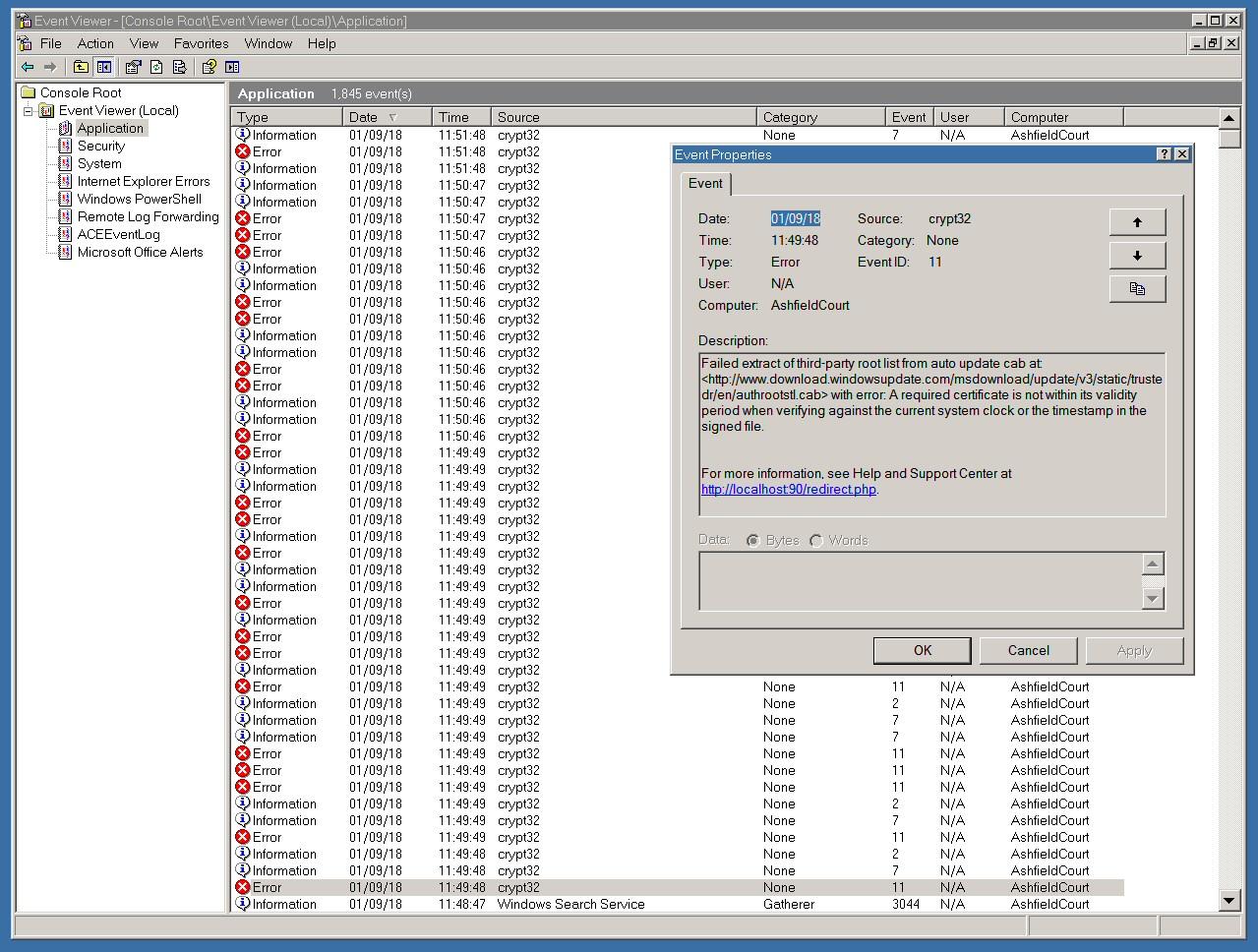
Well I deleted all the files in the certificate cache folders, and cleaned the registry of all the system certificate entries. There were then no certificates recorded as being installed on the machine at all. On reboot a new lot were downloaded, with no error messages, and I then ran the Certificate Updater to get the rest of them restored. So far, so good, I guess I won't know until the next automatic update whether this has finally laid this problem to rest. From past experience, I'm not holding out a lot of hope! -
Anyone else having problems with many 2018 updates for POSR 2009?
Dave-H replied to Tomcat76's topic in Windows XP
Actually I've always found that MS Update scans fine as long as there is no update for IE8 pending. It suddenly falls over on Patch Tuesday when that monthly update is rolled out. If you run it any other time it's OK. -
Anyone else having problems with many 2018 updates for POSR 2009?
Dave-H replied to Tomcat76's topic in Windows XP
You should only need to install the IE8 Cumulative Update to avoid this, but I thought that problem was supposed to be fixed now anyway? I guess we'll find out on the 11th. -
Root Certificates and Revoked Certificates for Windows XP
Dave-H replied to heinoganda's topic in Windows XP
And now it's back to as it was before! So the clearing of the caches is obviously not the answer! Somewhere there is an expired certificate that is presumably causing this, but I don't seem to have been able to identify it to remove it and/or update it. It can't be an intrinsic problem with Windows XP, or everyone would be reporting it! I think what I'm going to have to do is to completely reset the certificates system on my machine and delete them all and start from scratch again. Has anyone any input on the safest way of doing this? Thanks, Dave.
-
I agree, there will I'm sure be a dedicated thread or two or more about finally abandoning XP after next April. I personally have no intention of doing so!
-
MS Office 2007 Compatibility Pack with Office 97
Dave-H replied to dencorso's topic in Microsoft Office
So it does! A shame that the same trick doesn't work for PowerPoint. -
That is good to know that the online update system is finally fixed after all this time, but having links to the updates posted here is still extremely useful!
-
I third that!
-
Well considering that we've actually been "living on borrowed time" for over four years now, we haven't done too badly!
-
Same for me, the .NET 2.0 update, but not the 4.0 one. I'll try installing it manually. I no longer have the Office 2007 Compatibility Pack installed as I updated my Windows XP Office installation to Office 2010, and there were five updates for that.
-
No Den, Windows 98 doesn't show anything about updates in add/remove programs. In the old days you would presumably rely on your Windows Update history to tell you what patches had been installed, but now when you have to install them manually there seems to be no record. There is a list of patches in the registry installer section, but it's impossible to interpret as there are multiple entries with the patch numbers duplicated in many of them.
-
I've now got the 2007 Compatibility Pack installed, and Word can read docx files, which is all I needed. I still don't see how I can tell what updates have been installed on Office XP, apart from SP3. How can I check this? Also, although obviously not a deal breaker, the Office Assistant won't work. Is it actually compatible with Windows 98?
-
MS Office 2007 Compatibility Pack with Office 97
Dave-H replied to dencorso's topic in Microsoft Office
Just to add my experience, I had given up on being able to use any of the Office 2007 Compatibility Pack on my Windows 98SE Office XP installation, until I read this thread, and I thought I'd give it a try. I have the installation file for the base install, so I extracted the .msi installer file from it with Universal Extractor. To my amazement, without any Orca modification, it ran and installed! Word now opens docx files fine for reading, which is all I really wanted it for. I'm not interested in being able to save. PowerPoint and Excel still don't open the newer formats, just throwing error messages, but Word was the important one for me, and I'm really pleased that it works! I do have the installation file for SP3 of the Pack, but I guess that installing that is a no-no. When I run it it says it needs MS Installer version 3, and Universal Extractor doesn't seem to produce anything meaningful from it. -
I did actually try that, but nothing happened but a whole string of error messages, so I guess the commands in the file are invalid on Windows 98.
-
Good to hear!