
Skip to content
View in the app

A better way to browse. Learn more.

MSFN

A full-screen app on your home screen with push notifications, badges and more.

To install this app on iOS and iPadOS
  1. Tap the Share icon in Safari
  2. Scroll the menu and tap Add to Home Screen.
  3. Tap Add in the top-right corner.
To install this app on Android
  1. Tap the 3-dot menu (⋮) in the top-right corner of the browser.
  2. Tap Add to Home screen or Install app.
  3. Confirm by tapping Install.

CallCateIn58

Member
  • Joined

  • Last visited

  • Country

    China
  1. CallCateIn58 started following MilkChan
  2. CallCateIn58 started following blackwingcat
  3. CallCateIn58 changed their profile photo
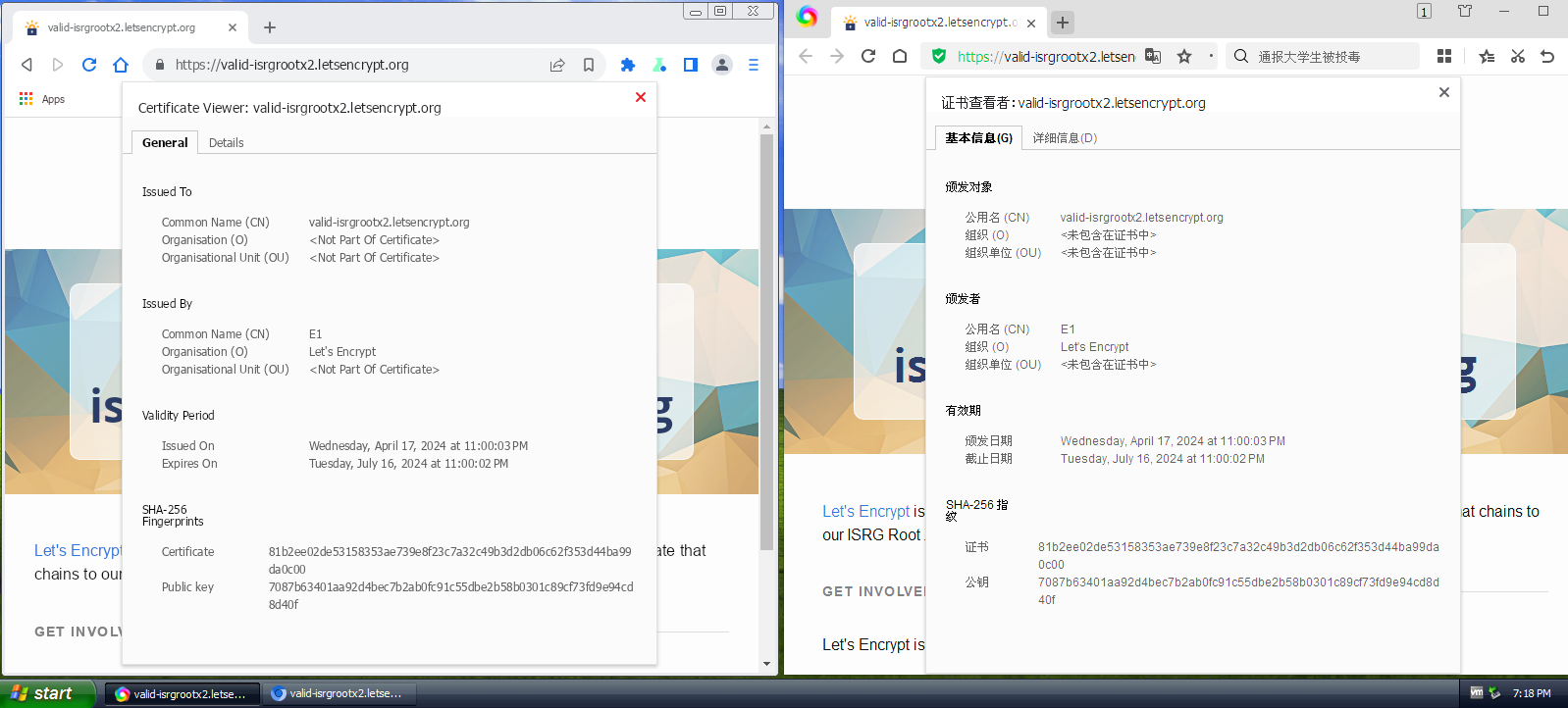
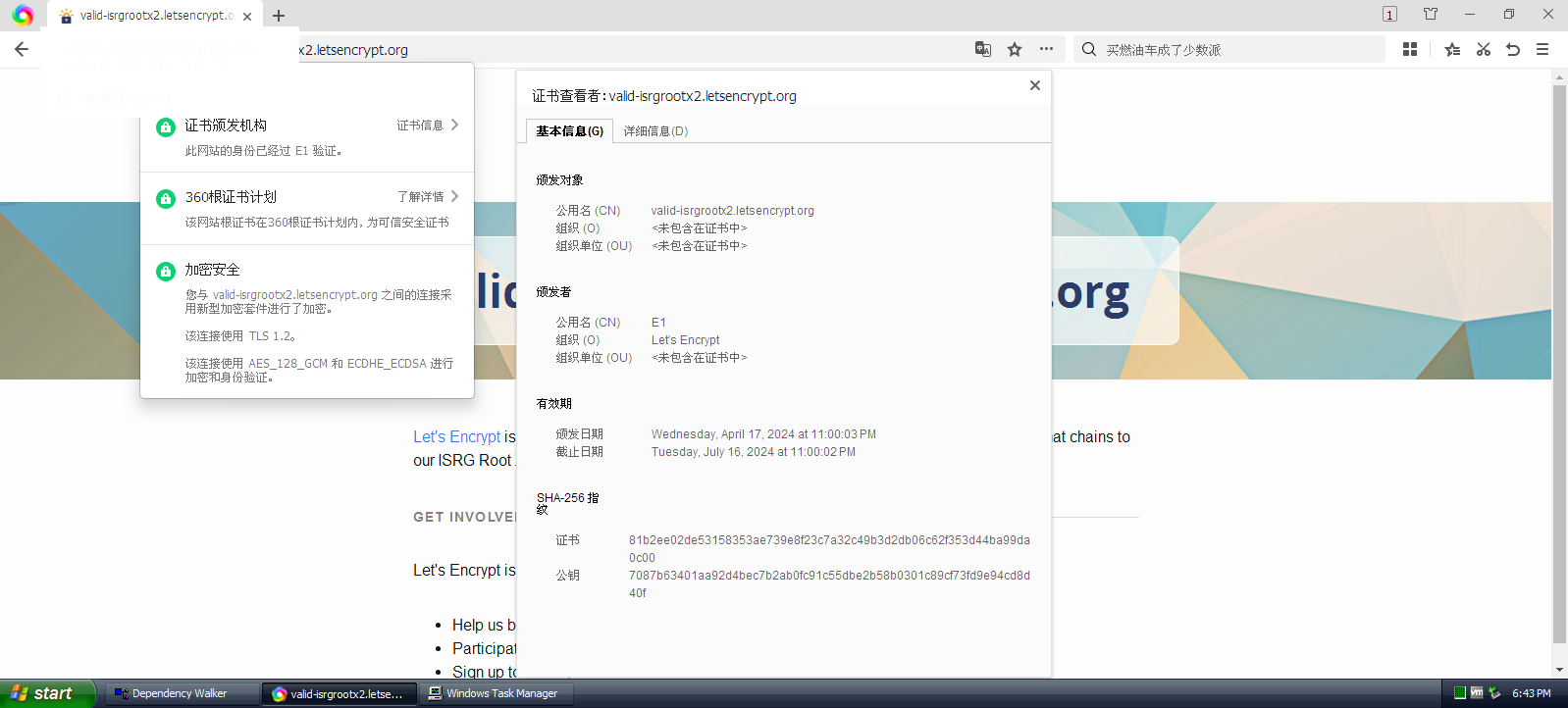
  4. You mean Microsoft certs is China Certs?
  5. 360 emphasizes that the certificate removal strategy even includes root certificates trusted by the operating system. Of course, the browser cannot delete the system root certificate but blacklists the certificate itself.
  6. https://caprogram.360.cn/#trust "360 Browser usually trusts the root certificate trusted by the underlying operating system, but now it will also configure its own root trust store. 360 reserves the right to remove any certificate." I don’t know whether 360EE preferentially uses the root certificate trusted by the operating system or the root certificate trusted by 360.
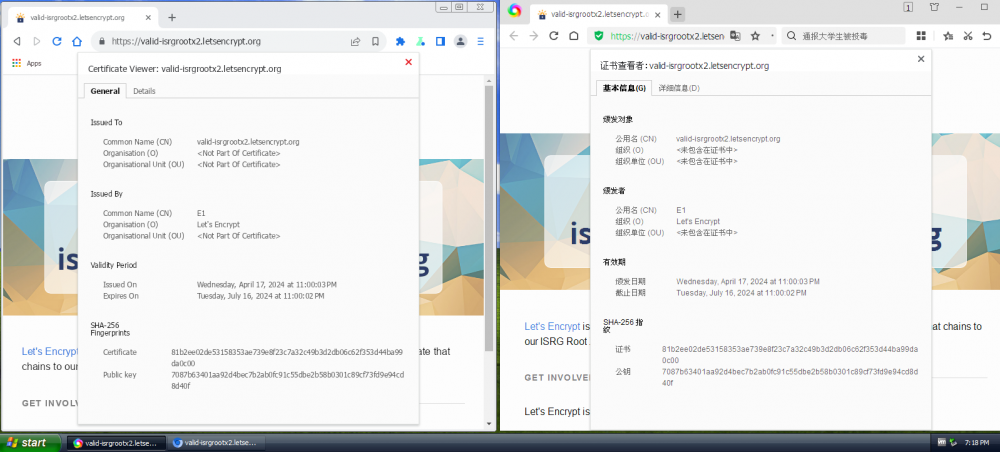
  7. 360EE uses system certificates like other Chromuim
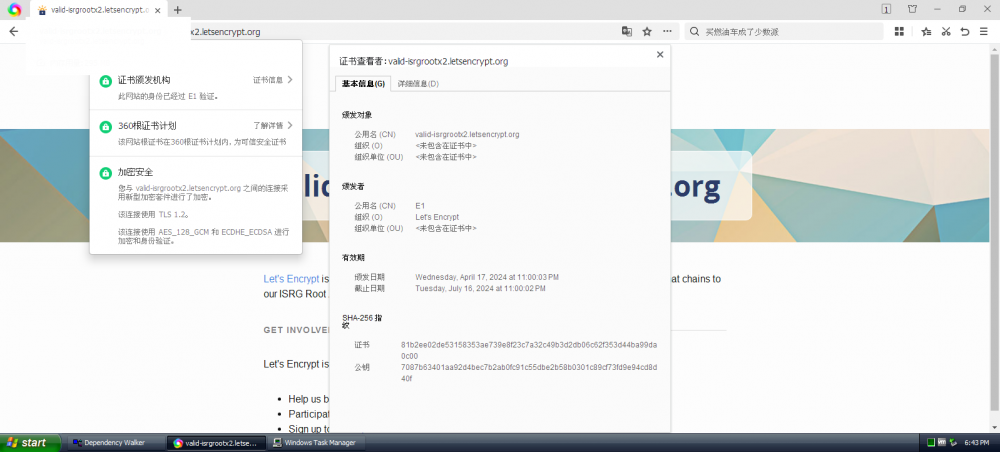
  8. It's just that your browser is old, just find a new browser.
  9. PosReady started following CallCateIn58
  10. K4sum1 started following CallCateIn58
  11. only win 7 have 64bit driver
  12. new website:https://www.amd.com/zh-hans/support/kb/release-notes/icafe-windows-xp-driver
  13. put:https://github.com/weolar/xpchrome
  14. CallCateIn58 started following Skulltrail
  15. @窄口牛 for what?
  16. Shorthorn Project?

Account

Navigation

Configure browser push notifications

Chrome (Android)
  1. Tap the lock icon next to the address bar.
  2. Tap Permissions → Notifications.
  3. Adjust your preference.
Chrome (Desktop)
  1. Click the padlock icon in the address bar.
  2. Select Site settings.
  3. Find Notifications and adjust your preference.