


Jaguarek62
Content Type
Profiles
Forums
Events
Everything posted by Jaguarek62
-
 What is going on?
 -
GTA V Can no longer be be played on Vista. Has anyone found some solution? Only 1.48 patch works 1.50 crashes while trying to load single/multiplayer
-
Would you be so kind and share the build that works on windows 7? I want to do some experiments.
-
i can ask you pretty much the same question. Why you resist to switch? i mean we are here for a reason. We're the minority and we should not ask these questions..
-
Oddly enough the browser should work on windows 8.1 right? cause it seems that the browser is non functional across all operating systems..

-
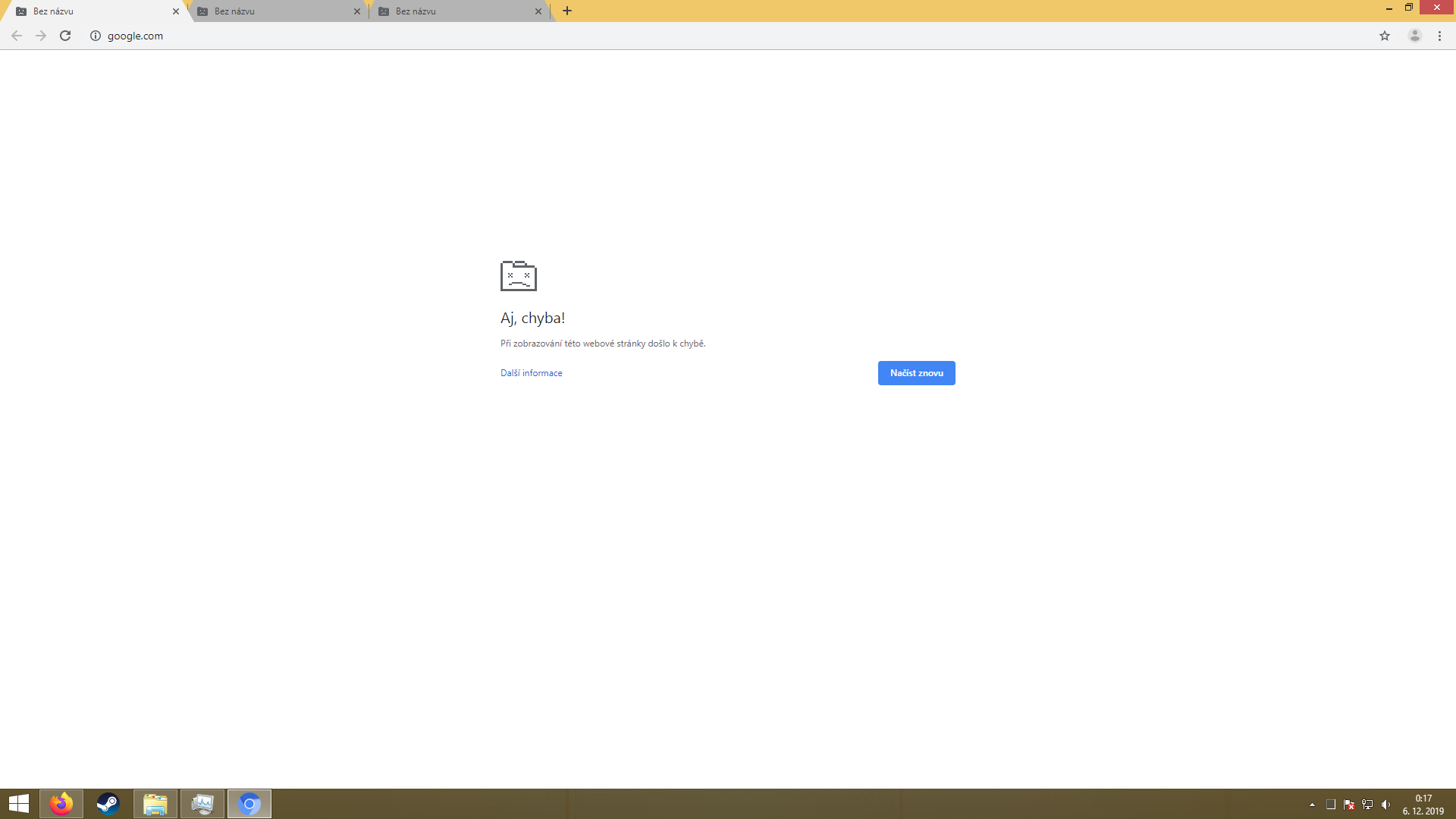
i think you are so close to get it up and running at least on Vista. Even aero works. But the browser just does not do anything else.
-
Can you link the installer here? I'm running Windows Vista on real hardware. I can test whether it works or not.
-
Yeah, so it's better to download iso from microsoft which have update 1 already installed.
-
i recommend not to upgrade to windows 10. You should restore your pc to factory settings and never update again. Updating windows 8.1 only result in added telemetry. Or search online for only true security updates. Keep the windows 8.1 market share visible.
-
Win7 End Of Support - KB4524752 MS Nagging Has Started
Jaguarek62 replied to WalksInSilence's topic in Windows 7
i have no idea if this is true or not, but i find it concerning.. https://forums.tomshardware.com/threads/windows-7-kb4524752-forcing-upgrade-to-10.3536973/ -
Hi everyone, So today rockstar released a new launcher for their games. Including my favorite GTA V. There's small catch. It no longer supports Vista. I have found a bypass, but I'm not sure for how long this is going to work. You need to uninstall the new launcher. Grab the old one (Vista saves folders history maybe you can find it there in "Installers" folder) and install it. Now you need to delete "PlayGTAV.exe". Copy "GTAVLauncher" to your desktop and name it "PlayGTAV.exe" and put it to your gta v folder. That's it. I have tried it only on steam version so i have no idea if this is going to work on dvd version. Cheers
-
[Tutorial] How to install VMware workstation 11 or 12 in Vista
Jaguarek62 replied to WinFX's topic in Windows Vista
it wooorks <3
-
[Tutorial] How to install VMware workstation 11 or 12 in Vista
Jaguarek62 replied to WinFX's topic in Windows Vista
Thank you soo much! -
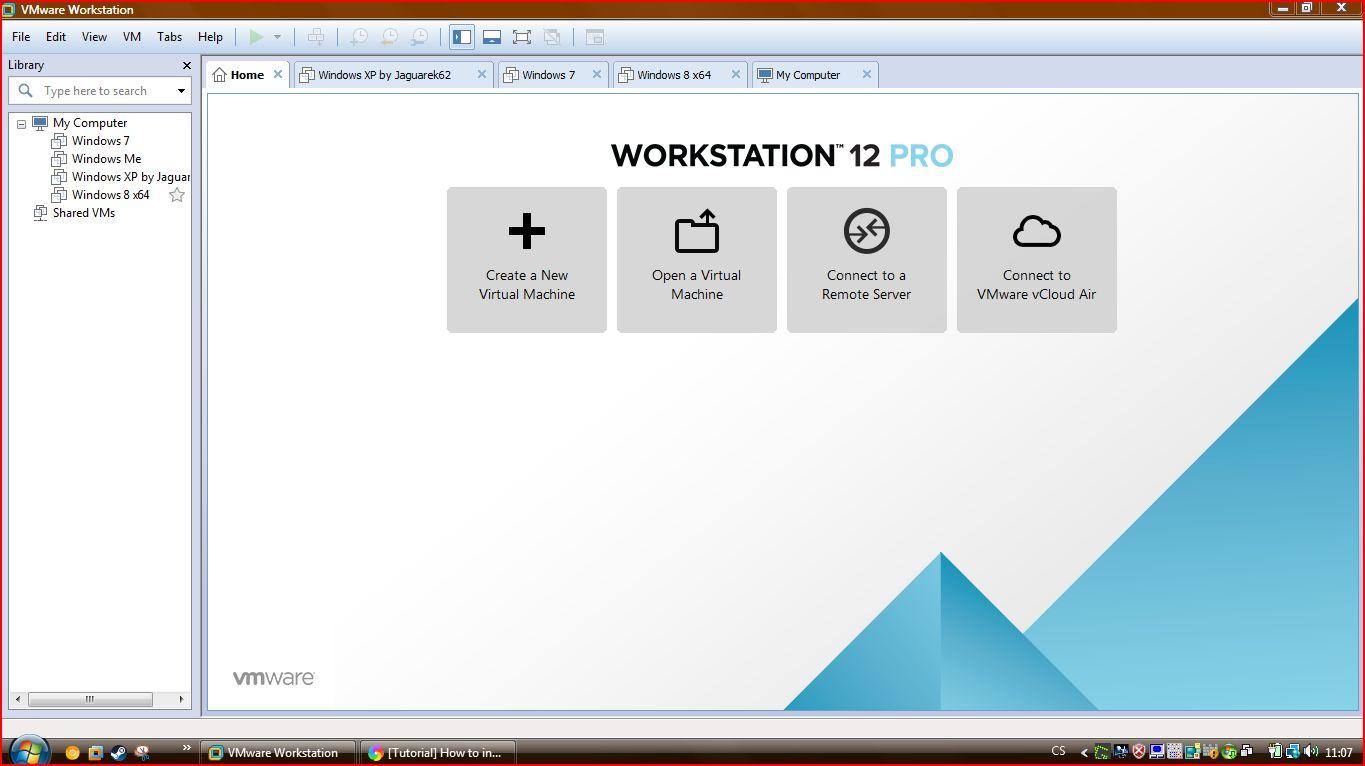
vmware workstation 12 is not affected by this at all. i'm super happy. However vmware workstation 10 has some unexpected behavior when running under vista 6003. Sometimes it runs, but the services keep crashing and bsoding the os.
-
[Tutorial] How to install VMware workstation 11 or 12 in Vista
Jaguarek62 replied to WinFX's topic in Windows Vista
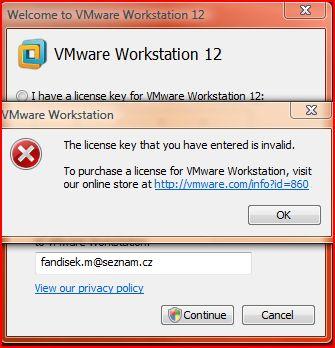
i'm stuck here. Any help?
-
Well, it is a laptop (Dell latitude e6330) with i5-3340m. i could not find any compatible drivers. Snappy drivers installed some other driver, but the Behavior is completely the same.
-
No, i'm not. Idk what is causing my issue. But it still persist. I'm no longer shutting down the laptop and only using sleep or hibernation which seems to work, but every time i restart i need to wait like for an hour. My guess is sort of incompatible sound drivers. They are available for windows 7,8,8.1, but still installs on vista. if i disable sound service vista is responding normally..
-
Here's my deskop.
-
Hi, First i need to clarify, that i'm Windows Vista diehard. I can forgive pretty much anything so i can use my favorite os. One thing really bother me though. Vista is seeking the harddrive for no reason. Superfetch is turned off, indexing service is turned off NO ANTIVIRUS INSTALLED. Updated all the way even with server 2008 updates. HD TUNE shows that "SYSTEM" process has red over 40gb in 1 hour. After like 2 hours of me just letting the laptop sit on desktop everything calms down and i can use my computer. What could it be? My laptop specs: i5-3340m 8gb ram 500 gb 7 200rpm hdd intel hd graphics. Thanks for any help.
-
i have 64bit vista, so..
-
It says that it is not an valid win32 app.
-
In my case the latest version of audacity (2.3.2) runs correctly on windows vista. On my desktop and laptop have you updated your os?
-
R.I.P Teamspeak. The last version no longer runs on vista. The latest version for windows Vista is 3.2.5.
-
Yeah my brain sometimes doesn't function as intended just to clarify this, i'm completely WITHOUT any antivirus software but windows defender (with the newest definition). Still this doesn't change the fact, that the problem persisted until the newest preview. i hate that avast care about vista so little, that they won't release hotfix for this. Anyway sorry for the chaos i've made here about update numbers. Cheers
-
like i said i had open tab with win 7 updates and i took the win 7 april rollup number. the correct one is KB4493471

.jpg.94adb4188cc9de00231412510c7cec39.jpg)