-
jastahooman changed their profile photo
-
After formatting the hard drive, I used this tool called WinNTSetup in a Windows PE environment, and then copied all of the Windows 2000 setup files (with SATA drivers, ofc) with the tool on to my hard drive. After a restart it just booted into the blue screen setup thing, and it did everything by itself. It worked, but the USB ports didn't. I eventually just got myself a better computer for this from eBay, but maybe you'd have more luck with it. it's been more than a year already, i doubt you're still working on it, but i hope it helps someone else at least
-
-
-
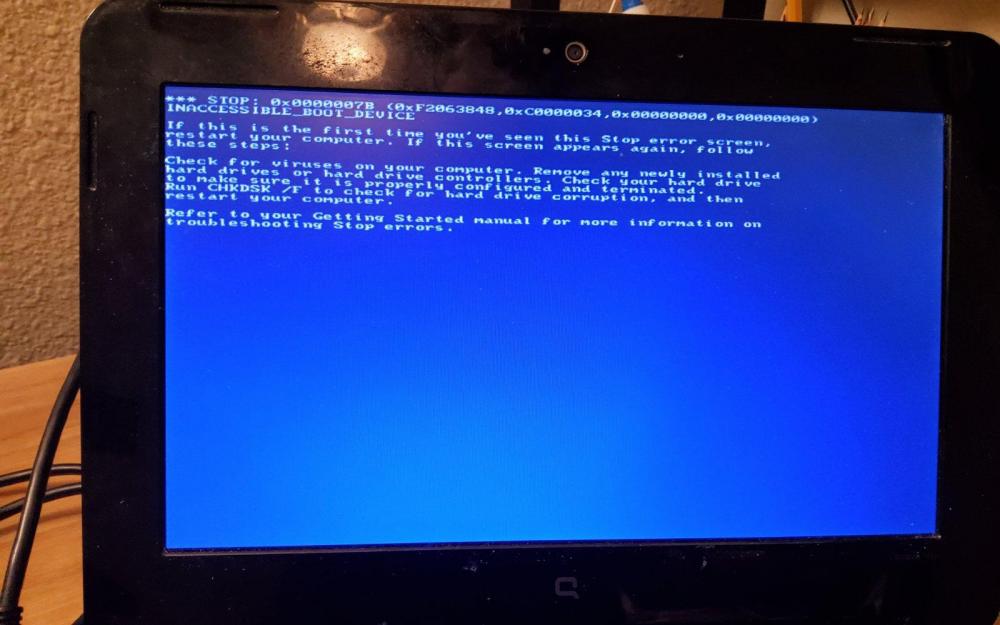
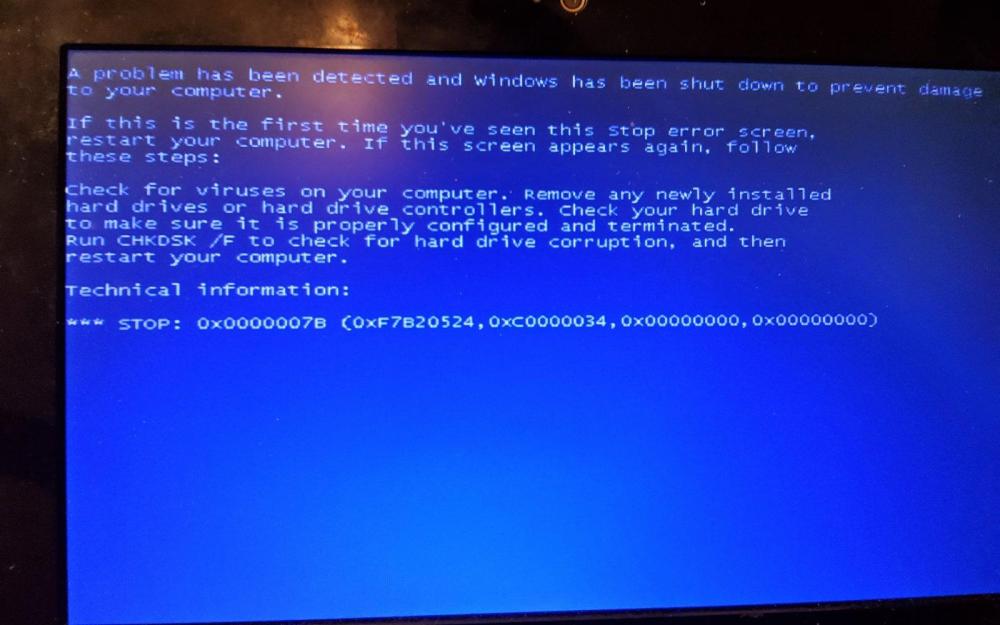
Fixed but Windows was installed by entirely different method Guide coming soon. I have a netbook, I got the SATA drivers with nLite and now I still get the error, I did some testing (i booted windows xp setup until windows is starting and then pulled the usb out) and I got the same error as I keep getting in Windows 2000, INACCESSIBLE_BOOT_DEVICE WIN2K usually: Windows XP USB Experiment/ Windows XP SP0/SP1 and probably SP2: Both booted from different USB's btw Basically I need USB drivers to integrate with nLite (for text step) I might edit this when I am gonna do more research on the startup And NO I don't have a CD/DVD ROM in the laptop
-
OK Thx
-
Is there a way to get the old default Windows 2000 bootscreen, I want my PC to look more like a vintage PC
-
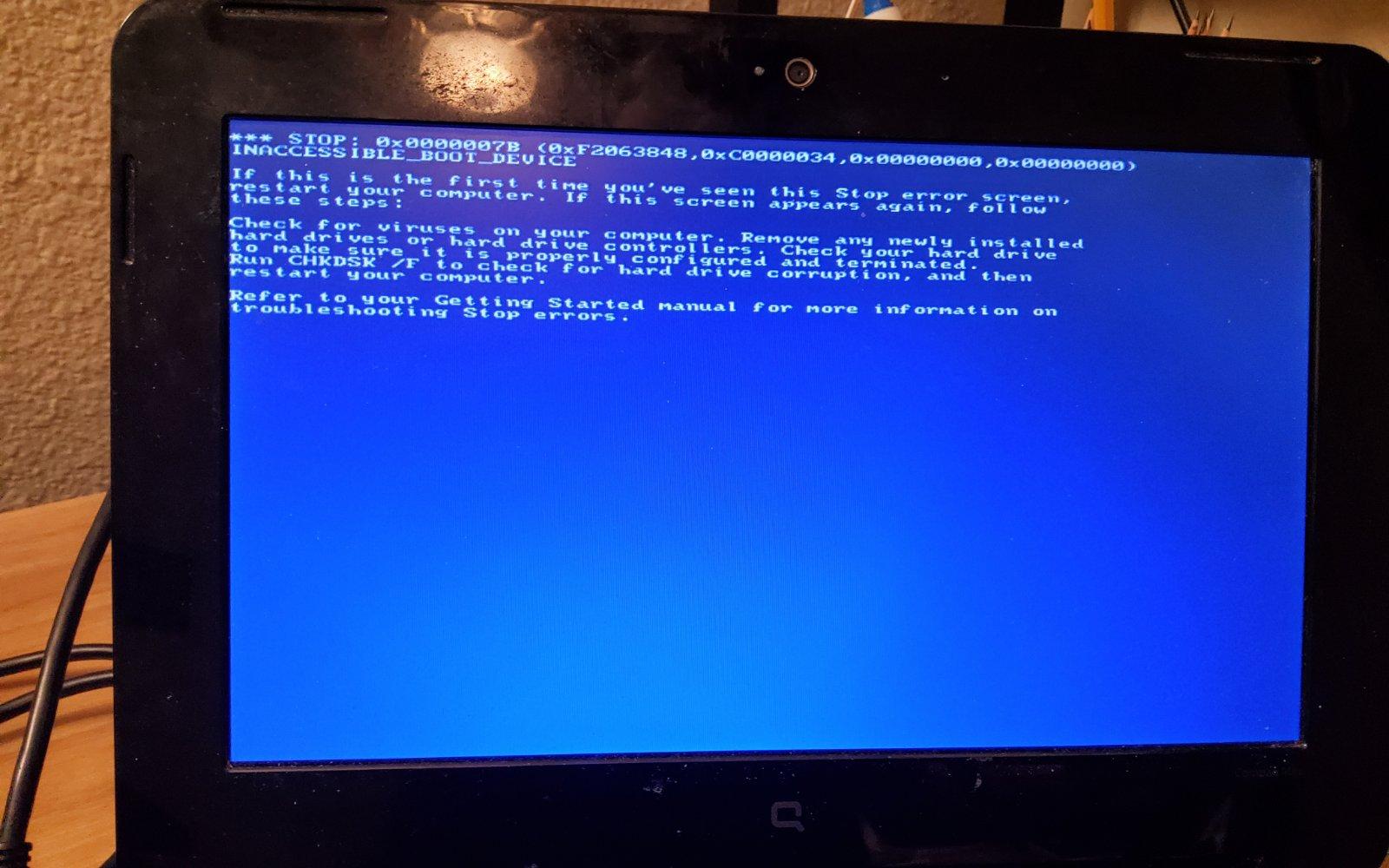
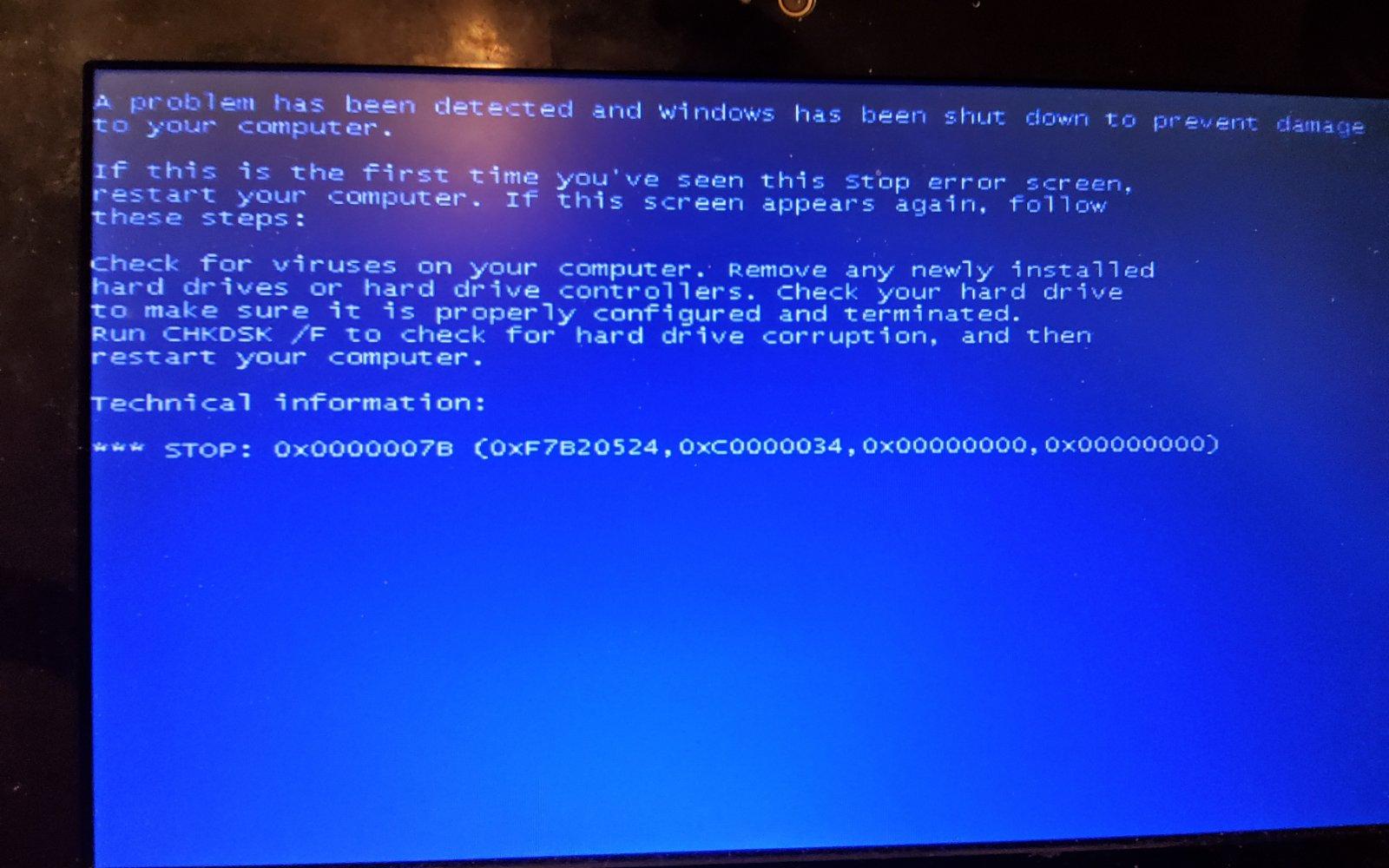
Also does anyone know a fix to the INACESSIBLE_BOOT_DEVICE error EVEN with sata drivers (i slipstreamed all the drivers from BWC's intel driver cabinet thingy ( i extracted it and everything)) I have the ich7 chipset (idk but i got the uh IDK WHAT NUMBER - 10 but when i googled it it says i need ich7 so ima take time to research that if you need)
-
?
-
Got the INACCESIBLE_BOOT_DEVICE BSOD... goddamnit
-
I might sound stupid but sorry, but I'm gonna Install W2K Pro and it says I need a specific version of nLite, I actually did integrate drivers using the newer but I was a dumbo and just haven't known that Professional Error thing existed Just shared that
-
Alright, gonna ask you for any questions later
-
So I should slipstream that using nLite?
-
I think, but the win2k.org/cgi-bin/dl.cgi?file=iata76_cd2kh.cab link says bad gateway, and yeah I think it's Intel Matrix Storage EDIT: whoops, It needed to be downloaded from Wayback Machine :|
-
Hi, as the title says, I need blackwingcat's SATA AHCI drivers, because I digged through the whole internet and I need a download link for those drivers, I'm installing Windows 2000 on an Intel Netbook If you have questions, ask me, I just need help with that
-
Hi, I was installing Windows 2000 on a HP Compaq Mini cq-10 450sr Basically I get the PAGE_FAULT_IN_NONPAGED_AREA while Windows sets up devices on the half of the progress bar, If you have any other questions, ask me, I just need to fix the problem Using BWC's extended kernel ISO with some modifications like a better graphics (the regular BWC iso doesn't work) and installing using WinSetupFromUSB EDIT: it might be because the usb is in the usb 2.0 EDIT 2: that was some kind of a bruhy version of windows 2000 with mods ima try the retail one with uniata