Everything posted by hinata06
-
-
-
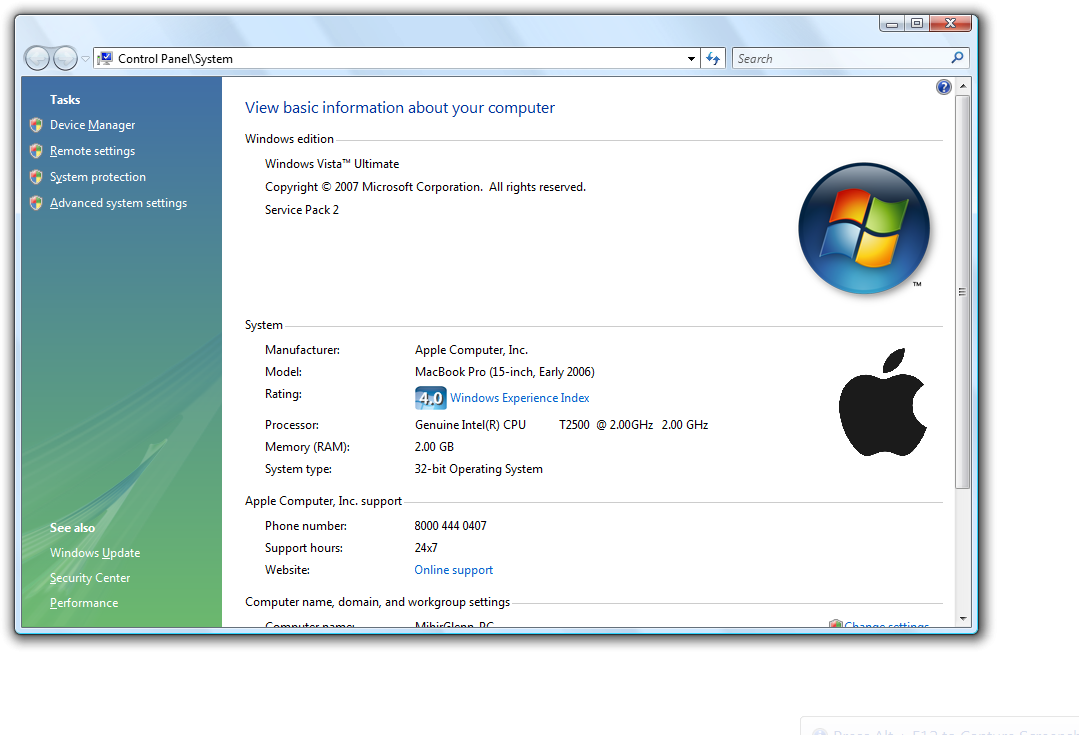
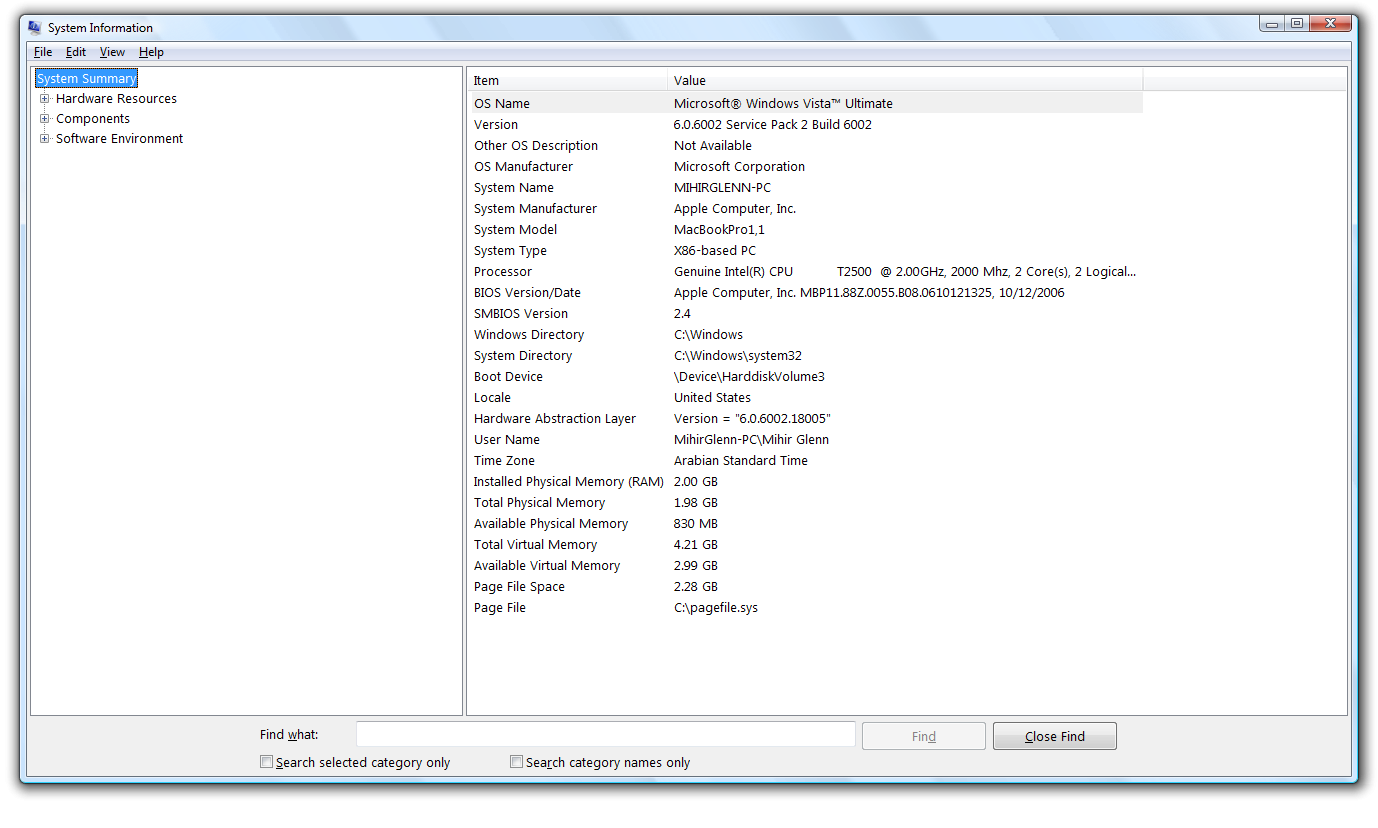
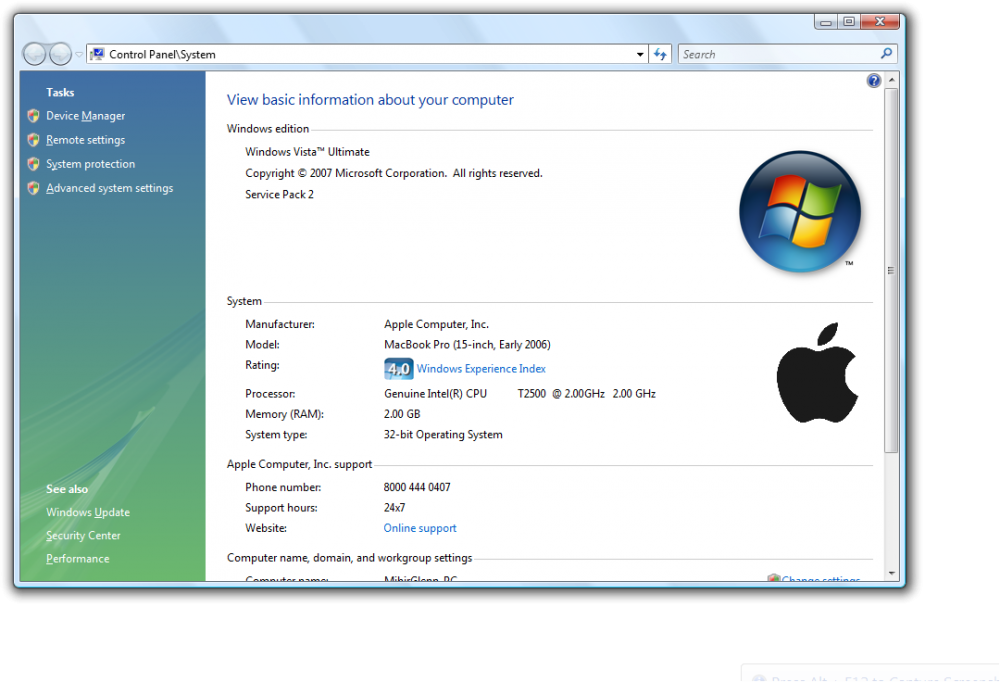
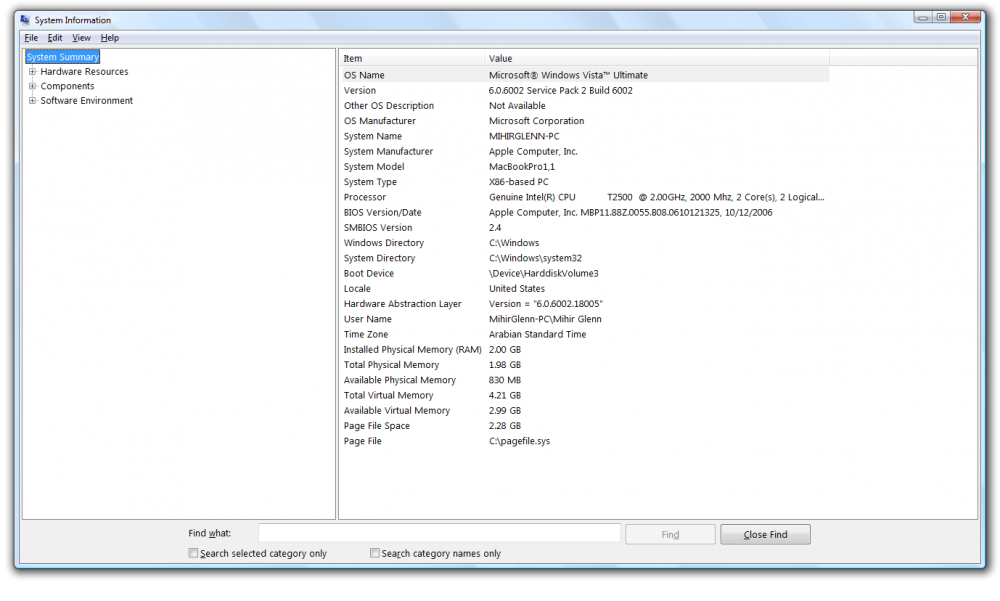
My specs: PC - Early 2006 MacBook Pro 15 inch (MacBookPro1,1) Intel Core Duo T2500 2.0Ghz CPU (32 bit) 2 GB 667Mhz DDR2 RAM 100 GB Apple-branded Fujitsu HDD ATI Mobility Radeon X1600 GPU with 256MB of VRAM Windows Vista Ultimate SP2 x86 build 6002 (dual booted with OS X 10.6.8) My Experience: I first started using Vista in 2012 (Home Basic) and it was on an old Compaq Presario CQ60. At first I didn't like it since it was the Home Basic edition with a stripped-down Aero, and I wanted at least Home Premium or Ultimate, but it did run smooth. However, over the years I fell in love with the OS, mainly for the eye-candy looks and few other stuff. 9 years later, I now have the range-topping Vista Ultimate installed on my Early 2006 MacBook Pro that I got in August this year and it runs really smooth. I have fuly patched the OS till it's last update in April 2017 (I used offline updates) I have Ultimate Extras installed on Vista, but I am not able to get DreamScene or the extra games (I only got the Ultimate Extras sound effects) even though I see WIndows DreamScene update in the "View Installed Updates" in Control Panel
-
-
Arctic Fox browser. I can say it runs decently well on my Vista VM (although it's slow at times due to the low amount of RAM I have allocated to my VM and my old processor, in my case a Core Duo T2500). I found it that renders the sites I have visited without any errors (keep in mind that I just started using it yesterday so as of now I haven't found any bugs yet). As for slowness, the browser isn't exactly slow, its my VM being slow. The browser should run much better on yours provided that you have a physical machine running Vista instead of a VM, which should run way better compared to my virtual machine. Link to download the browser: http://o.rthost.win/gpc/files1.rt/arcticfox-27.11.0.win32-git-20201121.7z (Do note that you don't need to install it. Just extract the 7z file with your preferred zip file archiver, open the extracted folder, click on "arcticfox.exe". A pop-up message will appear, just click 'Run'. There may be another pop-up window telling that Windows Firewall has blocked the browser, just click on 'Unblock' and you're all good to go!)