-
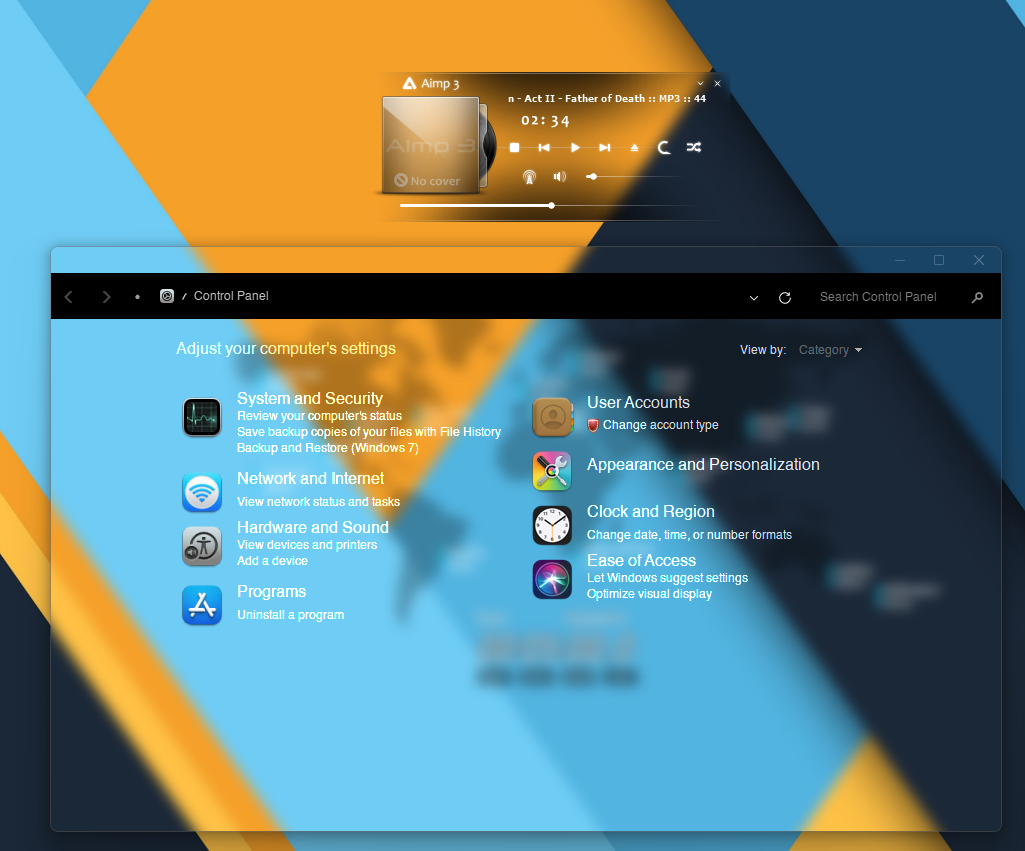
I use Windows 11 22H1 (22000 1335). This is via MicaForEveryone. I have made the whole system
-
Hello I have a question, Are you going to bring back "Soft Blur" for the "customize taskbar and start menu" section? because Windows 11 supports both Soft Blur and Acrylic Blur. Heavy blur like Acrylic doesn't very look nice. You removed soft blur because you said windows 11 didn't support this blur from some versions. But now they support it.
-
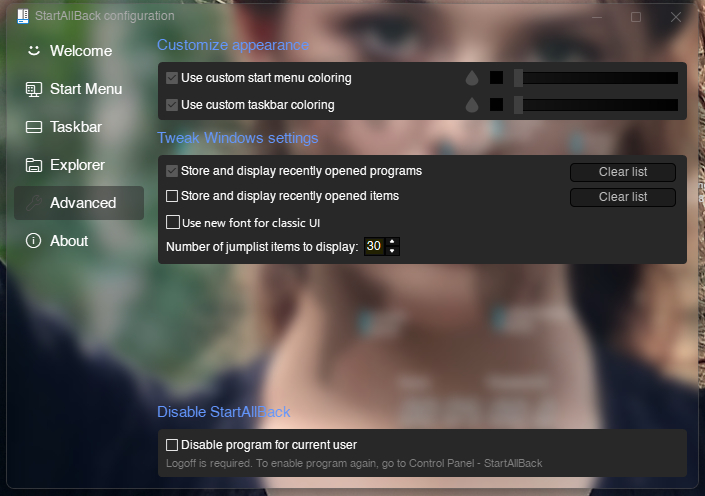
Hi I use custom taskbar and start menu (Advanced) with blur affect and low transparency. When I use transparency for example 1 or 10 or 20, All part would change (Taskbar, Start menu) except jump list. I think jump list is fixed on 30% transparency. Can you make it possible? Thank you in advance

-
Hello I notice Startallback jump list isn't integrated with taskbar and start menu perfectly. When I choose blur effect for taskbar and start menu, jump list only become acrylic. The color is darker too, but I think that is because of acrylic. can you fix it? I would appreciate.
-
If you have AeroGlassGUI you can change level of blur, glass reflection and other things.
-
You can prevent update via this method: Search : gpedit > Administrative Tamplates > Windows Components > Windows Update > Configure Automatik Update > Enable > 2-Notify
-
May be problem is OldNewExplorer.
-
I agree. Without OldNewExplorere, StartIsBack and Winaero Tweaker Windows 10 is so ugly.
-
I do the same. It's pretty.
-
Between update and AG I chosen FREEDOM BIGMUSCLE will win
-
I did that and different is huge! win8 has very glassly effact. But win10 has very noisy effact. I hope Mr @bigmuscle keep this ability in the future. win10 win8
-
This is the easy way. I did that and worked
-
I read your post and follow the quote. Thanks to UCyborg and you. (My problem solved by help from one user that upload his symbols and put them in AG folder. Now I find how I can download symbols myself)
-
It's not working. I did that and the problem is exist. So where I can download symbols and where I must put? I read many post and get nothing. Thanks Man! My problem was solved. For anu body that have my problem: 1.Download files from link. 2.extracr file and put folder in the AeroGlass directory. (C:\AeroGlass) 3.Restart system. This is my Dektop after that:
-
How do you download the symbols? This is my AG folder , There isn't any symbol folder! nor download any thing. https://imgur.com/756tJng Also I uninstalled AG and rebooted and Installed again but problem is here.