-
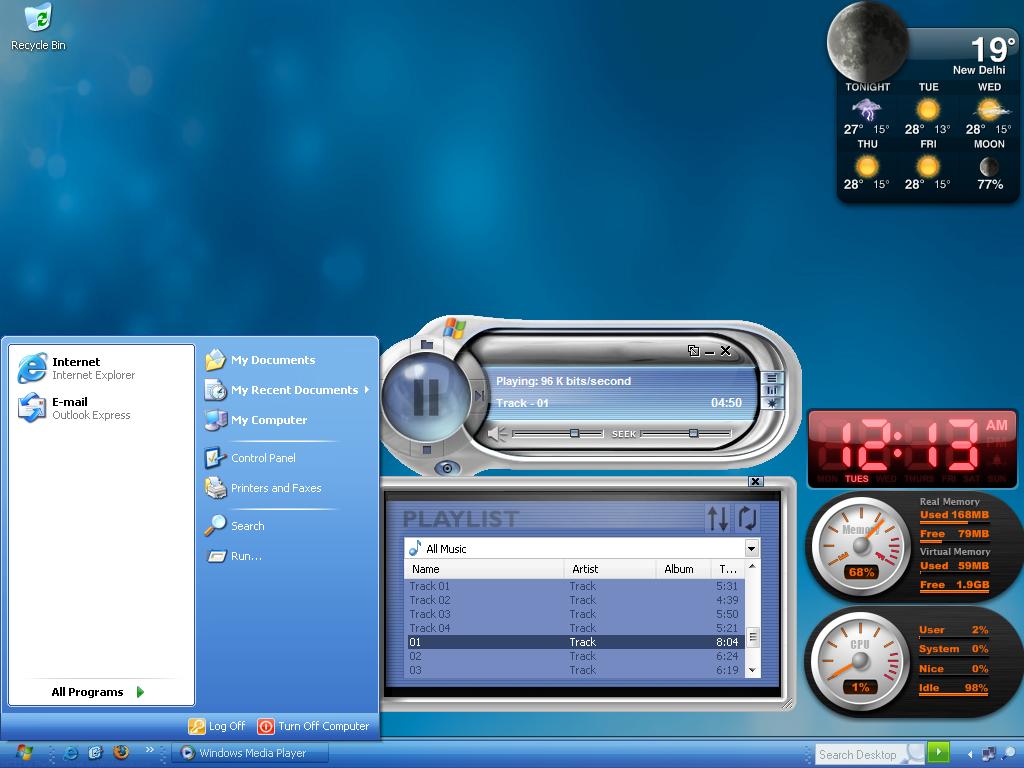
here is mine
-
abcpy.ini is the oldest metthod and sure shot to configure adobe products for silent install.
-
u hav checked magic iso website. to include winpe u need its boot sector first extract its boot sector i.e. store its bootsector on to u r hdd and use that boot sector to make multi boot dvd.
-
use nlites stable release
-
are using .wim image created with ximage with imagex? if yes then it will give error
-
what cabs you have..if they r nlite one...then no......if they r msi project cabs...the u must own IS 12 Premier..
-
hey guys office resource kit for 2007 is released.
-
uneed findcd command search for it msfn
-
that page says XP32/64 all lans? why not MCE
-
Is pro supported then...i have oem..
-
Mine is MCE2005. when i nlited it and added [sHELL] CustomDefaultThemeFile = "%WINDIR%\Resources\Themes\MyTheme.Theme" and install. the xp finally boots up with default energy blue theme. howerver i can manually select and apply the theme from drop down list. how come?