-
Anyone wanna try out the new PAL filesystem?
-
WIND98 - Wind 98 Is Not Dos
-
ContextMenuIsBack
-
Could you make a 98SE logo for 98lite? This would fit nicely with my 98SE + 98lite VM.
-
Sorry, I have to delete my ME VM to make space for my Vista VM.
-
How do I install VMware Tools on ReactOS? I need to transfer these ReactOS DLL files to my Windows ME VM.
-
If I boot up after installing, Windows tells you that a .dll file related to .NET 4.0 is missing. Is this supposed to go with your .NET 4.0 backport, or if it's just a leftover from the external installer that I'm using?
-
How do I remove a post? I know this isn't the correct thread, but this was originally a duplicate of the post above to fix a spacing mistake, but then, I don't know how to delete the other one.
-
I already recreated my VM.
-
Did SP4 automatically disable the "Windows XP End of Support is on April 8th, 2014" message? Also, could you make the System Properties says "Version 2019" or something when the Post-SP4 Update Rollup is installed? Guess this is now the only way to get a fully updated version of Windows XP post-install now that the SHA-1 update servers for XP go down. And what updates are included in this exactly?
-
KernelXE Lite don't have this issue, but it also don't have the beautiful icons that the full version provides. Edit: Also, I don't want to rick my VM getting an error upon bootup because W10's uxtheme.dll is not compatible with W2000.
-
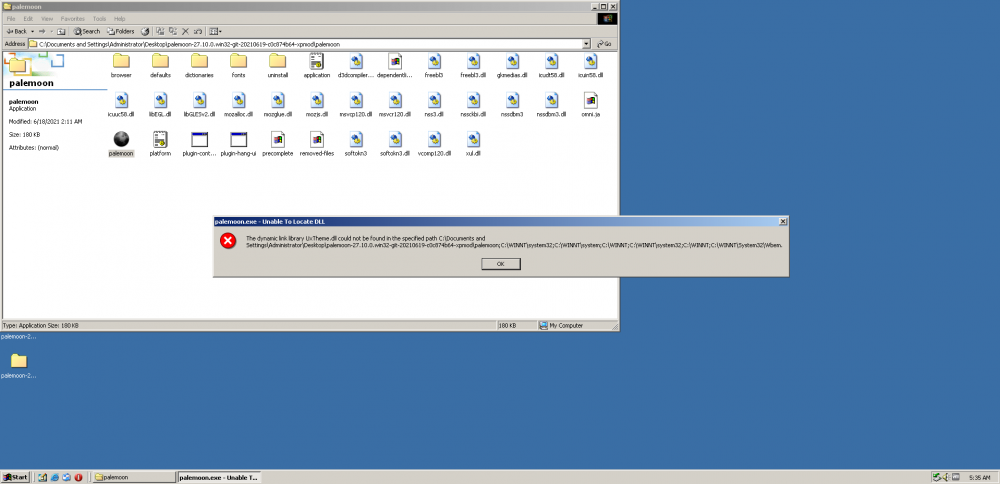
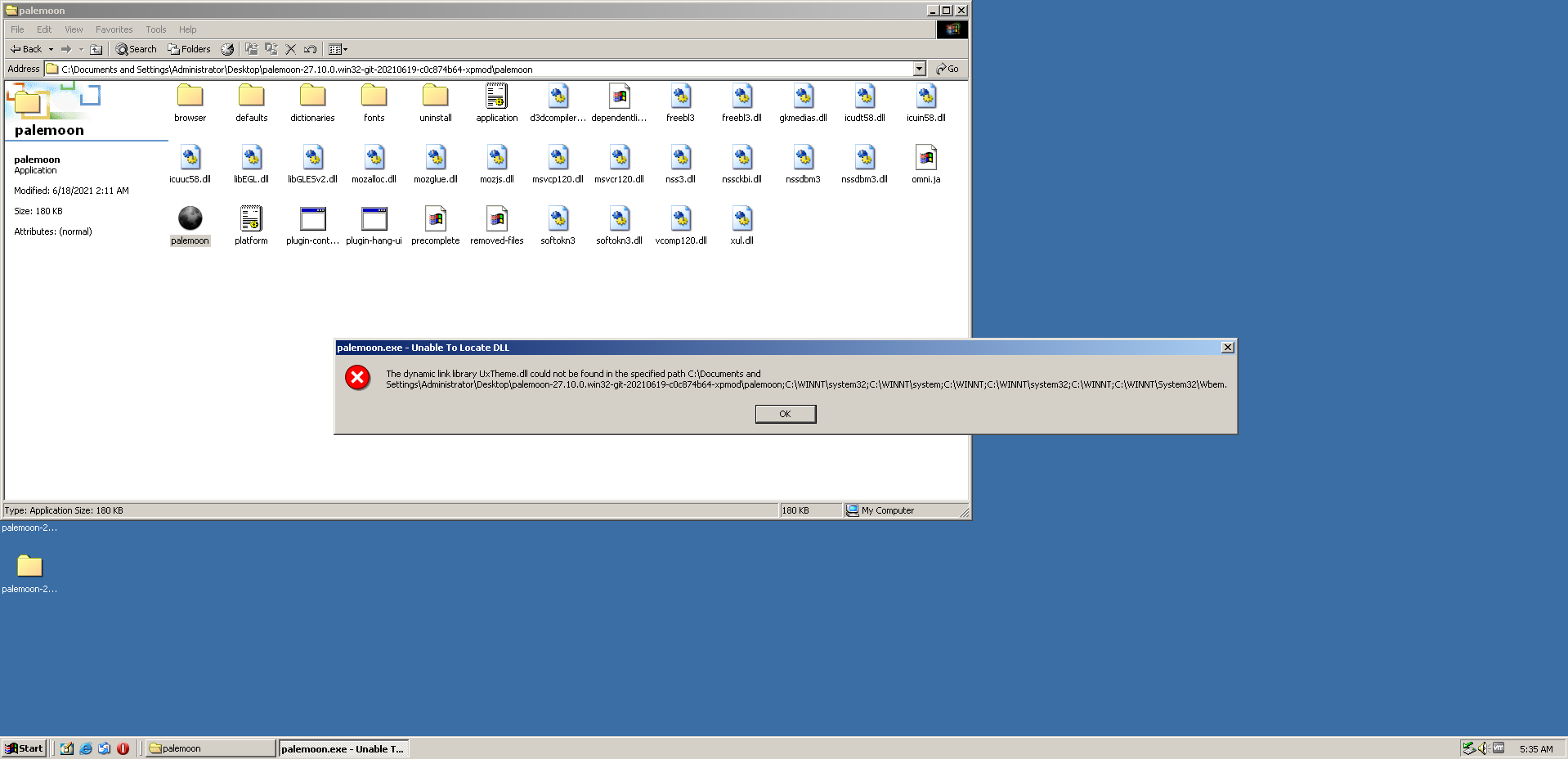
Opera 12 and New Moon keep giving me errors because uxtheme.dll is not present.