nicolaasjan
Content Type
Profiles
Forums
Events
Everything posted by nicolaasjan
-

My Browser Builds (Part 3)
nicolaasjan replied to roytam1's topic in Browsers working on Older NT-Family OSes
There is a chance that Moonchild will stop supporting Windows 7 when Extended Security Updates ends (January 10, 2023). I hope New Moon will keep working on it. -
My Browser Builds (Part 3)
nicolaasjan replied to roytam1's topic in Browsers working on Older NT-Family OSes
This should be generally avoided, as "upstream" use a different modded version of the NSS Mozilla library (hence cert8.db+key3.db resultant profile files); at least that's my recollection of them, I stopped closely following their development when they turned "private-repo" last autumn (FWIW, GRE+PM are now public, again ). Thanks. No harm done here, because I did the testing in a VM snapshot, which has already been reverted. -
My Browser Builds (Part 3)
nicolaasjan replied to roytam1's topic in Browsers working on Older NT-Family OSes
Then I must have been confused in the past. Thank you! I will delete them. avcodec-lav-57.dll avresample-lav-3.dll avutil-lav-55.dll -
My Browser Builds (Part 3)
nicolaasjan replied to roytam1's topic in Browsers working on Older NT-Family OSes
It's fixed. Thank you!
-
My Browser Builds (Part 3)
nicolaasjan replied to roytam1's topic in Browsers working on Older NT-Family OSes
Then why does that not affect the 32bit version? Also, it was a completely fresh profile. And what can I do about that? Deleting cert8.db made no difference, neither replacing it with cert8.db from my backed up good profile of official 64bit Pale Moon. -
My Browser Builds (Part 3)
nicolaasjan replied to roytam1's topic in Browsers working on Older NT-Family OSes
Just tried in a Windows 7 64bit VM with the latest NM 28 64bit and there I have exactly the same issue. Error: The 32bit version has no issues in there either:
-
My Browser Builds (Part 3)
nicolaasjan replied to roytam1's topic in Browsers working on Older NT-Family OSes
Just tried it again by emptying the program directory, except for the 3 codec dll's and transferring everything from the 7z file into it and I'm still facing the issue... FWIW, no issues on my Windows XP VM (Vista is in a VM as well and has the latest Server 2008 ESU updates) [Edit] Tried again with the 32bit version after also renaming "%appdata%\Moonchild Productions\Pale Moon" to "%appdata%\Moonchild Productions\Pale Moon.bak" and now it works. [Edit2] And now 32bit version works with the original profile folder as well. [Edit3] The previous 64bit version 20220226 has no certificate issues. -
My Browser Builds (Part 3)
nicolaasjan replied to roytam1's topic in Browsers working on Older NT-Family OSes
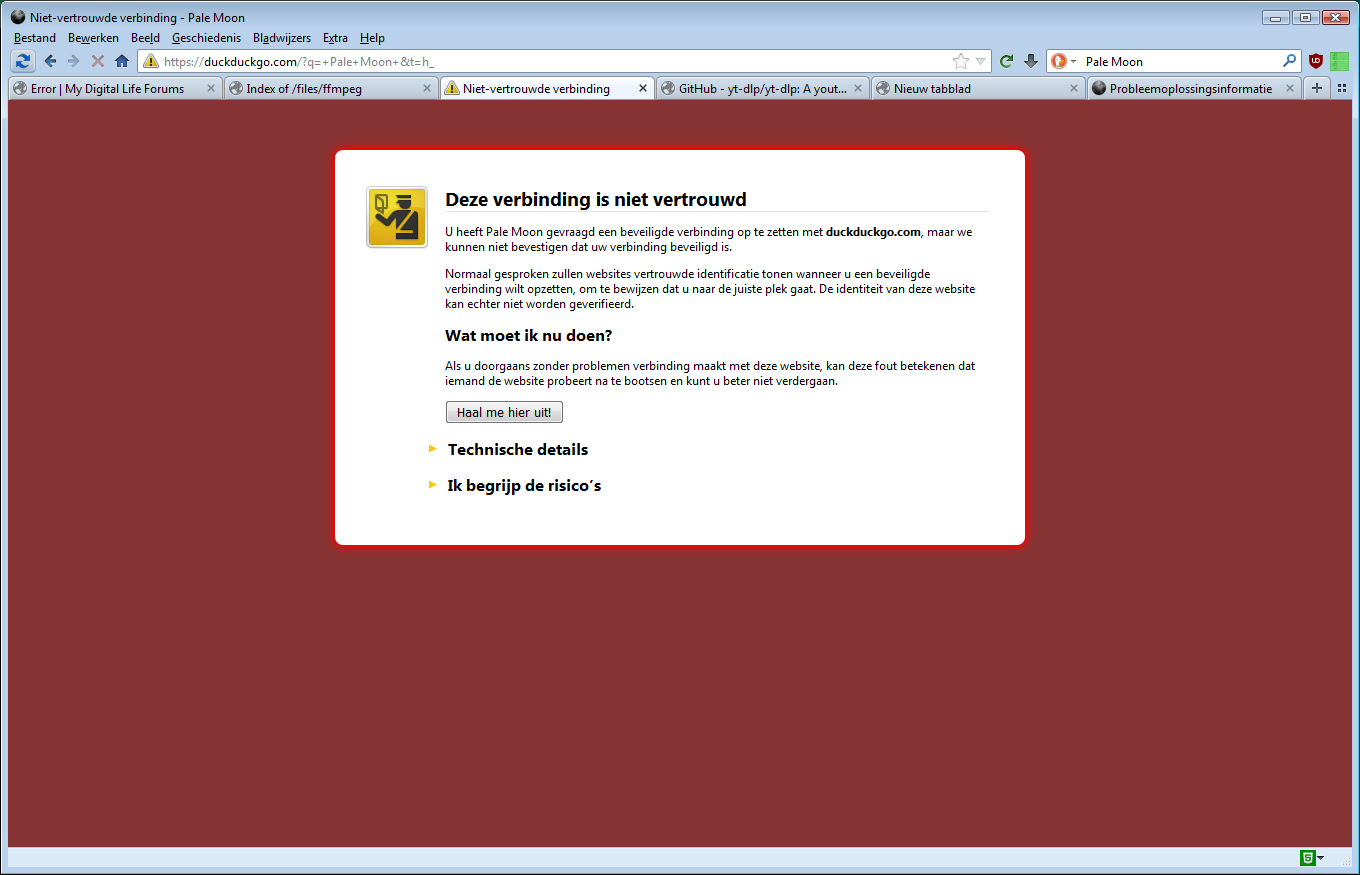
With the latest NM 28 (palemoon-28.10.5a1.win64-git-20220326-ba47fad4d-uxp-3336114a3-xpmod) I have a certificate warning on every website... SEC_ERROR_UNKNOWN_ISSUER This is on Windows Vista 64bit Ultimate. What could be the cause? [Edit] Happens in a fresh profile as well.
-
My Browser Builds (Part 3)
nicolaasjan replied to roytam1's topic in Browsers working on Older NT-Family OSes
You can easily add search engines with the addon "Add-to-Search-Bar". Is available in the Classic Add-ons Archive (caa:addon/add-to-search-bar). For New Moon you'll have to edit the install.rdf of course. I think this gives you properly formatted xml files. -
My Browser Builds (Part 3)
nicolaasjan replied to roytam1's topic in Browsers working on Older NT-Family OSes
MC explains the ordeal further here: https://forum.palemoon.org/viewtopic.php?f=65&t=28003&start=20#p225174 -
My Browser Builds (Part 3)
nicolaasjan replied to roytam1's topic in Browsers working on Older NT-Family OSes
(offtopic) @VistaLover Can you have a look at my issue here: https://msfn.org/board/topic/183247-python-3615-for-windows-xp-sp3/#comment-1211582 -
My Browser Builds (Part 3)
nicolaasjan replied to roytam1's topic in Browsers working on Older NT-Family OSes
I wonder how MC will be able to bring the add-on site back. It think it was on a server owned by MAT... Fortunately I saved all xpi updates earlier for use in my various VM's. -
My Browser Builds (Part 3)
nicolaasjan replied to roytam1's topic in Browsers working on Older NT-Family OSes
Thanks for the info! The forum is back online now. However the add-ons site is still offline... And I noticed that my uBlock Origin rule to hide his posts no longer works (his status changed ) forum.palemoon.org##.post:has(a.avatar[href*="u=1861"]) -
My Browser Builds (Part 3)
nicolaasjan replied to roytam1's topic in Browsers working on Older NT-Family OSes
Maybe lower the number of connections a bit? -
My Browser Builds (Part 3)
nicolaasjan replied to roytam1's topic in Browsers working on Older NT-Family OSes
Do you mean when trying to download the file from that link? Works well here... -
My Browser Builds (Part 3)
nicolaasjan replied to roytam1's topic in Browsers working on Older NT-Family OSes
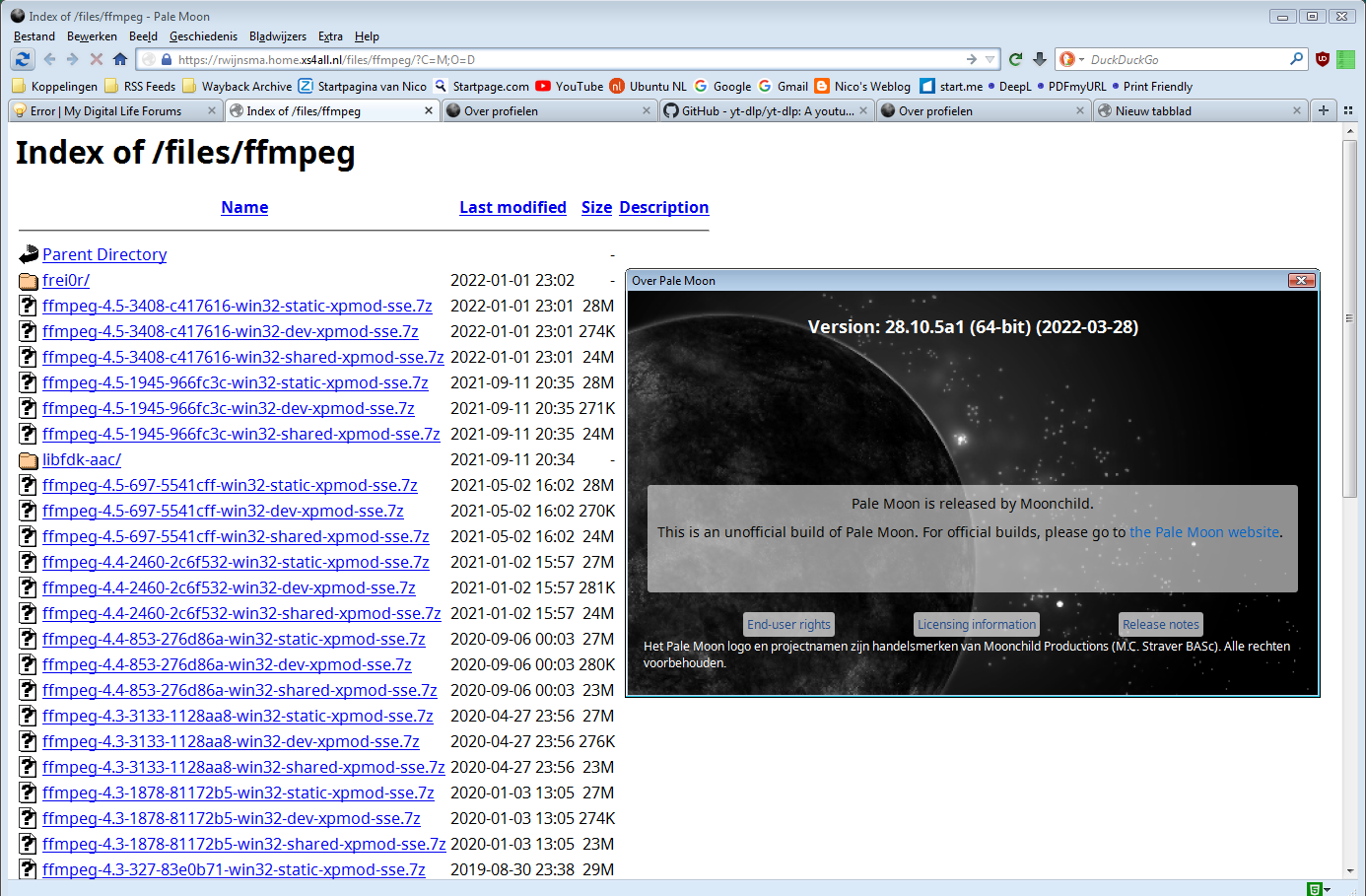
As you can see in my screenshot, I use ηMatrix in combination with uBlock-for-firefox-legacy. ηMatrix has some learning curve however, but has more fine-grained control than NoScript. (offtopic) Thanks for your Ffmpeg builds for XP! -
@VistaLover Any ideas?
-
However running yt-dlp directly from the source directory works: python ./yt_dlp/__main__.py -v [debug] Command-line config: ['-v'] [debug] User config "C:\Documents and Settings\Nico\Application Data\yt-dlp\config.txt": ['-i', '--no-mtime', '--add-metadata', '--embed-thumbnail', '-o', '~/Bureaublad/%(title)s.%(ext)s', '-f', 'bestvideo[height<=1080][ext=mp4]+bestaudio[ext=m4a]/best[ext=mp4]/best'] [debug] Encodings: locale cp1252, fs utf-8, out cp1252 (No ANSI), err cp1252 (No ANSI), pref cp1252 [debug] yt-dlp version 2022.01.15 [6223f67a8] (source) [debug] Plugins: ['SamplePluginIE', 'SamplePluginPP'] [debug] Python version 3.7.1 (CPython 32bit) - Windows-XP-5.1.2600-SP3 [debug] exe versions: ffmpeg N-105053-gc417616-Reino (setts,fdk), ffprobe N-105053-gc417616-Reino [debug] Optional libraries: mutagen, sqlite, websockets [debug] Proxy map: {} Usage: __main__.py [OPTIONS] URL [URL...] __main__.py: error: You must provide at least one URL. Type yt-dlp --help to see a list of all options.
-
My Browser Builds (Part 3)
nicolaasjan replied to roytam1's topic in Browsers working on Older NT-Family OSes
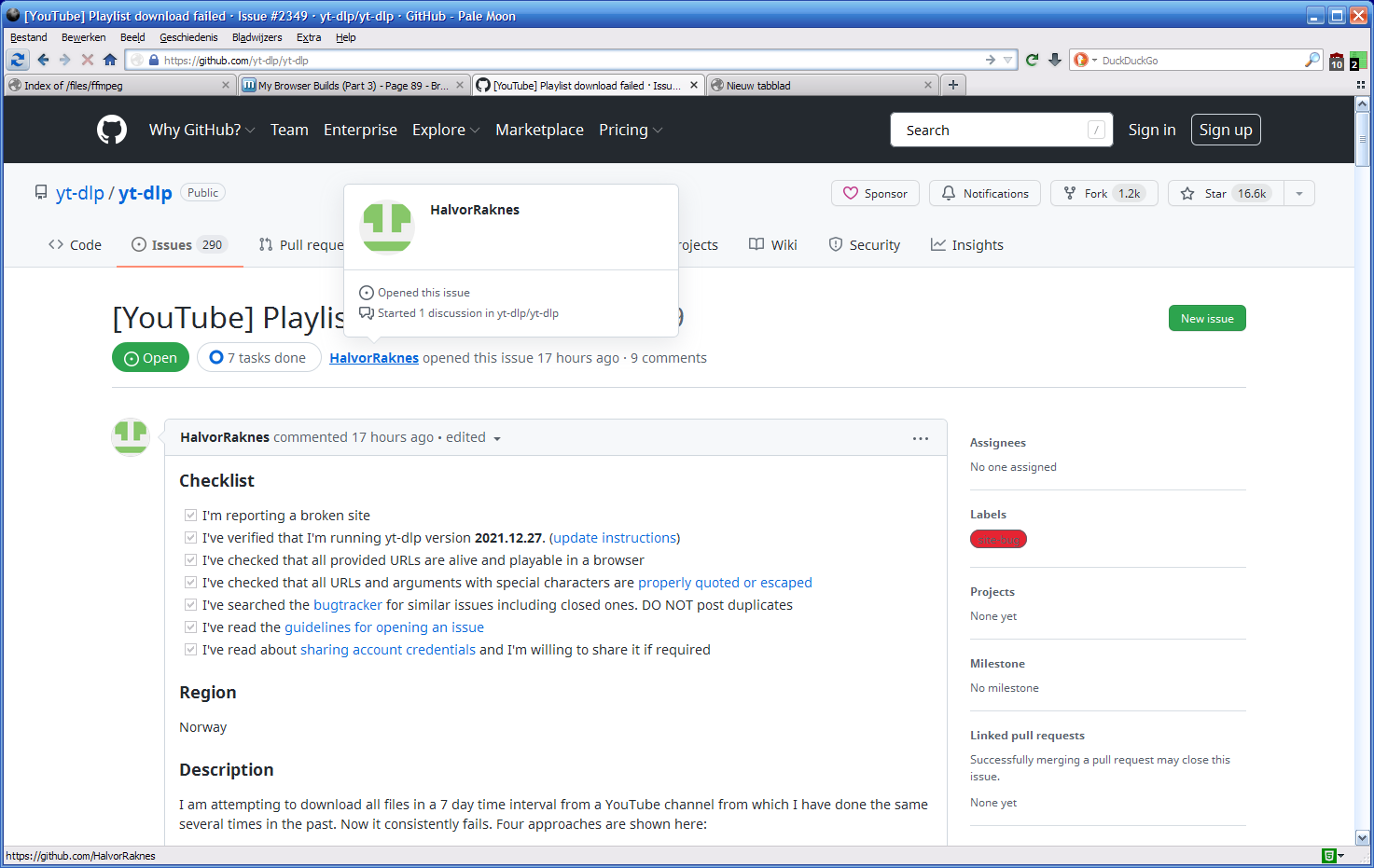
Here I have this in 'install.rdf' for NM 28 (says 'Pale Moon' in title bar, because of language pack): <em:targetApplication> <Description> <em:id>{8de7fcbb-c55c-4fbe-bfc5-fc555c87dbc4}</em:id> <em:minVersion>28.10.0</em:minVersion> <em:maxVersion>29.*</em:maxVersion> </Description> </em:targetApplication> And GitHub works:
-
Compiling yt-dlp fails here : C:\Documents and Settings\User\Bureaublad\yt-dlp-master>python pyinst.py Traceback (most recent call last): File "pyinst.py", line 6, in <module> from PyInstaller.utils.hooks import collect_submodules File "C:\Python37\Lib/site-packages\PyInstaller\utils\hooks\__init__.py", line 1012, in <module> from .gi import * File "C:\Python37\Lib/site-packages\PyInstaller\utils\hooks\gi.py", line 16, i n <module> from ...depend.bindepend import findSystemLibrary File "C:\Python37\Lib/site-packages\PyInstaller\depend\bindepend.py", line 43, in <module> import pefile ModuleNotFoundError: No module named 'pefile' And then: C:\Documents and Settings\User\Bureaublad\yt-dlp-master>pip install pefile Collecting pefile Using cached https://files.pythonhosted.org/packages/ee/e1/a7bd302cf5f74547431 b4e9b206dbef782d112df6b531f193bb4a29fb1b9/pefile-2021.9.3.tar.gz Collecting future (from pefile) Using cached https://files.pythonhosted.org/packages/45/0b/38b06fd9b92dc2b68d5 8b75f900e97884c45bedd2ff83203d933cf5851c9/future-0.18.2.tar.gz ERROR: Complete output from command python setup.py egg_info: ERROR: Traceback (most recent call last): File "<string>", line 1, in <module> File "C:\DOCUME~1\User\LOCALS~1\Temp\pip-install-pvvu2pzh\future\setup .py", line 86, in <module> import src.future ModuleNotFoundError: No module named 'src' ---------------------------------------- ERROR: Command "python setup.py egg_info" failed with error code 1 in C:\DOCUME~ 1\User\LOCALS~1\Temp\pip-install-pvvu2pzh\future\ WARNING: You are using pip version 19.1.1, however version 21.3.1 is available. You should consider upgrading via the 'python -m pip install --upgrade pip' comm and. How did you get the necessary modules?
-
My Browser Builds (Part 3)
nicolaasjan replied to roytam1's topic in Browsers working on Older NT-Family OSes
Does however not occur on NM 28. -
My Browser Builds (Part 3)
nicolaasjan replied to roytam1's topic in Browsers working on Older NT-Family OSes
(offtopic) Well, thanks. Not. I have ASD as well and I certainly don't recognize me in that statement. I expect you to take your words back. -
My Browser Builds (Part 3)
nicolaasjan replied to roytam1's topic in Browsers working on Older NT-Family OSes
I think he means Classic Theme Restorer (can be found in the Classic Add-ons Archive) -
My Browser Builds (Part 3)
nicolaasjan replied to roytam1's topic in Browsers working on Older NT-Family OSes
I have a version from DownThemAll! Nightly Builds. Had to change 'install.rdf' to make it install. Uploaded to my Dropbox account: https://dl.dropboxusercontent.com/s/a9j8p4abr4umujc/DownThemAll%21-nightly-3.0.9pre.20190820.xpi.zip -
My Browser Builds (Part 3)
nicolaasjan replied to roytam1's topic in Browsers working on Older NT-Family OSes
Just tried that, but then YouTube doesn't load any more... As time goes by, Pale Moon becomes more and more obsolete for use with the "modern" web... Better to just put a lightweight Linux distro on old hardware and use a decent browser.