Everything posted by Comrade_Hajji
-
What is the latest version of KiCAD running on XP? They all are talking about 7 is unsupported, and regarding to XP... If anybody has checked this issue, please respond about the last version for old good XP. Anyway, I'm downloading and checking older versions from the official download page now, such a feat is going to take pretty much time, and as far as I can claim kicad-4.0.7-i686 is working stable.
-
When my laptop goes to sleep mode after been locked for long, HDD gets restarting continuously, that's heard clearly.
-
I've been using Foxit Reader 5.3.0.423 for last 3 years on XP, 7 and 10. It works fast and has secure mode (once it blocked a canarytoken, while Adobe Reader's last version didn't detect it).
-
No way, v48 is all right
-
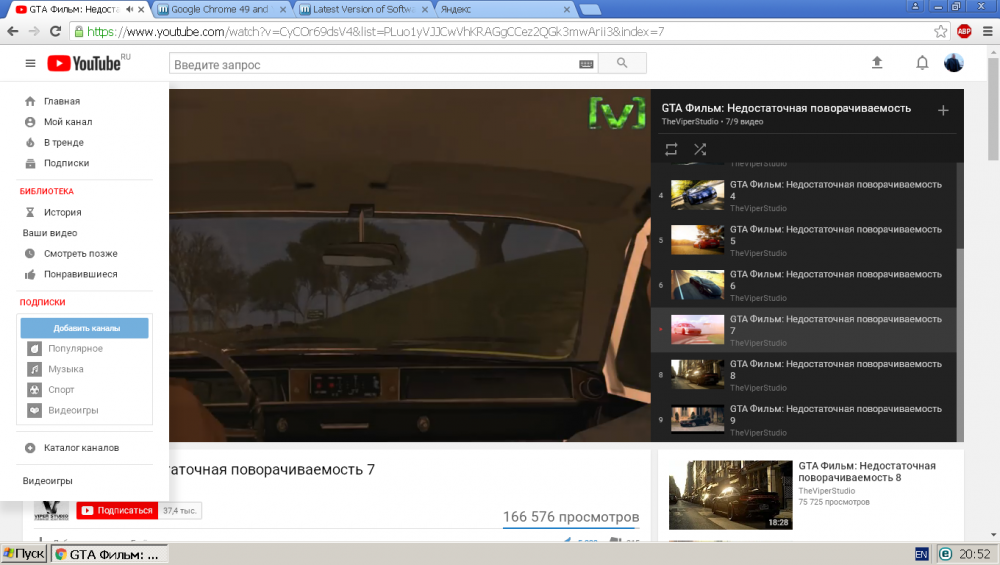
Classic design and HD available --disable-infobars --user-agent="Mozilla/5.0 (Windows NT 5.1) AppleWebKit/537.36 (KHTML, like Gecko) Chrome/48.0.2564.81 Safari/537.36" --no-referrers
-
What is the purpose? What troubles do you solve exactly in this way?
-
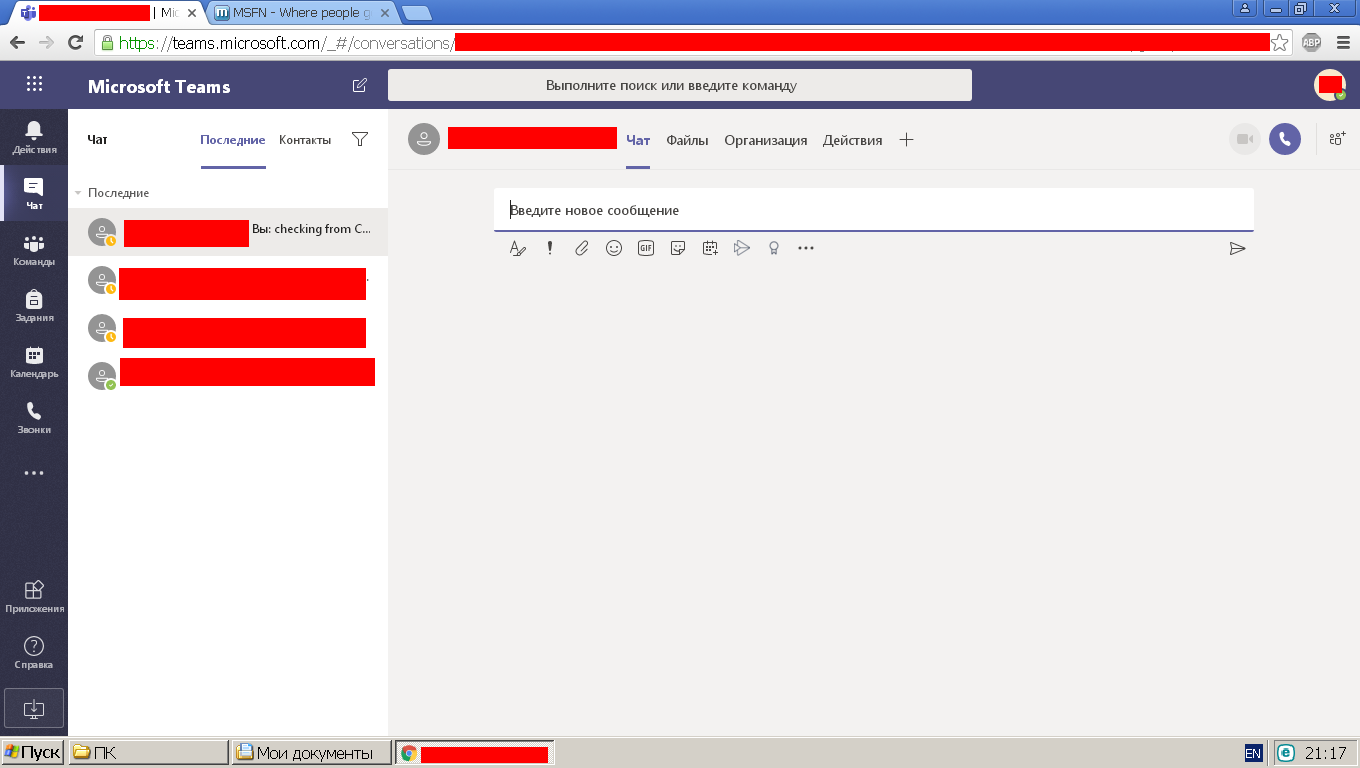
Right, it works on 360 Chrome Browser 11.0.2251.0 (~Chrome 69.0.3497.100) Listen everyone, now Windows XP doesn't die hard, it lives easily!
.thumb.PNG.6896c0637f97b9fa678758143eb4788b.PNG)
-
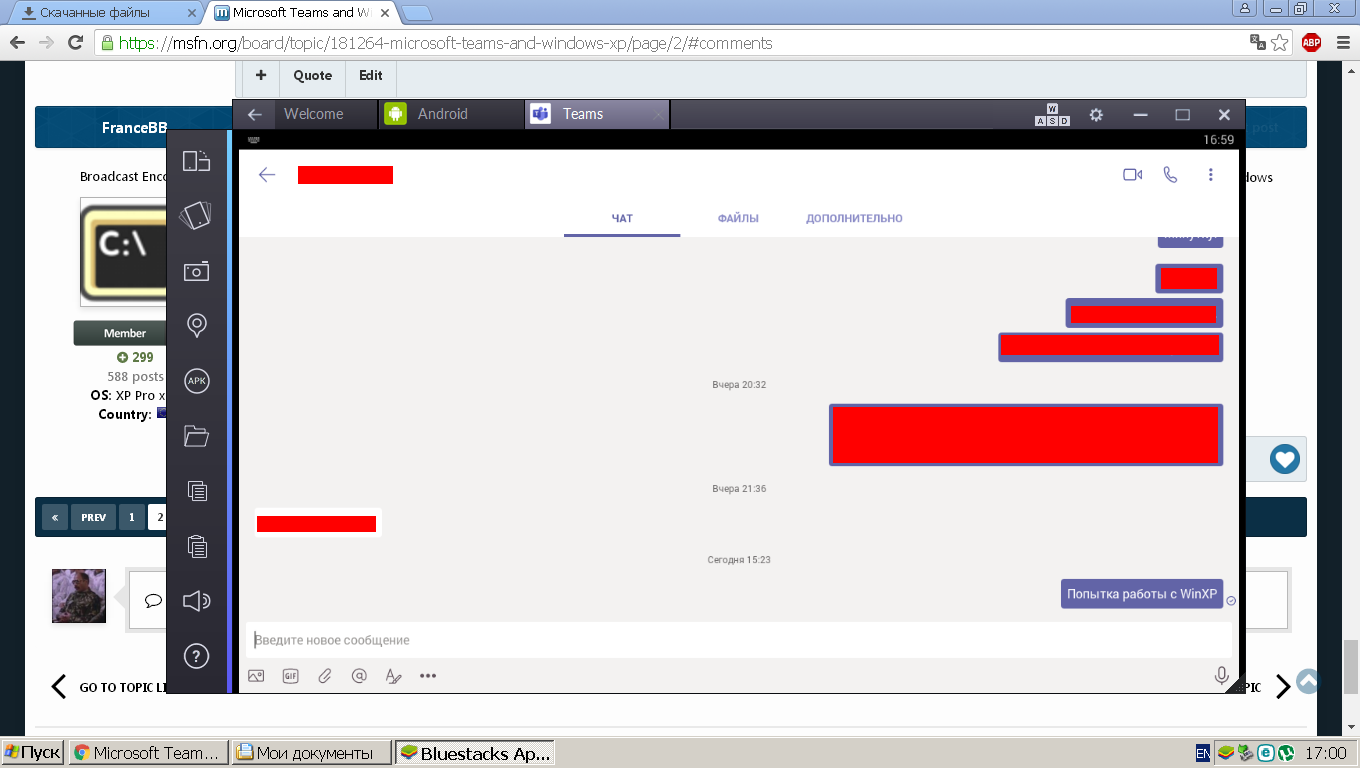
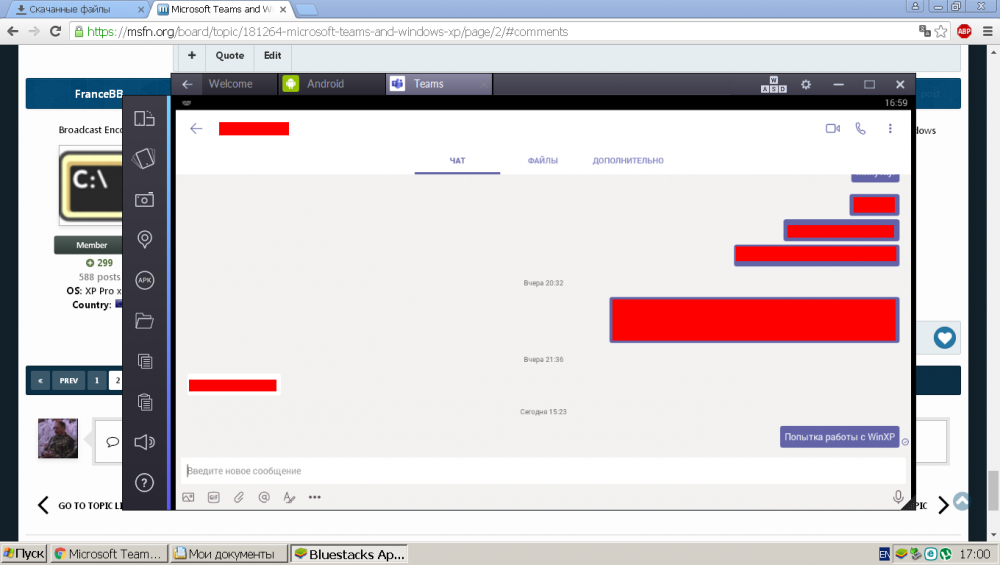
Tried emulating latest APK on Bluestacks App Player 2.1.3.5650. Chat is available, while member's status is not
-
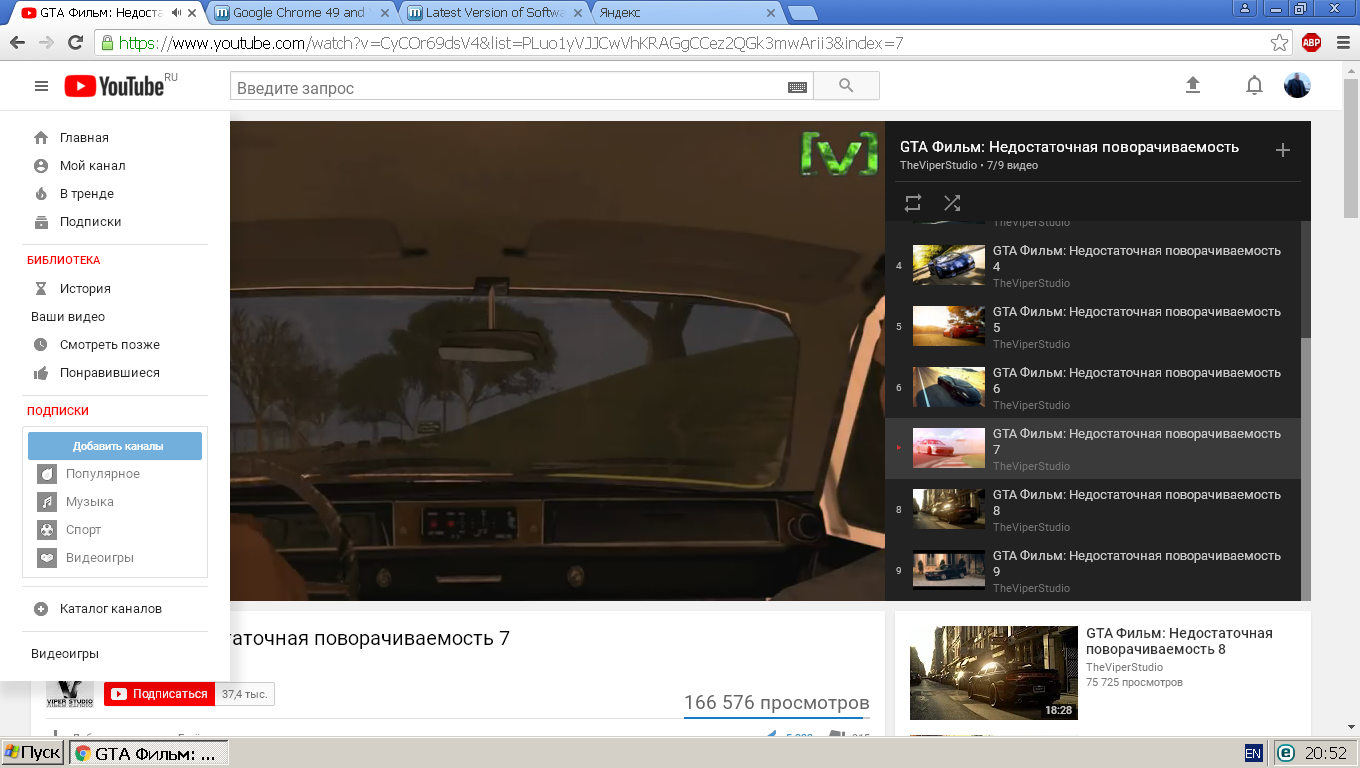
All I could reach with Chrome 49 is shown below. --disable-infobars --user-agent="Mozilla/5.0 (Windows NT 6.4) AppleWebKit/537.36 (KHTML, like Gecko) Chrome/90.0.3732.0 Safari/537.36" --no-referrers Can send messages but can't see the chat. This shame describes all the attitude of M$ to their products: fancy interface is working while the simplest thing -- reading the text -- does not.I admire your determination.
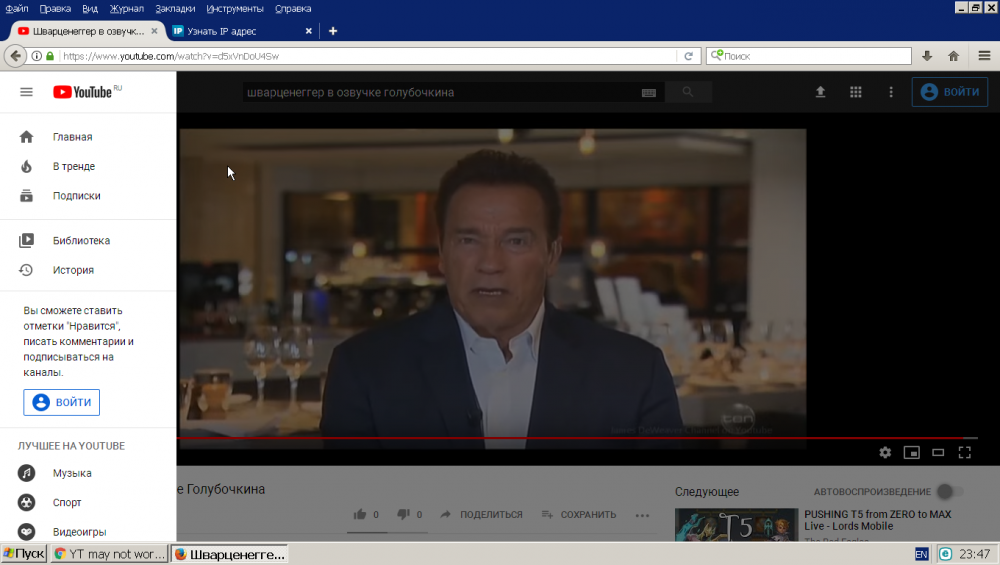
 @win32, check your ad blocking lists, maybe you've added some links responsible for ads appearing at the end of videos.First of all, Yandex Browser is Russian. The latest version supporting XP is Yandex Browser 17.4.1.919, and it really helped me once I couldn't use fake user-agent. Secondly, you should download MyPal browser. It's based on latest PaleMoon versions and supports everything.Looks like to be all right (FF 52.9.0 ESR).
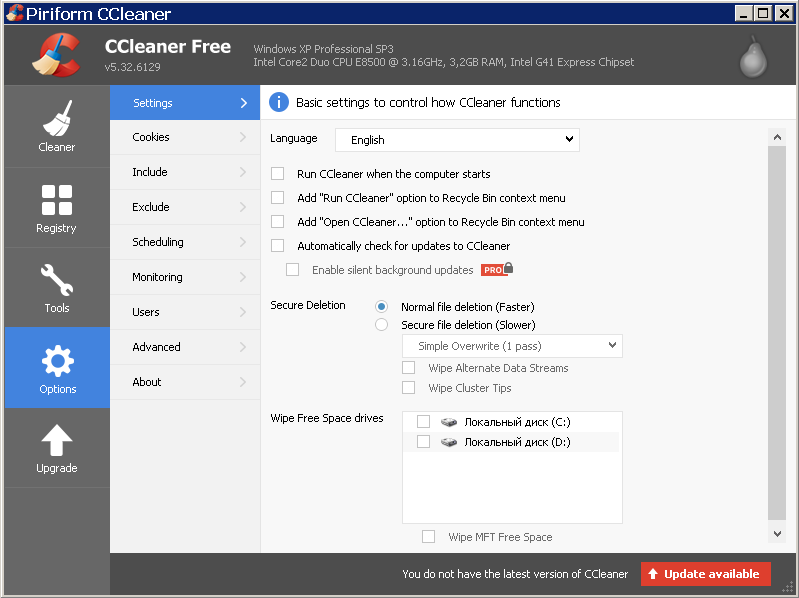
 Suppose these kinda necessary updates have hidden telemetry and stuff to make WinXP more controllable as the further versions are, maybe slower as well. After the latest news about M$ tricks on Win7's media player and wallpaper I expect nothing but the worst.Yes, that must be better than looking for adventures in registry, but old habits die hard.No, I have not. At the moment I am satisfied with Calc x32 from XP placed in Program Files.Do you still use 'Photos' or made 'Photo Viewer' back? M$ didn't delete it but hid, so you can set it as default viewer with PowerShell (then select in Propeties for each filetype). If ( -Not ( Test-Path "Registry::HKEY_CLASSES_ROOT\Applications\photoviewer.dll")){New-Item -Path "Registry::HKEY_CLASSES_ROOT\Applications\photoviewer.dll" -ItemType RegistryKey -Force} If ( -Not ( Test-Path "Registry::HKEY_CLASSES_ROOT\Applications\photoviewer.dll\shell")){New-Item -Path "Registry::HKEY_CLASSES_ROOT\Applications\photoviewer.dll\shell" -ItemType RegistryKey -Force} If ( -Not ( Test-Path "Registry::HKEY_CLASSES_ROOT\Applications\photoviewer.dll\shell\open")){New-Item -Path "Registry::HKEY_CLASSES_ROOT\Applications\photoviewer.dll\shell\open" -ItemType RegistryKey -Force} Set-ItemProperty -path "Registry::HKEY_CLASSES_ROOT\Applications\photoviewer.dll\shell\open" -Name "MuiVerb" -Type "String" -Value "@photoviewer.dll,-3043" If ( -Not ( Test-Path "Registry::HKEY_CLASSES_ROOT\Applications\photoviewer.dll\shell\open\command")){New-Item -Path "Registry::HKEY_CLASSES_ROOT\Applications\photoviewer.dll\shell\open\command" -ItemType RegistryKey -Force} Set-ItemProperty -path "Registry::HKEY_CLASSES_ROOT\Applications\photoviewer.dll\shell\open\command" -Name "(Default)" -Type "ExpandString" -Value "%SystemRoot%\System32\rundll32.exe `"%ProgramFiles%\Windows Photo Viewer\PhotoViewer.dll`", ImageView_Fullscreen %1" If ( -Not ( Test-Path "Registry::HKEY_CLASSES_ROOT\Applications\photoviewer.dll\shell\open\DropTarget")){New-Item -Path "Registry::HKEY_CLASSES_ROOT\Applications\photoviewer.dll\shell\open\DropTarget" -ItemType RegistryKey -Force} Set-ItemProperty -path "Registry::HKEY_CLASSES_ROOT\Applications\photoviewer.dll\shell\open\DropTarget" -Name "Clsid" -Type "String" -Value "{FFE2A43C-56B9-4bf5-9A79-CC6D4285608A}" If ( -Not ( Test-Path "Registry::HKEY_CLASSES_ROOT\Applications\photoviewer.dll\shell\print")){New-Item -Path "Registry::HKEY_CLASSES_ROOT\Applications\photoviewer.dll\shell\print" -ItemType RegistryKey -Force} If ( -Not ( Test-Path "Registry::HKEY_CLASSES_ROOT\Applications\photoviewer.dll\shell\print\command")){New-Item -Path "Registry::HKEY_CLASSES_ROOT\Applications\photoviewer.dll\shell\print\command" -ItemType RegistryKey -Force} Set-ItemProperty -path "Registry::HKEY_CLASSES_ROOT\Applications\photoviewer.dll\shell\print\command" -Name "(Default)" -Type "ExpandString" -Value "%SystemRoot%\System32\rundll32.exe `"%ProgramFiles%\Windows Photo Viewer\PhotoViewer.dll`", ImageView_Fullscreen %1" If ( -Not ( Test-Path "Registry::HKEY_CLASSES_ROOT\Applications\photoviewer.dll\shell\print\DropTarget")){New-Item -Path "Registry::HKEY_CLASSES_ROOT\Applications\photoviewer.dll\shell\print\DropTarget" -ItemType RegistryKey -Force} Set-ItemProperty -path "Registry::HKEY_CLASSES_ROOT\Applications\photoviewer.dll\shell\print\DropTarget" -Name "Clsid" -Type "String" -Value "{60fd46de-f830-4894-a628-6fa81bc0190d}" #Firefox >49, NOD32 EAV >9, Foxit Reader >5Yes, it worked, great thanks. They say Sea Monkey and Otter browser do support XP. FormatFactory 4.3.0.0 -- last version of the popular free media converter that supports XP.For two years I've used CCleaner v5.32 considered to be last not-spying version. Recently it began to notifie about need to update, though all the according settings and services were turned off. Wonder what's going on, did they get the control finally?
 I refused to move to Win10 up to the very end. Finally they installed it on my work laptop and I spent two days optimizing SW. Some of weird stuff: 1. Win10 x64 refuses to run Calc x64 from Win7, but accepts Calc x32 from WinXP. 2. Also it refuses to run any version of Daemoon Tools (download from the official site, must be inept security settings); 3. It refuses to run CCleaner 5.32.

.PNG.66ba4477568bc06d6fba857d6d57f99e.PNG)