-
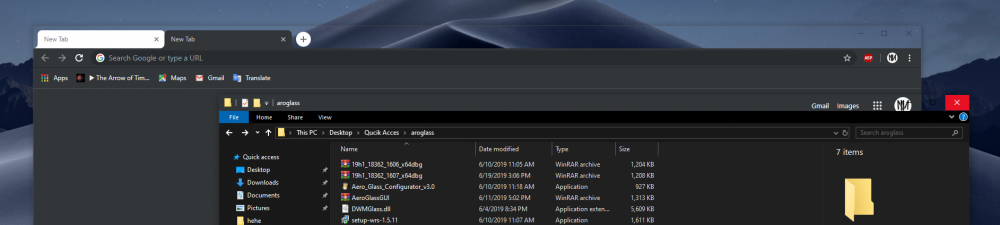
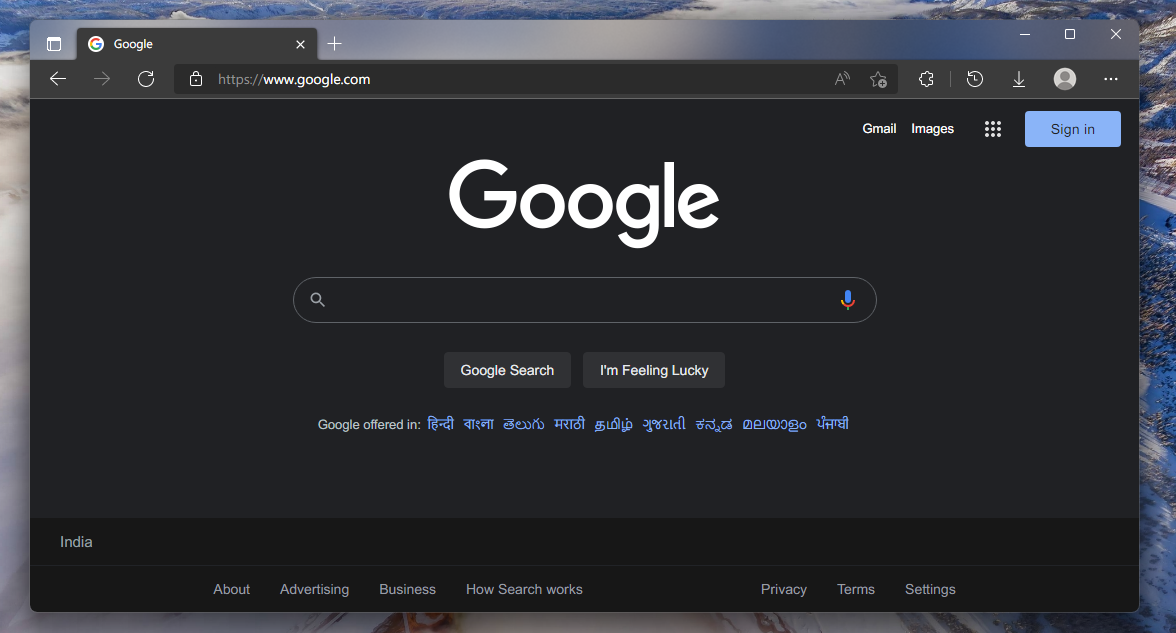
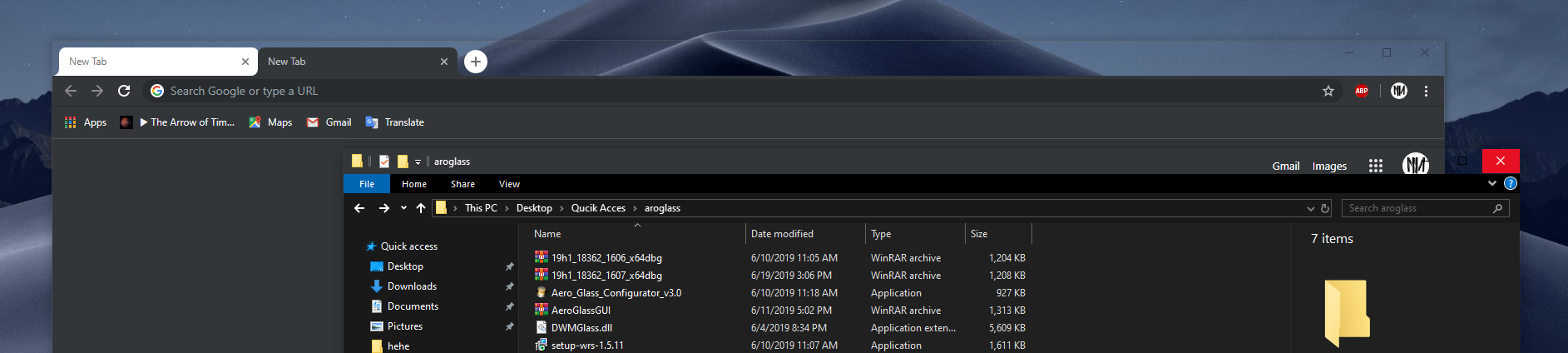
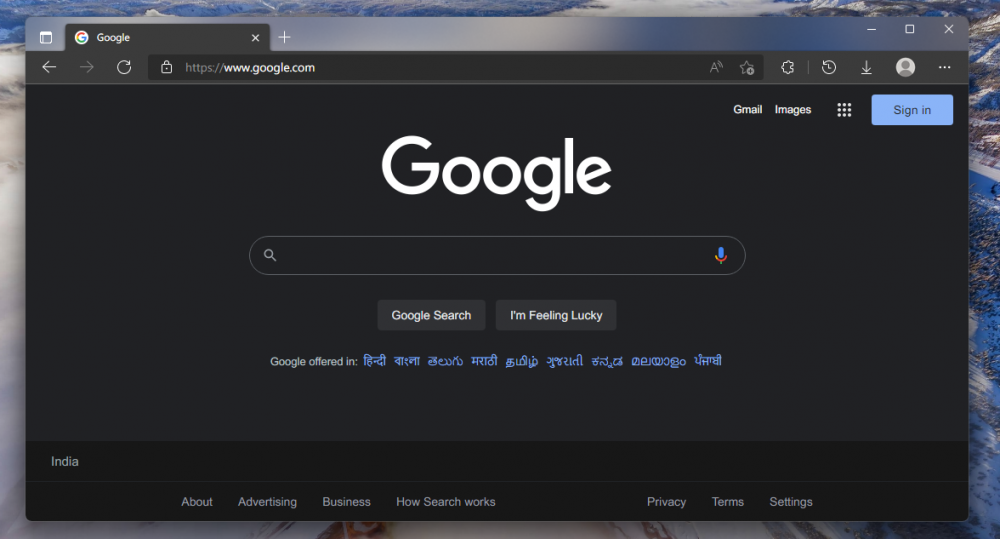
Maybe this is a replacement for Aero8, I found this picture on Reddit, this is Micaforeveryone on Windows 11, it replaces mica effect with acrylic. I wonder if it is possible to add a windws 7 theme on top, it would look something like aero8
-
Is that 1909? EDIT: Wait, what? how do you have minimize and maximize buttons the same size as in windows 7? EDIT2: Is that a glossy effect on the taskbar? When I use Startisback, the default Windows 7 theme doesn't have that effect, it just has blur. EDIT3: Wait, you are on 2004? How the heck you have blur effect and windows 7 theme? Do you using Windows Blinds or what? Please answer

-
nidjo2oo1 changed their profile photo
-
https://www.deviantart.com/win7tbar/art/Theme-Atlas-Collection-for-Windows-10-14393-Final-658193357
-
This is what happened to me when using this program with Openshell, but after uninstalling Openshell everything work fine.
-
you can use the theme to change the color of unselected tabs, I use the "Edgy Light" theme from the Chrome Web Store, and with the Windows 7 Atlas, theme looks exactly like in Windows 7. here is the theme: https://chrome.google.com/webstore/detail/edgy-light/hiejfgolnaceciaifhdejmgdlmdfbblg p.s Chromium Edge can use themes from Chrome web store. And here's what it looks like:
-
I also have the same problem, windows 10 1903 x64