-
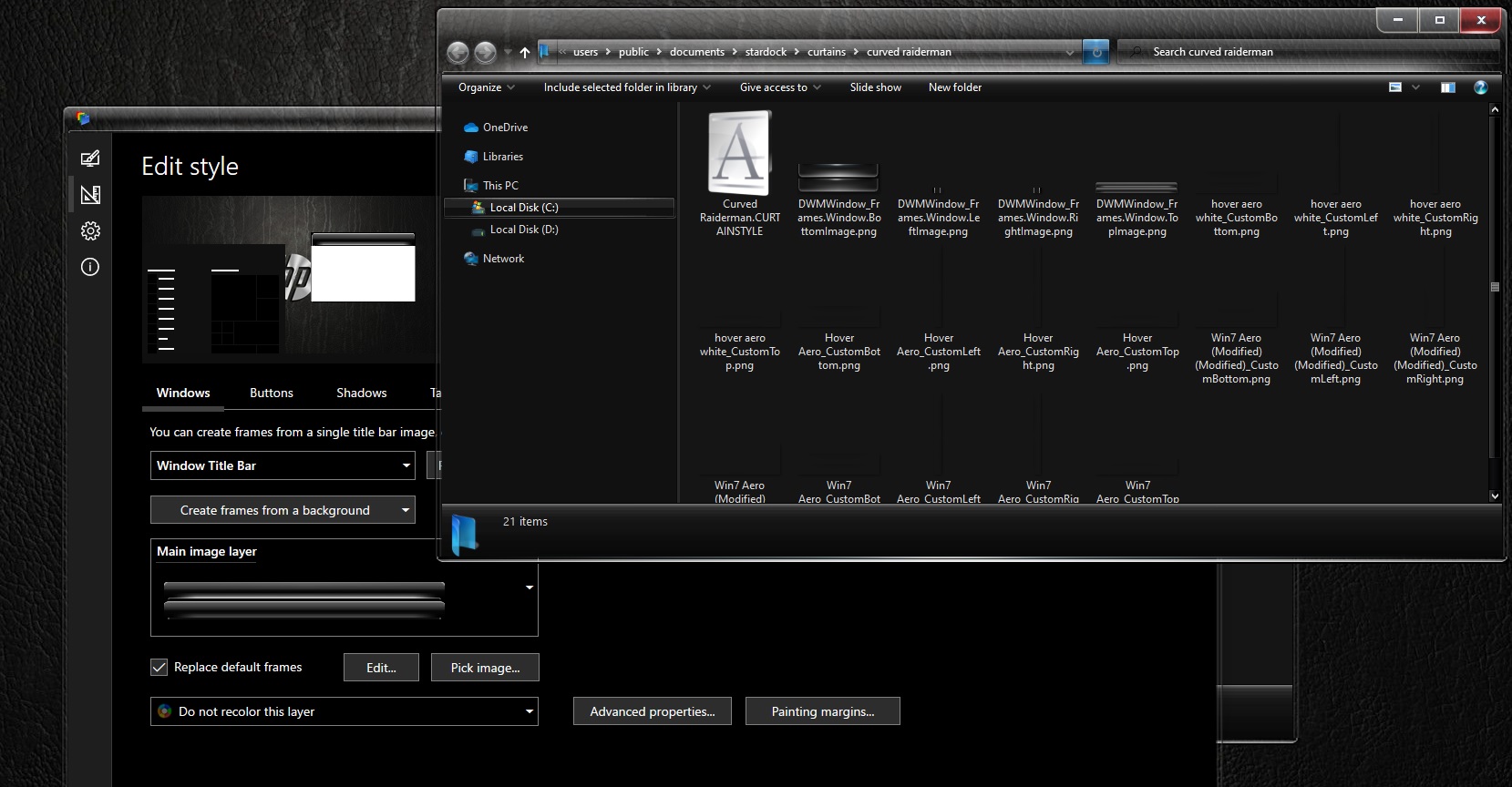
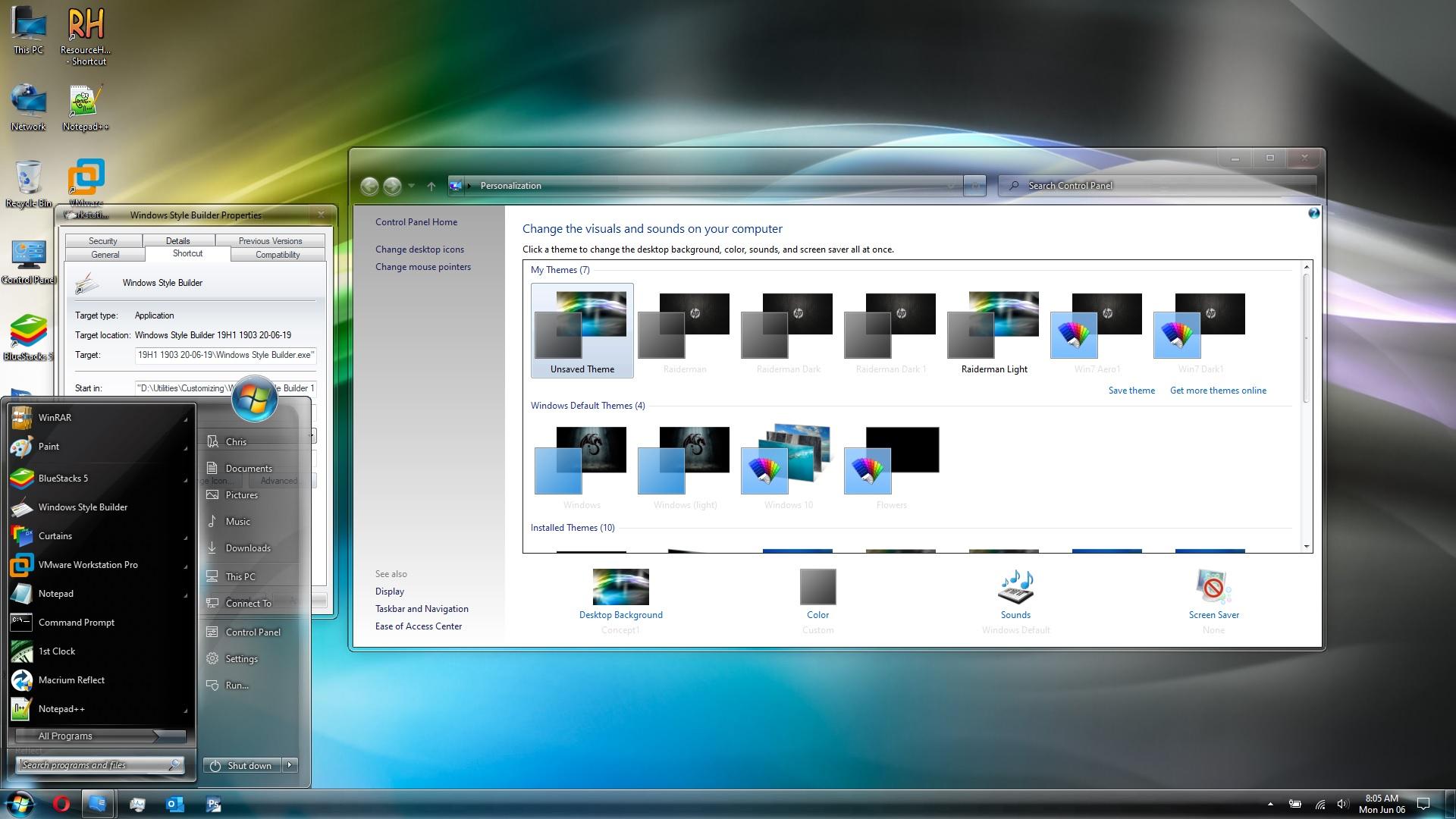
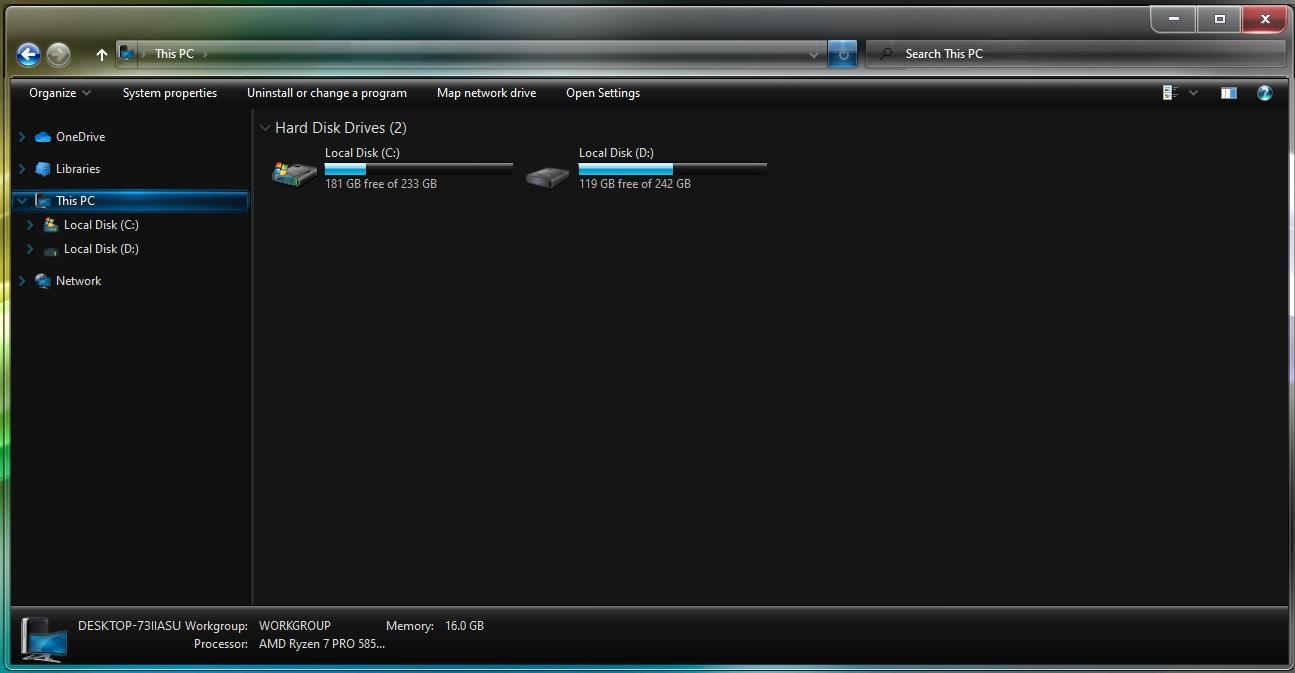
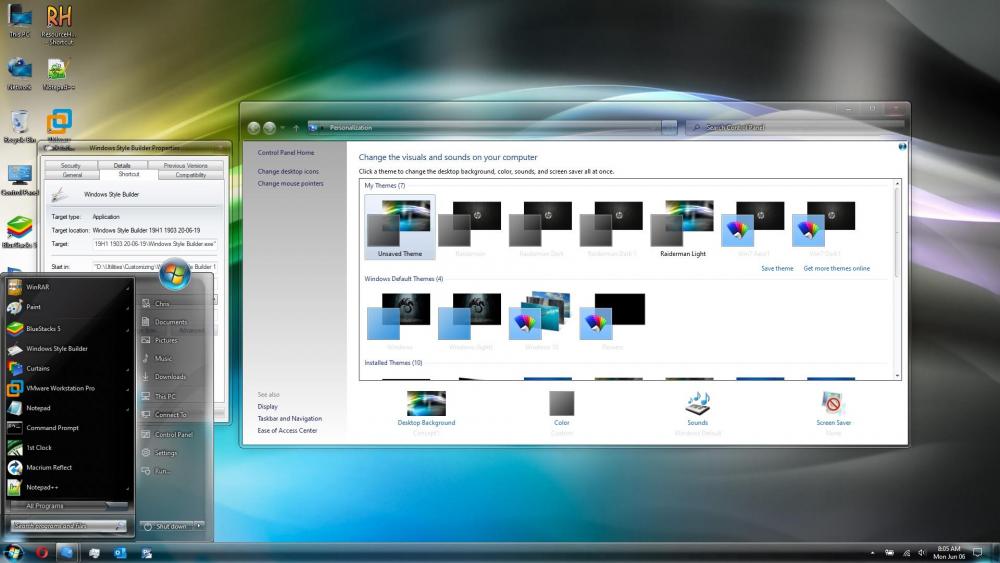
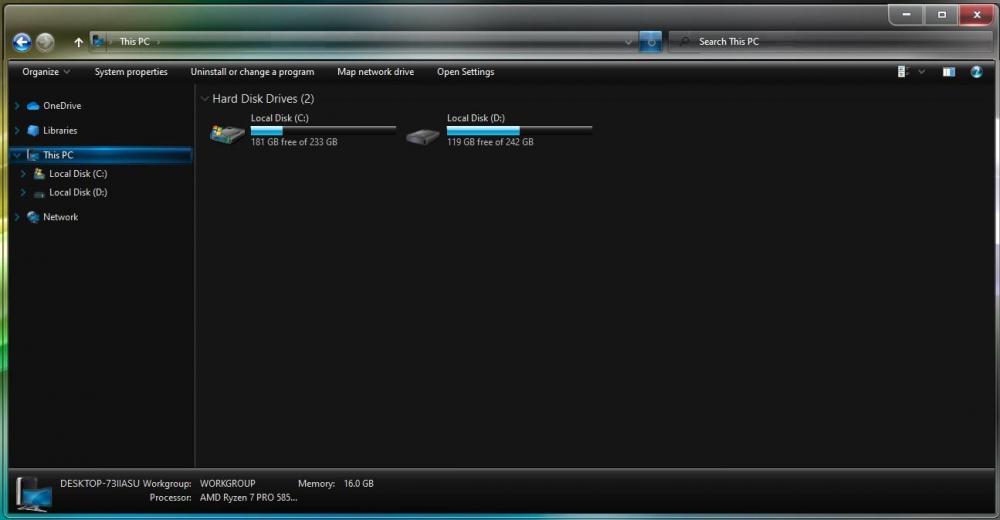
Like I said in my post, you can use your own custom frame images. You can also modify any pre-loaded theme.
-
Ive been using curtains for a year now, and it does none of the things you describe. It works flawlessly on Windows 10 LTSC Lot 21H2. I am using my custom images for the frames, and that is all I have it doing.
-
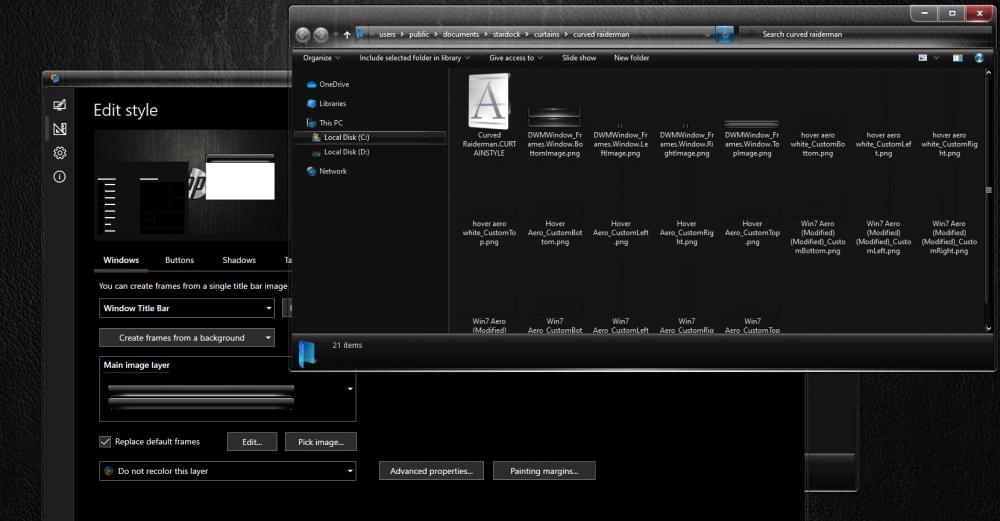
Like this. Ignore the light text. Its a bug when changing from dark to light. Closing the window and reopening it, fixes the problem.
-
I've settled with modified Curtains, and my theme.
-
Raiderman68 changed their profile photo
-
I have searched his name on twitter and facebook, and came up with Nadda. He has always been a really private person, at least that is what I gather. Regardless, it would be great if some coding genius could come up with their own "AeroGlass" I know I'd pay for it!
-
You can pay, I am sure, 2, 3, 4 years worth of hosting at a time. If he had dropped the project all together, you would think he would take the site down. By now his Paypal account is all screwed up, with all of the donations that have been processed, then refunded via the resolution center. So that doesnt make sense either. Why screw your paypal account up?? Why leave the site up?
-
Curtains blows, as does blinds. They are both bloatware and crap. The only reason this may be dead is because the author may have passed.
-
@bigmuscle You are needed in the customization community, more than you know. I hope you read these messages, and consider working on your great little program again. I think I have donated 3 or 4 times in the past, as I am sure people will in the future. We need you....I hope you are well!