
Everything posted by dna-systems
-
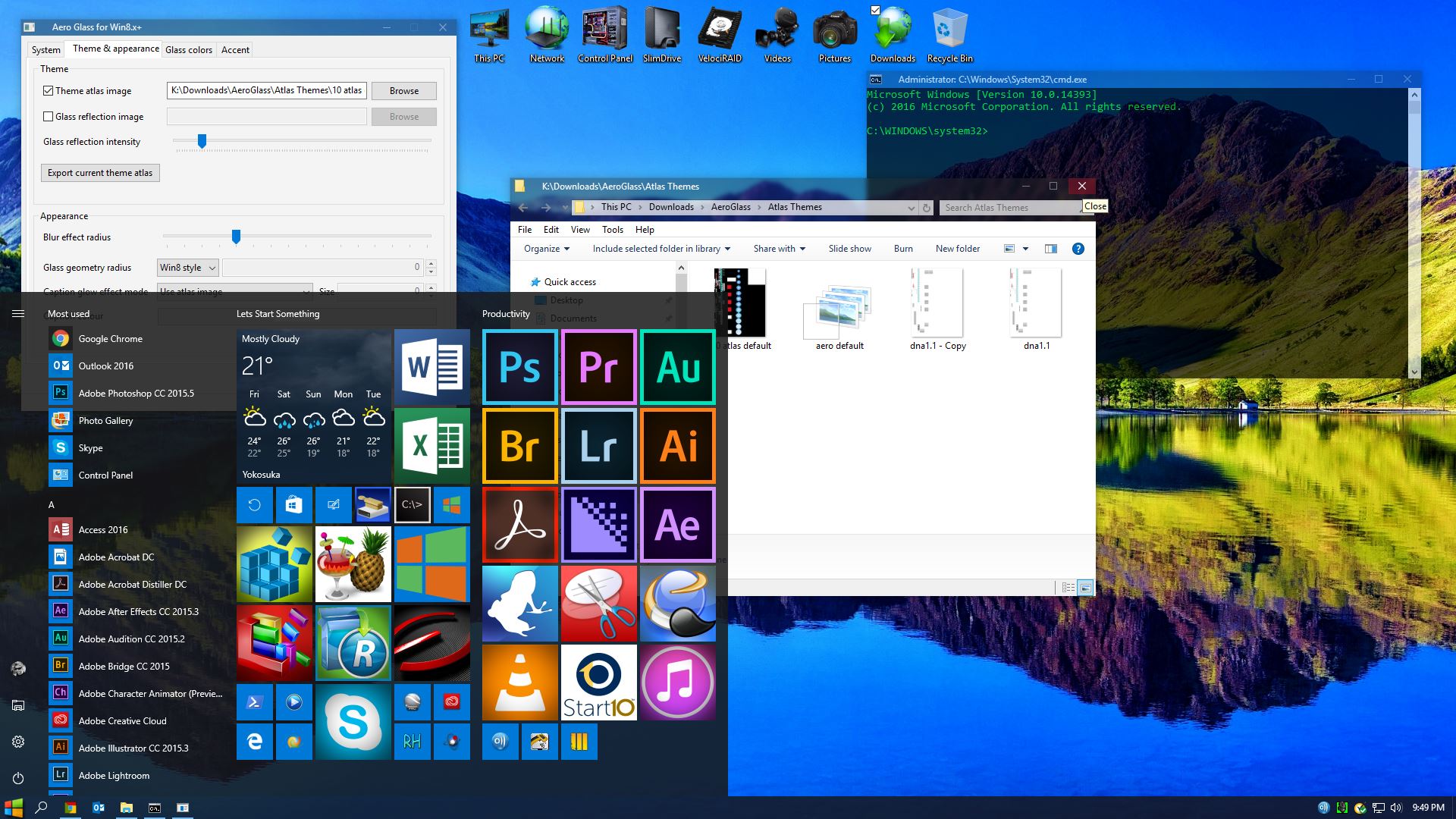
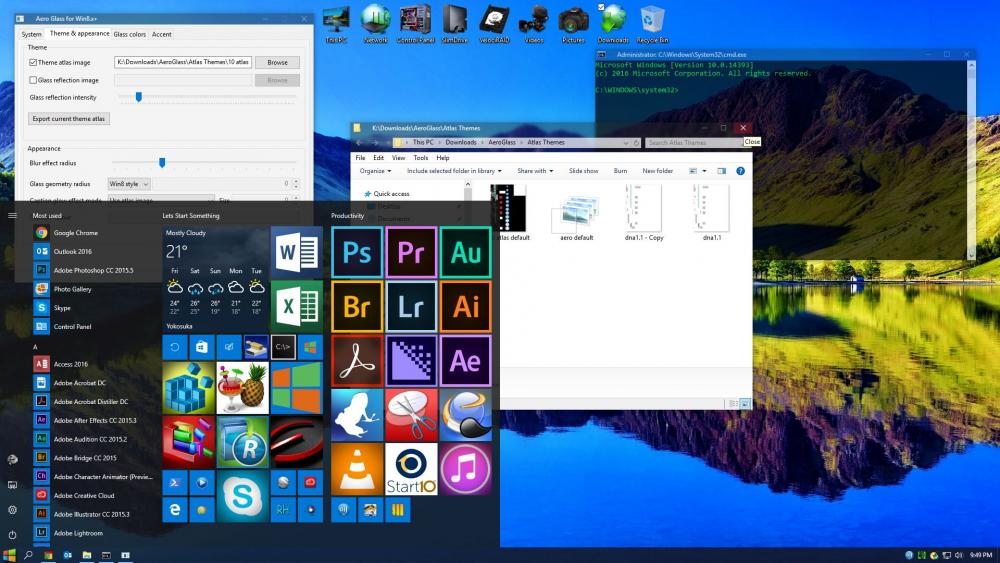
I just wanted to say THANK YOU to bigmuscle and to anyone who gave feedback to keep AeroGlass going. I'm currently using AeroGlass 1.5 along with the new GUI, a modified default atlas on Windows V.1607 B.14393.223 and everything looks spot on.
-
Modified default atlas. Lightly tinted _ /◻ / X buttons w/ white glyph and title bars have slight tinting as well. Also made the active window frame just a little more pronounced. 1st atlas post, so take it easy on me with the criticism, but feedback is certainly welcome...I'm learning.
-
Can anyone post a link to clsharp v4.4 in "Theme Atlas" section? I'm either blind or unusually stupid today...but I can't find it anywhere.
-
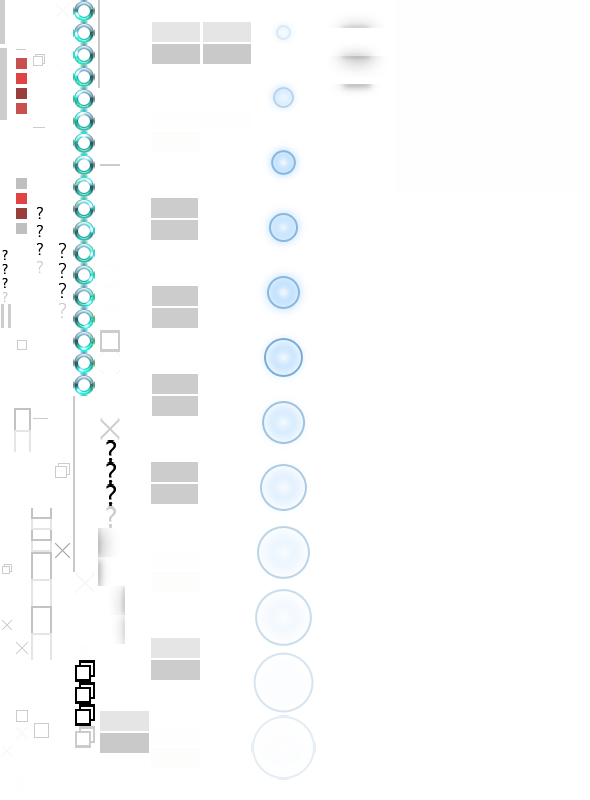
I too would love to know what the numbers represent. For example: Does line item 47 represent the same thing across different layout files?, or is it the same across different builds of the OS? etc... I've managed to fumble around and customize the clsharp layout and png files using notepad and photoshop and have managed to change frame shadow, open/close-min/max-button glyph's, etc...but it was a very slow process of changing one line item at a time with the layout file then changing a single row of pixels (png) and restarting aeroglass. Slow and steady but not without a very high number of screw ups along the way.
-
Well said...I too, hope Big Muscle doesn't give up. I've given up on using custom themes though. I'm sticking with the default M$ theme so at least I don't have to worry about mapping, atlas or .layout files.
-
"UPDATE" (at least for me) Symbols updated about 5 minutes ago on reboot. AeroGlass loaded and hooked DWM with no issues. Seems to be working fine now.
-
Same here...W10 Pro x64 Build 10586.122. Although, Aeroglass is still applied and seems to be functioning...I still got the same message.
-
-
I'm having the same issue here too... AeroGlass 1.4.5 works just fine but the GUI seems to be the culprit. I want a slightly black tint on the active title bars with a slight grey tint on inactive. Regardless of what color I choose, I can only adjust the opacity of the active title bar. It's not a deal breaker, but would eventually like to fine tune it. 1.4.1 would let me adjust color but no blur. 1.4.5 will let me adjust blur, but no color.
-
-
-
http://www.msfn.org/board/topic/174415-aero-glass-for-win81-141/page-10#entry1111643 http://www.msfn.org/board/topic/174415-aero-glass-for-win81-141/page-10#entry1111643 I understand that there is no working version for 10586...that is not the issue. I accept that it takes a while for a new version to be released after an OS build release. My question was to find out if others are having the same issue regarding blur or if it was just something specific to my machine. It was a process of elimination question. Be that as it may...I'm still using it and I don't expect any miracles to happen so soon after an OS update. Anyway...keep up the good work bigmuscle...regardless of blur working or not, I still appreciate your efforts being put into this little gem of software.
-
-
The layout is described in the guide http://glass8.eu/guide.html Thanks bigmuscle...looks like I've got some studying to do. That should keep me busy for a while.
-
Is there a list of some sort that explains what each of the line items represents for .layout files? I'm trying to extend the small white border around active title bar just a few pixels on either end. (this) Can someone tell me if the link works...I still haven't been able to figure out how in the hell share an image properly on here.
-
Well poop...Thanks for the heads up with the gDrive links and sharing. I'm pretty new in here so I'll research a better way to post pics. Thank you...
-
Hey dhjohns, sorry to bother you again but do you know which one of the line items in the layout file (notepad) controls the thin white border under the title bar? here I'd like to extend the little white line out just a few more pixels to the edge. The inactive title bar is perfect...as is the rest of the layout. The picture link shows what I'm referring to. "I was able to remove borders from everywhere except for the title bar of the ACTIVE window. You will see what I mean, but all borders elsewhere are gone." Is that what you were referring to in your post about the title bar having the border? I really do appreciate all your help too.
-
dhjohns....you are, without a doubt, THE MAN!!! Thank you so much. That is exactly what I was looking for. Thanks again!!
-
I am a total noob when it comes to atlas files and theme layouts so forgive me if this is a stupid question. Would it be possible for someone to modify the win8rp theme atlas so that it has no borders? I like the rest of it just as it is...I would just prefer to have it without borders. When I un-check the theme atlas image in the AeroGlass GUI (1st image link), it completely makes the buttons and title bar hard to see, but it makes the borders perfect. When I check the theme atlas image (2nd image link), the buttons and title bar are easy to see, but the offset border is visible.