Tihiy
Content Type
Profiles
Forums
Events
Everything posted by Tihiy
-
andreymd87, please post crash details
-
StartAllBack for Windows 11 comes with quite changed translation file https://www.startallback.com/langs/RU-RU.txt Your work is welcome
-
StartAllBack is a paid upgrade for StartIsBack license holders (like it was with Taskbar Perks upgrade) Newly bought licenses should work with StartIsBack/StartAllBack alike.
-
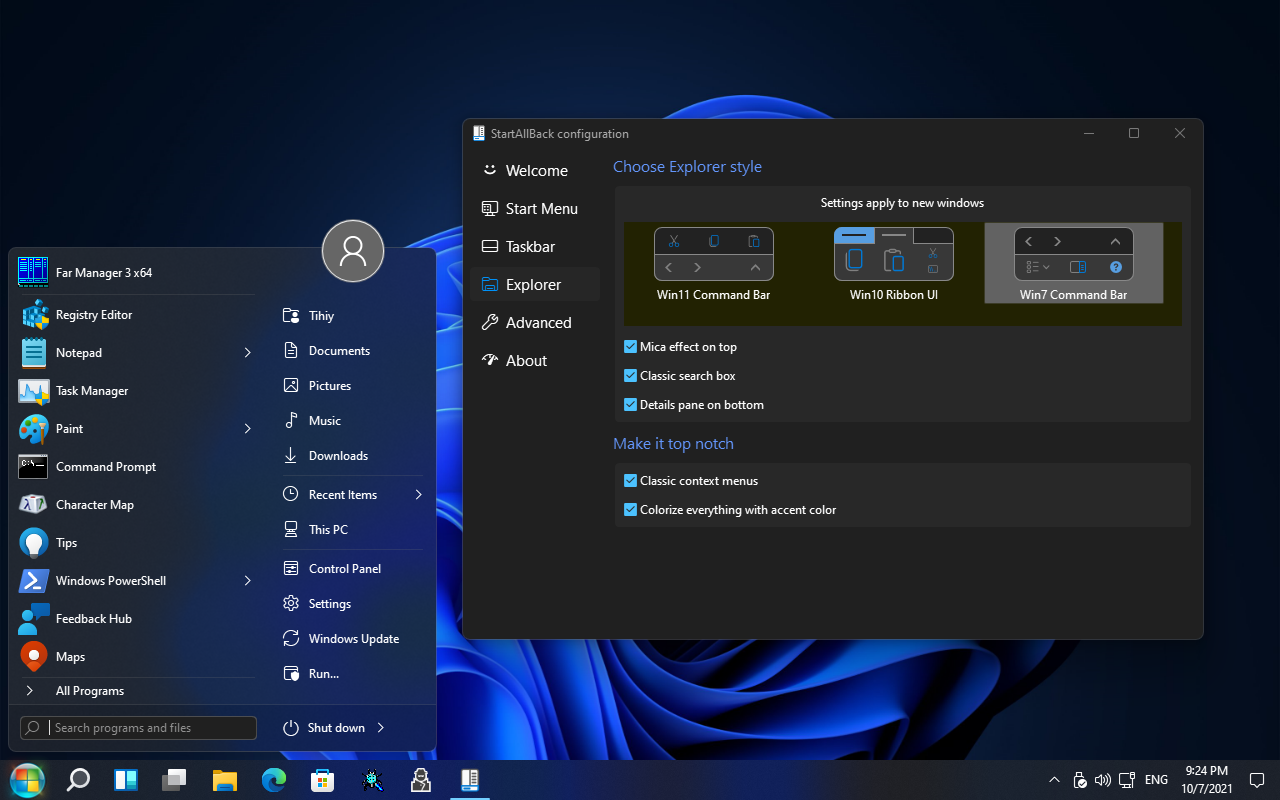
Introducing StartAllBack: an app to fix all Windows 11 UI issues! Restore taskbar functionality - Drag and drop, different icon sizes, different screen sides, widgets, new icons, old flyouts, oh my! Restore context menus - Win32 menus were never this sexy! Fix Windows Explorer - Ribbon UI and Command Bar made sexy and not slow; search box that works Top notch styling - Recolor everything: all UI elements in all apps don't have to be blue! - Fix broken Win32 styling in Win11 RTM version - Improved dark mode styling with Explorer And start menu: yes! - Windows 7 style all-signing, all-dancing yet again, refreshed with new look and functions It could be the last year you can enjoy Windows not crippled, so do it! https://www.startallback.com

-
All-new StartIsBack(name to be determined) for Windows 11 is available for beta testing https://startisback.com/tbd Your feedback is greatly appreciated!
-
StartIsBack++ 2.9.15
-
No need for video, you need to install latest SIB version
-
Please try collecting crash dump https://docs.microsoft.com/en-us/windows/win32/wer/collecting-user-mode-dumps or submit crash info from problem report history
-
Yes, you need to update StartIsBack
-
How does they 'disappear'?
-
Nah. StartIsBack++ 2.9.13
-
StartIsBack++ 2.9.12
-
Yeah, because it's not a crash, but a hang. Hang can be captured with procdump -h explorer.exe
-
Taskbar order not maintained between virtual desktops
Tihiy replied to Thanatica's topic in StartIsBack+
So is it StartIsBack bug? -
Crash info can be found via search 'View all problem reports' - then find latest crash for Windows Explorer and copy technical info here Also try this? https://support.citrix.com/article/CTX118614
-
It certainly should be. Provide a crash dump (https://docs.microsoft.com/en-us/windows/win32/wer/collecting-user-mode-dumps or procdump)
-
StartIsBack++ 2.9.10
-
v 2.99 hold escape key to prevent startisback from loading
Tihiy replied to shorty6100@gmail.com's topic in StartIsBack+
Ugh this is terrible. Please checkout latest build from beta thread. -
StartIsBack++ 2.9.10 RC http://www.startisback.com/StartIsBackPlusPlus_setup.exe
-
v 2.99 hold escape key to prevent startisback from loading
Tihiy replied to shorty6100@gmail.com's topic in StartIsBack+
So does holding escape key / uninstalling StartIsBack help? -
SIB's start button and default start is colliding(as shown in the pic)
Tihiy replied to KenanKomutan's topic in StartIsBack+
Some customization software is interfering with SIB -
StartIsBack++ 2.9.10 BETA http://www.startisback.com/StartIsBackPlusPlus_setup.exe should be reinstated soon
-
Windows 7/8 start menu and taskbar styles are darker.
-
StartIsBack++ 2.9.9
-
So it's not a crash, but a hung Try capturing hung dump for explorer exe either from Task Manager -> Details -> explorer.exe -> Create dump (when taskbar is not responding) or use procdump to catch that - but it may give false positives procdump -h explorer.exe hung.dmp https://docs.microsoft.com/en-us/sysinternals/downloads/procdump