Everything posted by dridzz
-
@03GrandAmGT I said WAIK for VISTA
-
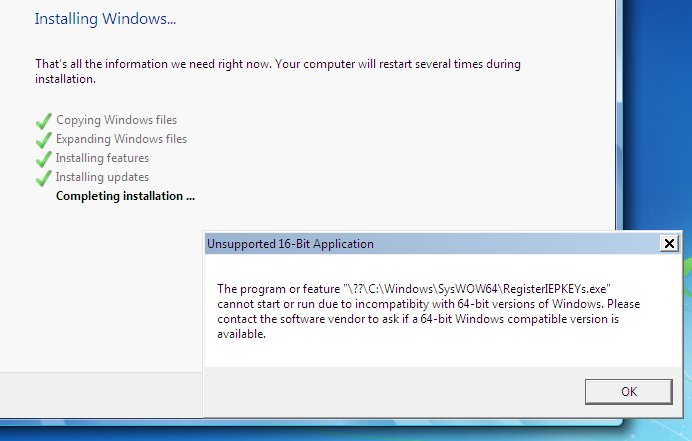
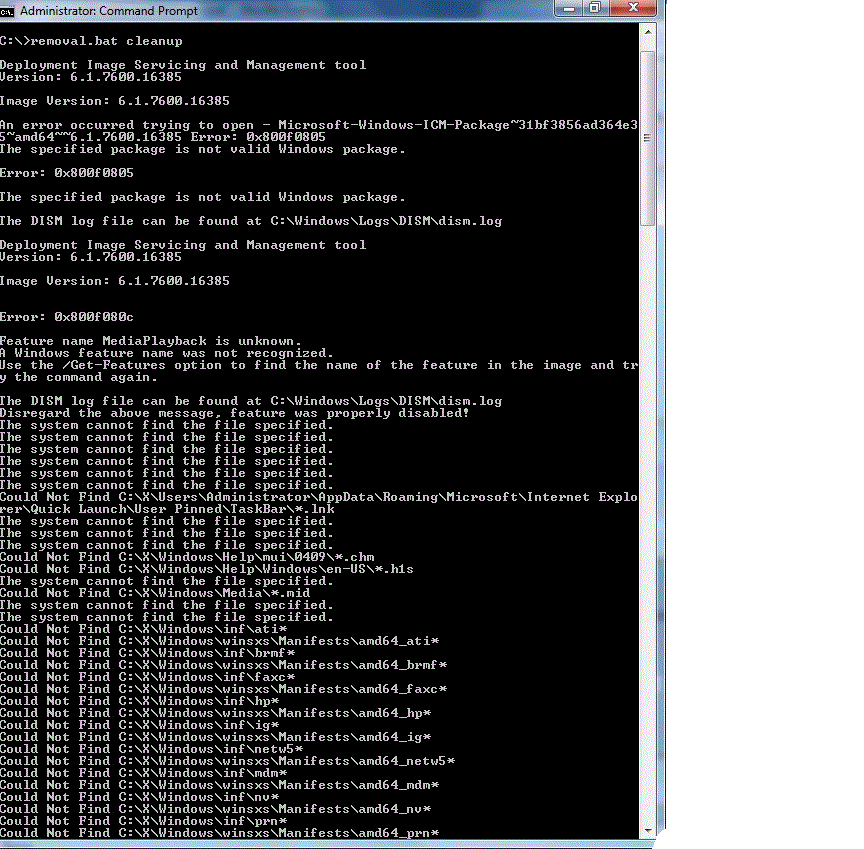
These errors above are caused when you have WAIK for VISTA or VLITE installed. Its also why services disappear.
-
Even only using dism I get this error
-
Has anyone succeeded in shrinking a N version, cuz thats what happens in mine : Note: this happens even when I remove just one component like notepad on vlite
-
Where is the dump file saved in win 7 ? Thx
-
Hey there, My custom install works perfectlly on virtual box, but when i m going to install it on my computer I get a blue screen of death about hidusb.sys, anybody knows what is going on ? Did a couple of tests: When i remove all usb devices it works, but when I put any of them it crashes It only happens when I remove any component with vlite or dism. EX: I removed just paint and the error appears
-
Hey blue, don't know if this will help you, but according to this thread HERE, vlite uses globalinstallorder.xml to remove stuff. Might want to take a look at it
-
what did u use to remove components ?
-
Cool thx for the info. and is it possible to do everything vlite does mannuallly ? and programs like 7custumize and Topic has attachments Se7en_UA be able to do the same stuff vlite does ?
-
So how does vlite do to remove all the stuff
-
But would we be able to remove everything that vlite does like games(not disable like dism does)?
-
Will your program be able to entirely remove packages(languages, games, ) like vlite or will it just disable some of the features it like dism does ?
-
I would like to know it too
-
same here also
-
Nice work you're doing blue I currently use this guide HERE, to slim down windows 7 How will the removal components part in your program work ? Will it it use dism/imagex commands like on the link above but with a GUI ?
-
Does anyone know what font I need to keep in order for office 2010 work?
-
@Jeronimo I cant remove .net completly it says that /ad /s /b is invalid switch. http://i35.tinypic.com/16kw2s6.png
-
whre are the new batch files ? ithink u forgot to upload them
-
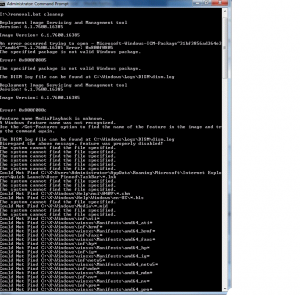
Hey, anyoneone knows why is this happening when I try the "cleanup" part ?
-
Is another batch file coming out ? What is suppose to happen with the cleanup? Mine is like this.
-
Could someone give me an example or a sample of a batch file for the N version? PLz
-
Where did you find the N version?
-
What would I need to mod in the batch file to keep network sharing and printer support ?
-
i found out how to get remove components to work. you have to keep Help under systems. does someone where can i found the fileS from help after the installation ?
-
Hey, do you know whitch component is causing Windows features failing to be disabled? And shouldnt you had kept Error Reporting due to missinng wer.dll warning during the installation ?