Search the Community
Showing results for tags 'taskbar'.
Found 7 results
-
 The latest update to win11 brought a bad change, every File Explorer taskbar has this suffix after it
-
 As the title says, it would be nice to have the option to not combine taskbar buttons but also hide the labels. I've had this setup on windows 10 using 7+ Taskbar Tweaker but it doesn't support windows 11. on windows 11 I had this setup using Windhawk with the "Disable grouping on the taskbar" mod but that seems to no longer be compatible with Start All back, used to work, but broke after some update. It still works on the default windows 11 taskbar but that is s*** for other reasons. This seems like a pretty straightforward thing to implement, please consider it. Bonus: "When taskbar full, hide labels" would also be nice, for completeness sake. I've attached an example on how this locks like on vanilla taskbar + the Windhawk mod
-
Hi guys,i´m so happy i found this program and i love it...one thing though,when i add new icons to the taskbar i just get this white icon,the pics are not showing,tried the usual thing and just went in the app´s dir and added the icon but no...didn´t work either...HELP ME?
-
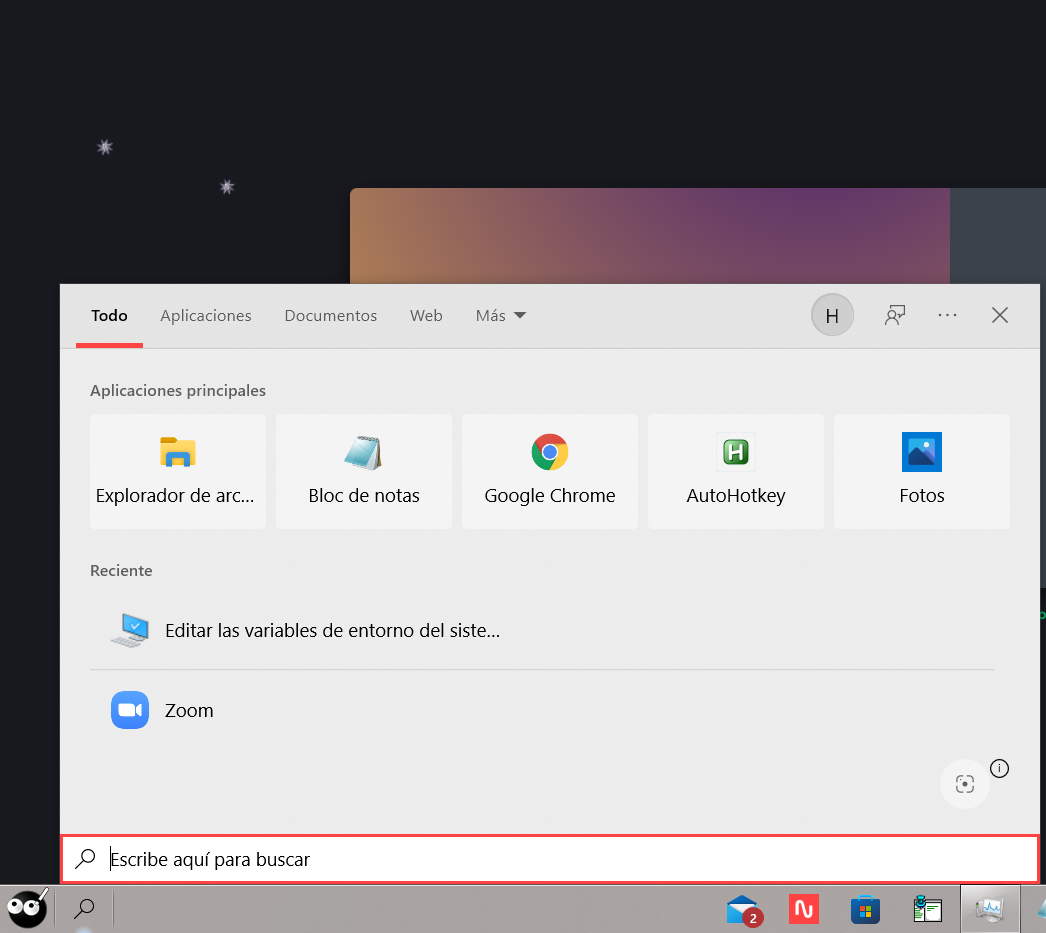
 Hi all! I made some adjustments in StartIsBack and now when I press the magnifying glass icon, which is used to search things in Windows 10, the search box is strangely cropped and some options are covered (as if the box scrolled down) I attach the image of this: https://imgur.com/q5hHIbc If more details are needed to solve this problem, please let me know. Thanks in advance
-
I know it's a little hard to see, but what I'm talking about are the small blue bars underneath tabs.
-
Does anyone know how to reduce the spacing on the taskbar window list when it's showing stacked windows? See the image below for what I mean. Are there any resources in ExplorerFrame.dll for example that could be edited to reduce the spacing? I tried tweaking the registry keys at HKEY_CURRENT_USER\SOFTWARE\Microsoft\Windows\CurrentVersion\Explorer\Taskband But you cannot get rid of much padding there before the icons misalign and the text becomes unreadable. See image below. As you can see there's still plenty of space for the text, but there's something blocking the text from appearing properly. I couldn't find any settings in the registry to get rid of the invisible margins or padding. For comparision here's a screenshot from Vista where the list is really nice and compact. The original list on Windows 8 is almost twice as high as this with the same number of items. There must be some other setting somewhere which could be tweaked to make the Win 8 list look more like on Vista? Perhaps someone knows or has some ideas where to look?
-
The ability to lock the taskbar was introduced in Windows XP. I would like to be able to do that in Windows 2000. Is it as easy as changing or adding some registry value? I really have no idea how it works. I'm guessing that there are resources that need to be added to system files and everything. Maybe someone with more technical knowledge can shed some light on the situation. All I know is that I'm forever accidentally modifying parts of the taskbar: Accidentally make it double-height, accidentally changing the order of the quick launch icons and even somehow grabbing the quick launch bar and putting it on the other side of the taskbar, by the clock.