SngBrdb
Content Type
Profiles
Forums
Events
Everything posted by SngBrdb
-
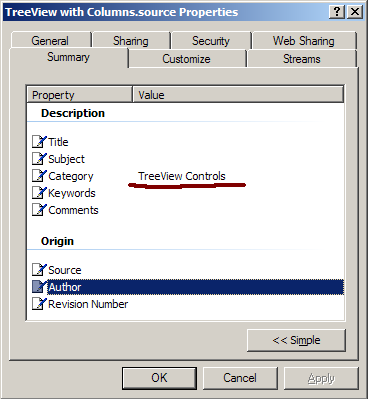
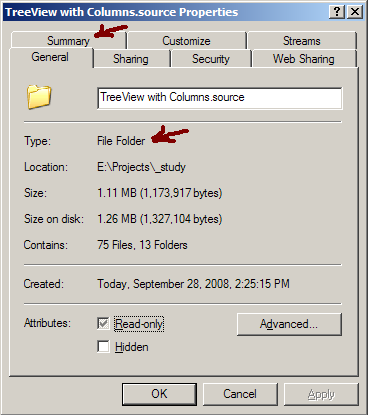
Apply categories to folders in Windows Explorer
SngBrdb replied to SngBrdb's topic in Windows Tips 'n' Tweaks
When I originally posted this, you could only link to images, not upload them - the site I had them listed on is long gone. But you're in luck, I can upload them now To group by the column in Windows 7, right-click the background in Windows Explorer and click "Group By". In the list of columns displayed, check "Category". Then right-click the background in Windows Explorer and click "Group By" to select "Category", because Microsoft After that, you can right-click the headers and uncheck "Category" from the displayed columns; the Group By Category will remain. If you get this to work in Win7 or later, let me know what you had to do! .