-
LOL sounds like me, Welcome Digitaljack
-
OMG, Congrads Gurglemeyer,you've gone mainstream with 3571 downloads at Major Geeks all ready. It goes to show how many require a stable updated 2K..
-
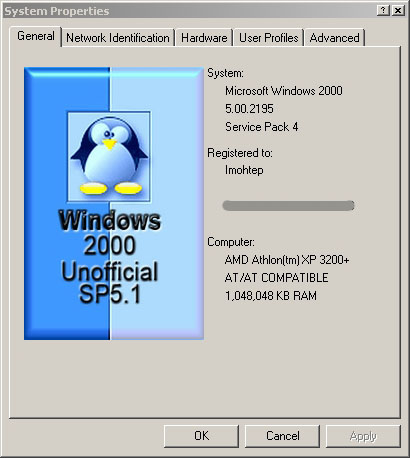
Hi everyone I see it is Artwork time...Cool,finally something i can contribute to.Just a quickie as an example.Hope im on the right track..
-
I totally agree I've been sitting in the shadows for many months with nothing to contribute,but learning alot. Total respect for Gurgelmeyer (The Perfectionist) and everyone else who has contributed to this project...
-
Personally for Xp i would double your ram to 256 or more... Take a look at the customizing windows/tips and tweaks forums to regain some ram,ie disabling services, modding registery Good luck
-
Well looking at the votes i think i will have to give CC a try...
-
Far Cry2 Half Life2 Exp
-
Tried Diskeeper 9, Perfectdisk 7, and O&O Defrag 8... close call between Perfectdisk 7 and the O&O product.
-
Another newbie here saying hi to all and searching for Knowledge.