-
Hmm, interesting. Looks like I wasn't the only one with a good idea. Guess it won't happen until the official Pale Moon browser adds it.
-
Lol. Dude, how exactly adding a simple setting to change DNS would make the browser die? That would actually make it even better. Every other browser has it.
-
Yeah, I just wasn't sure about browser's settings/preferences if they would reset whenever I replace the folder. I take it that gets saved in Application Data as well.
-
That's why I asked HIM if it can be done. This is just your opinion.
-
Okay, so I just replace the folder that comes in the 7z file each time and leave the other folders (Moonchild Productions) in Application Data and Local Settings as is. Got it.
-
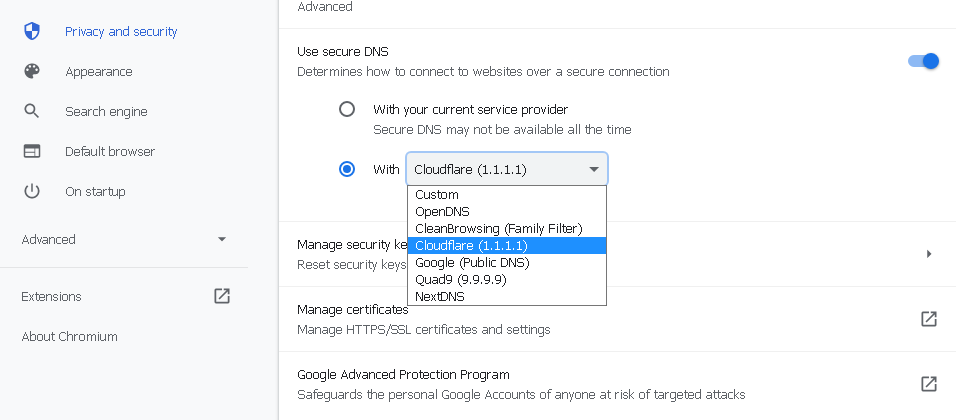
@roytam1 Can a setting be added in New Moon 28 to change DNS. Something like this:
-
I thought about that. But won't this reset my settings and delete any plugins if I do that? I know the bookmark folder is saved in a different folder in Application Data, so I don't have to worry about that getting deleted.
-
How exactly do you update the New Moon browser without having to start over with a clean new version every time roytam1 releases an update? Since there's no option to update the browser within the browser itself.
-
Discord was working perfectly fine in both the Mypal browsers (29 and 68) until recently. It's not working in any of the roytam1 browsers either. I tried the three versions of the 360 browser, but all versions have too many certificate issues with websites and Discord won't load properly (unstable). So lastly I tried MiniBrowser and it worked perfectly. I'll have to stick with that one for Discord for the time being.
-
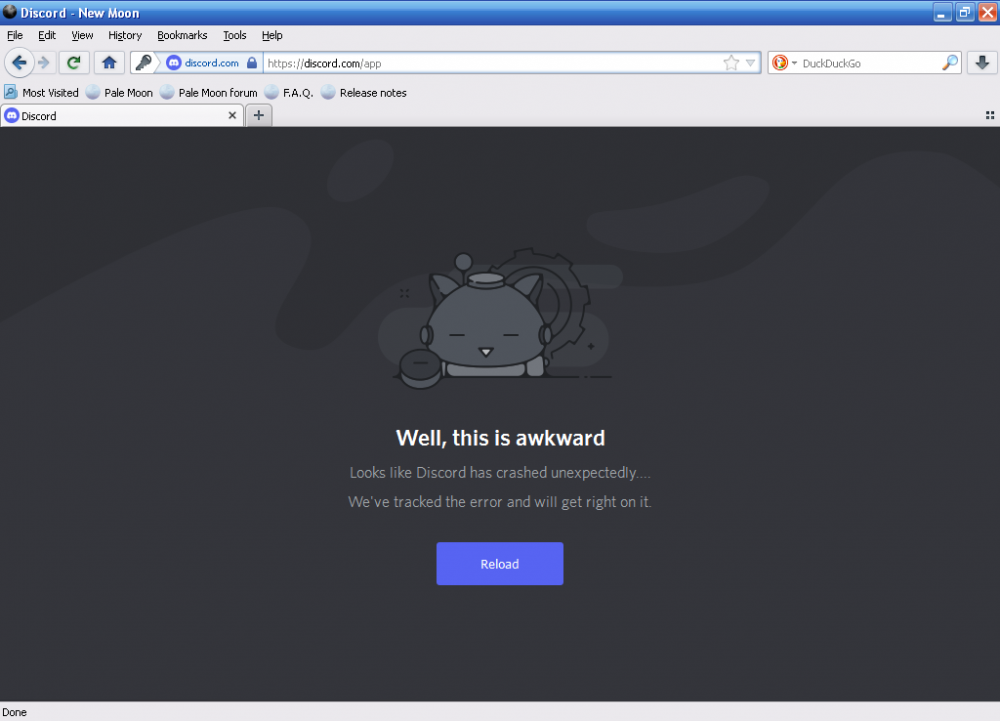
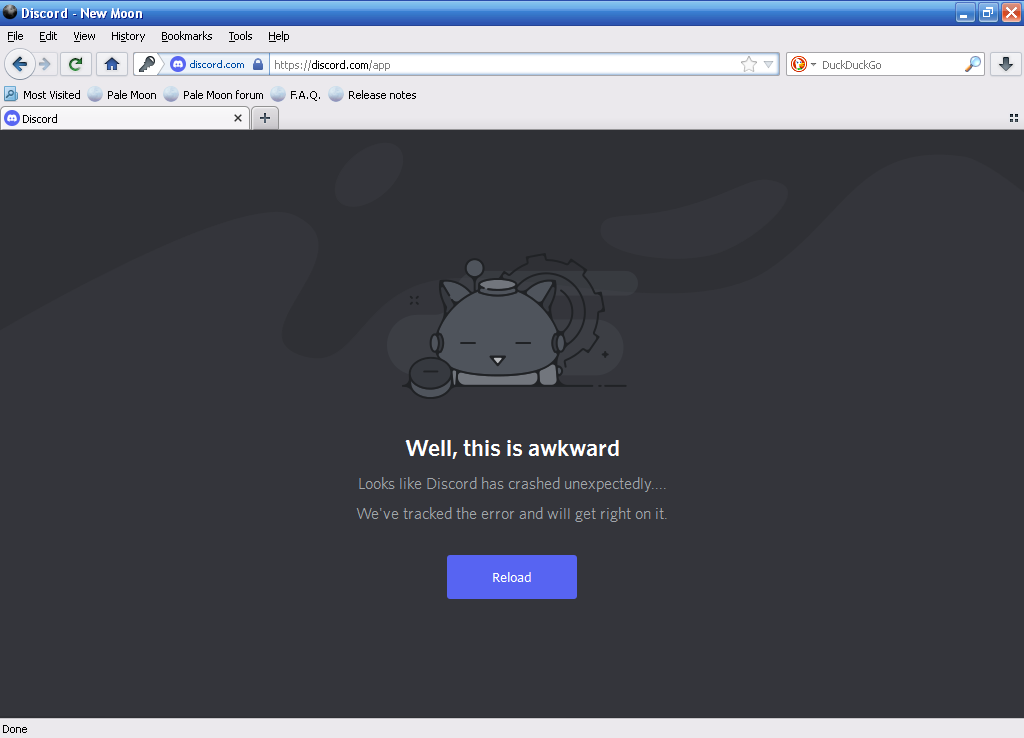
Discord site crashes every time I log in. Happens on Basilisk/Serpent too. Can this be fixed?