
-
Using MultiMC launcher (It requires a Microsoft account with Minecraft purchased) you can install up to and including Minecraft 1.16.5, this is the last version compatible with Java 9, the latest version of Java for Windows Vista, Minecraft 1.17 requires Java 16, Minecraft 1.18 requires Java 17, Minecraft 1.20.5 requires Java 21 and a 64-bit OS, Minecraft 26.1 (1.22) requires Java 25 and a 64-bit OS, and there we are today. For Minecraft to work on Vista again, someone has to get modern versions of Java to work on Vista.
-
I accidentally discovered this on my Vista machine some weeks ago, i was wondering if modern versions of Windows had it or if it was a Vista only feature, but nope, it turns out it's on 2K and XP. Personally i don't find it that useful but its a nice to have and maybe its useful for someone else.
-
Maybe you are dealing with non compatible drivers, you could try downloading Driver Booster (Free version) or Snappy Driver Installer (the one on the right, the lite version) and automatically update the drivers, maybe the issue is related to the dongle configuration, you can change it from device manager under the network section or maybe USB devices, try different settings or ask me for advice on what to change, otherwise maybe the dongle is not compatible with Windows Vista, in that case you are out of luck.
-
You can install Legacy Update and Windows Update will be restored and the necessary updates will be installed automatically, otherwise you can probably find the updates you need manually by searching the "KBXXXXXX" (XXXXXX being the number) on Microsoft Update Catalog
-
Im a bit late but are they Wired or Wireless controllers? Windows Vista natively supports Xbox controllers that use X-Input mode like the Xbox 360 ones, however i don't know much about Xbox Series S/X ones, if they are wired you should connect them, if they work, great, if they don't, there is probably no way to make them work. If they are wireless and they use bluetooth, make sure you have a bluetooth card and that you are able to pair them. if they use some sort of receiver (like the Xbox 360 wireless ones) get one and connect the receiver, maybe it works. Otherwise you can get generic controllers from brands like Logitech, personally i used a modern Logitech and Trust controller and both worked in both Xinput and Dinput modes, but Xinput performed better.
-
Joadix100 changed their profile photo
-
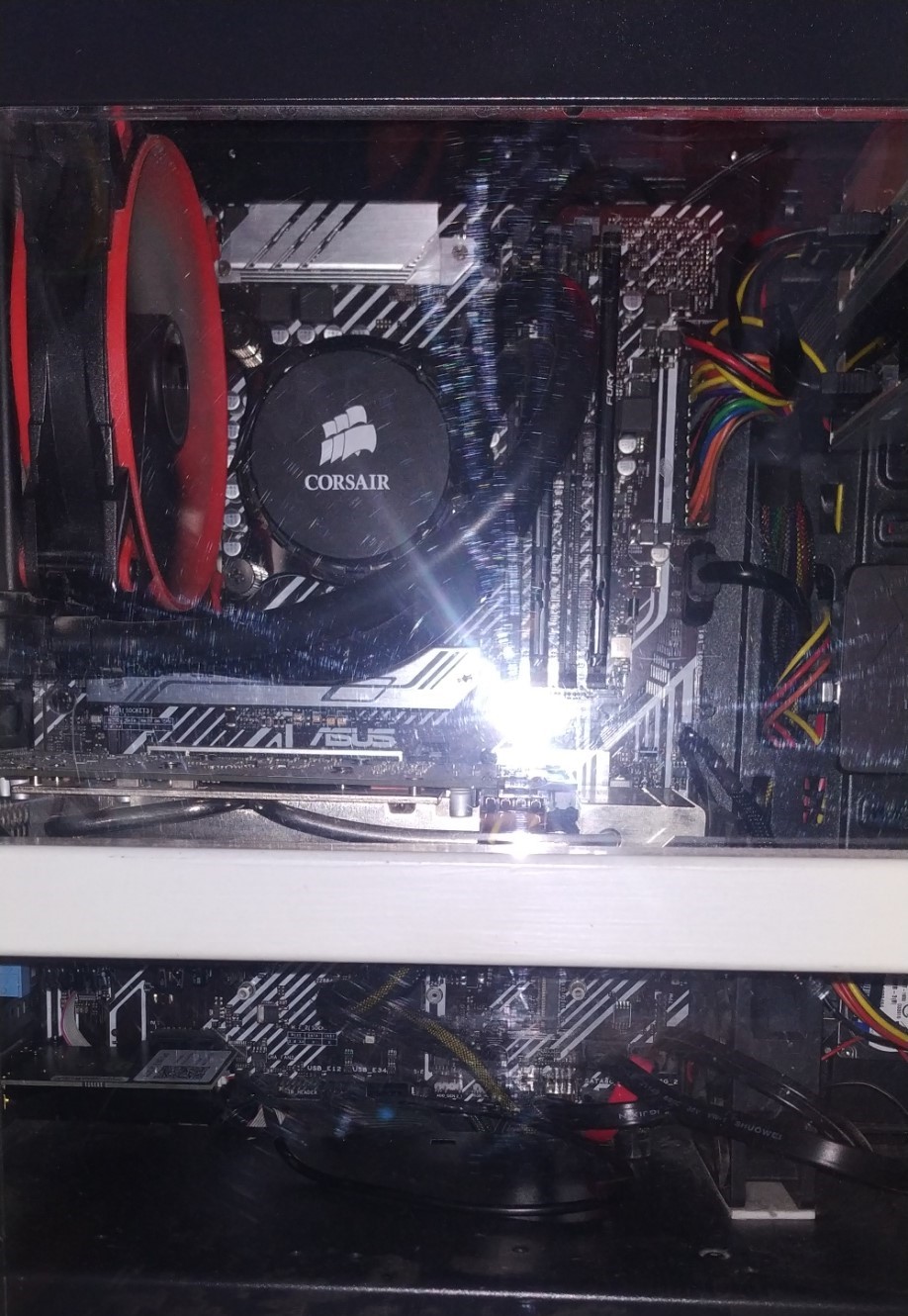
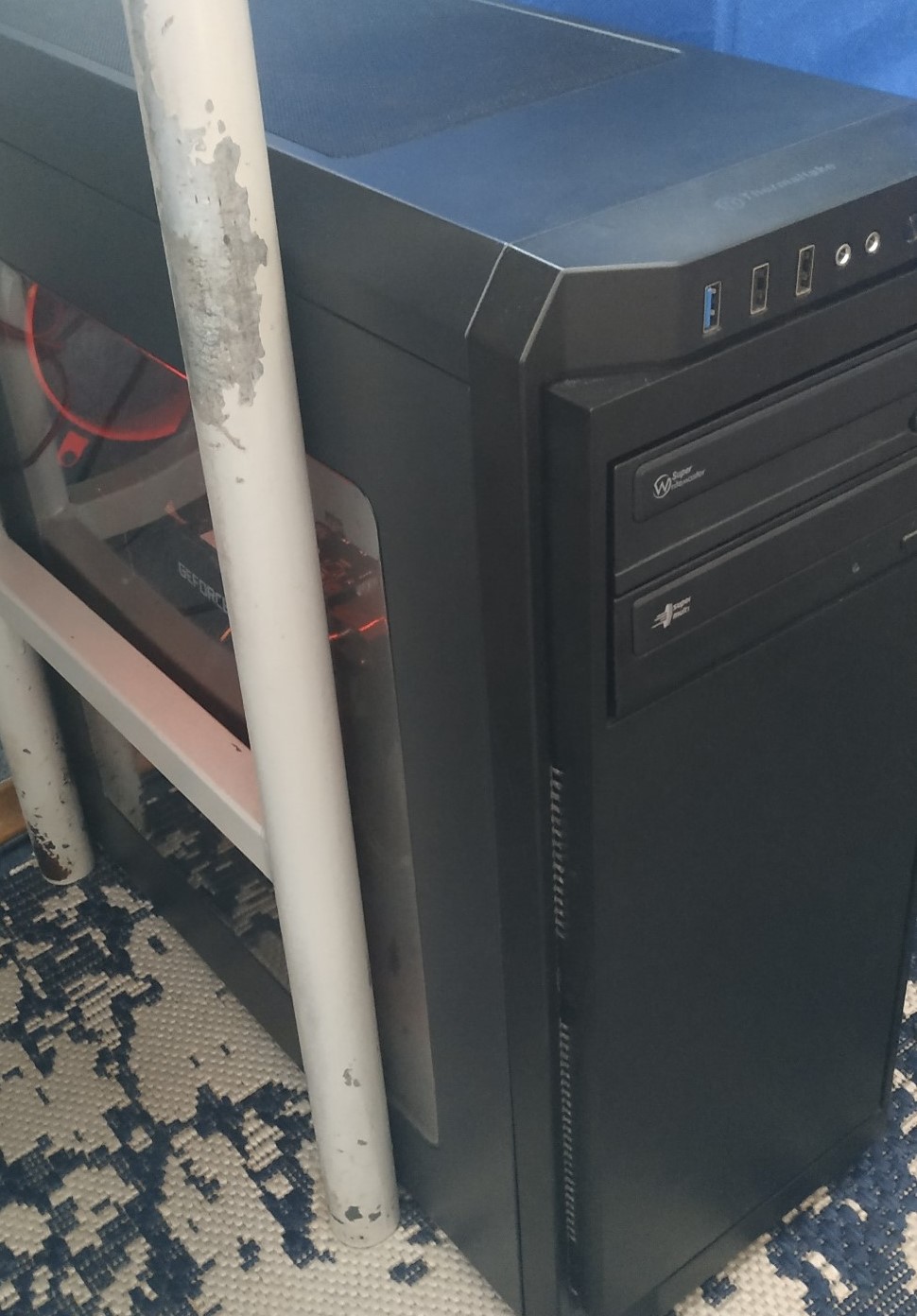
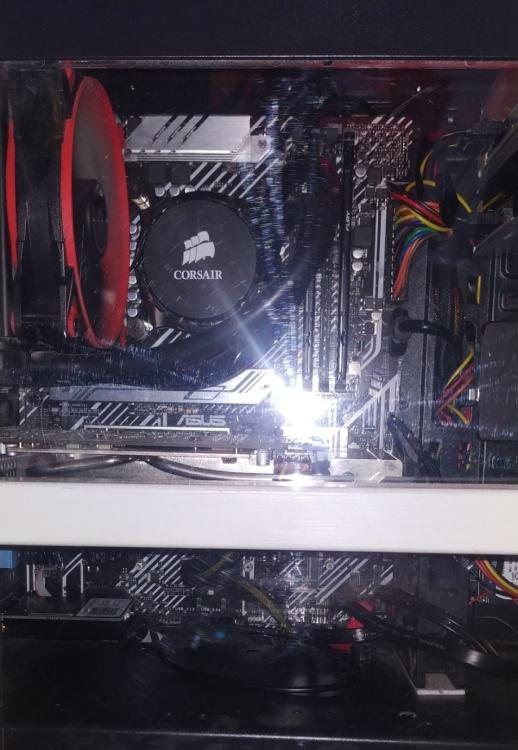
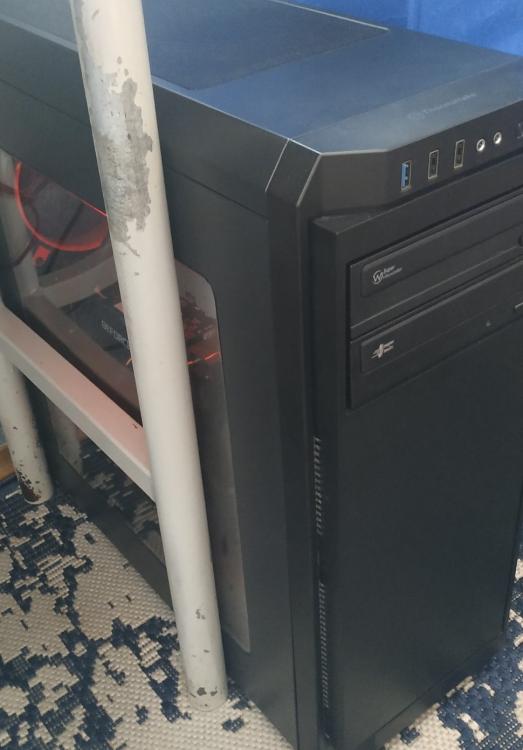
Thermaltake V100 Mid Tower Intel core i7-11700 (With Intel UHD 750) 32GB DDR4 3200Mhz (2x16) Corsair H55 Cooler Asus Prime B560 Plus GTX 1660Ti (GDDR6) Cougar ST-500 (500W) HikVision Desire(P) 256GB NVMe (Windows) Crucial BX500 SSD SATA 1TB (Games) 2x Toshiba HDWD110 1TB (Games and files) WD Blue WD10JPVX 1TB (Backup) Ubit AX210 Wifi 6E+BT5.2 (i use Ethernet but wanted to have Bluetooth) Vantec UGT-S220 7.1 Sound Card (Not working as of today, i will test it with another system) 2x CD/DVD Drives (Support for all optical media but Laserdisc and Blu-Ray) Windows 11 Home
-
I want to install edge and i dont know how to do this, i cant even find osver.ini anywhere in my windows folder or system32 folder also. Can you explain me in more detail how to do it?