Skip to content
View in the app

A better way to browse. Learn more.

MSFN

A full-screen app on your home screen with push notifications, badges and more.

To install this app on iOS and iPadOS
  1. Tap the Share icon in Safari
  2. Scroll the menu and tap Add to Home Screen.
  3. Tap Add in the top-right corner.
To install this app on Android
  1. Tap the 3-dot menu (⋮) in the top-right corner of the browser.
  2. Tap Add to Home screen or Install app.
  3. Confirm by tapping Install.

Cyberguy

Member
  • Joined

  • Last visited

  • Country

    Australia
  1. Would the KernelEx patch that allows running more modern software on Win98 also allow more viruses, worms, malware etc to run under Win98 ?
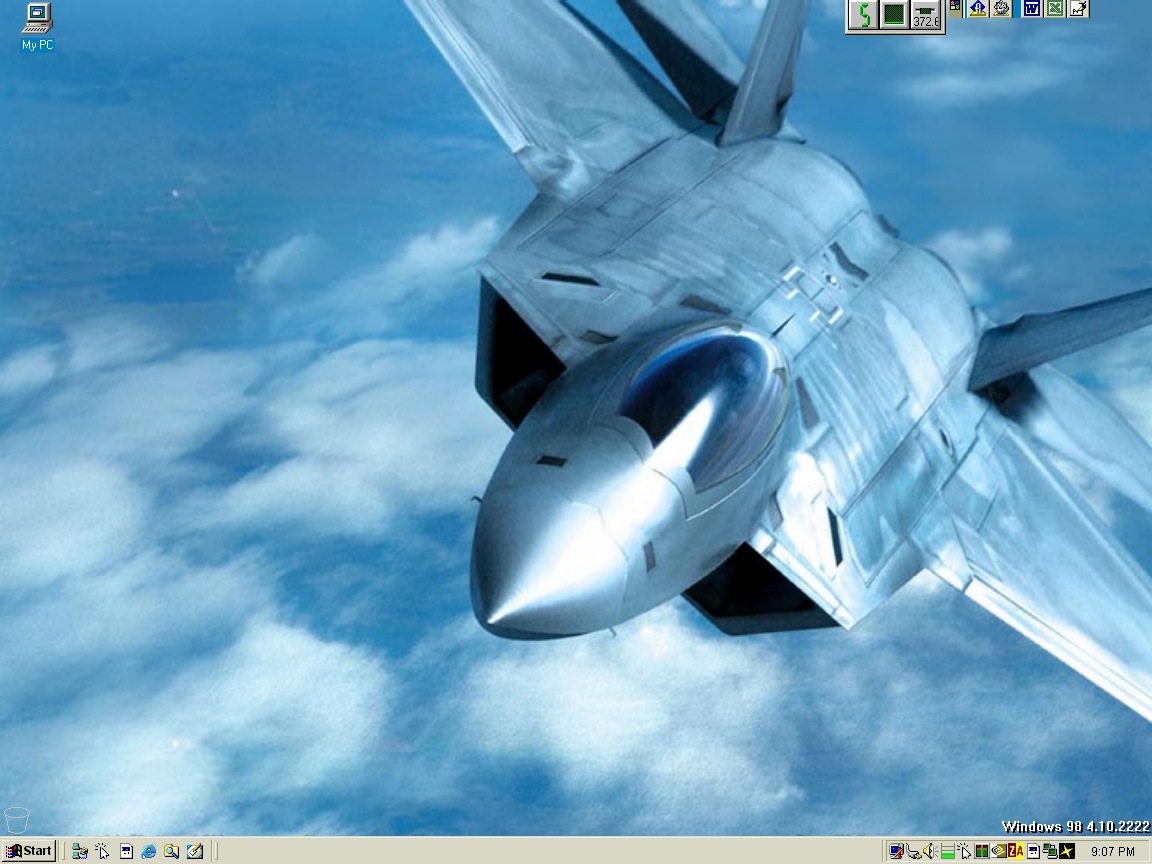
  2. Here is my desktop.
  3. I'm not sure if this is still relevant in this topic but I run Win98 on a PC with 1.5gb of ram & 256mb video card without problems. To do this do the following. Basically, with 1 Gb or less of RAM in the PC go to Msconfig and in the advanced tab choose the option that lets you limit the amount of RAM Win98 will use. Check the box and type 999 in the number box. Then apply and close. Reboot the machine. If all is okay then shutdown the machine, add your extra RAM and reboot. Your PC should work fine from here on, no need for RAM disks etc. Changing Vcache is about the only thing I also did, I set Vcache value to MaxFileCache=128000. Of course the extra RAM is there for when I run XP etc. Win98 doesn't use it.


Account

Navigation

Configure browser push notifications

Chrome (Android)
  1. Tap the lock icon next to the address bar.
  2. Tap Permissions → Notifications.
  3. Adjust your preference.
Chrome (Desktop)
  1. Click the padlock icon in the address bar.
  2. Select Site settings.
  3. Find Notifications and adjust your preference.