tistou77
-
Posts
474 -
Joined
-
Last visited
Content Type
Profiles
Forums
Events
Everything posted by tistou77
-
 Strange that you were able to install SAB and now you can't open it To see with the dev
 -
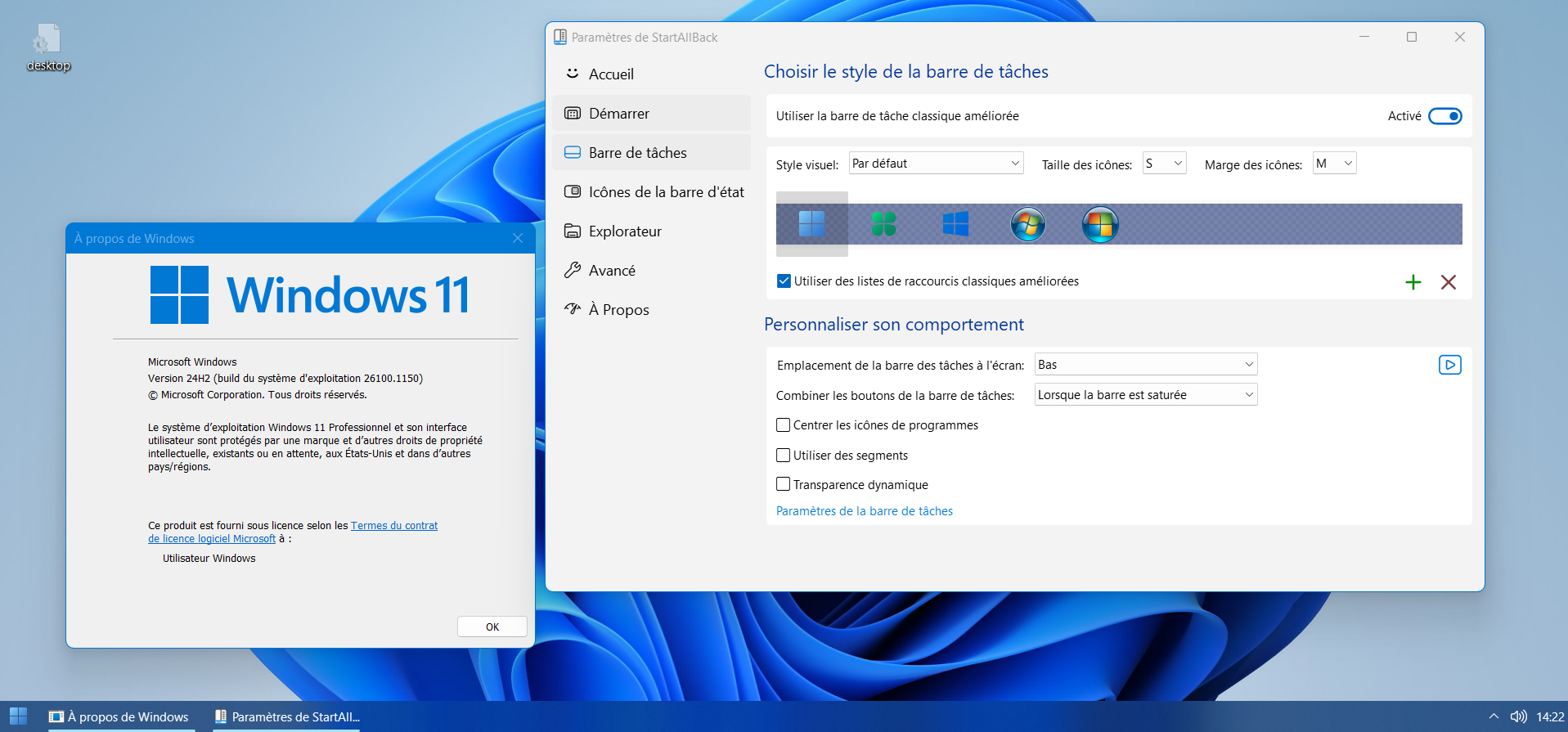
Are you using the correct version of SAB (the latest) ? If you can't access it through the Control Panel, SAB is already installed, it seems
-
Like this ?
-
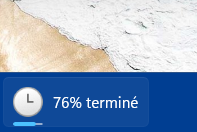
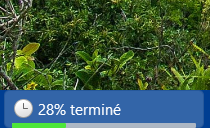
I also prefer the new Progress Bar (the one from W11 24h2) It's just a shame that Microsoft finally removed that very ugly green that we had for decades (to replace it with the accent color), but with SAB it's still green
-
Normally this problem is fixed since 26100.961 (or .1000)
-
When Combine taskbar button is set to "Never, hide labels", it shows that : The buttons are combined, no ?
-
French language minor update for 3.8 FR.txt
-
Hi @Tihiy It's good for thumbnails (margin), thanks so much The closing cross is smaller and different color, as well as the color of the title bar Maybe not possible to have as with 3.7 and Windows and not very important 3.7.11 / Windows : 3.8 RC3 : Not tested yet with 24h2, it would be great to have the progress bar with the accent color (like with Windows 24h2) but surely not possible with SAB's Progress Bar

-
French language update to 3.8 FR.txt
-
Yeah maybe, 26120.1252 had changes compared to the "retail" version
-
Yes, no problem with 24h2 retail Not tested Segmentation
-
No problems with 24h2 and SAB 3.7.11 (and even without SAB, we have the correct color of the progress bar in the taskbar) My desktop is still in 23h2 at the moment
-
For those using a custom theme, we are waiting for the taskbar thumbnails to be fixed In the meantime, no problems with the "stable" version
-
Can't wait for the little "problem" with the thumbnails to be corrected to use it
-
Still the "problem" with the margin on the thumbnails But I didn't see anything mentioned about this in the modifications, so normal Return to stable version
-
Ok thanks, I made the donation about a month ago, I didn't think it was that long Especially to know if you received it
-
Hello I'm opening a new topic since the other one was closed and I can't reply to it. So I made the donation via the forum, here : So it's not good via this "button" ? What is the right method ? Thanks
-
Hello I made a donation with paypal but nothing appears on my profile (forum) Did you receive it ? June 11, 2024 3JD53643JP7437924 Thanks
-
In fact, it's not the custom theme but Windows (MS finally changed that green color in the taskbar)
-
With 3.7.11, the update popup in the systray does not disappear automatically
-
Of course, I sent it to you by PM Another "problem" I found with the theme is about the progress bar (W11 24h2), T2 changes the color compared to the custom theme 24h2 without SAB : 24h2 with SAB : With SAB, the color is green (while the theme is blue and whithout SAB) But the "bar" of the T2 is "prettier" (not to mention the color)
-
Just disable updates when installing SAB I went back to 3.7.10, since T2 overwrite the custom themes
-
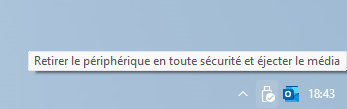
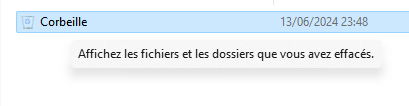
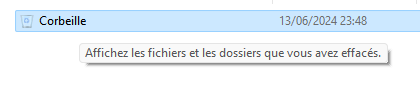
Thanks for your reply I would like to have the tooltips (explorer and systray) like those of Windows (default) It's good for the systray tooltip (without the NoDarkTooltips key) in taskbar It's just the tooltip of the explorer which is wider and the font is black So everything is OK for the taskbar, just for the explorer Thanks
-
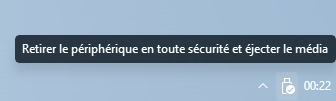
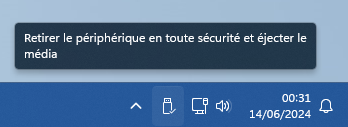
Hello @Tihiy I come back with this "little problem" What would need to be changed in SAB to have the default Windows behavior for tooltips (explorer and systray) ? As a reminder With SAB (without NoDarkTooltips key) : => Explorer tooltip is not OK but Systray tooltip is OK With SAB (NoDarkTooltips at 1) : =>Explorer tooltip is OK but Systray tooltip is not OK Without SAB : => All is ok I retested and it was impossible to have the default font and size of the explorer tooltips AND the default design of the systray tooltips with SAB It's one OR the other with NoDarkTooltips registry key and setting to 0 or 1 If possible add a new "option" to the NoDarktooltip key to have the default behavior, maybe ? Or what to modify in SAB files to have the default Windows behavior ? Thanks for the help
-
OK thanks anyway @Tihiy And it's not possible to add this "option" to SAB ?