-
Thanks
-
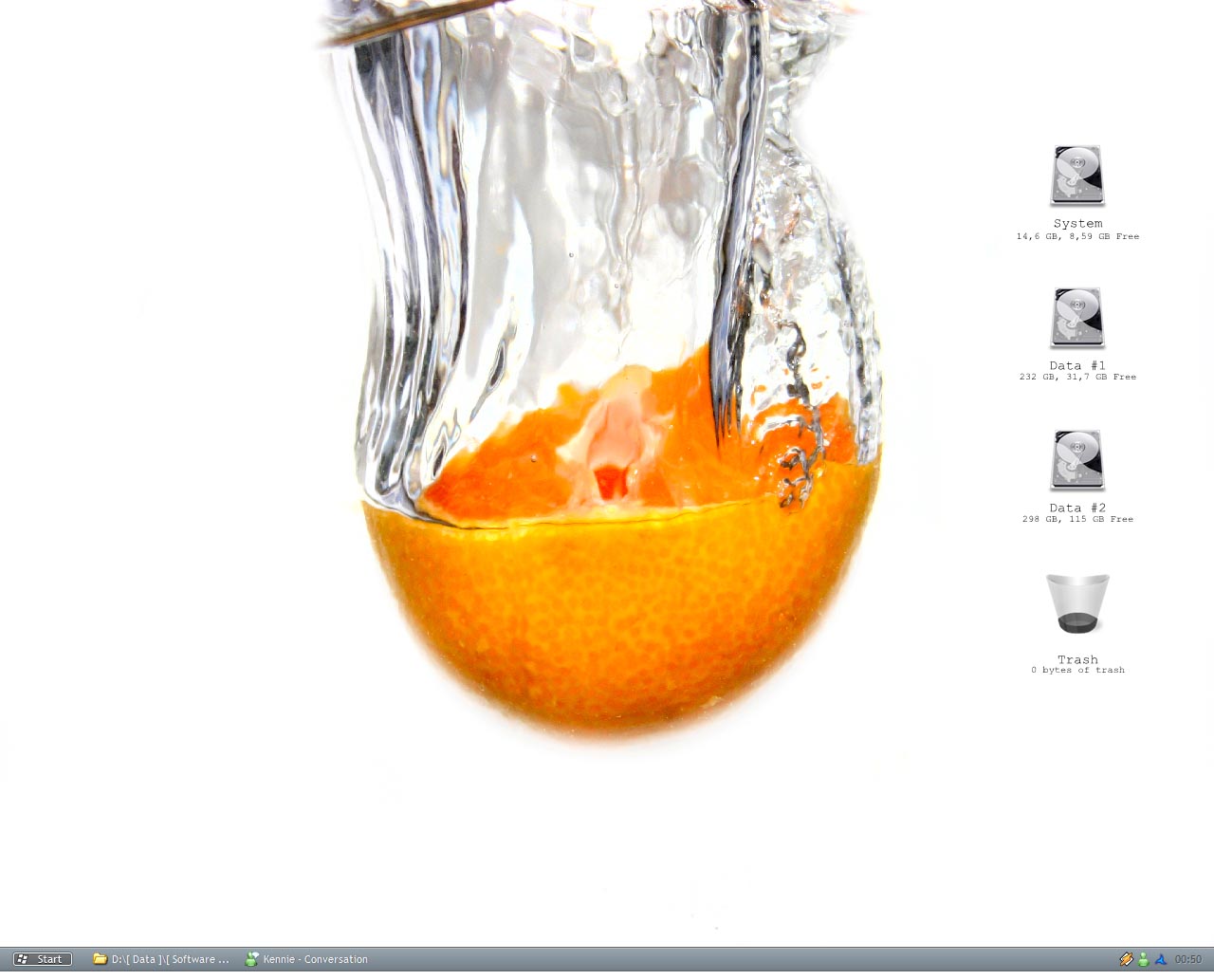
Well, here is mine for this mounth. It's simple and clean, just the way I like it.
-
Well... here is mine for this month... Click Here
-
Could I also please get one? my mail is jbbeck@gmail.com
-
Here mine, for this month Desktop
-
I prefer Daemon Tools & i'm looking forward to the new version
-
Here's mine for this month My Desk
-
I'm using codename: Opus by B0se //Beck
-
well here is mine for this month Desktop //Beck
-
No Problem
-
to make the file run silently in Quick Batch File Compiler, just go to the Project menu and selcect Options and select Ghost Application. //Beck
-
you can extract the msi from setupdl.exe with ex. winrar //Beck
-
-
Well I looked there to and it also say that if you remove the terminal service, then norton won't install. But I did'nt remove the terminal sevice
-
Hey... I Have a problem with symantec antvirus corporate 9 i can't install it, but if I try with symantec antivirus 8, there is no problem. does anybody know what the problem could be??? //J-Beckl