Everything posted by ema2ooo
-
Thanks Nuhi for your reply , i've used your last version , now everything is ok long live nlite
-
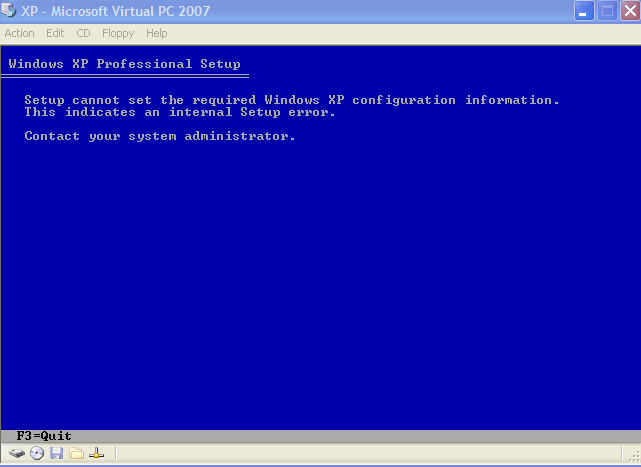
Hello ppl, currently I'm making a new SP3 RTM disk , but at the first stage of setup , i get the following error "Setup cannot set the required windows xp configuration information" so is nlite compatible with sp3 5512 or what any help will be much appreciated Thanks LAST_SESSION.INI
-
ok i'll test it and tell u what happened thanks mate
-
hiii boooggy No i didn't remove it i'm adding about 36 addons , i don't know if something conflicting with it Here the last session LAST_SESSION.INI
-
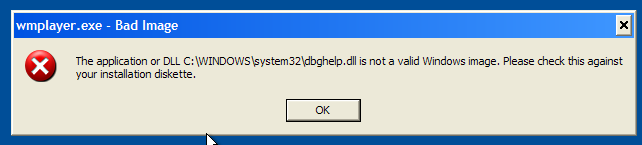
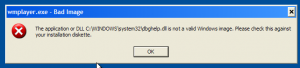
hii i've used boooggyaddons builddate=2007/01/14 description=WMP11 language=English title=WMP11 Pack version=1.5
-
thanks for your reply neo_matrix.rs but it didn't work still the same
-
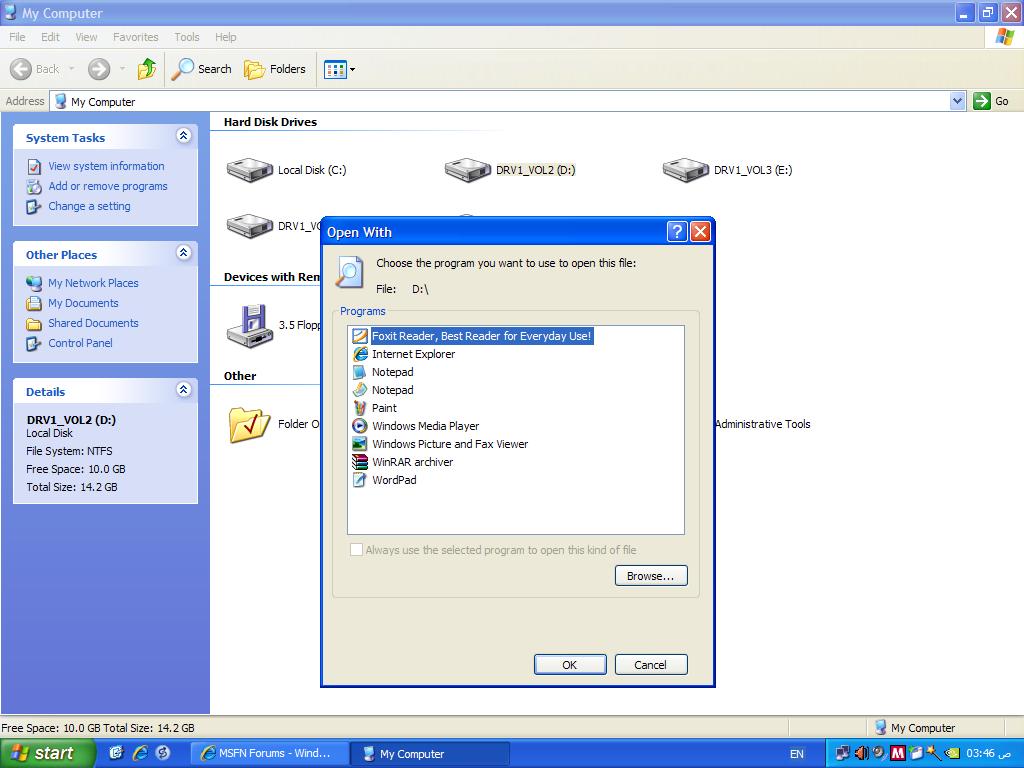
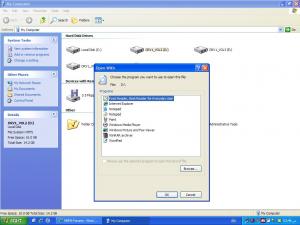
hi every body i'm facing a problem accessing my drives i can only open it by choosing right click - open or explore no double click here is an image
-
wooooooooooooow thx nuhi fo this
-
Mine 153 mb with ryan Update Pack2.0.3 + xpize + 16 mouse , control panel , themes , sum little progz addons
-
come on we're burning here
-
hi guz till now i can't get silent switch for it searched all over the forum any help will be appreciatied thx plz admin remove the topic i found the solution here http://www.msfn.org/board/index.php?showto...55236&hl=mcafee sorry
-
me too i want to test it been waiting for this thanks