xjani
Content Type
Profiles
Forums
Events
Everything posted by xjani
-
I agree with you. On older hardware, I preferred the HTTP protocol, but what can you do when the world has gone crazy in this race to make life harder? I no longer feel like turning the Amazon River around with a stick.
-
Thank you very much for adding this protocol (HTTPS)—it works great now, and thanks for including it in future releases. FFplay is great, especially when a website requires the client to add specific headers. Most websites have stopped or are phasing out the use of the HTTP protocol in favor of the more secure HTTPS. The lack of HTTPS would have effectively prevented the use of ffplay at this level. But now the joy of using ffplay on XP is back - thanks.
-
Versions for XP. All full versions work fine. The lighter, stripped-down versions, including the latest one, do not support HTTPS. For example: ffplay.exe -i “https://paranormalium.waw.pl/radio/8000/mp3_48” ffplay returns this error: https or dtls protocol not found, recompile FFmpeg with openssl, gnutls, or securetransport enabled. https://paranormalium.waw.pl/radio/8000/mp3_48: Protocol not found So here’s my question: Could you release the full version for XP at least once in a while? The lightweight versions are great, but there are always unexpected issues with them, just like in this case.
-
I understand, but if someone doesn't want to, they shouldn't download the file. There are also those who use ffplay and the 'shared' version
-
It's a bit of a shame you didn't include the ffplay file and the “shared” version for Windows XP.
-
Is there a proven way to run the Adobe Flash Player plugin on this browser (360Chrome v13.5.2022 rebuild 3)? ps. The problem solved itself.
-
This is not my work I just gave the link, I thought it might be useful to someone.
-
I'll join the topic too (XP ffmpeg Pentium 4): http://blog.k-tai-douga.com/
-
Thank you nicolaasjan.
-
Thank you cmalex.
-
Could you share this working Python (3.11.4)(bin)?
-
After allow ICMP Protocol, the browser started downloading files correctly. Interestingly, other browsers are not bothered by blocking ICMP (for example: Mypal 68.13.8) - I checked on version Supermium 126.0.6478.249 R3 & system XP
-
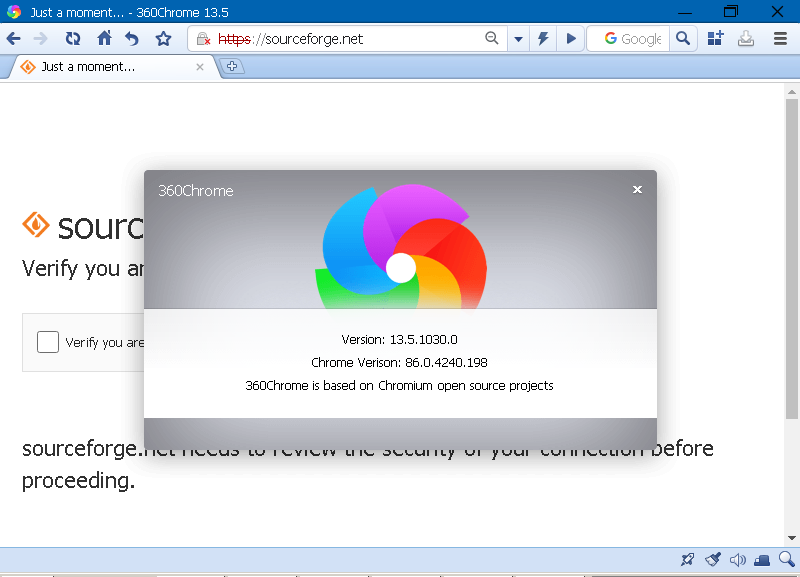
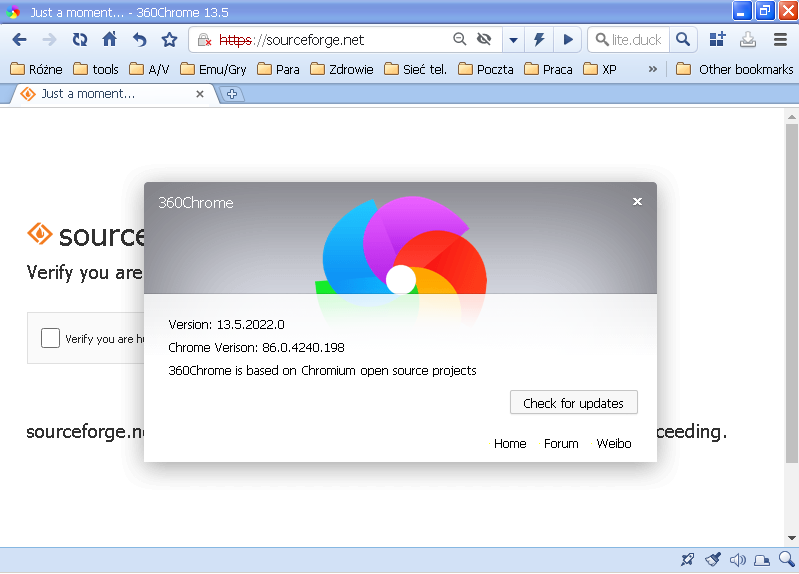
When you press "Check if you are human" nothing changes, it doesn't show the recaptcha, the page goes back to the beginning again, as you can see in the image. We are here: "Browsers running on older NT family operating systems" and I am using XP, so you can see a certificate error, maybe it is the fault of Cloudflare problems. The funny thing is that some older browsers work ok, for example: mypal-68.13.8
-
On 360Chrome it doesn't work, and on Supermium v126 it opens, but the file can't be downloaded with it from this page. I tested on XP
-
Unpacked a clean browser and opened the link: https://sourceforge.net/ on XP. Result: 360chrome v13.5.1030.0 360chrome v13.5.2022.0 Maybe it's something with DNS?

-
Unable to open a site that uses -> cloudflare human verification Can this verification be bypassed? For example: I can't download anything from the https://sourceforge.net/ website.
-
Unable to open a site that uses -> cloudflare human verification Can this verification be bypassed? for example: https://sourceforge.net/
-
Thank you.
-
How can I manually add a password to the 360Chrome password manager. For example: - https://msfn.org/ - https://www.deepl.com/ Maybe someone has a proven method, because those found on the Internet - do not work with this browser.
-
Chrome 115 working on Windows XP 32 bit
xjani replied to sparty411's topic in Browsers working on Older NT-Family OSes
"chrome.exe (M115xp.zip)" with my XP Pro sp3 does not work. Debud.log shows: [1210/160053.640:ERROR:registration_protocol_win.cc(135)] TransactNamedPipe: Potok został zakończony. (0x6D) [1210/160057.265:ERROR:crashpad_client_win.cc(143)] crash server failed to launch, self-terminating Does anyone have any idea why it is not working?