
-
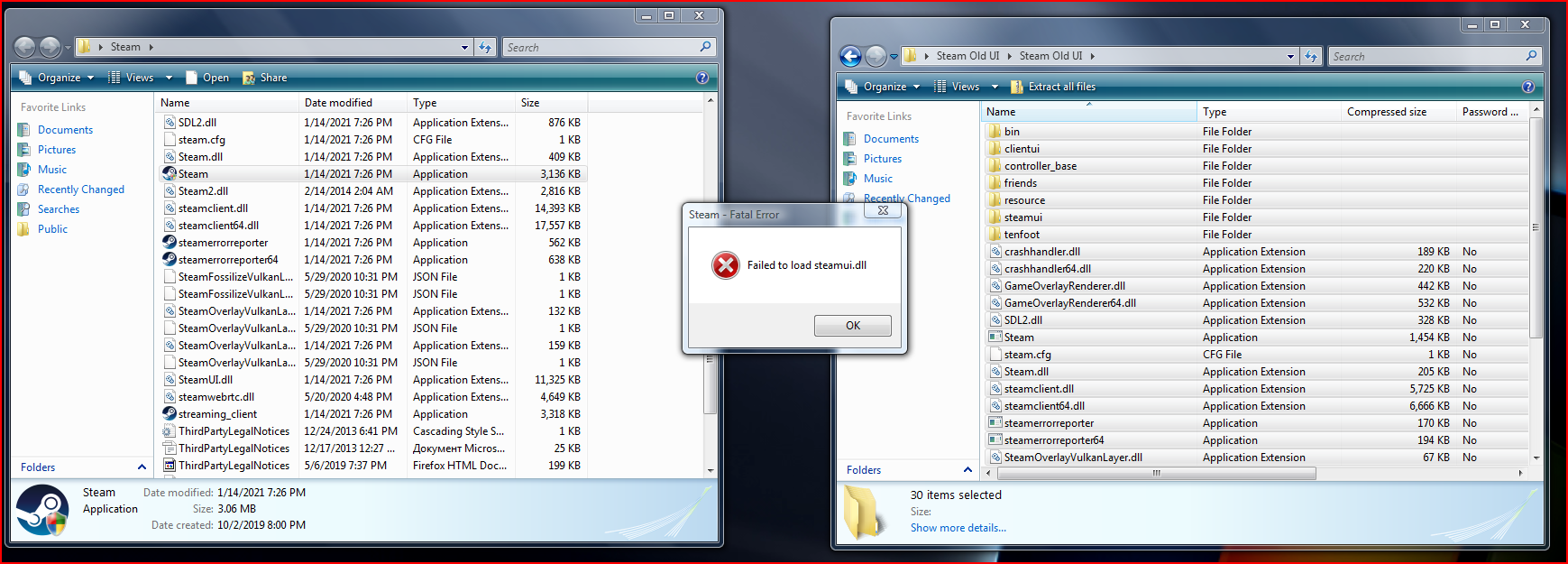
i keep getting steamui error, whats up with that? i used the old steam ui
-
adwcleaner 7.something.something, i use that
-
i installed the extended after i reinstalled windows
-
it worked for me earlier, idk whats the problem
-
Yep, I have the problem again, but now I get the steamui.dll error, I even used the method I used before but it doesn't work now...
-
I have a question, can you run modern steam that can log in and download games from Windows Vista 32bit without extended kernel? I have a netbook and i want to play some games on it.
-
This is very cool, I hope the development will finish soon, I have only one question, which programs will work?
-
I was just wondering for any new updates...
-
Yes.
-
My laptop be like: why do i have 5gb ram in me?
-
Is been two months since I made my topic on vista 32bit extended kernel. Any updates? (that netbook is still alive, and i want the hard drive to not suffer)
-
I just realised, I haven't replaced the files to old library files...
-
Hello, I am here to share my problems with steam on vista. Steam 2018: Waited 1 hour to download because archive.org speeds are not too well and then it didn't work. Steam 2019: This actually worked on vista earlier, but now it can't connect to servers. Steam 2020: Logs in, but shows a blank page when I visit something, also shows a funny message that says "Windows XP and Windows Vista support ends in 0 days."
-
Maybe yes, but that didn't work and it killed the support for xp or vista.
-
Yes, it is my main laptop.