Everything posted by Novek
-
Wow!!!!!!!!!!! This worked I can use dreamscene now. Thank you.
-
switching to dxva2 copy back crashes mpc-hc and trying to open lav splitter it crashes
-
i uninstalled camtasia and installed the codec pack but explorer is still crashing when i try to set a dreamscene
-
-
Camtasia Studio works fine now but only after closing it does it crash
-
Yes, still same error i tried peggle garrys mod & jewel quest on xp vista & 7 and they all work perfectly fine
-
My Windows Vista & XP installs have a odd issue with DirectX On Vista, Programs WinSAT & Dreamscene keep crashing due to dll d3d9.dll On Windows XP the only issue I've had is with camtasia studio but i can turn off DirectX accelerations and it works fine I've tried swapping out the ATI card that came with my computer for the NVIDIA one but still same error On Windows 7 & up this doesn't happen
-
Now it gives me an error and the camera still doesn't work
-
Lenovo ThinkPad W510 and the generic one
-
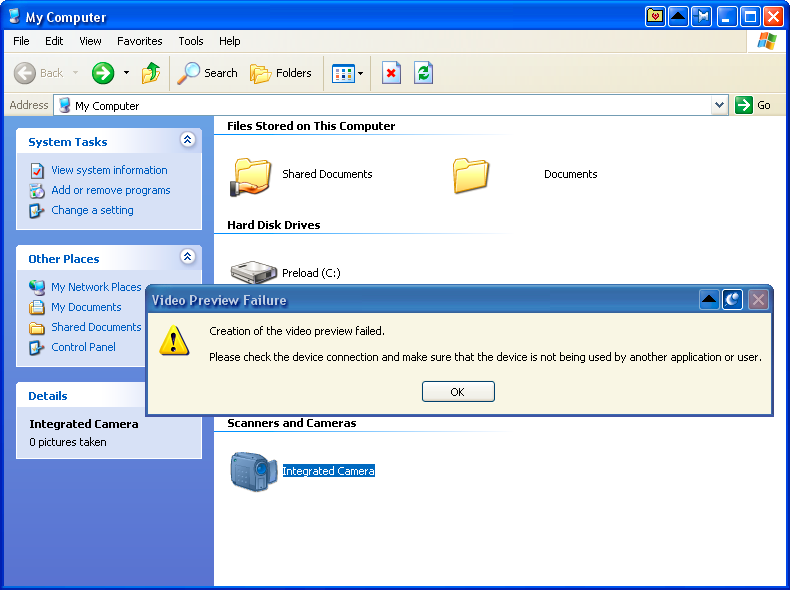
I installed Windows XP on my ThinkPad and found out the webcam and microphone dont work opening the webcam just freezes windows explorer and trying to record microphone audio just makes a loud sound i installed windows vista windows 7 & ubuntu 14.04 to test the webcam and mic and they all work on there
-
It just puts out a bunch of errors when trying to install it When i extract it from the installer and run the browser it's just a bunch of errors too
-
Found the fix! Disable 802.11n Mode
-
I've tried upgrading and downgrading the driver but that doesn't work
-
-
So far very stable, Joining a VC and Screen sharing works Oh I'll remove that
-
Where I got this from: Discord desktop app on Windows XP How to do this? Step 1. Download Discord from https://dl.discordapp.net/apps/win/0.0.309/DiscordSetup.exe Step 2. Extract the setup using 7-zip Step 3. Extract the nupkg using 7-zip Step 3. Go to Discord-0.0.309-full\lib\net45 Step 4. Send Discord.exe to your desktop as a shortcut Done!
-
FL Studio 21 and Firefox 115 ESR works on Extended Kernal v03062023 https://i.imgur.com/oMjKyDi.jpg https://i.imgur.com/4JWmmmm.jpg
-
예외 코드: c000001d no
-
why does firefox 110 crash when i try to go to msfn
-
Use the nv_dispi driver if it gives you a warning about it not being digitally signed click the install button
-
Step 1. Change BIOS Settings Disable Intel SGX if you don't disable this you will get a hardware malfunction Disable Multi-Processer if you don't disable this you will have a whole bunch of problems Step 2. Install Windows Vista You can use a DVD or a USB to burn the iso Use the Windows Vista extended kernel iso I don't think i can link it here but it's on archive.org Step 3. Installing Drivers If you have the model with an NVIDIA 10 Series Graphics Card Use these drivers https://www.nvidia.com/download/driverResults.aspx/107008/en-us/ https://drive.google.com/file/d/1KfKfWJ4X-DCePEqksK_GwF4kPjY9opW5/view?usp=sharing I could not get the Realtek wifi working so you will have to use a USB wifi adapter Done.
-
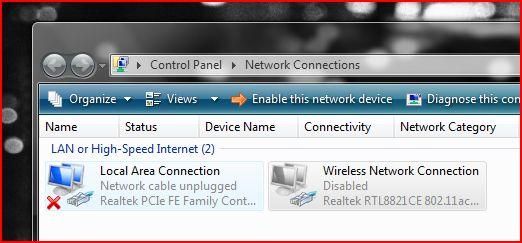
my ethernet works but I don't have a ethernet cable and my wifi still doesn't work
-
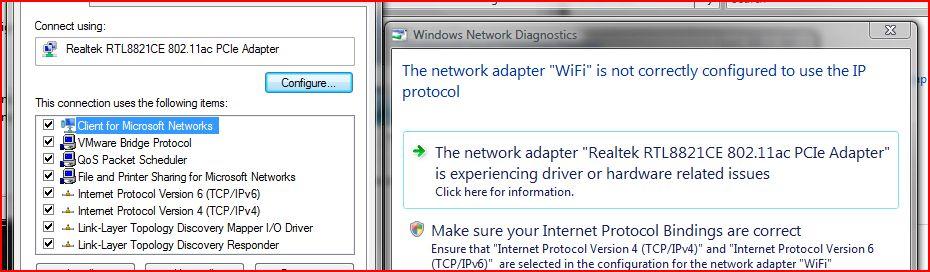
yes and when I try to diagnose the wifi it gives me this
-
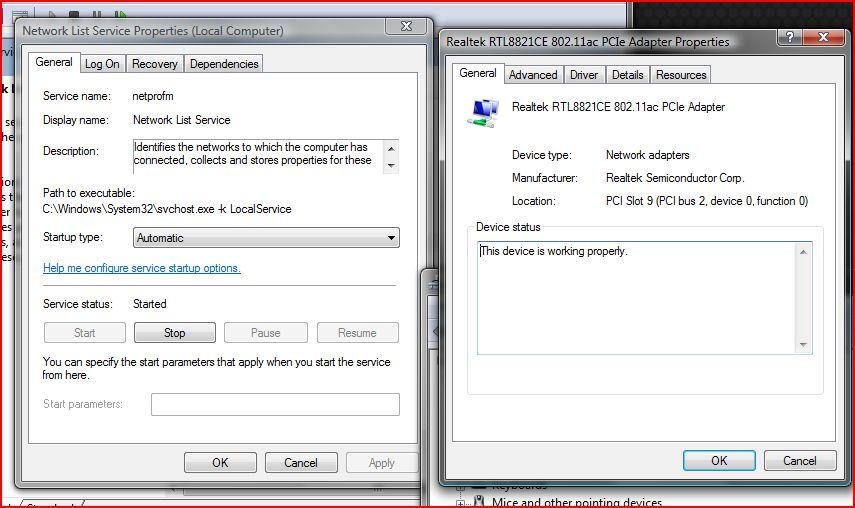
I dont have that option
-
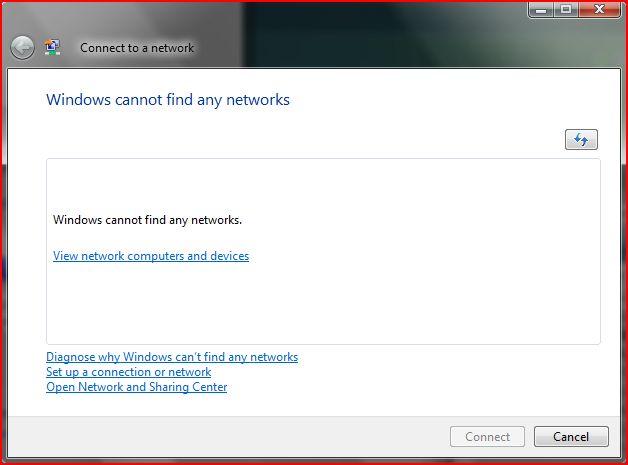
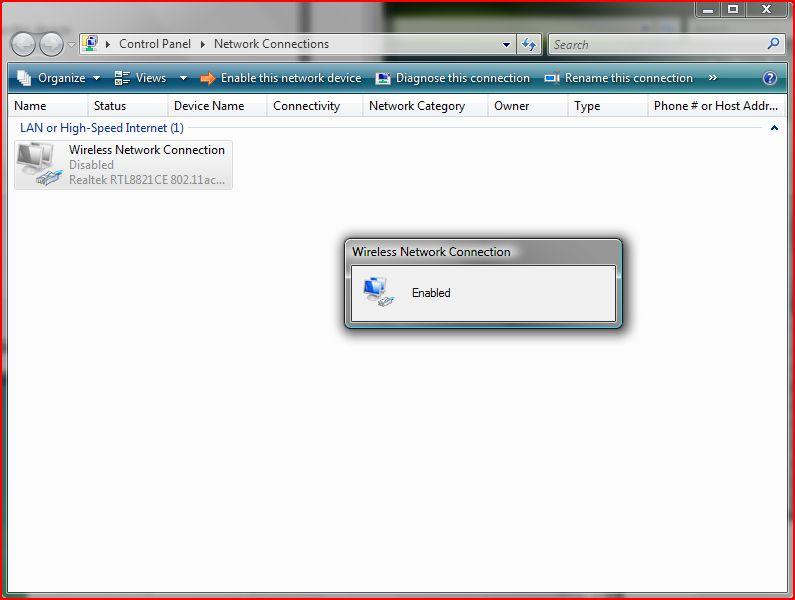
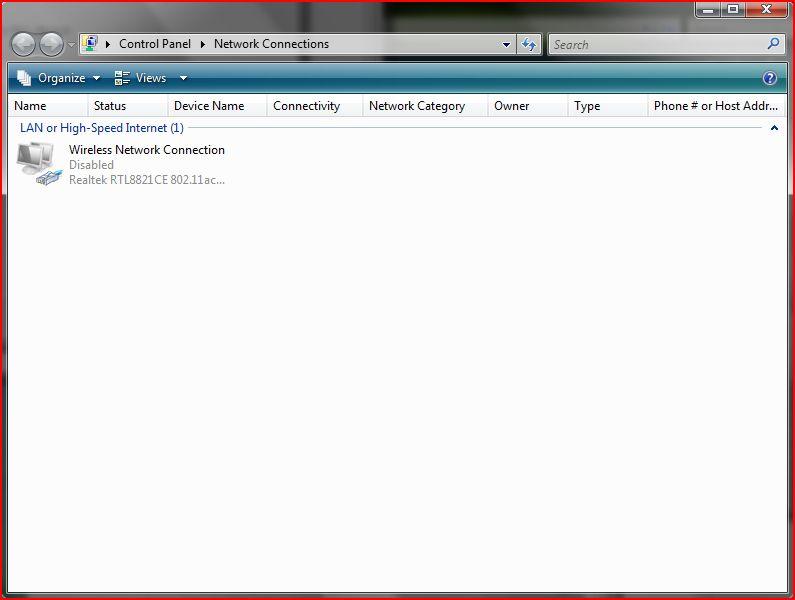
Hello I installed Windows Vista on my hp gaming pc and installed the network driver using ntoskrnl_emu_extender but when I went to go connect to the internet windows said it couldn't find any networks so I went to the network connection and it said the wifi was disabled so I enabled it but it was still disabled