Everything posted by JoshuaVL1988
-
-
-
-
-
Everything works fine in the most part on my end. The only issues I have are with modern apps. Many of them cause AeroHost to crash and refresh. And there is still the issue with the weird image in the top left corner and that it causes the function some modern apps have in that corner to not work at all [mind it works on the settings app but on apps like TubeCast and so on the button has no effect at all]. There's also the double title bar bug in certain modern apps that was mentioned by carlitosoo55. I've confirmed it on builds 15063.413 through to 15063.483.


-
I said that I tried Paint3D as well and didn't get that issue, lol. But yeah, I didn't notice I was on 413 instead of 447. So that's my mistake there. It probably doesn't happen in version 413. ---EDIT--- ok now I am getting that weird bug... No idea why I suddenly started getting it now when I wasn't getting it before... Maybe it's AeroHost.exe doing it. I wasn't running that in the first screenshot....
-
-
Strange... they work fine on the jumplists for me.... I wonder if it's only with custom .msstyles... ---EDIT--- NVM ignore that. I just right clicked on my Vivaldi browser icon in the taskbar and that is in fact broken. It was suppose to effect those as well but for some reason its not doing so.... No idea what went wrong.... All I know is it isn't effecting jumplists anymore....
-
If you go into SiB properties and select the Switching tab you'll see an option called "Taskbar and Start Menu Context Menu Style" Changing that also effects the Jump Lists Classic is a good setting for themes using custom .msstyles as it makes the jump lists and context menus customiseable by the .msstyles. Theres also other settings available for that feature as well.
-
I'm having that same issue with the title bars on Modern Apps. Mind, I've disabled AeroHost.exe via Task Scheduler because it kept crashing with Modern Apps. But I left the DWMGlass.dll hook for use with the title bars on them since it was just AeroHost.exe that kept crashing with Modern Apps [Mind some of the themes I have aren't designed to work with AeroGlass since it's not finished et for Creators Update but I can disable DWMGlass.dll hook before switching to those if I need to].
-
-
-
-
-
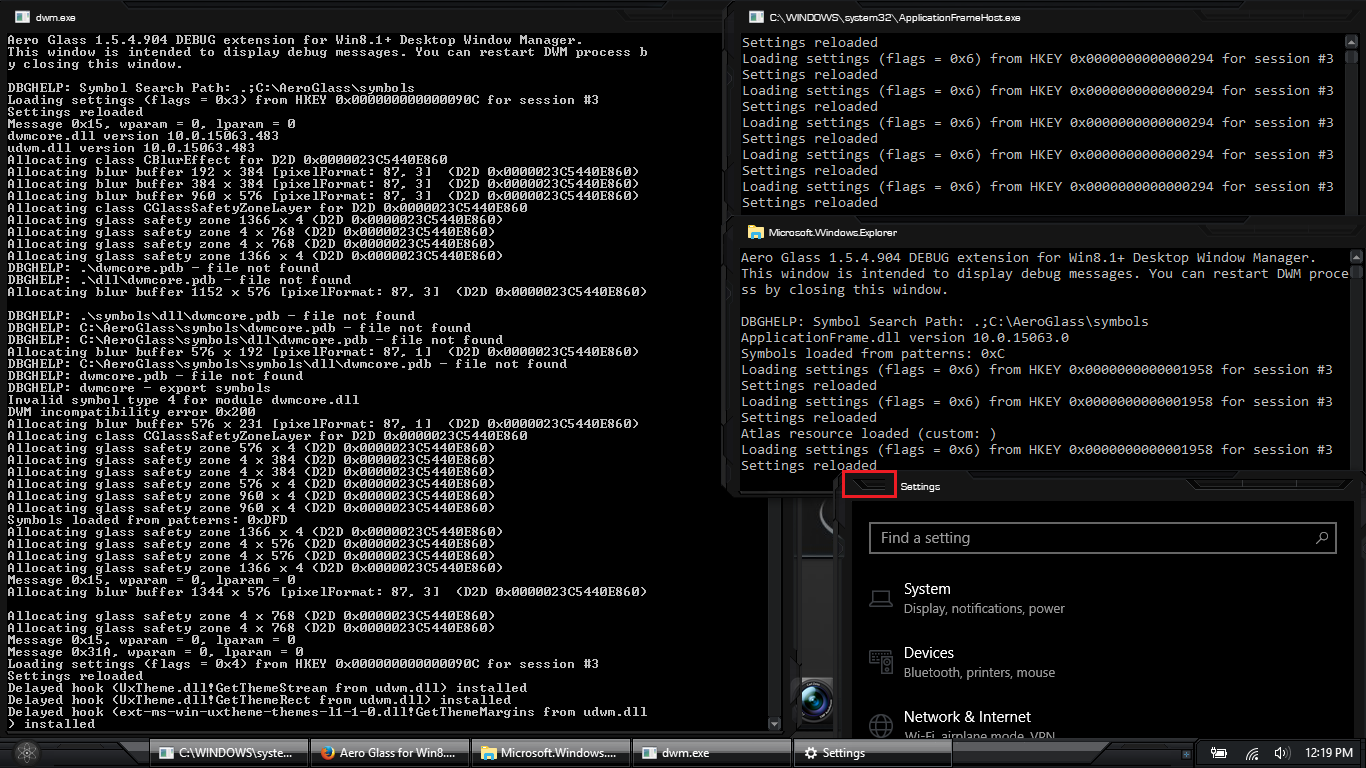
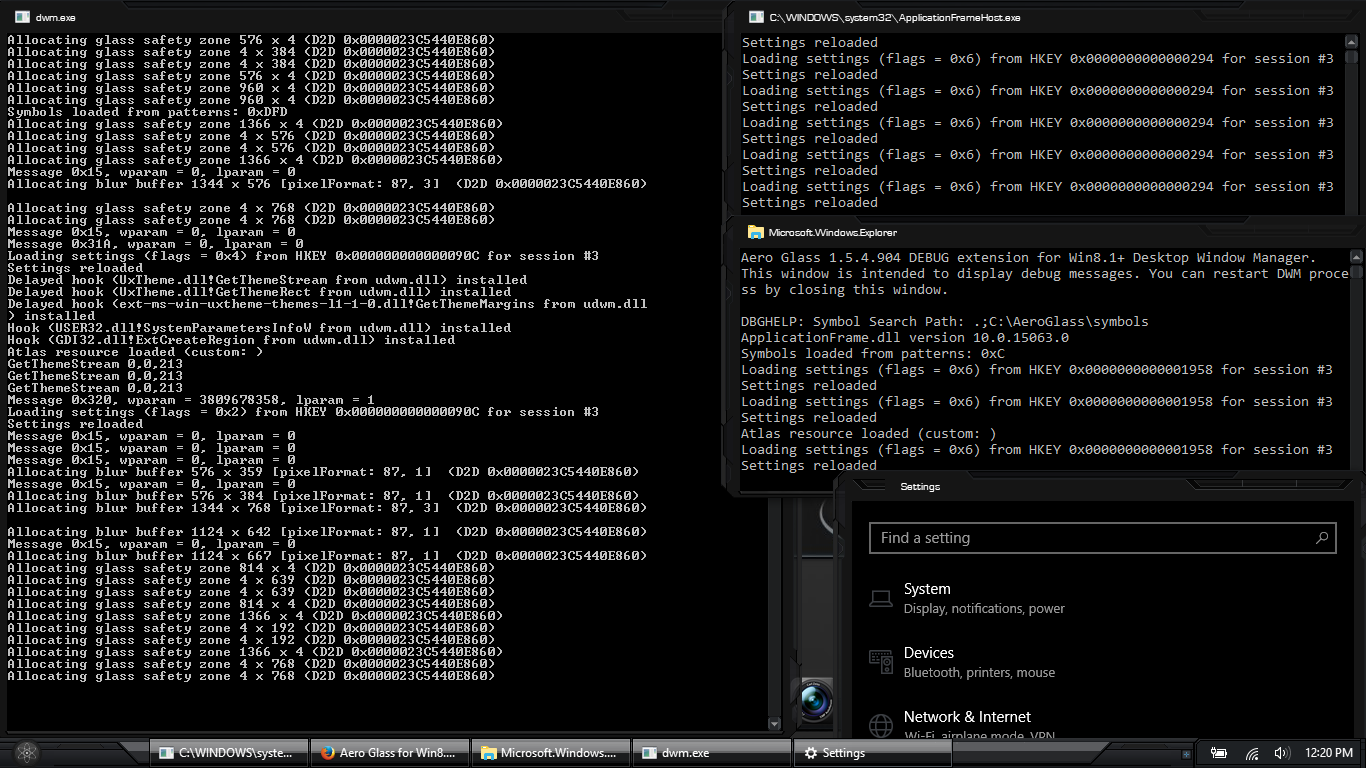
I personally use Task View to hide the debug windows in a virtual desktop. Not really a very big issue for me.
-
Ah, I see. ok thanks. Also I notice you're also having the issue with the navigation bar's colors not going full transparent either [the black parts on it]. Here's to hoping a working fix comes around.
-
Anyone know how to get Black Glass Enhanced to work properly on build v669? I'm getting tons of particles left behind when I drag my windows.
-
ya sorry, found that post a tad late, lol. Was going through a ton of notifications from here via email so took me a bit to find that one lol.
-
You shouldn't use that installer for this version. It uses old registry entrees that are no longer valid in Windows 10 RS1. There currently is no actual official 'installer' for v669. There are some people made elsewhere [if you'd rather use an unofficial leaked installer] but going by what you're asking for you'd be better off waiting for the actual installer to be added to www.glass8.eu It will most likely be placed onto the main page as soon as it's completed. As for the incompatibility message, you'll get that no matter what you do since Microsoft is an a**. Just click cancel when it pops up and you'll be fine. It still works despite the incompatibility message [Microsoft's cumulative updates cause that to show up every time BigMuscle manages to fix that so it's likely going to be an ongoing thing]. As for the label, that will only be removed in official installers. This doesn't count as an official release and donations don't remove the label in testing builds or unofficial releases.
-
Have you tried using AeroGlassGUI to set the color to black and then changing the opacity for the main windows to 0% and the opacity for the background windows to around 1% - 3% [also making sure to have the inactive windows set to use the black color using color balance] That worked for me when I tried.
-
I hide the debug window in a virtual window by pressing the windows + tab keys. Works fine for me. Also you should know Microsoft Edge doesn't show moderframe effect unless you minimize and restore it twice.
-
sweet! got em now. thanks
-
Ok thanks. And tbh I was under the belief that the .layout files I found had already been modified for use with RS1. If not then I'll find out soon enough. Ok for some odd reason that specific .rar file keeps freezing 7zip. It doesn't open properly and I keep having to use the taskmanager to end it. No idea why it's doing that...
-
Ok thanks. And tbh I was under the belief that the .layout files I found had already been modified for use with RS1. If not then I'll find out soon enough.
-
Anyone know where the .png files for the clsharp .layout files are? I got the clsharp.png.layout, clsharp_v2.png.layout, clsharp_v2_flat.png.layout, and clsharp_v4.2.png.layout files but apparently i failed to notice that the actual .png files for them weren't included in the .zip file. Can someone please link the .png files? [RS1 compatable versions, plz]