-
Tihiy, I just upgraded to Windows 10 and thankfully was able to install StartIsBack++ right away to save my from the default Win 10 Start menu! It's also cool that you provided SIB++ as a free upgrade to SIB+ users. Just to show my thanks, I just bought a five license key from you since I didn't see a direct donation button. Even though I don't need them now, I know they will come in handy when my parents/family members eventually upgrade to Win 10. Thanks again and keep up the great work!
-
Wow. Such an easy fix. I can't believe I didn't think to even try that. Thank you so much!
-
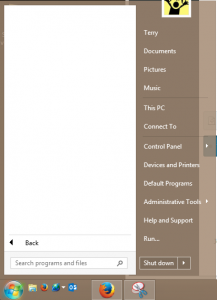
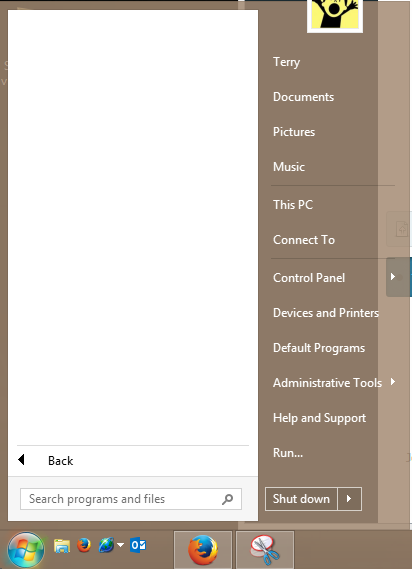
I upgraded my three licenses of SIB+ from 1.7 to 1.7.5. Two machines upgraded without issue, but on my main computer, all my "All Programs" items are gone - it's totally blank. (see attachment) If I roll the computer back to SIB 1.7, the programs appear correctly. Has anybody else experienced this and if so, how did you fix it? I'm currently running Windows 8.1 64-bit. Thanks! Edit: I should add, if I type in the search field, the programs are found, so it just seems to be a display issue.