-
how to extract the software from windows DLC Media Center 2010 Ultimate Edition,as i cant find windows post install,out in DVD,although i know its software are through windows post install,i think ghost has been used for windows as well as WPI so no one could take the software out,does any one have idea how to extract the software out this window
-
i dont want to upgrade to windows 7 so any one have idea or patch whatever you say to make the game run on windows xp
-
double-click any single song, and add that song to a playlist without stoping current palying songs,this feature was in wmp 10,but i want it in wmp 11 but how?
-
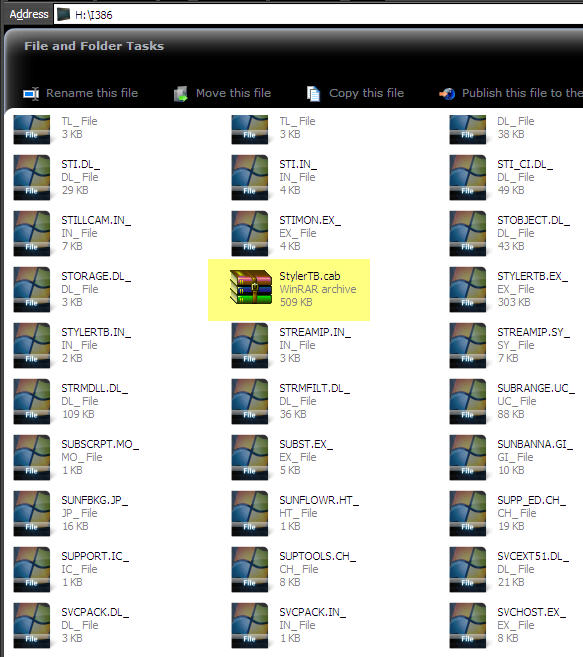
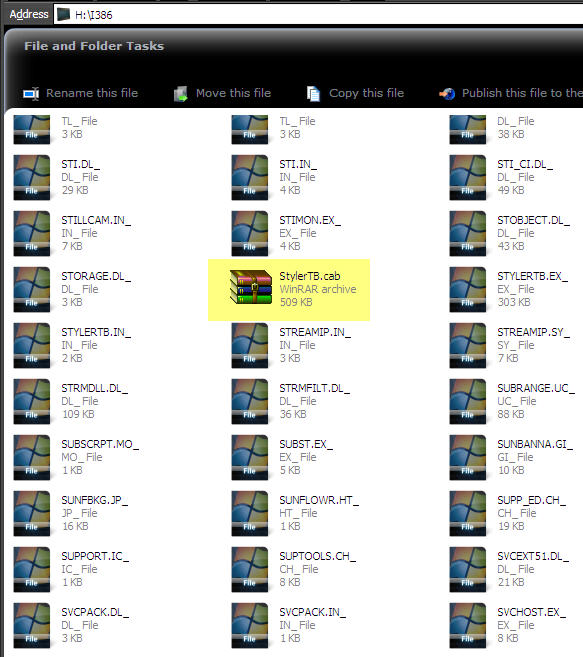
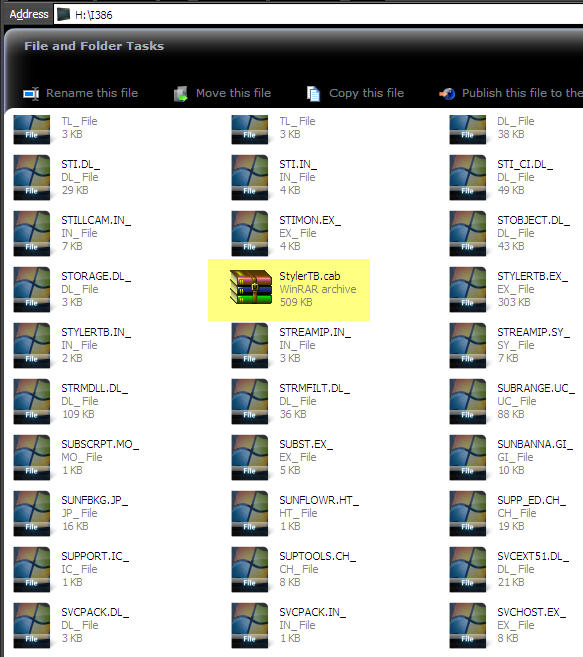
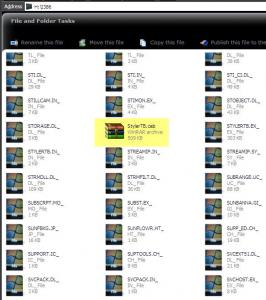
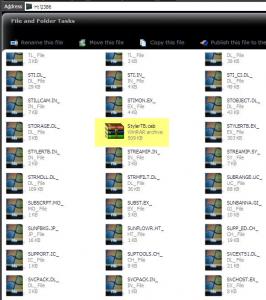
does any one know how built windows xp with preinstall software,i want software to be install in i386 folder of cd,nlite doesn't help in my case and nlite addon too deosn't help me, do u guys have any idea,there is picture below
-
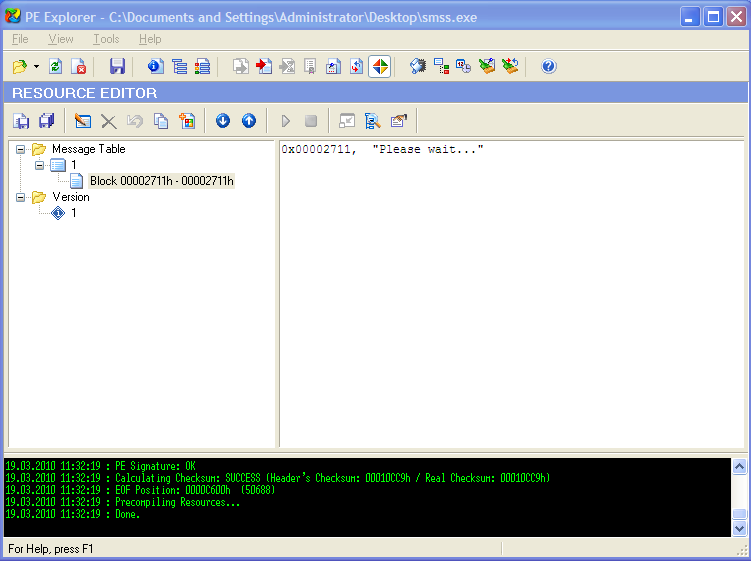
ok dude i cant find the line any line accept please wait.... but i have found what i want in your files now i want to know how do i find same thing in mine as there is in your ok i have another query too i found that there are few application or software whatever you say are included in windows i386 folder in installation disk,i have try with nite addon but it makes addon on svpack folder but want it on i386 folder, any one have idea how can i do it,there is screen shot below you need to edit smss.exe which is located in your xp setup cd \i386\system32 folder. Thank dude
-
ok dude i cant find the line any line accept please wait.... but i have found what i want in your files now i want to know how do i find same thing in mine as there is in your ok i have another query too i found that there are few application or software whatever you say are included in windows i386 folder in installation disk,i have try with nite addon but it makes addon on svpack folder but want it on i386 folder, any one have idea how can i do it,there is screen shot below
-
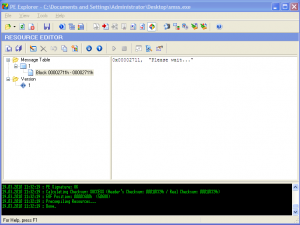
ok dude i cant find the line any line accept please wait.... but i have found what i want in your files now i want to know how do i find same thing in mine as there is in your
-
You Need Resource Tuner to Edit Text i have Resource Tuner but which line to edit or where to edit could you tell me
-
i download editors but how to edit that text ????????where can i find the text
-
u will have to use windows offline mode or replacer to place protect files,use nite for adding themes and software
-
i tried for true addons after moving to certain steps it ask me for registry what i do there,im new to true addons if have tutorials for true addons sent it for me or link is also ok
-
i seen in my friends windows xp that if we are playing songs in windows media player,if we double click on any songs in folder including songs that clicked songs automatically adds in windows media player play-list without stopping current playing songs,how is that???
-
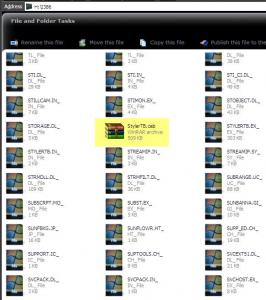
i found that there are few application or software whatever you say are included in windows i386 folder in installation disk,i have try with nite addon but it makes addon on svpack folder but i want it on i386 folder, any one have idea how can i do it,there is screen shot below
-
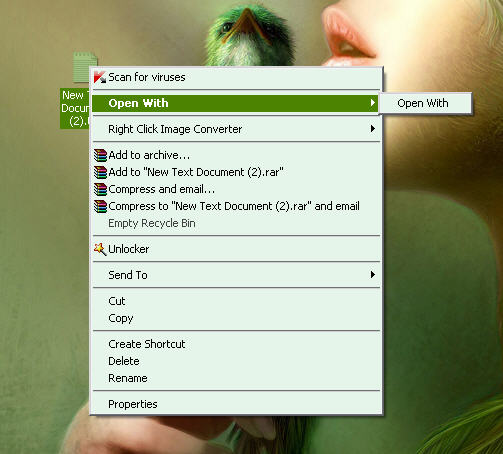
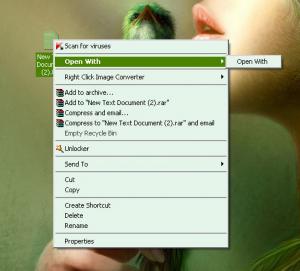
open with menu option in right click is not working,why is that
-
dude thank for your suggestion but i wonder if you could guide me to right sub forum because im totaly new to this forum and don't know anything about this forum