




Everything posted by Echolomax
-
Found on another forum
-
Anyone tried to contacts WB Support?
-
Provided by Manicho! Respect to his wonderfull work!
-
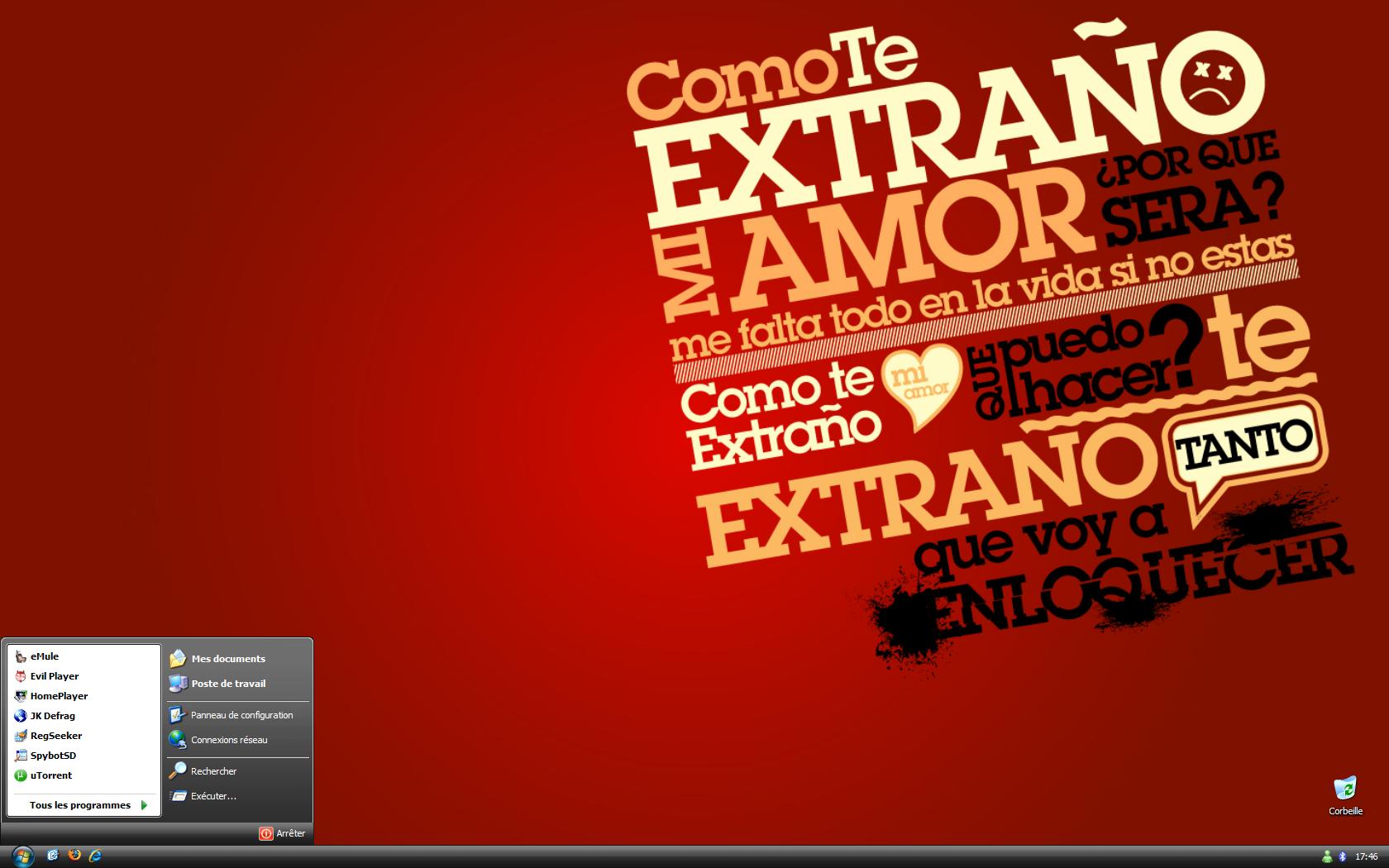
New One@Zxian, Here you go! : LounginJK Defrag, so small, so powerfullI have read that maybe if you use a PCi USB Card and connect SUB disk on it problem solved.... If someone can testyes!Hi All, I've a new problem with Vista, I bought a Western Digital MyBook 500Go, the disk starts and stops with the computer. And now when i boot my computer takes around 3min before starting Vista,when I unplug my USB drive, it starts immediatly. Who got this problem?New MacBook 13":Latest update for this month:*UPDATED*@Claude: It's tango Patcher, a kind of Xpize but old school style!Yes thnaks, my new one for this week, really love this wall!!prankst3r what is your VS?@Grunth0s: Gret Wall!!For new year!
Account
Navigation
Configure browser push notifications
Chrome (Android)
- Tap the lock icon next to the address bar.
- Tap Permissions → Notifications.
- Adjust your preference.
Chrome (Desktop)
- Click the padlock icon in the address bar.
- Select Site settings.
- Find Notifications and adjust your preference.
Safari (iOS 16.4+)
- Ensure the site is installed via Add to Home Screen.
- Open Settings App → Notifications.
- Find your app name and adjust your preference.
Safari (macOS)
- Go to Safari → Preferences.
- Click the Websites tab.
- Select Notifications in the sidebar.
- Find this website and adjust your preference.
Edge (Android)
- Tap the lock icon next to the address bar.
- Tap Permissions.
- Find Notifications and adjust your preference.
Edge (Desktop)
- Click the padlock icon in the address bar.
- Click Permissions for this site.
- Find Notifications and adjust your preference.
Firefox (Android)
- Go to Settings → Site permissions.
- Tap Notifications.
- Find this site in the list and adjust your preference.
Firefox (Desktop)
- Open Firefox Settings.
- Search for Notifications.
- Find this site in the list and adjust your preference.