-
-
but with cross cable its impossible in XP x64? between XP x32 to x32 it work very good! thx in advance
-
Hello! I want to have Internet Connection Sharing to my father PC, but i can't, i only did 1 time but soon i restart my father lose internet! Its cross cable connection! Anyone know a solution? After searching for a solution i found this @ microsoft site ''Internet Connection Sharing, Internet Connection Firewall, Discovery and Control, and Network Bridge are not available on Windows XP 64-Bit Edition.'' is this for real? Thx in advance!
-
GeForce 4 MX sUx out dated! ;P
-
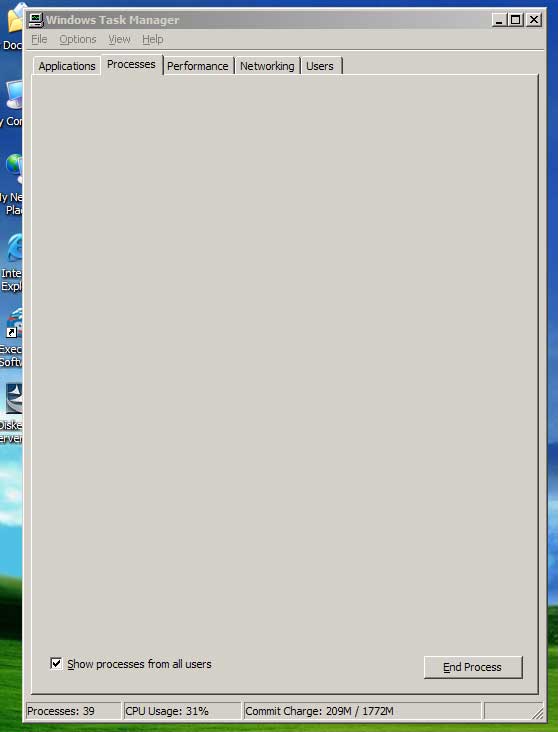
where did go my processes? help help help! :\\\\\ this s*** disapear after install Diskeeper Server Enterprise Edition 9.0.504, i desinstall, and the s*** its the same! can't acess to process's @ windows task manager! now i can't Disk Defragmenter! thx in advance
-
did you read this -> http://win2k3.msfn.org/ ?
-
Tweak NT 0wnz all
-
Hi there! may i know whr can i download the converting exe file?? I lost the link! Converting Windows Server 2003
-
System Restore Did you try this ?
-
maybe is the worm ? install the update!
-
The button to install don't work! because is a licence to administrators only! Help Help
-
how did i install this on 2k3 ? plz help ;P
-
Windows Server 2003 SP1 1069 @ WinBeta Server ( IRC ) soz the p00b
-
hmmmm i think is solved! the problem was that i didn't have this correcty configurate ' On the other PC, make sure TCP/IP options are set to automatically assign an IP address ' ;DD (my english suck's hard) thx aaronXP
-
I Have 2 pc's connected by crossover, and a can't share net because of this problem! see atach PLZ HELP ME ;\