


-
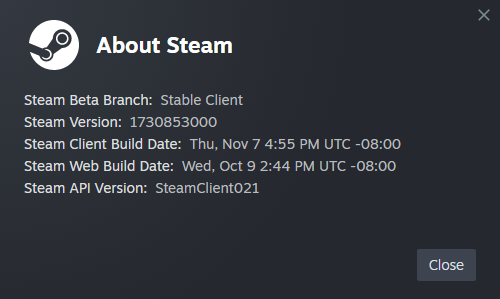
A few months ago when I was trying to reinstall Battlefield 4 and Hardline on my system with Steam I kept running into a problem where it would stop downloading at around 70% and never finish. In my search for a fix I found a user on Reddit that also had this problem trying to install Elden Ring on their Windows 7 system. The solution was using SteamRE DepotDownloader to download the game files instead and move all of them manually to the game directory in the Steam apps common folder. Steam will validate them and should finish downloading whatever was missed. My Steam version for reference:
-
I'm not quite sure what your method was to get Rockstar Games Launcher working but to continue playing GTA 5 I simply had to use a executable that bypasses RGL. Not a problem since I'm only interested in the story mode of that game but that won't be a solution for those interested in online mode.
-
-
Windows 7 has been my favorite and daily OS since 2010. When web browsers (I use Firefox and Opera) or internet functions begin to stop working maybe then I will make the switch to Linux which I haven't been fond of but I hope that day doesn't come anytime soon. I've experienced browsers becoming unusable before with PowerPC Macs and had to give up using the internet on mine.
-
Rockstar Games Launcher since January 30 is Windows 10 only and refuses to install or function on 7. A few games like Grand Theft Auto V and Red Dead Redemption II that previously had 7/8/8.1 compatibility and require RGL are no longer functional on these OS as a result.