Skip to content
View in the app

A better way to browse. Learn more.

MSFN

A full-screen app on your home screen with push notifications, badges and more.

To install this app on iOS and iPadOS
  1. Tap the Share icon in Safari
  2. Scroll the menu and tap Add to Home Screen.
  3. Tap Add in the top-right corner.
To install this app on Android
  1. Tap the 3-dot menu (⋮) in the top-right corner of the browser.
  2. Tap Add to Home screen or Install app.
  3. Confirm by tapping Install.

chicken

Member
  • Joined

  • Last visited

  • Country

    France

Everything posted by chicken

  1. I use Firefox 112 on October 2022
  2. Where I can get the march 6 extended kernel?
  3. Witch march 6???
  4. i changed my os name to win 7 to get new malwarebytes
  5. nvm i found virus but
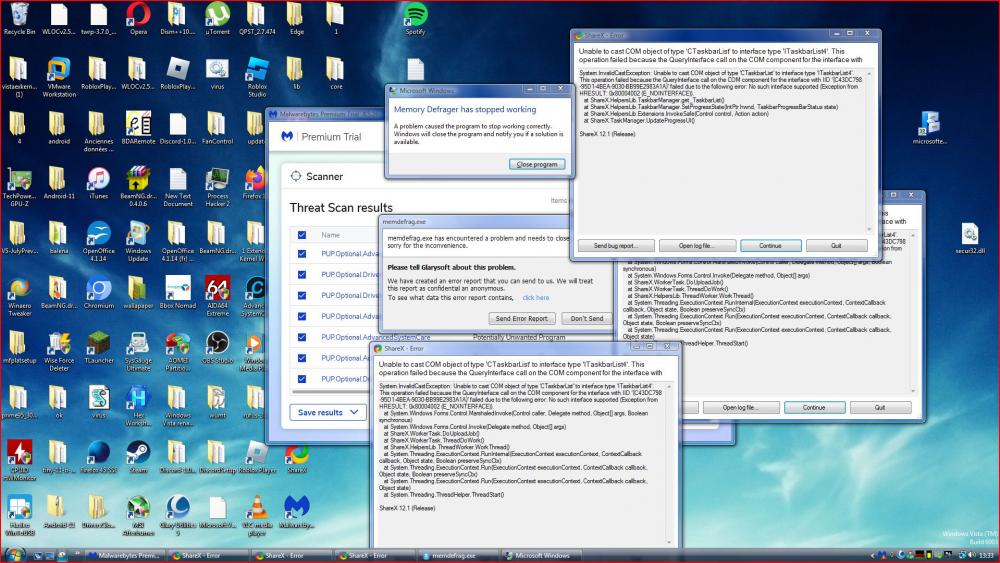
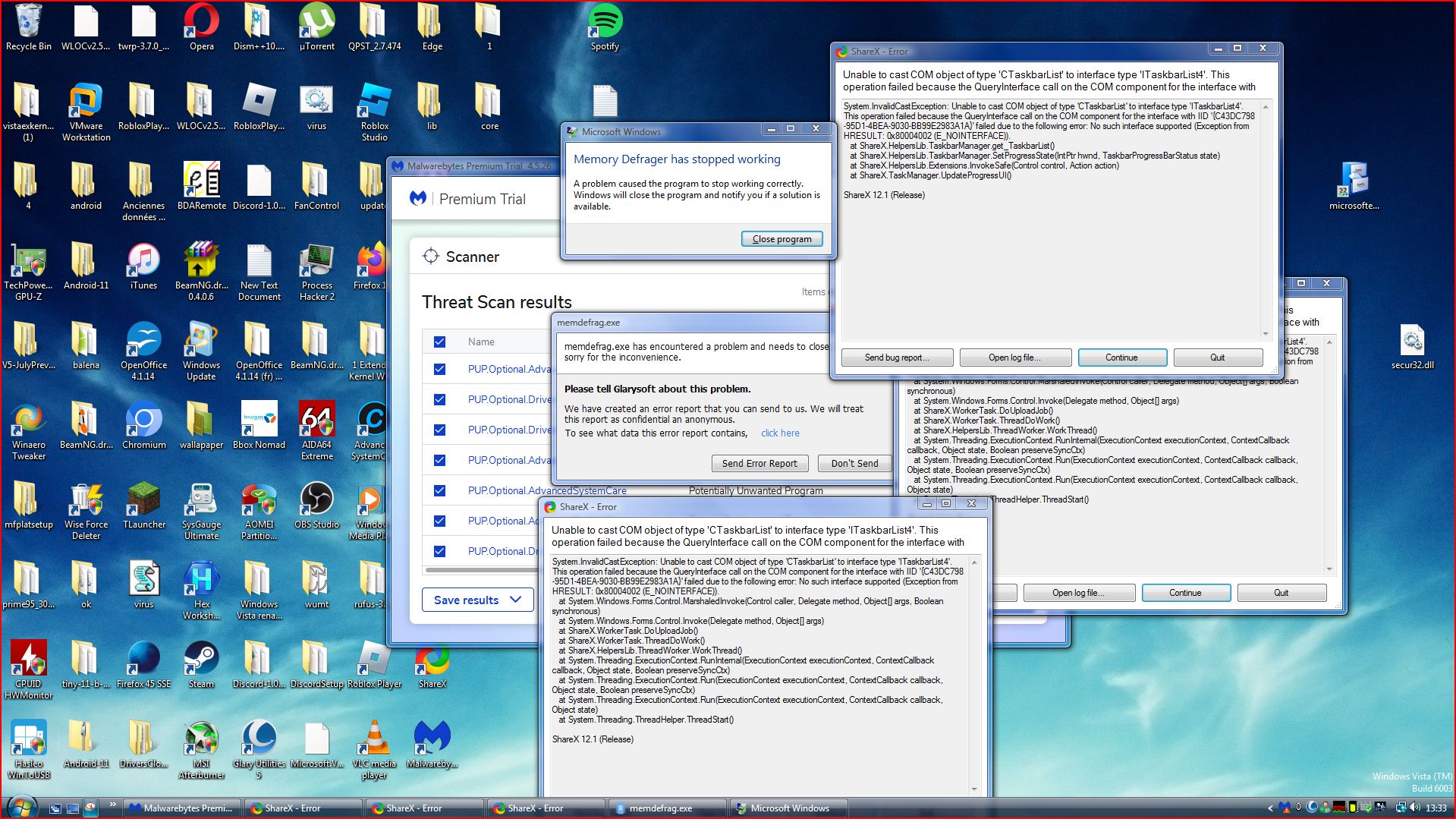
  6. New Malwarebytes works great with vista need jut to change windows 6.0 to windows 6.1 for install then remove the 1 from windows 6.1 after install. It crashes sometimes
  7. if i open chromium + orther thing it crash even 2 app open
  8. October 2022 extended kernel is laggy and march 9 extended kernel is broken with esus updates so yeah.
  9. So if you wanna run ms edge on vista first copy ms edge folder from win 7 or above to vista and go to edge : application : the version and run msedgewebview2 and it will run ms edge its a little slow for with vista extended kernel hope it work for yall discovered by me and run as admin (shortcut don’t work)!!!!!
Account

Navigation

Configure browser push notifications

Chrome (Android)
  1. Tap the lock icon next to the address bar.
  2. Tap Permissions → Notifications.
  3. Adjust your preference.
Chrome (Desktop)
  1. Click the padlock icon in the address bar.
  2. Select Site settings.
  3. Find Notifications and adjust your preference.