-
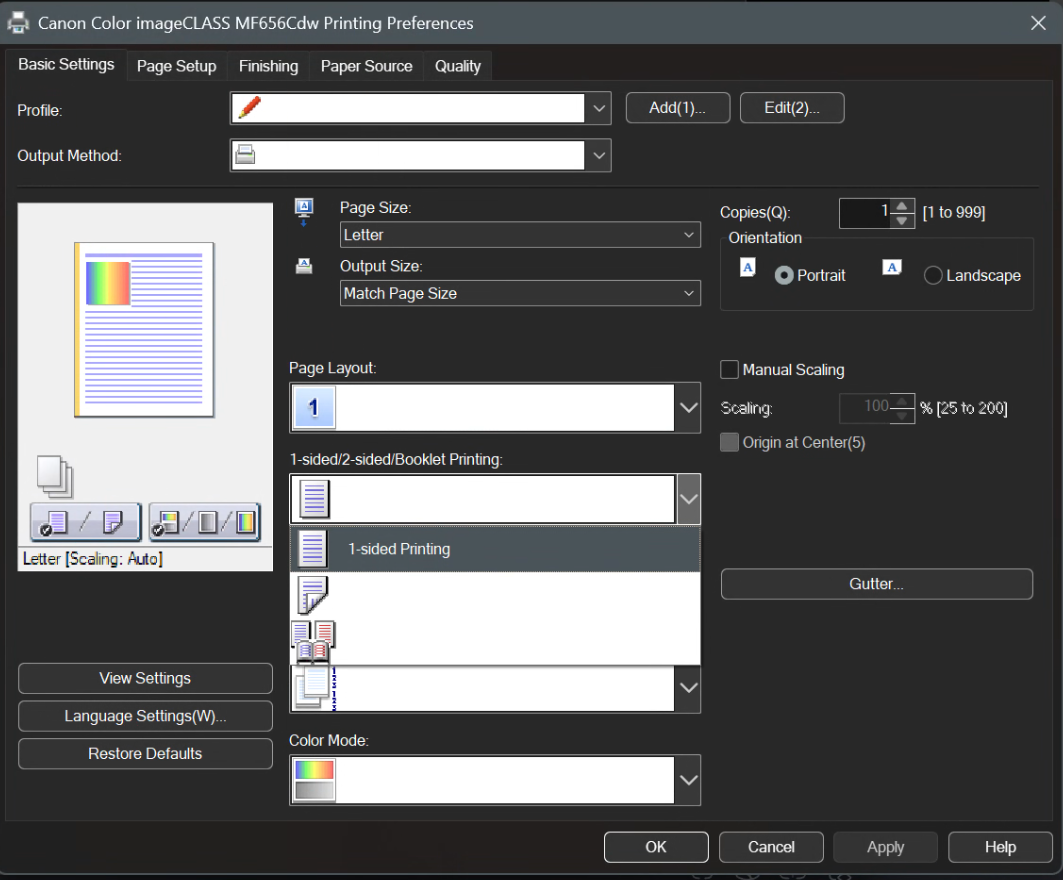
There is a heart with the native taskbar, but I do not have the new icons on the native taskbar to be able to do a direct comparison. I wasn't sure if maybe they deprecated the heart with smart charging. There is a heart in control center though.
-
I noticed with the new battery icon, the smart charging heart on supported laptops doesn't appear. I'm not sure if that's intentional.
-
You know what, I didn't have any issues. That's a pretty typical message for SAB. 25H2 was just pushed yesterday, so I wouldn't worry too much. And also the current preview build for 24H2 is pretty much the same as 25H2's build, just with an enablement package to change the servicing cycle.
-
I personally use SAB for deskband support (as well as small taskbar).
-
It seems like SAB isn't able to check for updates either. I guess it's the same hosting provider? Nevermind, it was just slow.
-
Yes both are down for me.
-
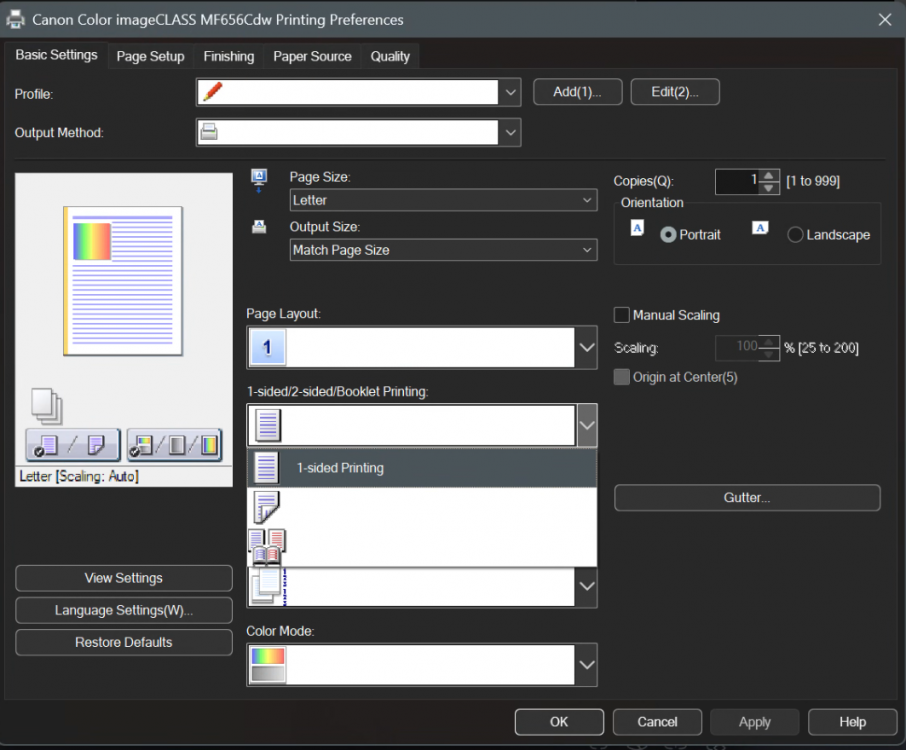
Found what looks like a Dark Magic bug with the driver for my new printer. The driver can be downloaded here: https://www.usa.canon.com/support/p/color-imageclass-mf656cdw This is the driver I installed:

-
This may be caused by the deskband you have. Try turning that off and seeing if it doesn't happen. I've seen all sorts of weird things like this from deskbands.
-
mackid1993 changed their profile photo
-
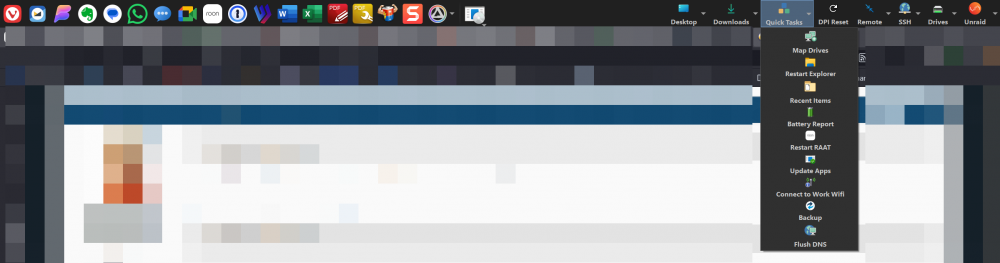
This is what I use Directory Opus floating toolbars for. I personally dock mine to the top of the screen and invoke it with a keystroke/macro combination but they do support autohide (or on a multi monitor set up it can just be a permanently docked fixture). It's nice as the buttons can launch anything from simple executables to scripts, Directory Opus macros which are very powerful as well. I felt it was a more sustainable solution to using something that has been long deprecated and its continued existence can't be relied upon. https://docs.dopus.com/doku.php?id=additional_functionality:floating_toolbars This is also why I moved to NetWorx for my taskbar network speed indicator, as the devs fully support Win 11 with it and actively maintain and improve support. I'm grateful to @Tihiy for rewriting the legacy taskbar... my whole philosophy is to not build workflows around legacy tools that can eventually break. A new codebase that isn't reliant on MS (as much) makes me feel a lot better.
-
TrafficMonitor has a transparency setting. Also the dev hasn't touched it in years. I moved to NetWorx (which is paid but cheap). I had an issue with them caused by the new SAB system tray a few months ago and they actually took the time to fix compatibility with SAB and gave me a test build. Really awesome devs.
-
You're the best! I don't blame you. I'd rather blame Steve Ballmer for everything!! 😂
-
I see this as well on 26100.1876.
-
Not sure if I'm just missing it, but I'm not seeing the option to disable task grouping.
-
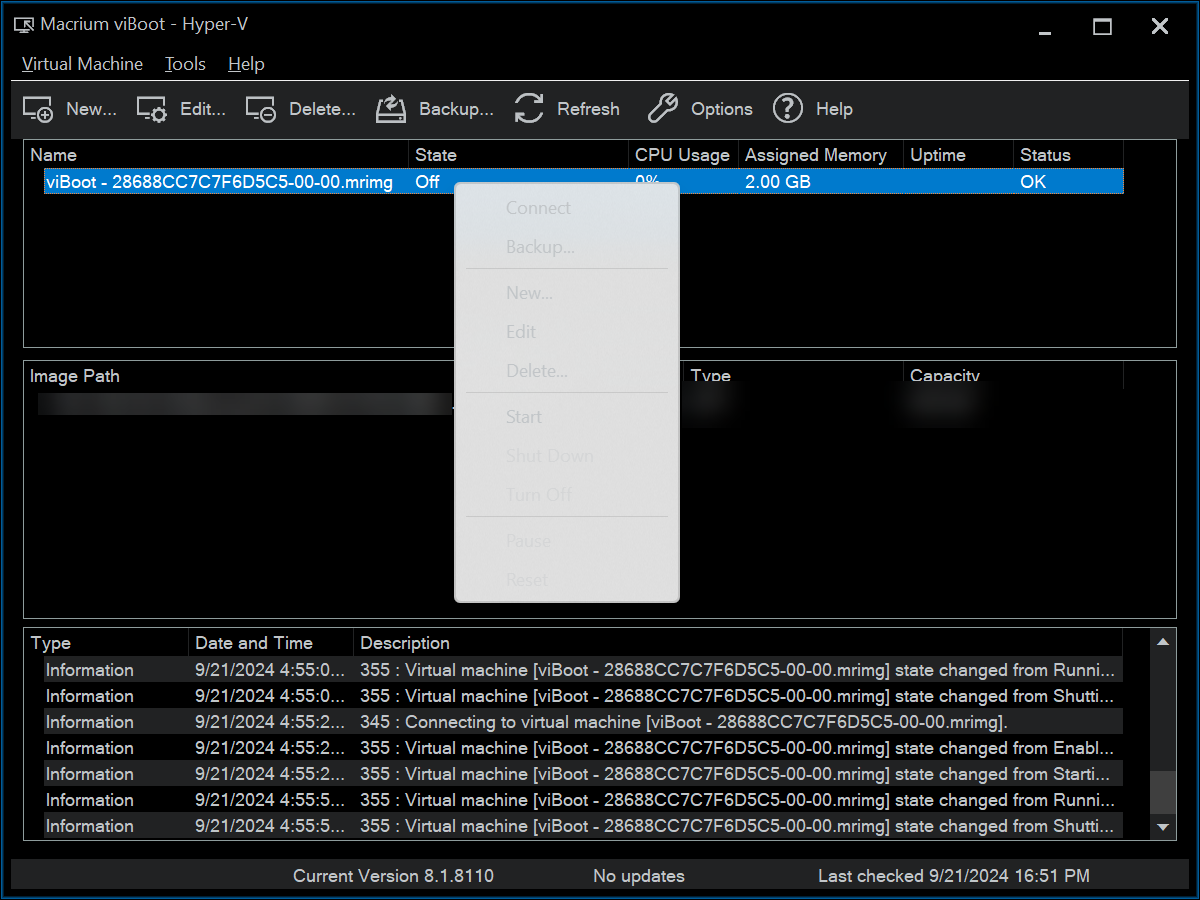
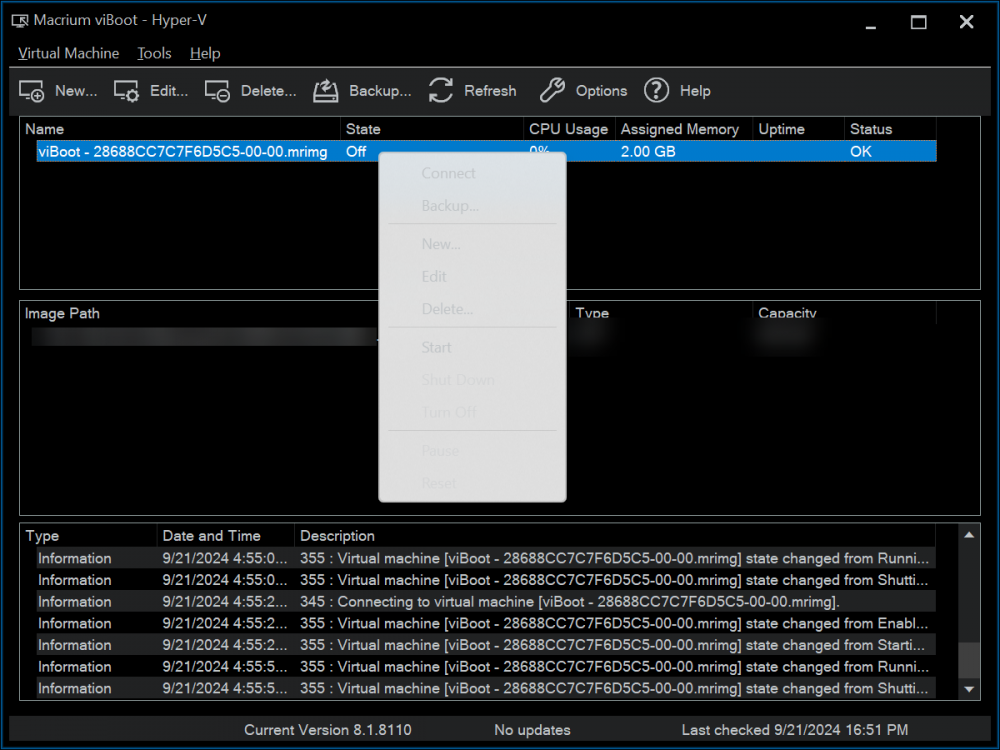
Found a Dark Magic bug, this is in Macrium Reflect 8 Home Edtion viBoot:
-
Yeah how about no, I'd rather have bugfixes when they are ready. Just update when you feel like it, no one is forcing anyone to update. Auto updates can be disabled as well.