Everything posted by Mikaelo
-
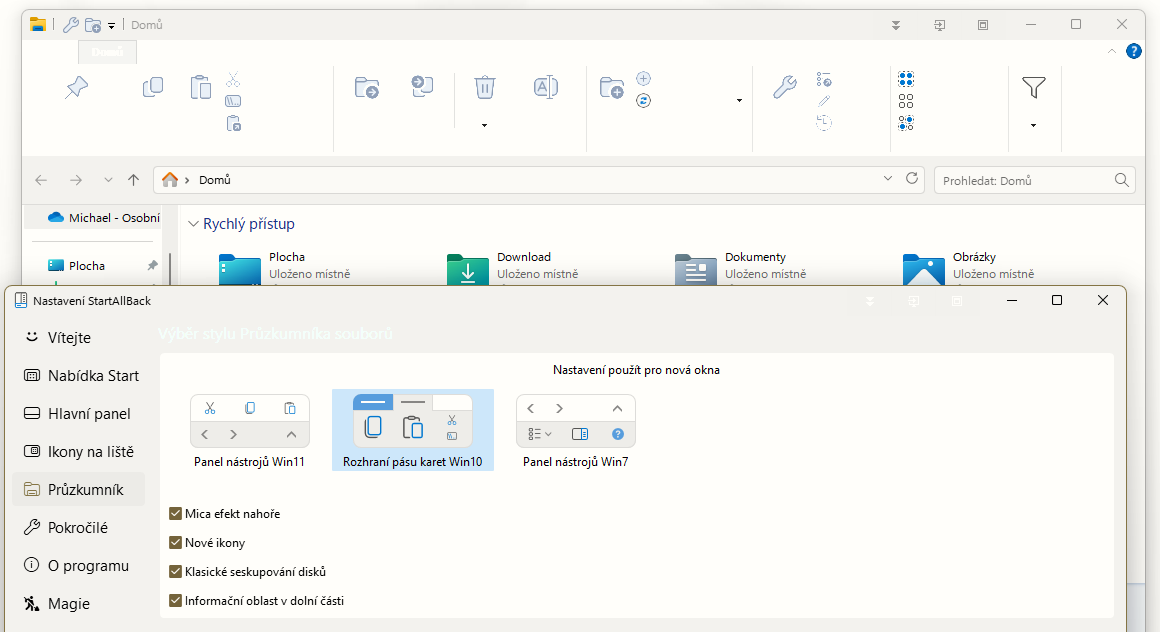
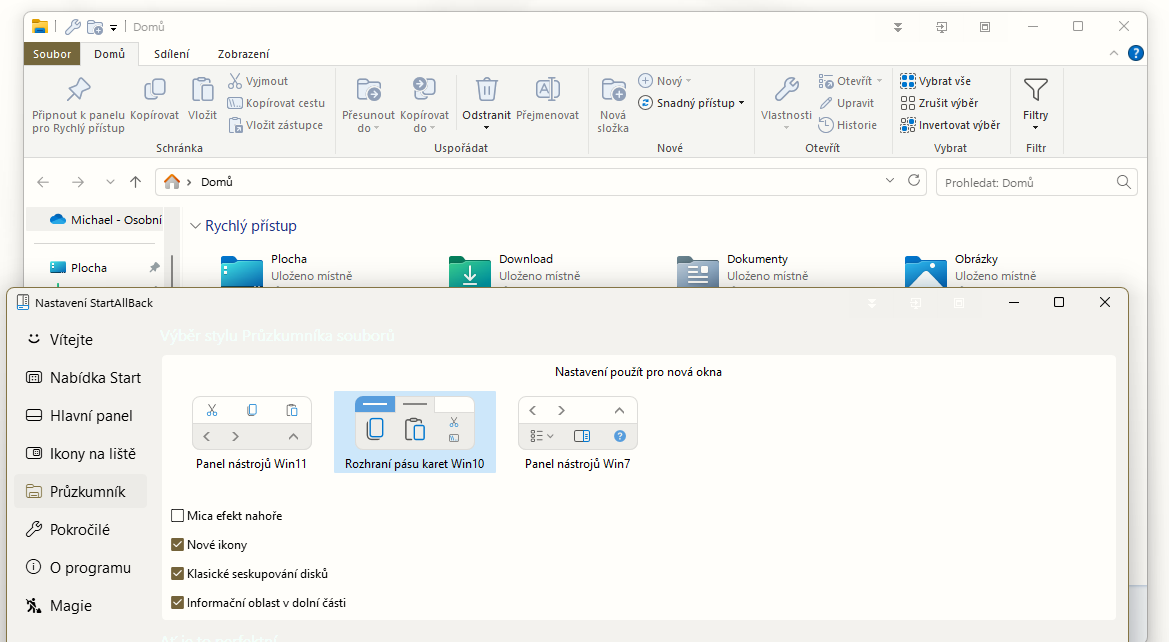
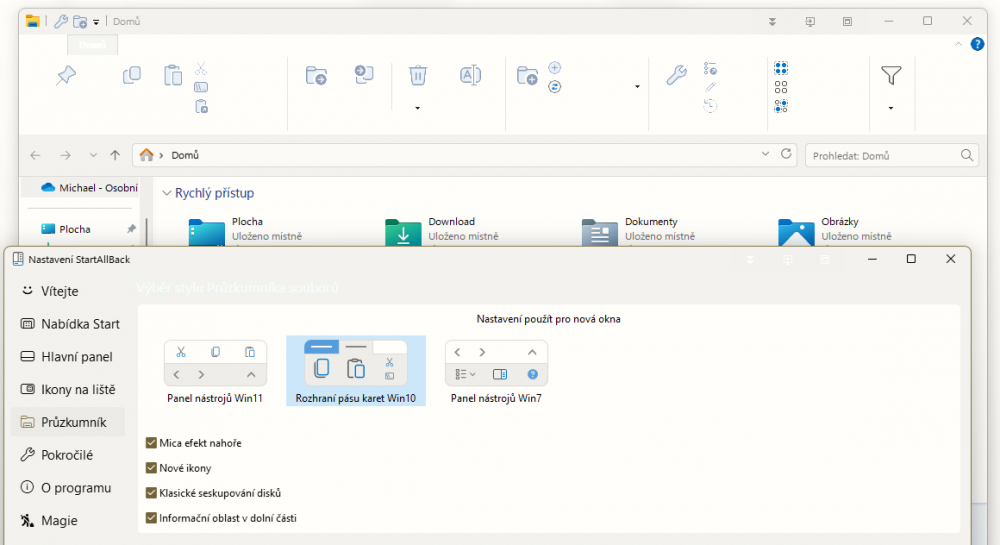
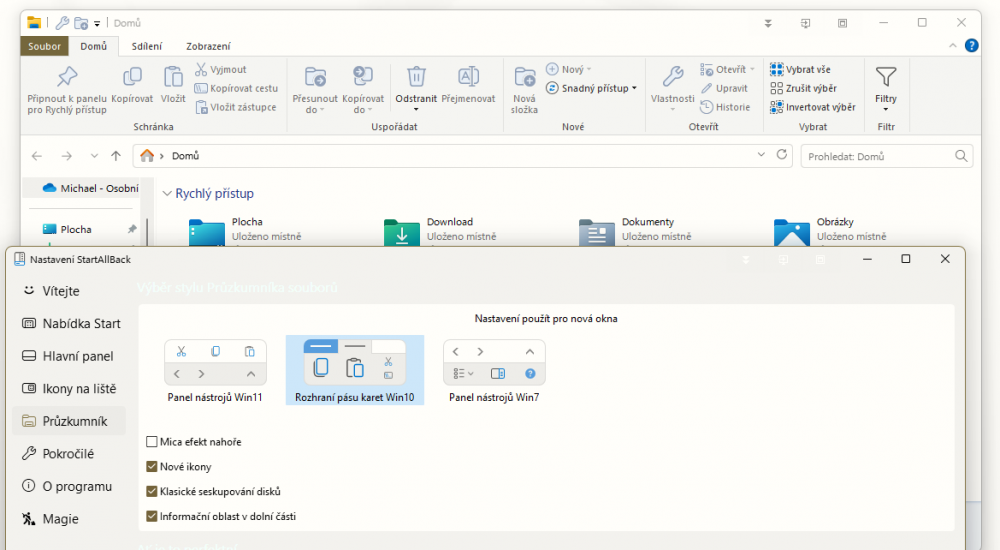
@Tihiy when I have activated Mica effect on top, the header Windows Explorer text is white on white Background. I have set Light Applications theme and Dark Windows color theme. When I switch off Mica Effect on top the Windows Explorer header is ok. Can it be SAB bug? Or should I investigate elsewhere? Thanks for help. Win 23H2 22631.5472 SAB 3.9.10.5273
-
@Tihiy, I found the reason. UltraMon app enable this.
-
I have no idea
-
Yes, I understand
-
@Tihiy I use a vertical taskbar on two monitors and I have different widths on both. The left, wider cannot be narrowed more.

-
Do you mean something like this? https://www.tenforums.com/tutorials/21005-change-delay-time-show-taskbar-thumbnails-windows-10-a.html
-
That's what I was worried about, thank you
-
Sorry, I don't want to offend anyone, I just want to find out if there is even a solution... Thank you
-
Any tips please? 🙏
-
@Tihiy please, how can I disable automatic update, because on my laptop the SAB 3.9rc is automatically updated to 3.8.13 ?? THNX a lot
-
Is there a way to display the number of open windows for grouped taskbar buttons?
-
Czech update for 3.9 cs-CZ.txt
-
@Tihiy of course you're right, I agree. It just doesn't look good. But I understand that this is not a priority ... Nevertheless, thank you for the already done margin adjustment.
-
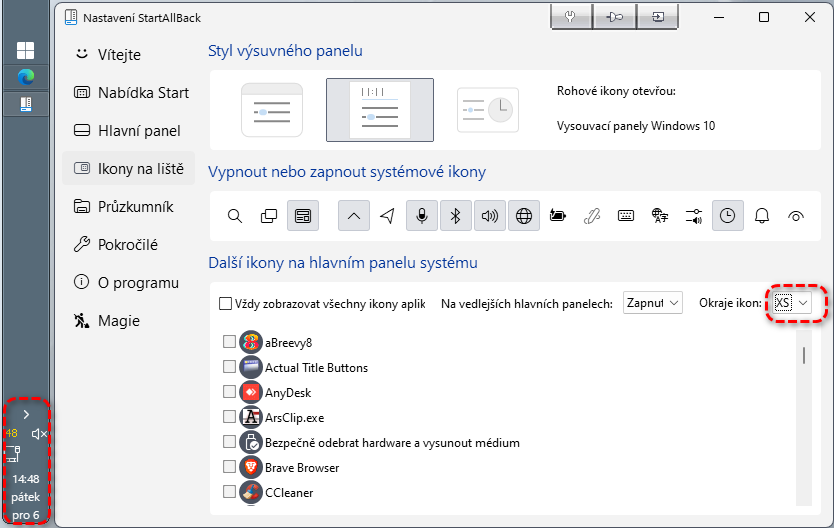
@Tihiy great job, it's much, much better. But would it be possible to have the icons centered and under each other with the XS borders??
-
@Tihiy great work. SAB is better and better. I have only one entreaty, Would it be possible to center the icons when the Taskbar is vertical and reduce the spacing with the XS icon margins?Please see attached video. Thnx a lot Video_2024-12-04_172324.mp4
-
I like this idea more and more ...
-
Works Thanks !
-
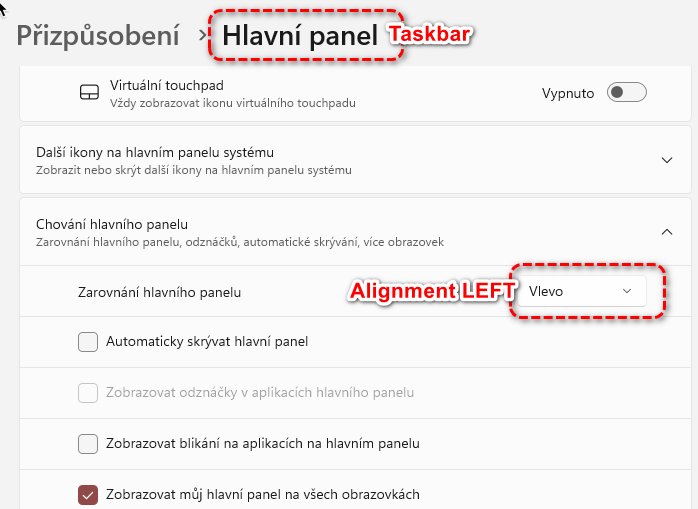
I have set LEFT Taskbar Alignment in system setting, but widget is near Systray - RIGHT on taskbar
-
Widgets on the left @Tihiy please how can I move the widget on the taskbar to the left side? I have set the left taskbar alignment and centering icons but the weather widget is in the right, next to Systray. Any posibility?
-
-
After using the latest version for a short time, the native START menu behaves perfectly. THNX @Tihiy for your amazing work.
-
It seems that is the multi monitors problem. On my notebook the last version works fine. I talk about native START menu ...
-
@Tihiy I am sorry, but in the last version the problem with native START menu persist. https://e.pcloud.link/publink/show?code=XZ4bUgZAJ37fntVDfQR3GpyTRO9HVdt4Po7 W22H2
-
For a while the latest version of SAB seemed to fix the problem, but it reappeared. Out of nowhere. After some time when everything worked correctly :-(.
-
it seems the last version solved this problem. THNX @Tihiy