-
Windows XP setup has problem of blue screen. I have configure BIOS SATA to IDE option, but problem still occur. I used WinNTSetup_v425_WinXP_Supported for XP installition. Any solution.
-
-
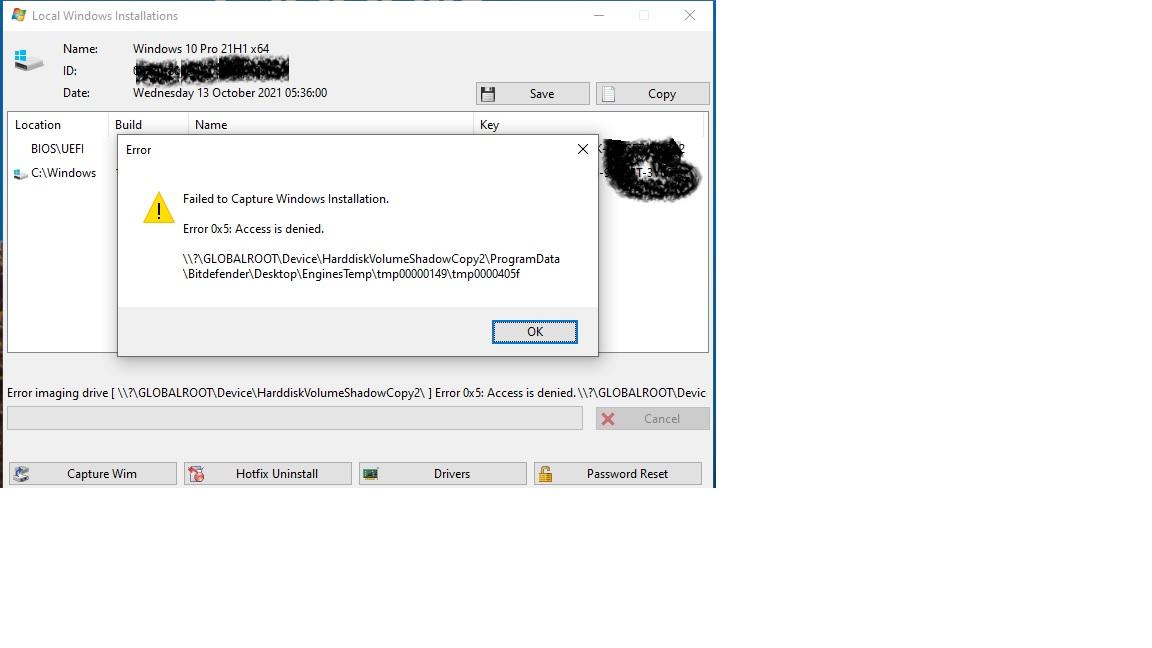
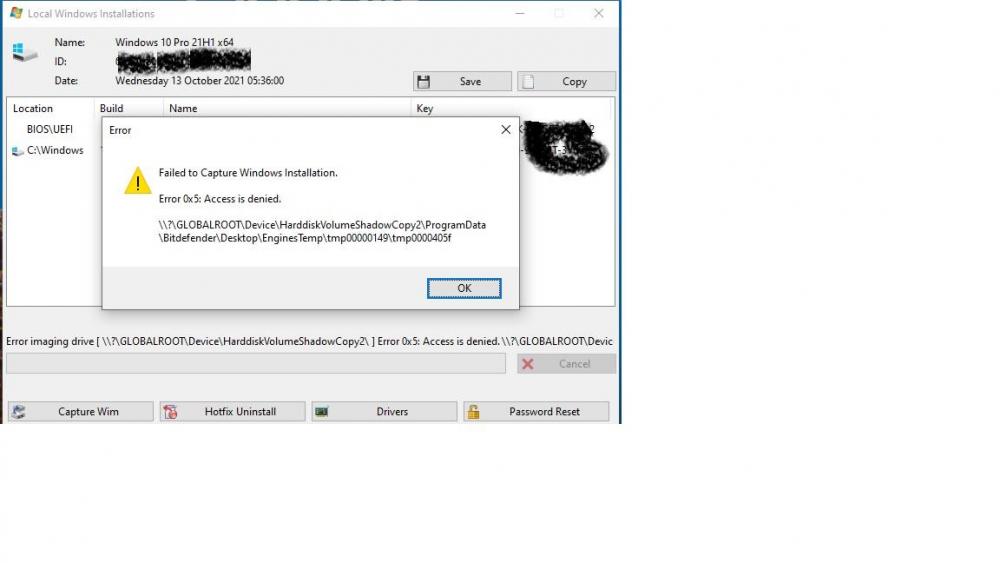
Capture windows installition Failled, for detail check screen shot.
-
Add MBR Repair & Backup option, Drive C Formate Only option, Add old system Parition backup option, improve Add Driver,BCD option for dual boot, Add Check ISO/WIN/ESD health option before aplying image.
-
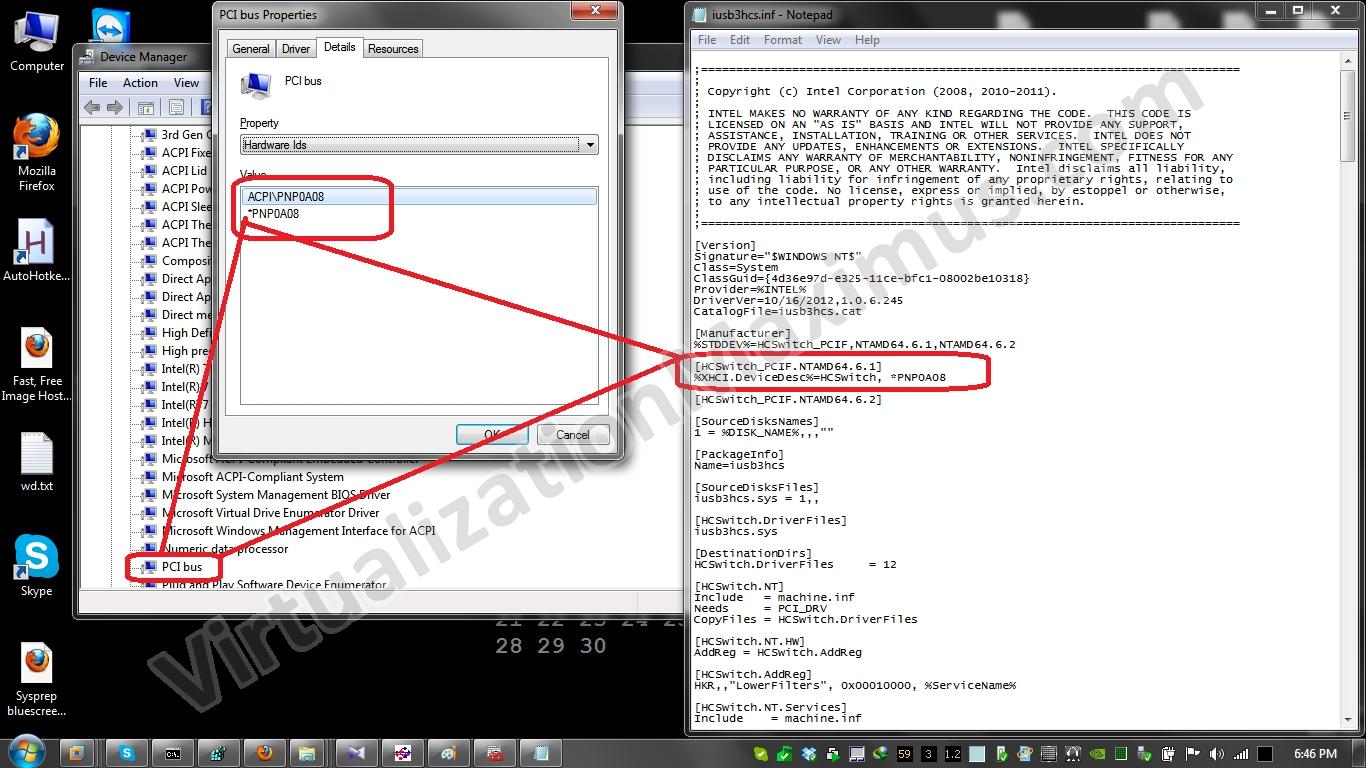
May be compability issues... But your last log files detail show that you are using VMThing app... Driver problem is not too difficult of your laptops,the problem is SwitchMode of USB driver when plugin to other laptop... How ever you try best I help best... I suggest to you Make your own costumize windows 7 ISO,add desire driver of both laptop. Regard
-
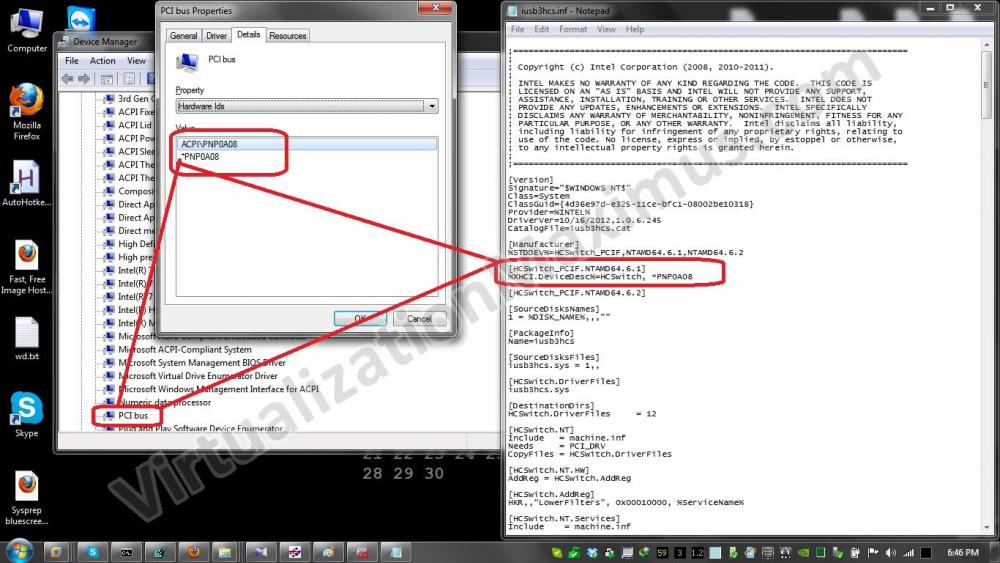
OK. You are using VMware ThinApp, You must use HCSwitch option for installing USB 3.0 driver. X86X64 Copy paste the correct chipset driver to the WinNTSetup folder. The above driver will change the 3.0 usb hub pririority to the auto mode for 1.1, 2.0 to 3.0 during booting.
-
Please describe your computer detail,have you enable VT-x/AMD-V and USB 3.0 function from bios setup. If you have then tell me you are using Virtualbox or VHD from Windows or Window PE. I'm going to upload the correct chipset driver for your USB 3.0 hub, if you have give me you computer specification. May be @JFX add 3.0 USB driver and fix this bug in next version.
-
It will be work perfectly, If you have place the above file in correct directies.
-
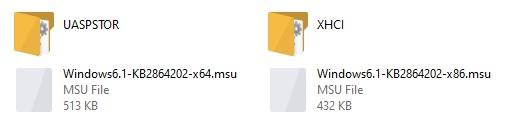
Without Search and effort. Just Download below file, extracted it to the below location. Or you can add a DOS Batch file to install below file with a one click. Win7USB3 During installition WinNTSetup Programme install below driver automaticly... C:\Users\User(Name)\WinNTLite (Extracted Path)\WinNTSetup_v4.x.x.x\Tools\Win7USB3
-
Then Follow this instruction... C:\Users\User(Name)\Desire Extracted path\WinNTSetup_v463\Tools\Win7USB3 Try below link for Driver. Password For RAR: MDL2021 Link is ... XHCI_UASP_WIN7_MUI wait for my share of file, that will help you.
-
If you have a little bit experince of NTLite tool, then you can copy USB3 Driver from windows 10 ISO. Link for NTLite is... https://www.ntlite.com/download/ This method will be helpful for your desire ISO Driver pack in windows 10.
-
Waiting for auto update option, and some more features in RUNDISKSCRIPT option. Or add MiniTool Partition Wizard in TOOLS folder and integarted into Menu Bar.
-
Improve DiskPart script,Select partition C and then create Windows RE tools partition, System partition, partition efi.
-
-
When installing WIN10 with Winntsetup, the EFI part has a red fork (Win10 installing UEFI system installation)