-
Vista x86, cant login to Gmail (Thunderbird 52 or DreamMail Pro 6.7.1.8). I use Comodo, so is there something with firewall etc., how to fix it?
-
So how to use MS Teams on Windows 7 in 2025?
-
-
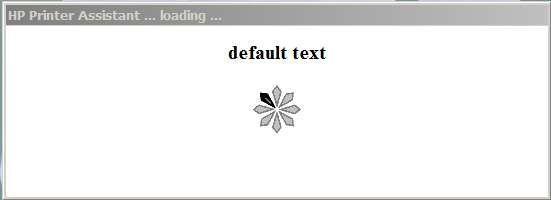
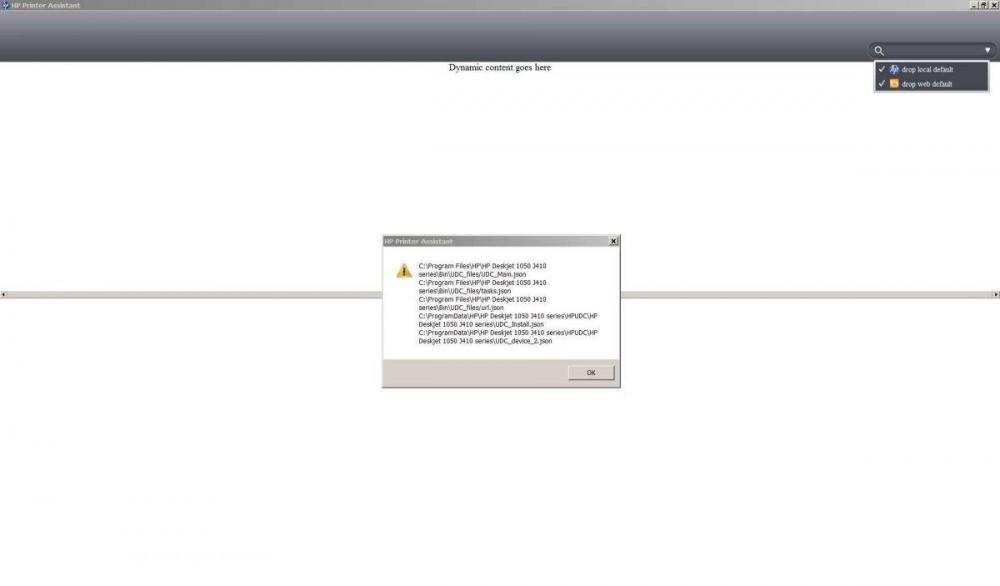
HP Printer Assistant works on Windows Vista x86 wiithout Java enviroment. Still it doesn't work on W7 without Java enviroment.
-
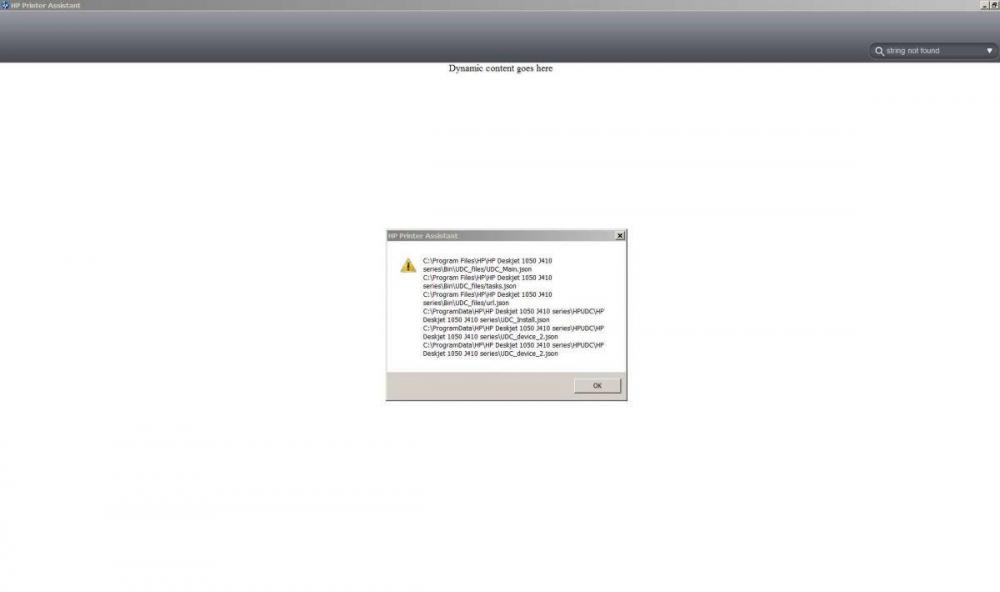
Hello! I can't get HP printer assistant to work. I tried it, but nothing works https://h30434.www3.hp.com/t5/Printer-Setup-Software-Drivers/Cannot-get-the-main-application-screen-for-my-HP-Officejet/td-p/7149132 Is it Java, specific printer's issue, or Windows 7 issue? Thank you...
-
@greenhillmaniac I got some crucial questions to you. I got Windows Vista Home Basic SP2 1. Is it necessary to install the KB947821 before your updates ? 2. Does it make a difference to install your updates in random order? Is that correct > General > Net Framework > Security > Hotfixes > etc. 3. Does it make sense to install some Windows Server 2008 updates after your updates post #1: https://mega.nz/folder/txxRyLzC#1vBMGzMHiL864f3bl1Rj1w 4. Where can I find download links for up-to-date ISO images of Windows Vista Thank you.
-
Hello, I really enjoy that I can find valuable information about OSes here, especially for low-end machines. Thank you. Greetings from Poland.