Skip to content
View in the app

A better way to browse. Learn more.

MSFN

A full-screen app on your home screen with push notifications, badges and more.

To install this app on iOS and iPadOS
  1. Tap the Share icon in Safari
  2. Scroll the menu and tap Add to Home Screen.
  3. Tap Add in the top-right corner.
To install this app on Android
  1. Tap the 3-dot menu (⋮) in the top-right corner of the browser.
  2. Tap Add to Home screen or Install app.
  3. Confirm by tapping Install.

karl80038

Member
  • Joined

  • Last visited

  • Country

    Estonia
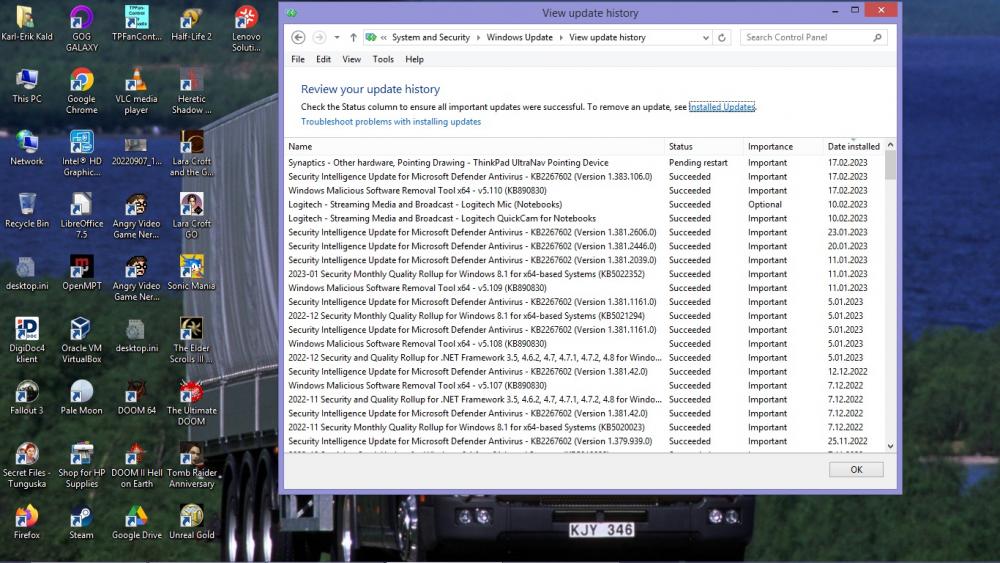
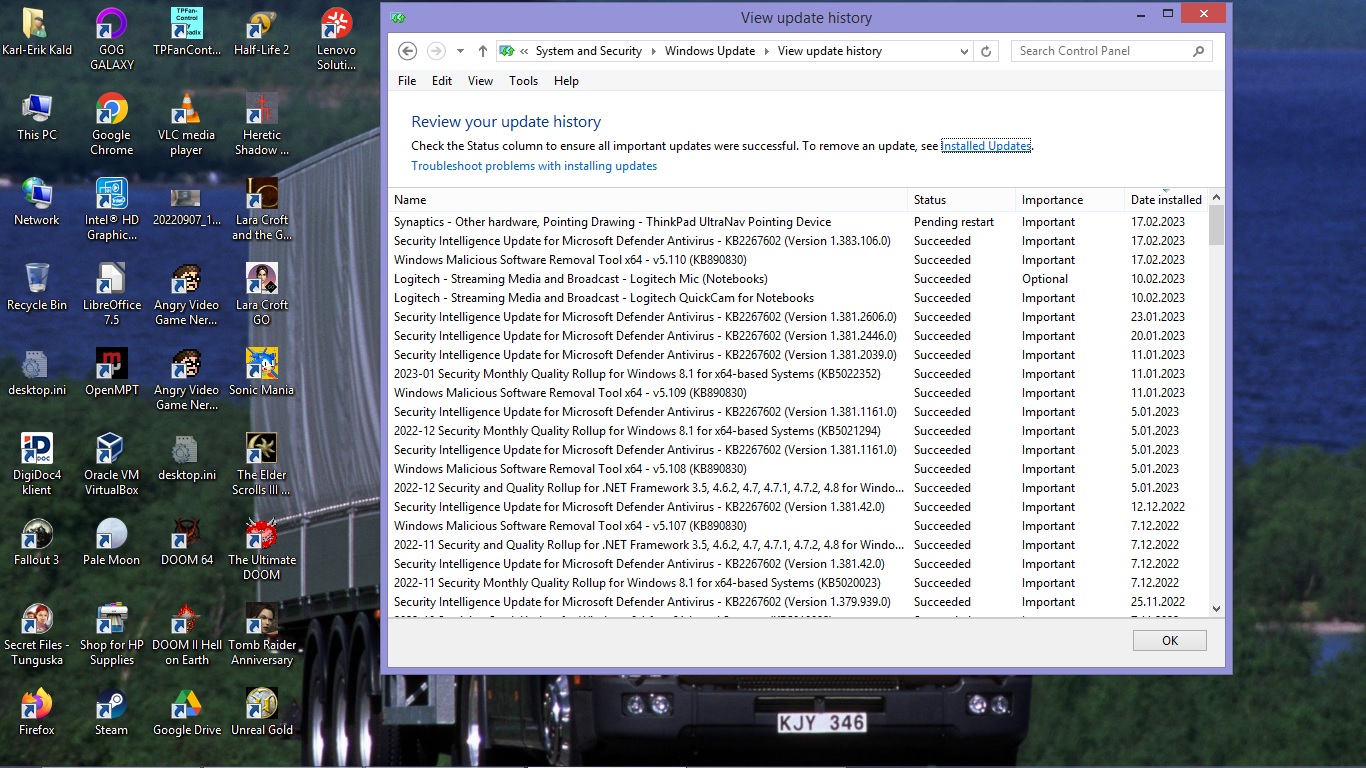
  1. I would honestly be surprised a little if ESR 115 doesn't support Windows 7/8/8.1, as that would go against their usual traditions. Also, in case anyone is interested, below is the Windows Update log file for Windows 8.1 in its entirety, compressed into a 7z archive. Maybe it'll come handy to some of you... WindowsUpdate_log.7z
  2. It actually does. And is even being offered on Windows Update for both Windows 7 & Windows 8.1 (have no clue if the same is also true for Windows Server 2008).
  3. I tried getting the latest version of iTunes to work on Windows 7 SP1...No luck . Fakking Apple! In addition to the installer, they are also using the artificial blocking on the main executable, iTunes.exe . So even if you extract all the files from iTunes64.msi file using the msiexec /a command, it still won't launch the application due to the aforementioned OS-block. Not even the Application Verifier will help. I did however manage to successfully update the WebKit component to a newer version. Just copy these files to the working iTunes installation: JavaScriptCore.dll WebKit.dll, WTF.dll (the filename's also appropriate to the situation we're dealing with here). I haven't tried logging in nor have I tried to access any of the purchases/content available in the store, so a word of caution there. I also didn't test whether the newer drivers included in the setup bundle would also successfully work.

  4. They might be going for the same approach as they did with Office 2007, continuing to release security updates for several months even though the support ended last month. I remember receiving Office 2007 updates until April-May 2018.
  5. Doom 64 on Steam works fine under Windows 7 and probably on Windows 8/8.1 as well. The fact that they only list Windows 10 under supported Operating systems section is odd considering they fully support Doom Eternal on Windows 7.

Account

Navigation

Configure browser push notifications

Chrome (Android)
  1. Tap the lock icon next to the address bar.
  2. Tap Permissions → Notifications.
  3. Adjust your preference.
Chrome (Desktop)
  1. Click the padlock icon in the address bar.
  2. Select Site settings.
  3. Find Notifications and adjust your preference.