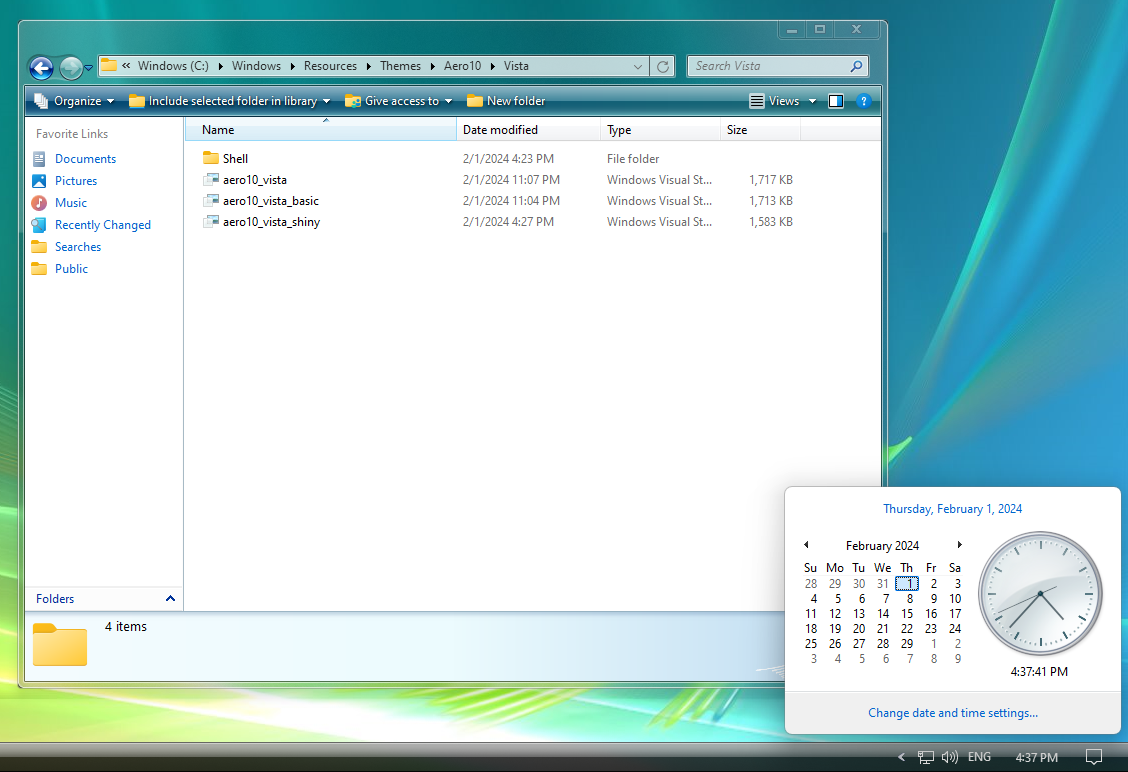
-
Off topic (and not to advertise, just super excited and want as many people to see it!) https://winclassic.net/thread/2358/release-consolelogonhook-custom-logon-ui?page=1&scrollTo=20865 The Windows 7 Login screen is now back on windows 10!
-
Hi, I just wanted to show a bug i've been having with this theme when using the taskbar on duel screen, the second screen shows the taskbar too small no matter what I do. https://www.deviantart.com/vaporvance/art/Luna10-907548273 I know deviant art is annoying when it comes to downloading files, so if needed I could send a zip? the taskbar style is inside the entire msstyle.

-
it was made for StartIsBack++ in mind, not StartAllBack https://www.deviantart.com/vaporvance/art/Luna10-907548273
-
Is there a way to fix the systemtray not being themed properly? The Systray skinned fine in SAB 3.6.16 (I figured it would probably be implemented in the future considering the new systray is still new) I also showed a picture on how it showed look (but im sure by now everybody knows how it should look lol)

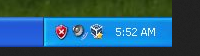
-
Is there any option to disable the taskband hot-tracking? I tried turning the values to 255/0 in msstyleeditor? I tried turning transparency off to trick the option, but just completely broke the taskband buttons, obviously lol.. Is there an undocumented registry key for it? I know there is an option to turn the animations off, but the color still appears. (Trying to make a Vista Taskbar theme which didn't use hot-tracking)
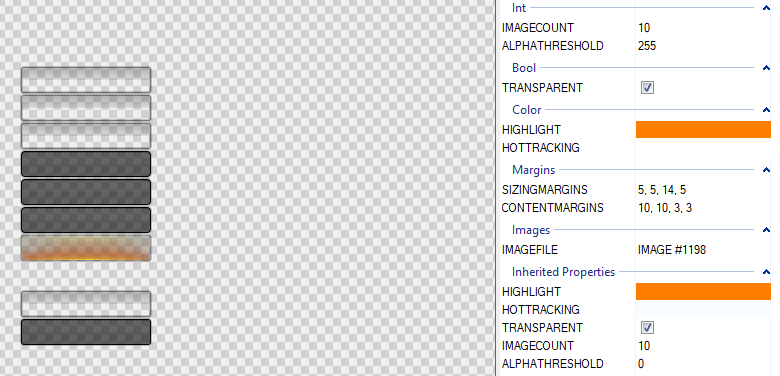
-
Is there any registry key to disable HotTracking on the taskbar buttons?
-
Once modification's are done, Windows 11 doesn't honestly look as bad! This isn't WindowsBlinds either!
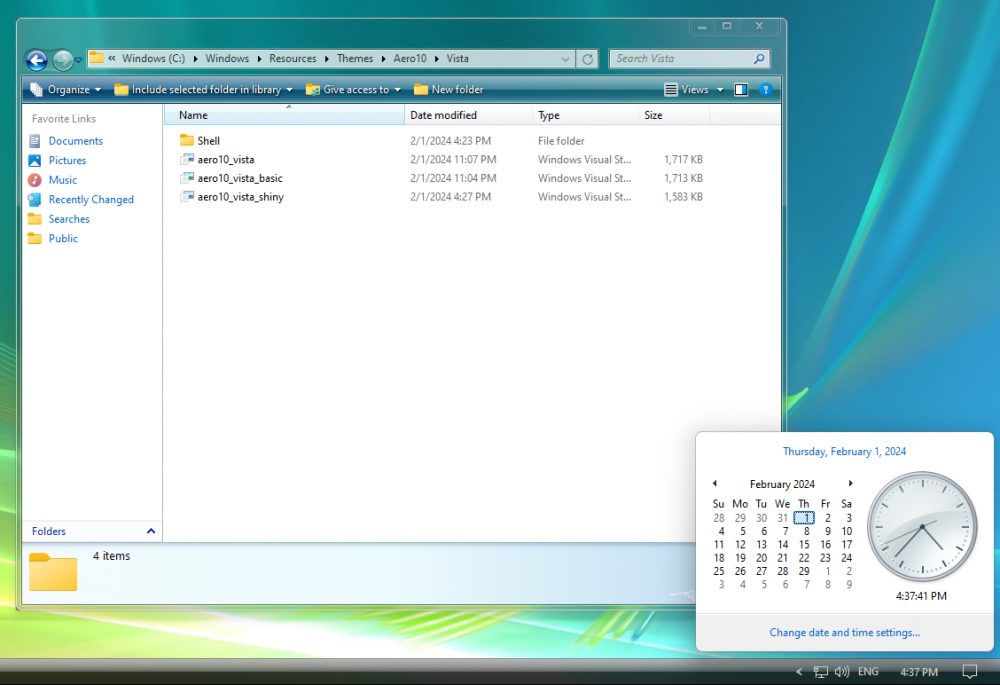
-
https://windhawk.net/mods/aero-tray
-
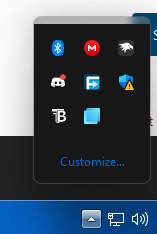
Is there possibly a registry key to disable the enhanced system tray? To bring back the Windows 10 default system tray, (I only ask because i'm using a windhawk mod that restores the windows 7/8 system tray but its not compatible with startallbacks, using startisback as a work around lol)
-
Does the hot tracking use the "CTaskBtnGroup::_DrawHotTrackingLight"
-
Are there any registry keys to completely disable the windows7/8 hot tracking on the taskbar buttons? Mainly for the Windows Vista taskband button style. I've thought about making the texture completely opaque, but then it would break with the transparency.
-
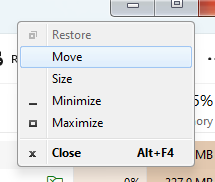
Appreciate the software as always, but, is there anyway to completely disable the acrylic context menus? Don't get me wrong they look great and really fit with the style of Windows 11. However, skinning has come alot since the first release of windows 11, for example this windows 7 theme im using (the only area startallback doesn't touch, the task manager) skins the win32 menus. Can dark magic turn them off? I know its supposed to be used to inject StartAllBack's menus into more stubborn programs, but could it do the opposite?
-
Saw somewhere that somebody got Glass8 to work on Windows 10 22H2 but they're gatekeeping how they did it. -I don't remember where I saw it at, but was pretty peeved they didn't say how
-
at 18:12 look at the run prompt! It has the acrylic title bar! YAS!
-
As of right now, neither work on Windows 11 : C