-
I installed Vista ExKernel February. It's okay, but the keyboard layout and language bar are gone. How can this problem be solved?
-
What version PE AND HOW TO DONLOAD?
-
I replaced new version files, Windows Vista not starting.. File CLFS.sys error 0xC000008
-
I have installed ExKernel Febrary Release on Windows Vista with 2017+ updates. But the system gives such a mistake. How do I fix it?

-
Is this with new version.
-
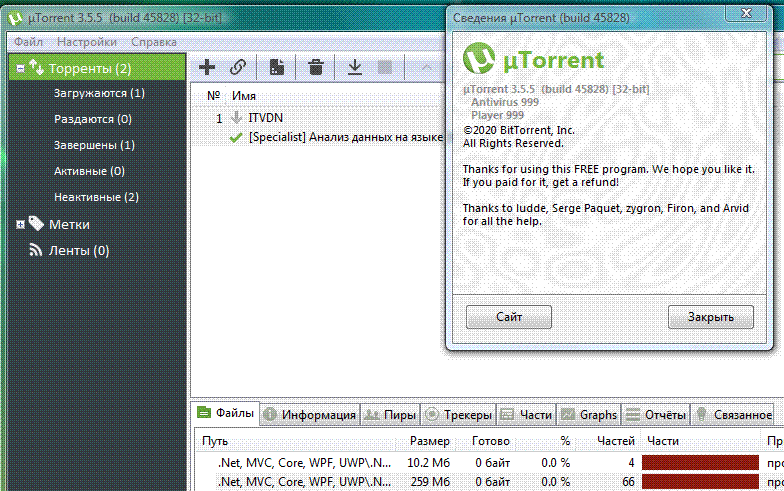
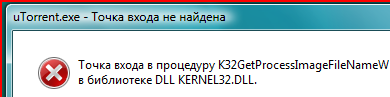
Windows Vista with ExKernel 11232020 uTorrent 3.5.5 very good working. ExKernel 12312020 uTorrent error.
-
Adobe Reader 2015 DC and uTorrent 3.5.5
-
I replaced ExKernel with a new version and uTorrent, Adobe Reader stopped running.
-
Where can I download the files?
-
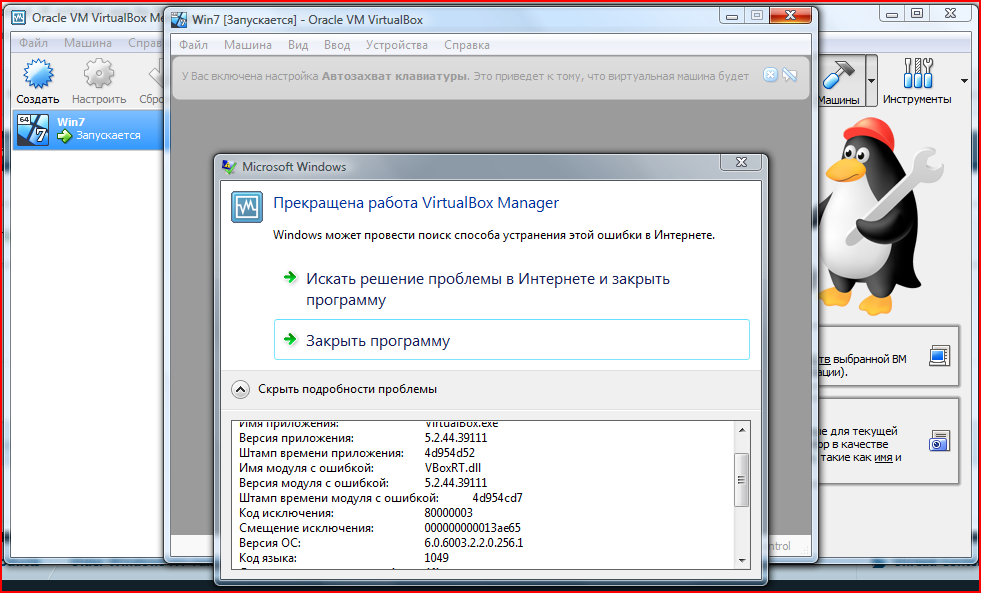
I downloaded and installed VirtualBox(No hardering) 5.2/6.0/6.1 on Windows Vista, create VM and starting........ Error.
-
With the new Windows Vista EXKernel, will it be possible to install the driver for the Intel HD Graphics 4400? What version of VMware?
-
NAT
-
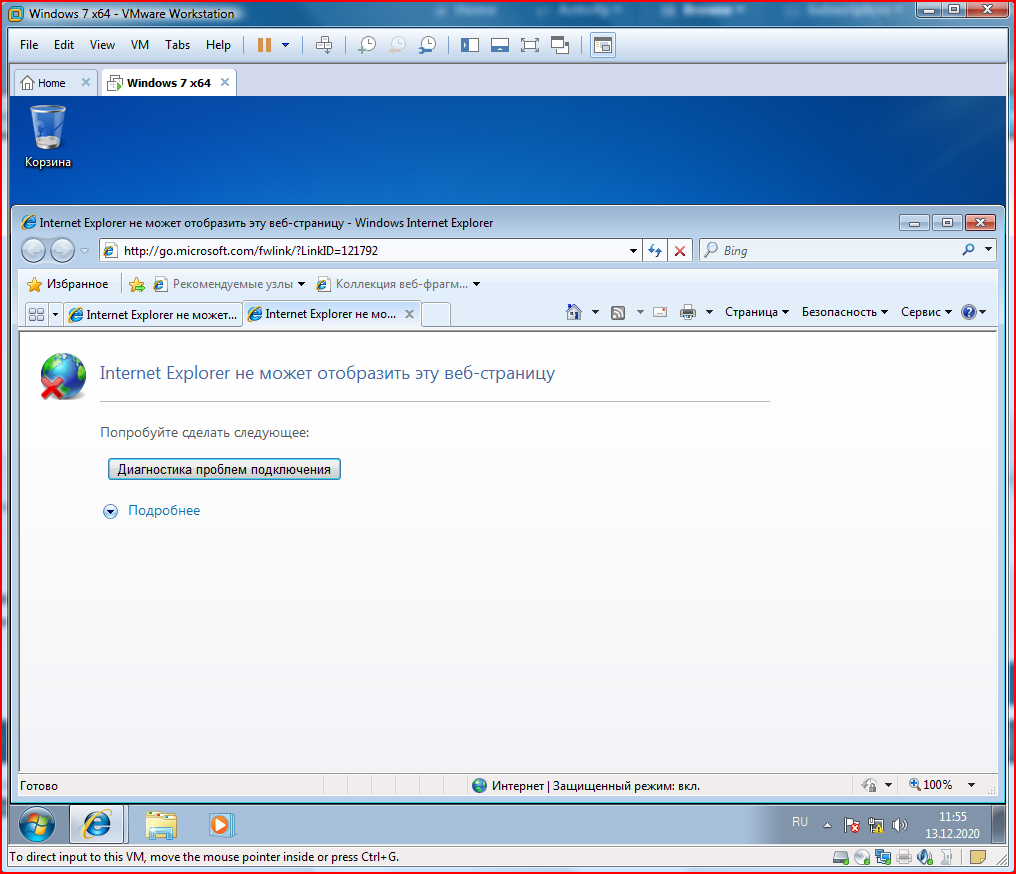
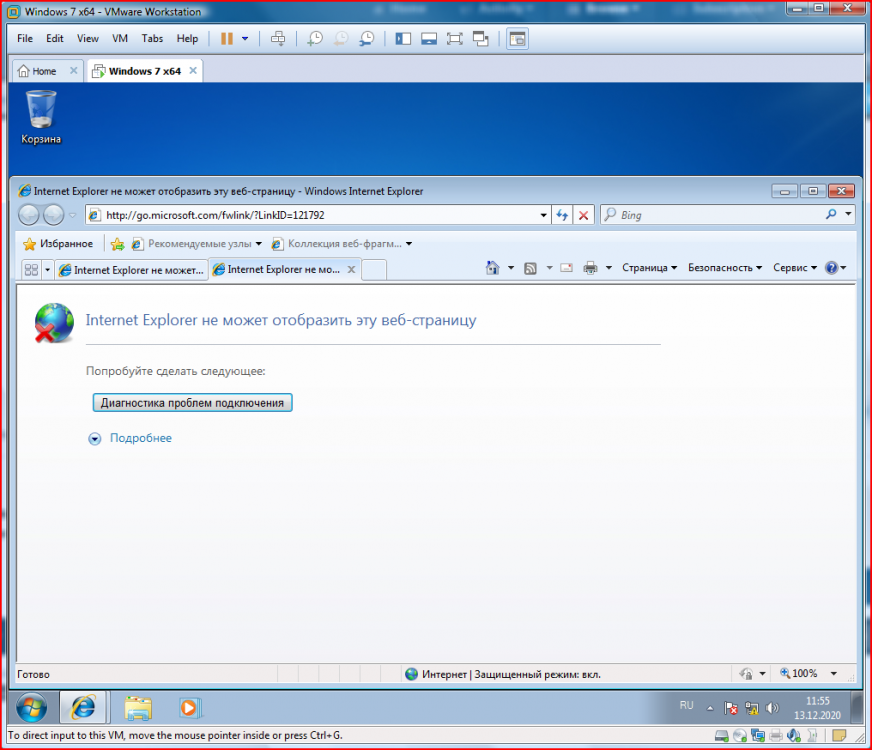
I installed VMware Workstation 12.0.0 PRO, not working internet in VM(Windows). How to i fiix?
-
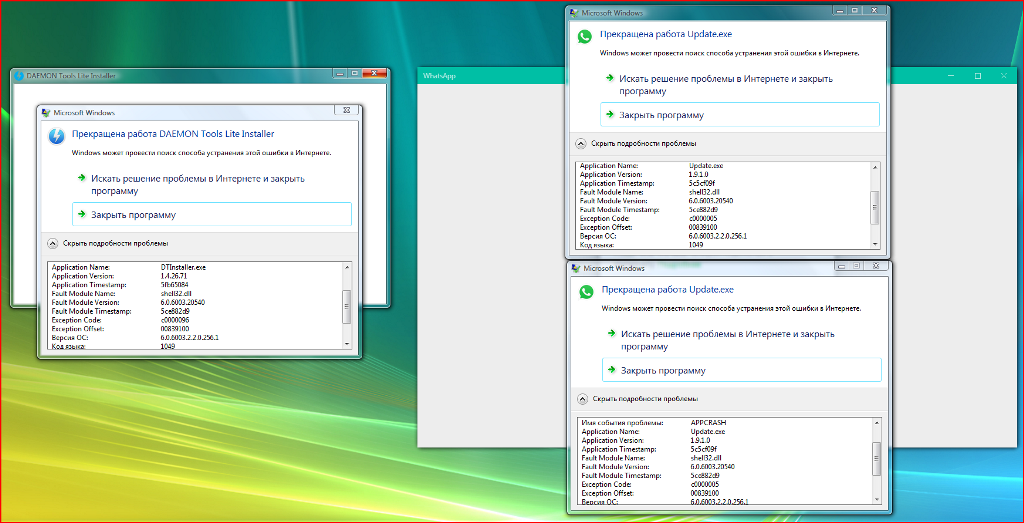
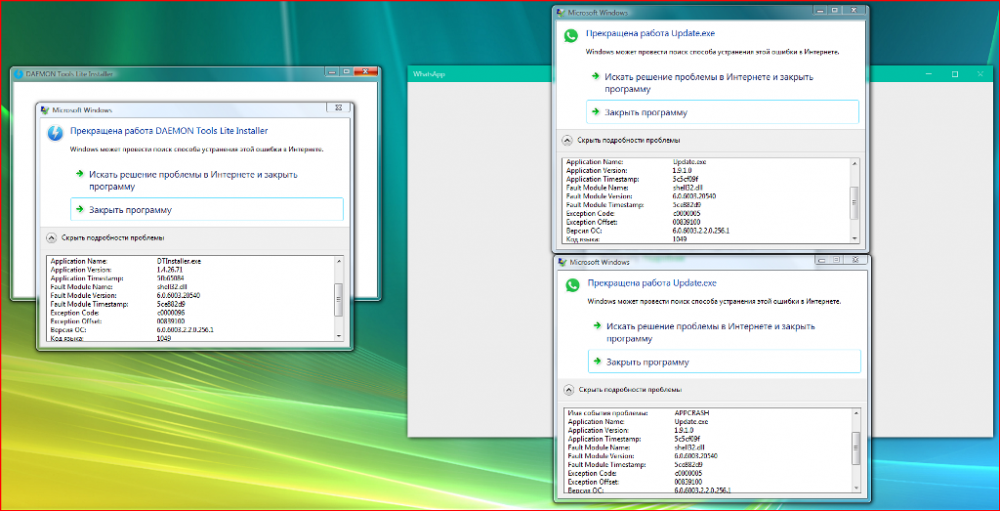
I installed Windows Vista Ultimate SP2 with 2017+ updates. Integrated VistaExKernel, but when some applications are launched, such an error pops up. How do I fix it?
-
no helping